LocalTuyaIR Remote Control
On Home Assistant 2026.11 or newer? Open it in the Marketplace
- Installs
- 467 sharing analytics
- GitHub stars
- 118
- Connection
- Works locally
- Upkeep
- Updated in the last 6 months
- Version
- v2.0,
- Category
- Buttons and remotes
- Kind
- Marketplace integration
- Brand
- Tuya
- Needs
- Needs the Marketplace (HACS on 2026.10 and older)
- Domain
localtuya_rc- Issues
- Report an issue
Independent directory, made by the developer of Vulpo. Not affiliated with Home Assistant or the Open Home Foundation.
Screenshots From the README of ClusterM/localtuya_rc.
About
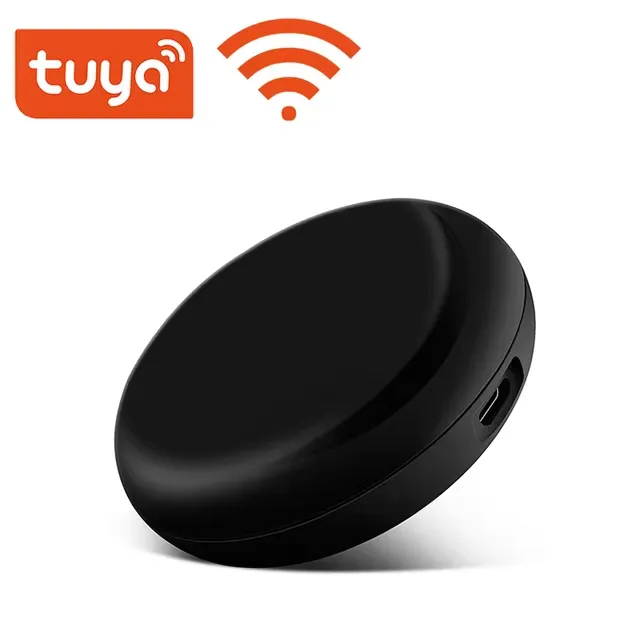
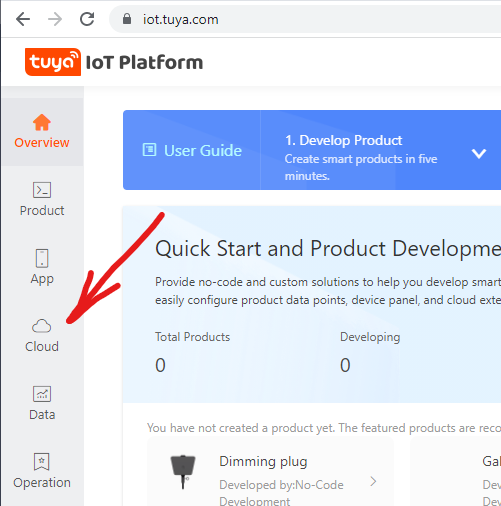
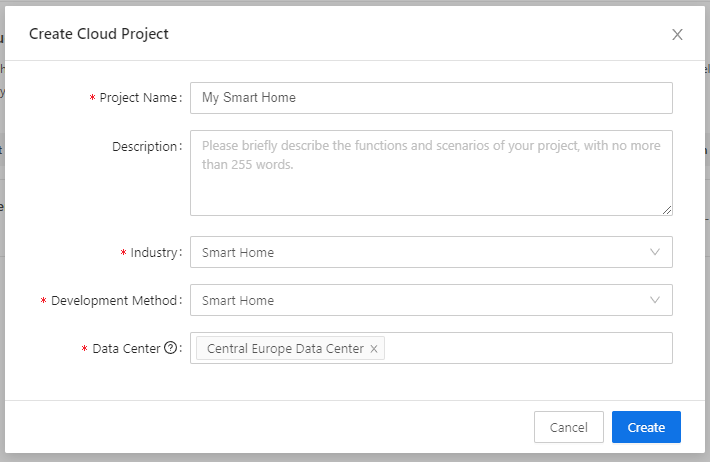
LocalTuyaIR Remote Control connects Tuya Wi-Fi IR remote controllers to Home Assistant over the local network. It adds remote and sensor entities and does not use the Tuya cloud for communication with the device. The idea is to fill a gap in LocalTuya, which does not support IR remote emulators, so devices such as TVs, air conditioners and audio systems can be controlled from Home Assistant. Setup runs in the UI and needs the device's local key, which can be entered by hand or fetched through the Tuya cloud API with developer credentials. Settings cover the protocol version, a control type that can be detected automatically or set for older or newer devices, and an optional persistent connection that is faster but can be unstable. The author no longer develops it and recommends flashing the device with ESPHome, so further work depends on the community.
Automatic summary of the README and code of ClusterM/localtuya_rc. Something wrong, or are you the maintainer and want your own text here? Get in touch
Supports
Works locally Talks to your devices on your own network. No vendor cloud in between.
From the Marketplace Installed through the Marketplace, formerly HACS.
Actively maintained Its author released or pushed a change in the last six months.
Provides
- Remotes
- Sensors
Setting it up
Install it from the Marketplace and restart Home Assistant, then add it under Settings, Devices and services.
Tuya Cloud API
- Region
- Client ID
- Client Secret
Enter the device IP address
- Device IP address
- Device name
Select device
- Device IP address
Also asked when changing the connection.
Configure your Tuya Remote Control device
- Device name
- Host
- Device ID
- Local key
- Protocol version (usually 3.3 or 3.4)
- Control type ('Auto' tries to detect it; '1' for older devices using DPS 201/202; '2' for newer devices using DPS 1-13)
- Persistent connection (faster but can be unstable)
After setup
- Persistent connection (faster but can be unstable)
- Control type ('Auto' tries to detect it; '1' for older devices using DPS 201/202; '2' for newer devices using DPS 1-13)
Texts from the code of ClusterM/localtuya_rc.
From the README
Many users rely on the LocalTuya integration for Home Assistant to control Tuya-based devices locally, without relying on cloud services. However, this popular integration currently does not support IR remote controller emulators. As a result, those wishing to integrate Tuya’s Wi-Fi-based IR remote emulators into their smart home environment are left without a straightforward solution.
Attention! The author no longer actively develops this project, as they no longer use Tuya IR remote controller emulators. Therefore, further development of the project now depends entirely on the community.

Shows in Vulpo
Chart card, Apple Watch.Information
- Installs
- 467 sharing analytics
- GitHub stars
- 118
- Connection
- Works locally
- Upkeep
- Updated in the last 6 months
- Version
- v2.0,
- Category
- Buttons and remotes
- Kind
- Marketplace integration
- Brand
- Tuya
- Needs
- Needs the Marketplace (HACS on 2026.10 and older)
- Domain
localtuya_rc- Issues
- Report an issue