
 Vulpo 1.4Updated
Vulpo Widgets, Controls and Live Activities
Vulpo puts Home Assistant on the Home Screen, Lock Screen and Control Center. Eight widget types show live entity state and toggle devices without opening the app, Control Center controls handle lights, switches, covers, scenes and scripts, and Live Activities follow appliances, vacuums, solar production, climate and people on the Lock Screen and in the Dynamic Island.
Widgets
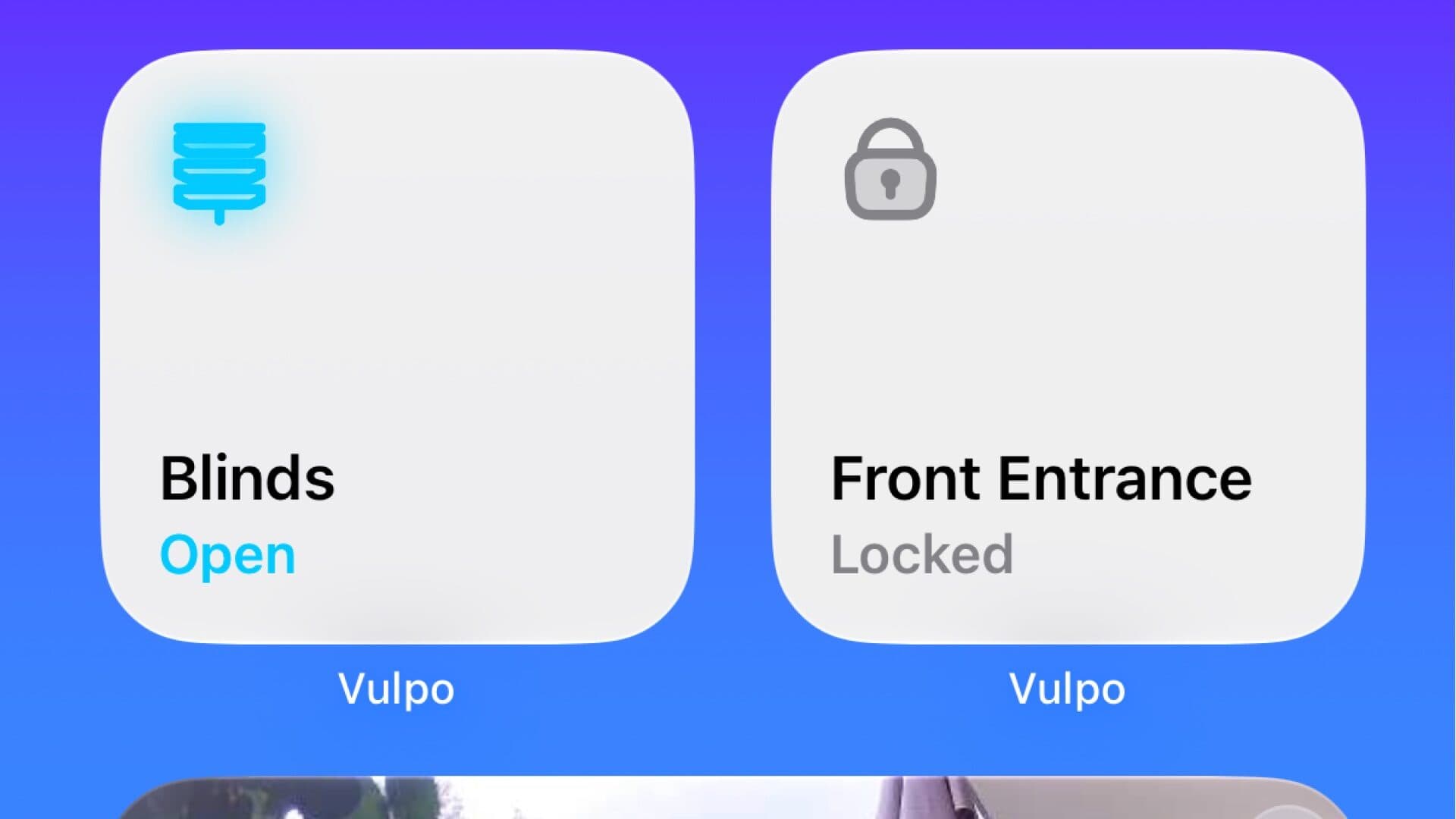
Vulpo offers eight widget types for the Home Screen and, for solar, chart and person, the Lock Screen. Widgets read the current state from Home Assistant and interactive widgets toggle entities in place.
Toggle
One entity with its state and icon
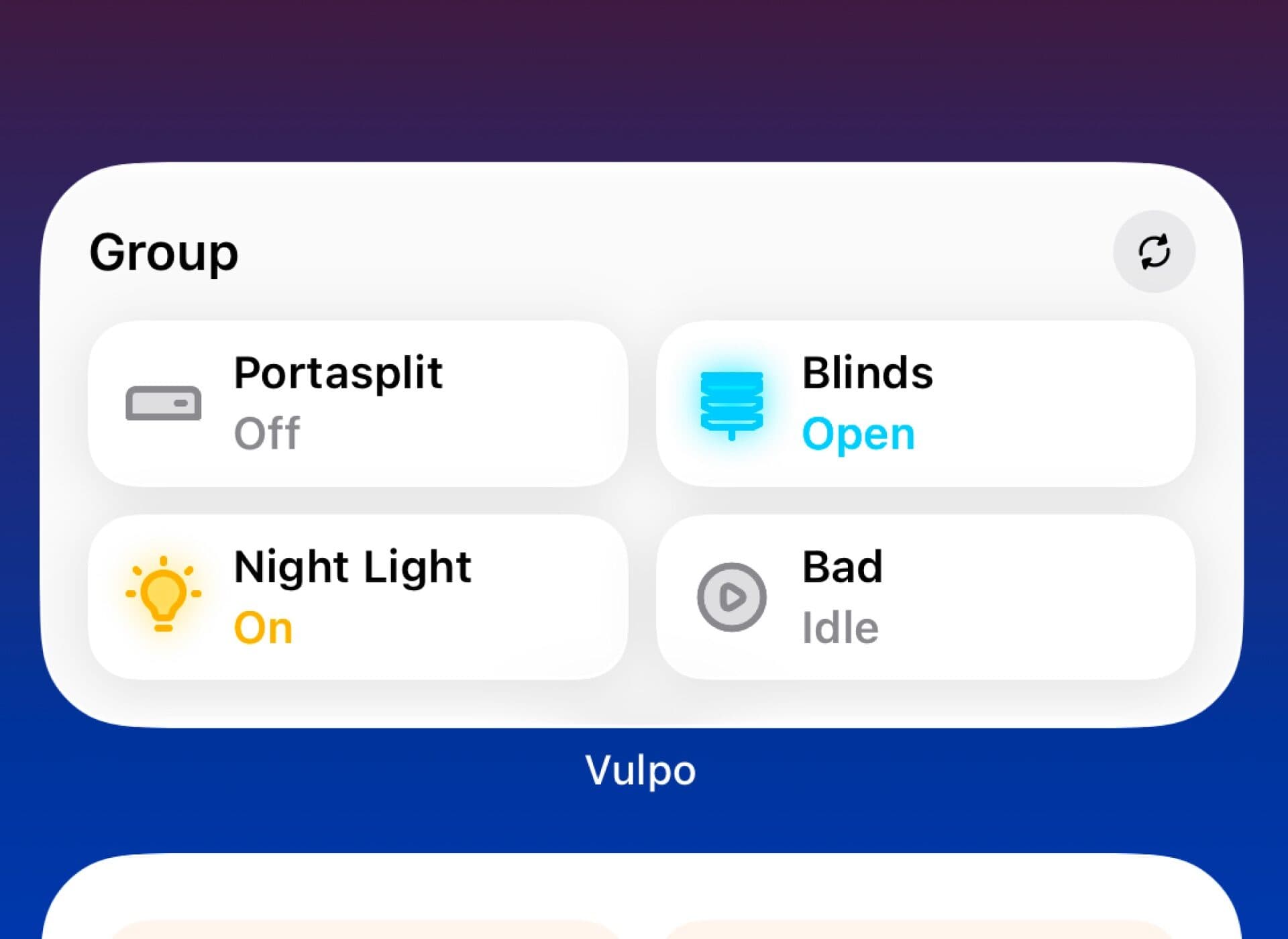
Group
Up to eight entities as live tiles, each toggleable (Pro)
Solar
Production, consumption and grid flow
Chart
A sensor's recent history
Person
Location and zone
Camera
Latest snapshot, tap to open the live stream
Lock and Cover
State with a direct action
Control Center controls
Controls for Control Center, the Lock Screen and the Action button: light, switch, cover, scene and script, plus a button that opens Vulpo. They run the Home Assistant service directly and report the new state back.
Live Activities
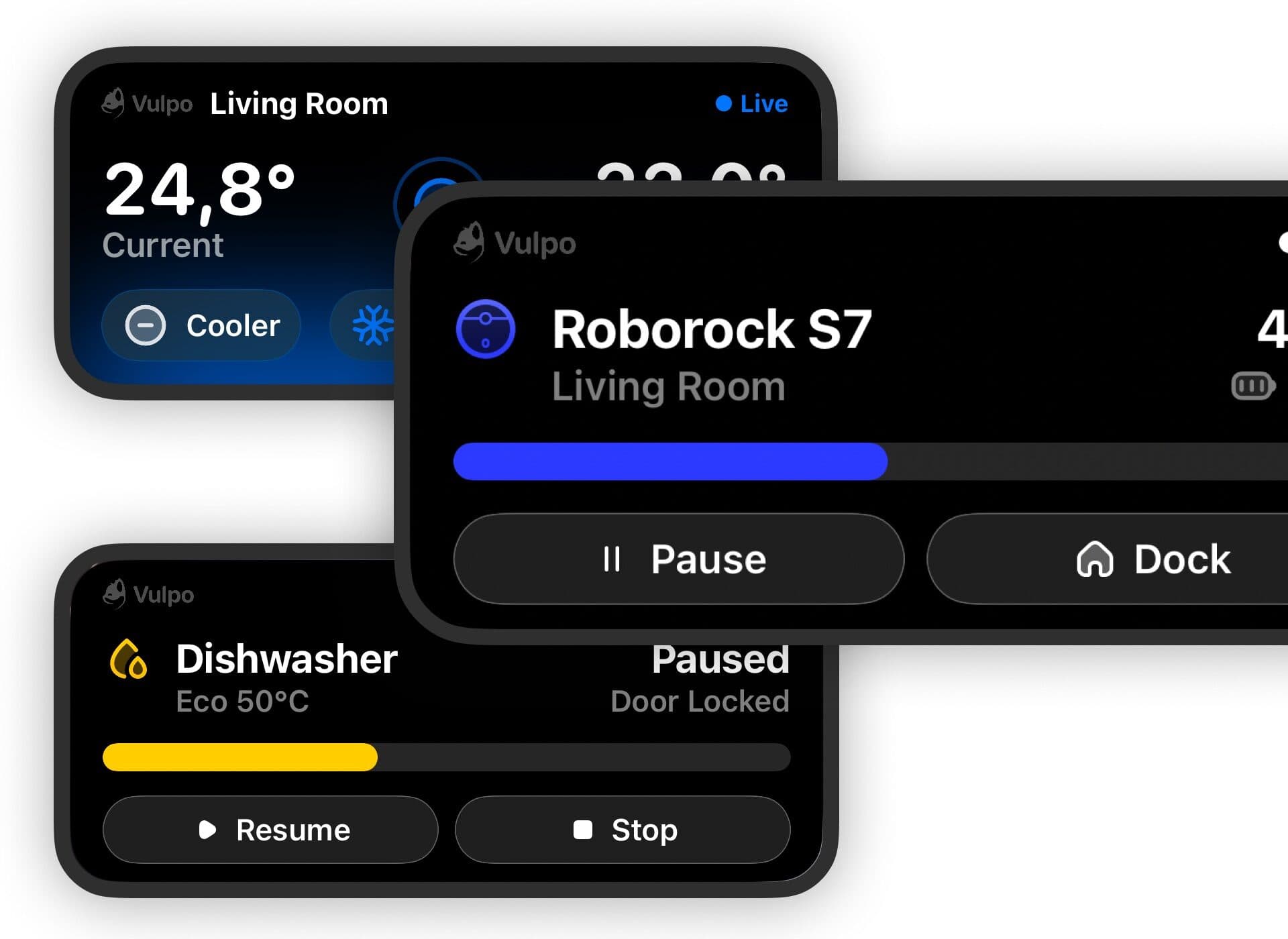
Live Activities show a running process on the Lock Screen and in the Dynamic Island. Vulpo ships five monitors: appliances (dishwasher, washing machine, dryer, oven or any other appliance), vacuums (with progress, battery and current room), solar production, climate and a person's arrival. Each Live Activity is started by a Home Assistant automation through push notifications, so it also works when the app is closed, and includes buttons to pause, resume or stop an appliance or vacuum and to adjust a thermostat.
Free and Pro
The free tier includes two widgets and every Control Center control. Vulpo Pro removes the widget limit, adds the Group widget and unlocks Live Activities.
Questions
Do Vulpo widgets update in real time?
Widgets refresh on the schedule iOS allows (typically every few minutes) and immediately after you interact with them or open the app. For a continuously updating view of a running process, use a Live Activity, which is pushed by Home Assistant as the state changes.
Do Live Activities need Nabu Casa?
No. Live Activities are updated through Apple push notifications relayed by Vulpo's push service. Your Home Assistant automation calls the notify service for Vulpo; no Nabu Casa subscription is required, and the relay does not store entity data.