
 Vulpo 1.4Updated
Home Assistant Energy Dashboard on iPhone, iPad and Mac
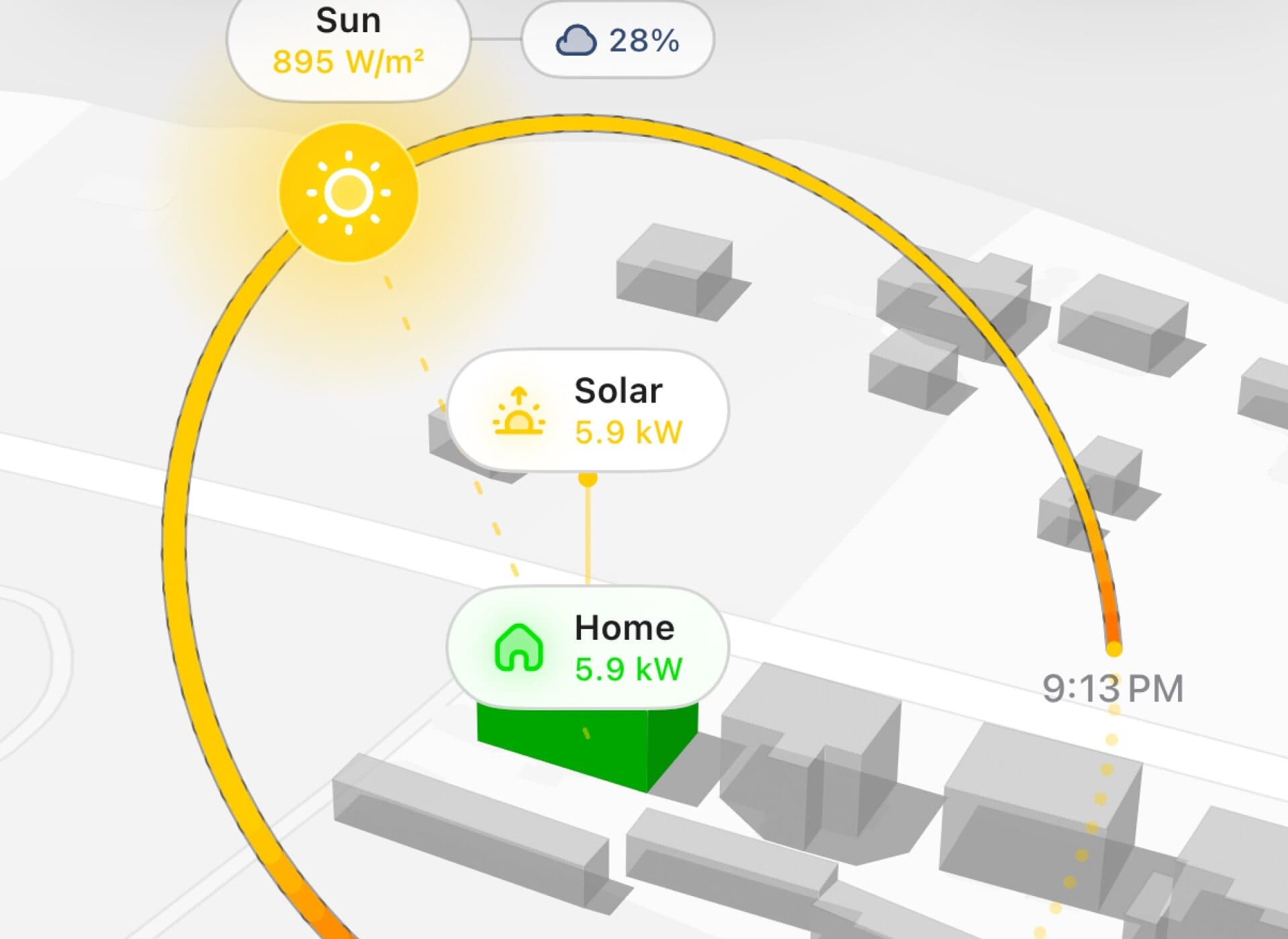
Vulpo's Energy tab shows the Home Assistant Energy Dashboard as a native view: consumption, solar production, grid import and export, battery flows, costs and a per-device breakdown, plus a 3D scene of your neighborhood with the sun's real path and live power flows. It derives per-device cost from your grid tariff and lets you edit the energy setup in the app.
What it shows
Everything comes from the energy configuration already in Home Assistant, so there is nothing to set up twice.
Daily, weekly, monthly and custom ranges for usage, sources and costs
Solar production and self-consumption, grid import and export, battery charge and discharge
Per-device consumption as a heatmap and a ranked list
Per-device cost, derived from the grid tariff and each device's share of grid energy
A 3D scene with live power flows and the sun's real path for the selected time
Availability
The Energy tab is an early-access Vulpo Labs feature and is included with Vulpo Pro. It needs the Energy dashboard configured in Home Assistant with at least one source (grid, solar, battery or a monitored device); cost figures need a grid import sensor with a price.
Questions
Does Home Assistant provide per-device energy cost?
No. Home Assistant reports per-device energy in kWh but not cost. Vulpo derives a cost per device by weighting each device's consumption with the grid share and tariff of the same period, which gives a close estimate for homes with solar or batteries.