
 Vulpo 1.4Updated
Home Assistant on Apple Watch
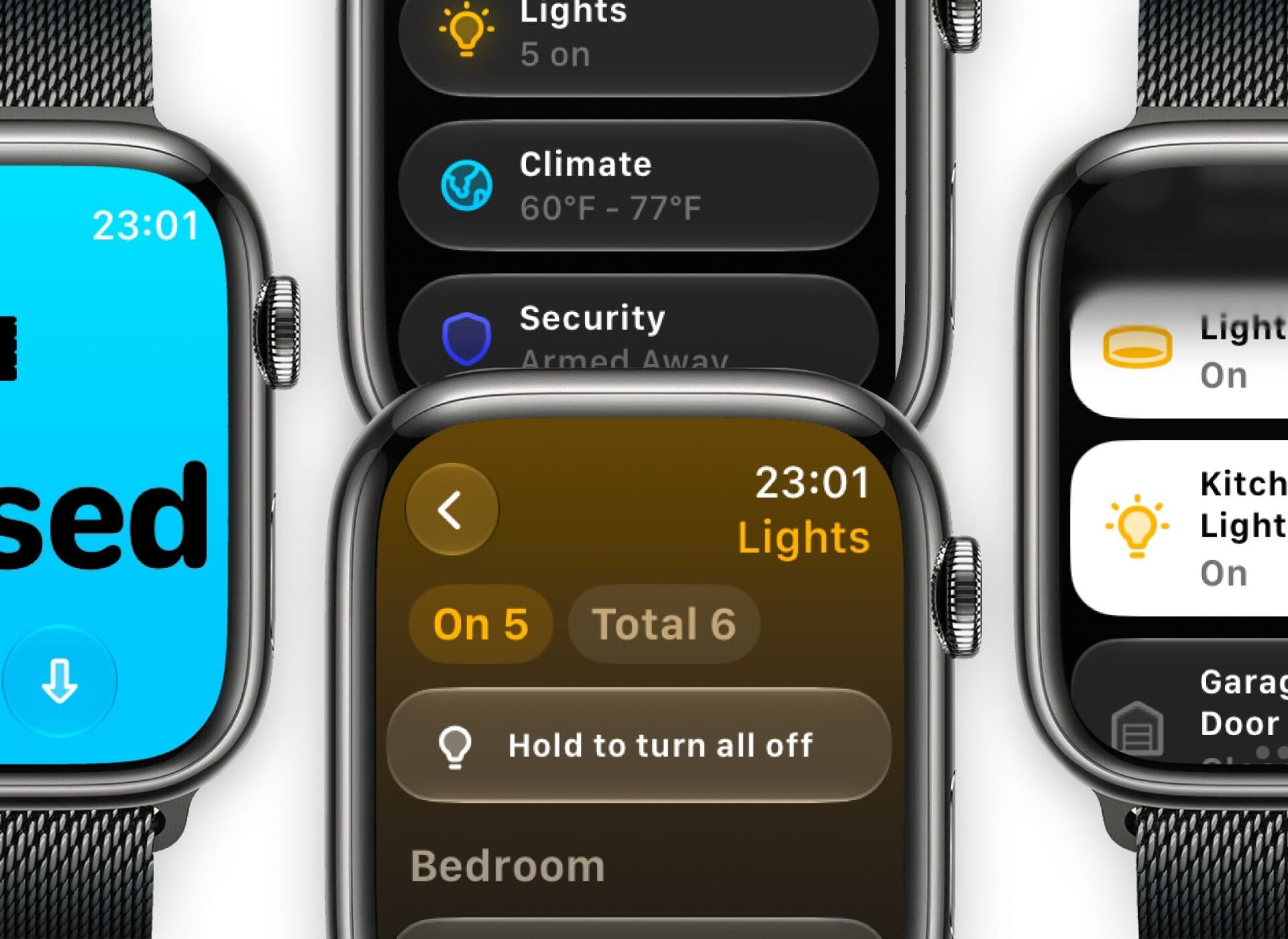
Vulpo includes a native Apple Watch app for Home Assistant. It shows Glances, favorites, scenes and pinned cards in pages you arrange on the iPhone, controls lights, covers, climate, fans, locks, media, vacuums and alarm panels with Digital Crown surfaces, plots sensor history, and puts any entity on the watch face. It works over Wi-Fi or LTE without the iPhone.
What the watch app does
The Vulpo watch app is a full client, not a remote for the phone. Every action calls Home Assistant directly over the network, so a toggle completes in well under a second on Wi-Fi.
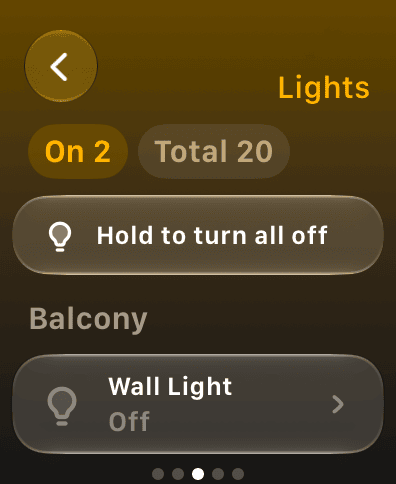
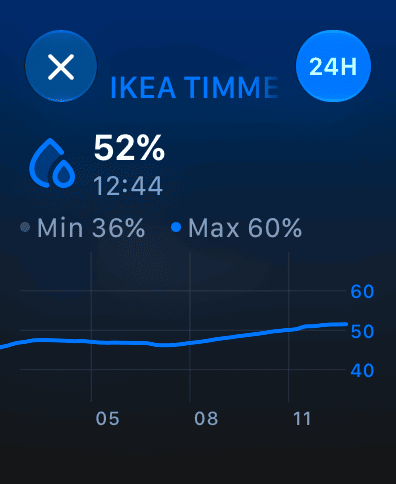
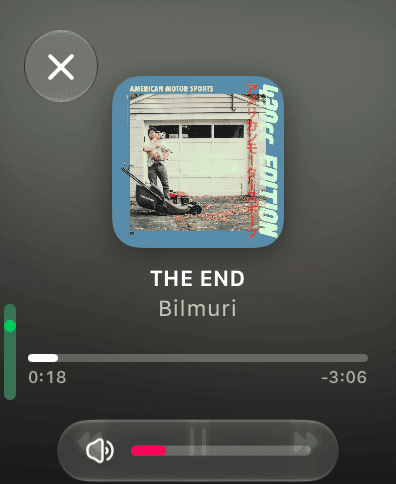
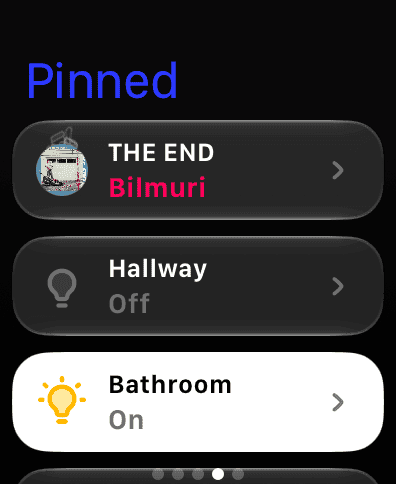
Pages
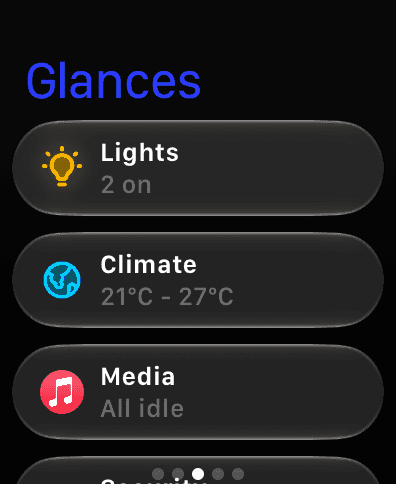
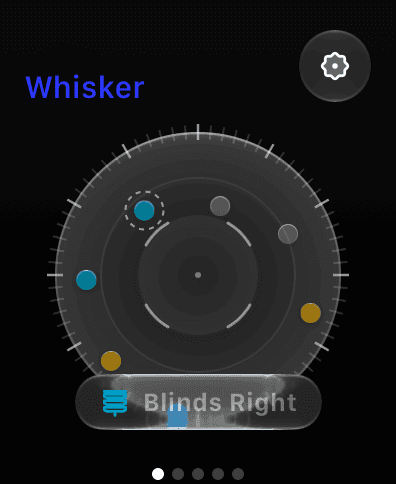
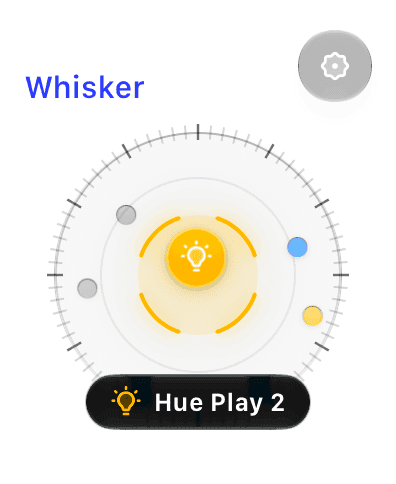
Glances, favorites, scenes, pinned dashboard cards and Whisker, ordered from the iPhone app
Control
Lights (brightness and color presets), covers, climate setpoints and modes, fans, locks with hold-to-confirm, media playback and volume, vacuums, alarm panels
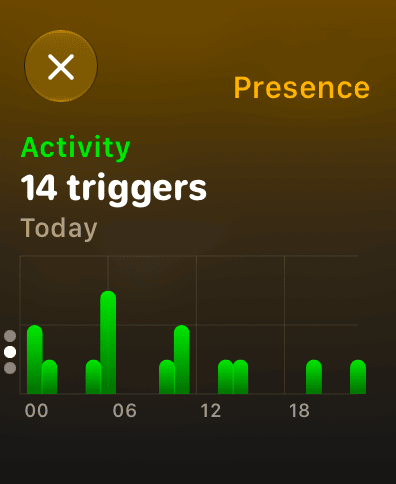
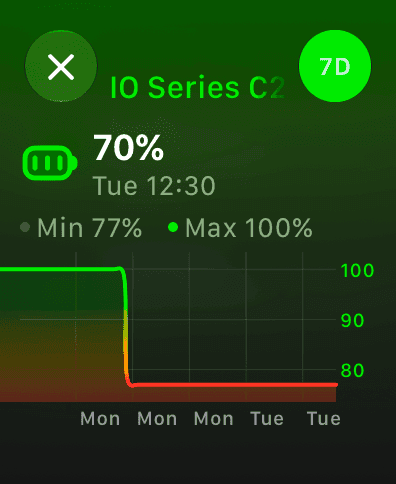
History
Scrub through sensor history with the Digital Crown
Complications
Put any entity's state on the watch face or in the Smart Stack, refreshed in the background about every 15 minutes
Standalone
Works over Wi-Fi or LTE when the iPhone is off or out of range
Setup
Install Vulpo on the iPhone, sign in to your Home Assistant server once, and the watch app receives the credentials through Watch Connectivity. No add-on, HACS integration or extra configuration on the Home Assistant server is required.
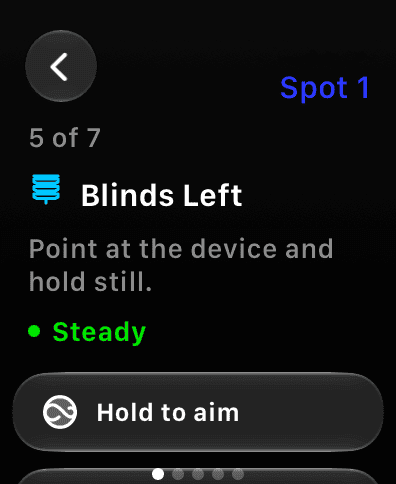
Whisker: point at a device to control it
Whisker turns the watch into a pointer. After teaching each room from a couple of spots, you point your wrist at a lamp, switch, fan, helper, blind, speaker or TV and double-tap to control it. A radar shows what is locked on, and every action can be undone. Whisker is an early-access Vulpo Labs feature included with Pro and requires Apple Watch Series 9, Ultra 2 or newer.
Requirements
watchOS 26 or newer on any Apple Watch that supports it, paired with an iPhone running Vulpo 1.2 or newer. The watch app is included in the free tier.
Questions
Does the official Home Assistant app have an Apple Watch app?
The official Home Assistant Companion app offers actions, Assist and limited complications on Apple Watch. Vulpo's watch app controls entities directly (lights, covers, climate, locks, media, vacuums), shows sensor history and offers complications for any entity.
Does the Vulpo watch app work without the iPhone nearby?
Yes. After the one-time setup from the iPhone, the Vulpo watch app talks to Home Assistant on its own over Wi-Fi or LTE, so it keeps working when the iPhone is off, charging in another room or left at home.