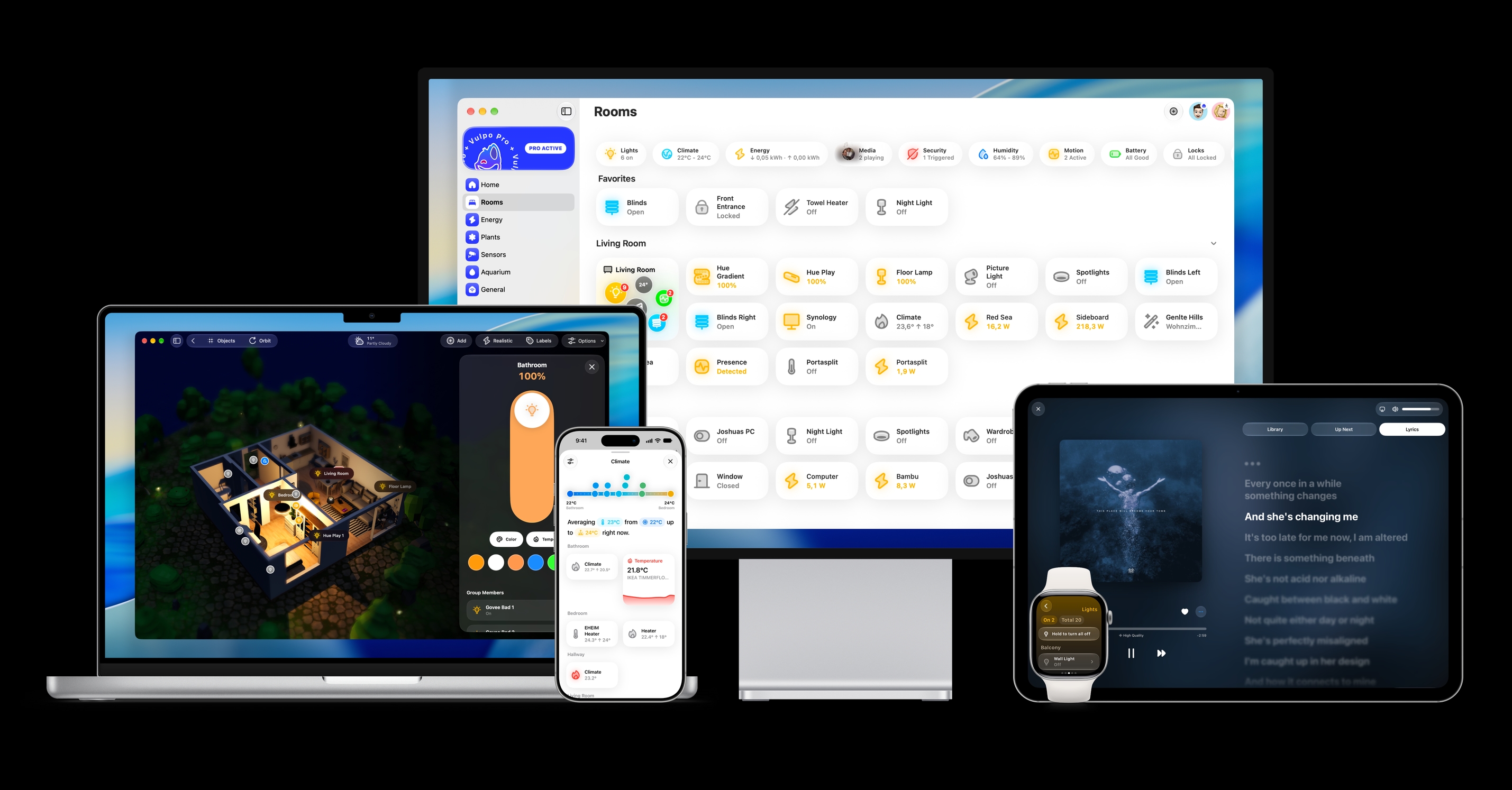
Home Assistant, without the homework.
Vulpo turns the Home Assistant you already run into a native app for iPhone, iPad, Mac and Apple Watch. Every light, lock and speaker is ready the moment you sign in, with controls that feel like they came with your iPhone, so the whole household can finally use the smart home you built.
App Store
4.7
57 ratings

Far beyond a dashboard.
Whisker on Apple Watch
Made for iPhone Duo
Your home in Lumen
















Works with the integrations your Home Assistant already runs. Browse them all
In the press.
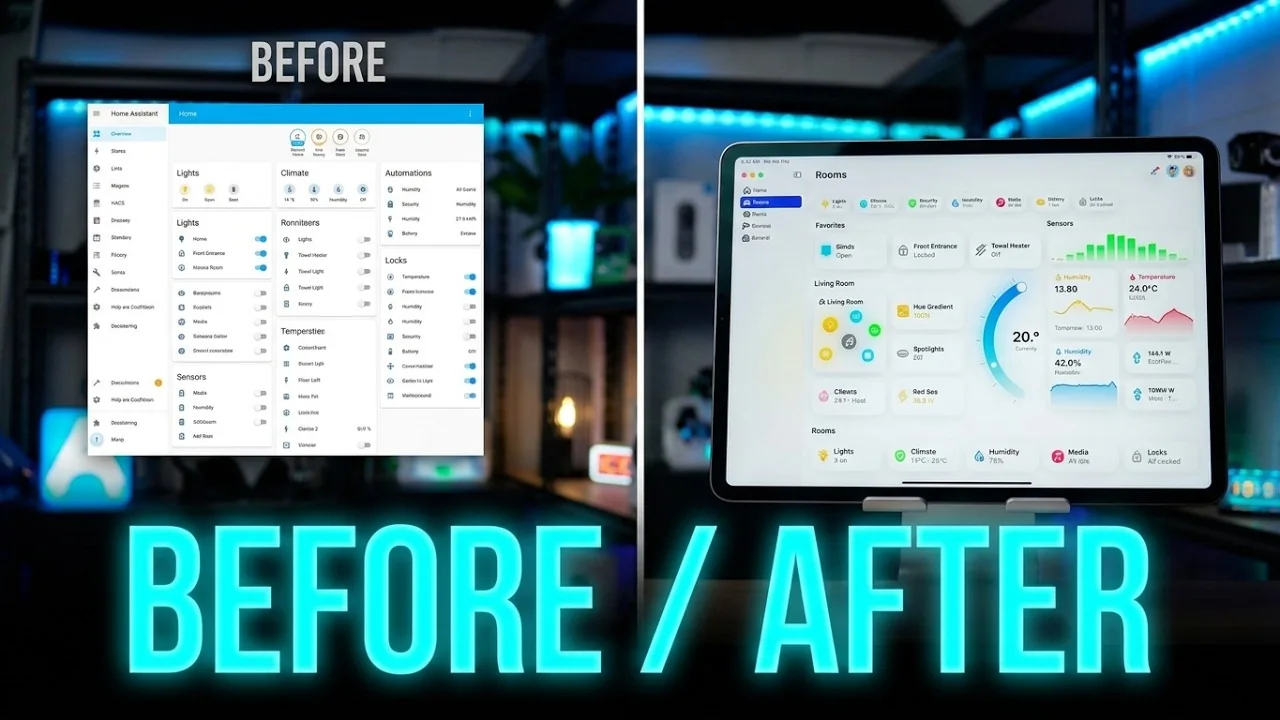
Never dig through a dashboard again.
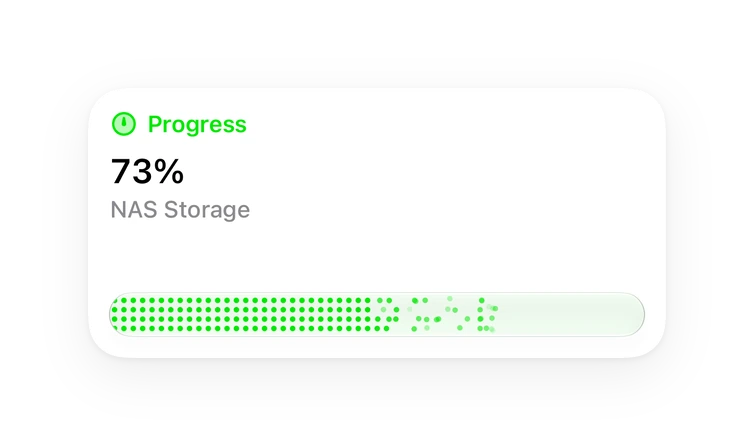
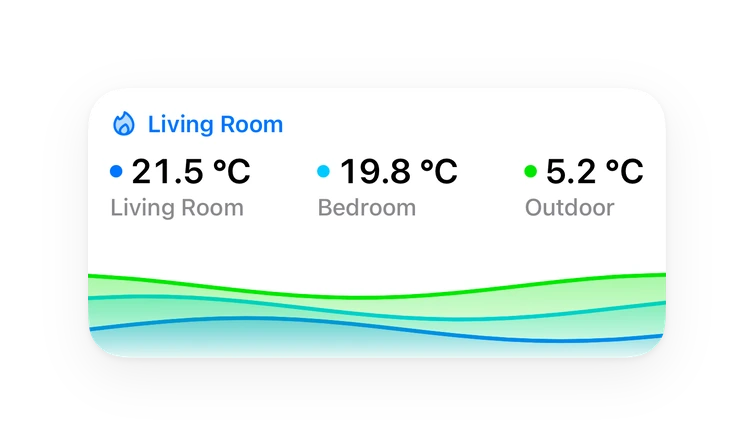
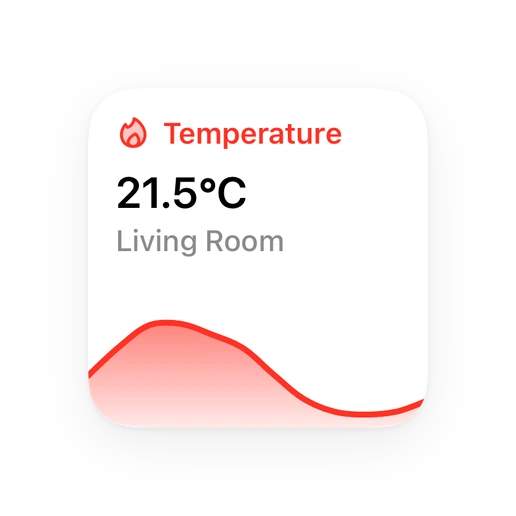
Vulpo gives each device in your Home Assistant a control built for it, then brings those controls to the Lock Screen, Control Center, widgets, Siri and Spotlight. The light you want is wherever you already are, whether that's a widget on your Home Screen, a toggle in Control Center or a quick question to Siri.

40+ card types.
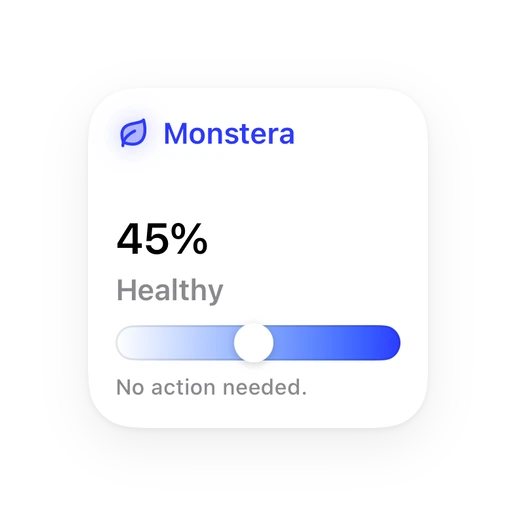
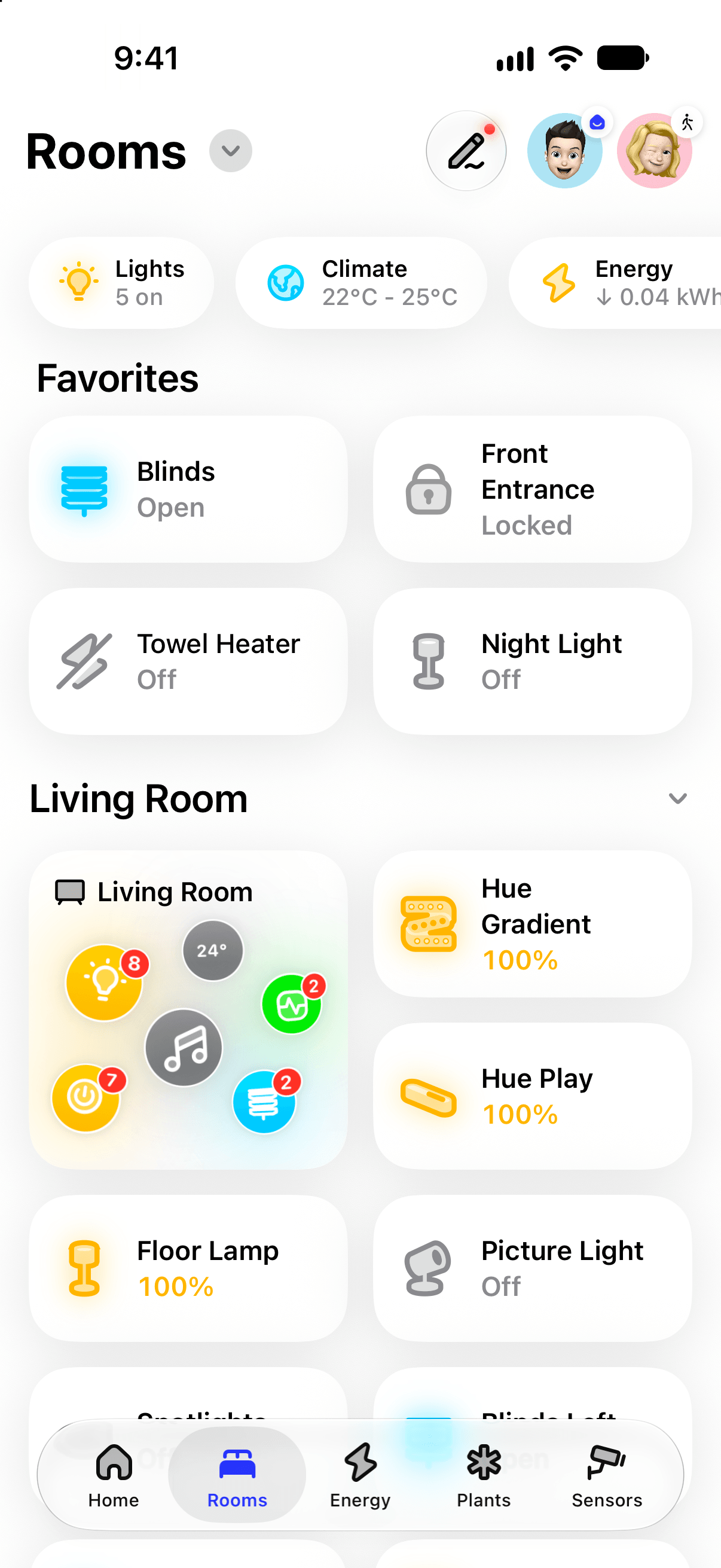
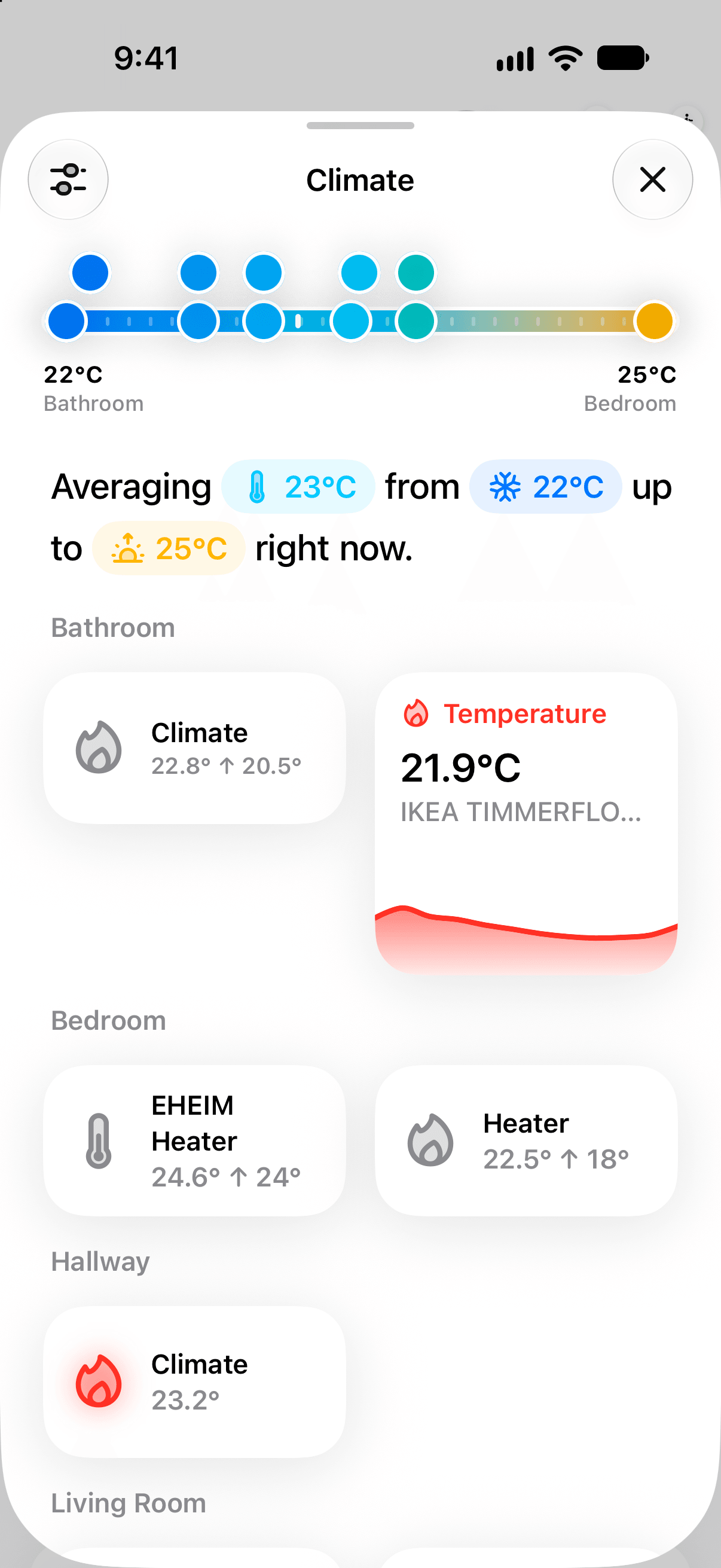
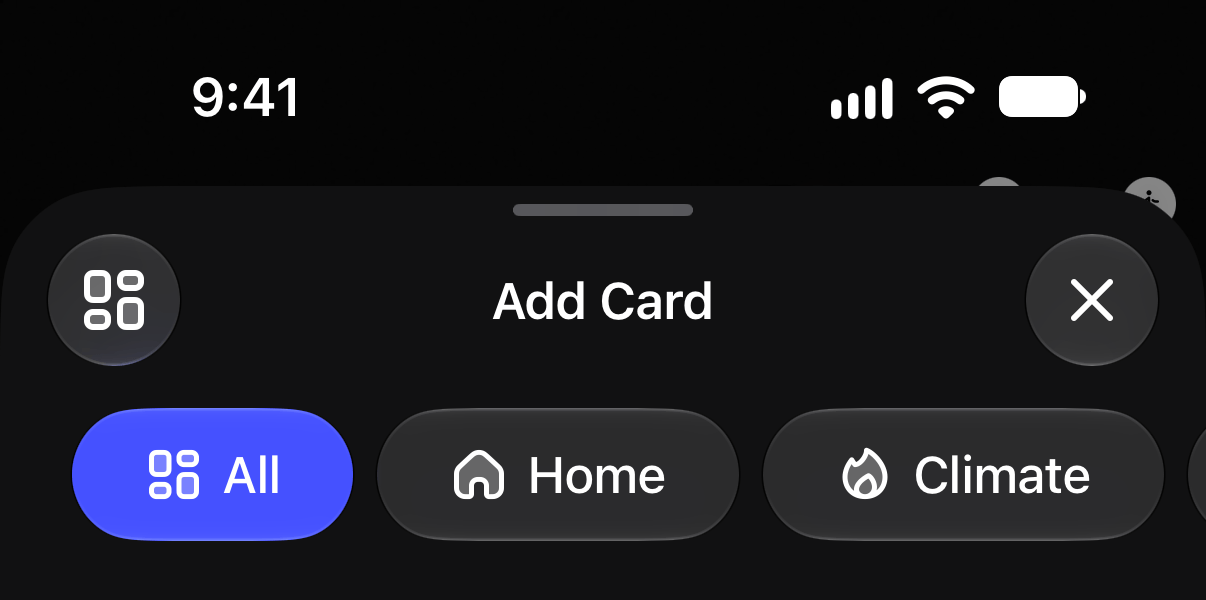
Lights, climate, cameras, media, locks, solar, plants and more, each on a card made for it. Arrange them once and iCloud keeps iPhone, iPad and Mac in step.

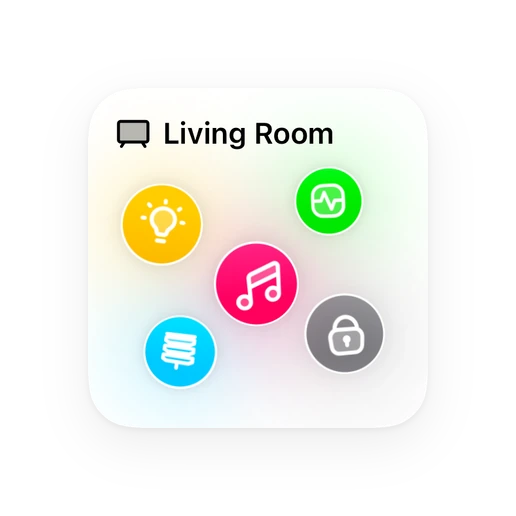
Glances. Lights, climate, security, media and more, each summed up on one screen, with the whole group a hold away.
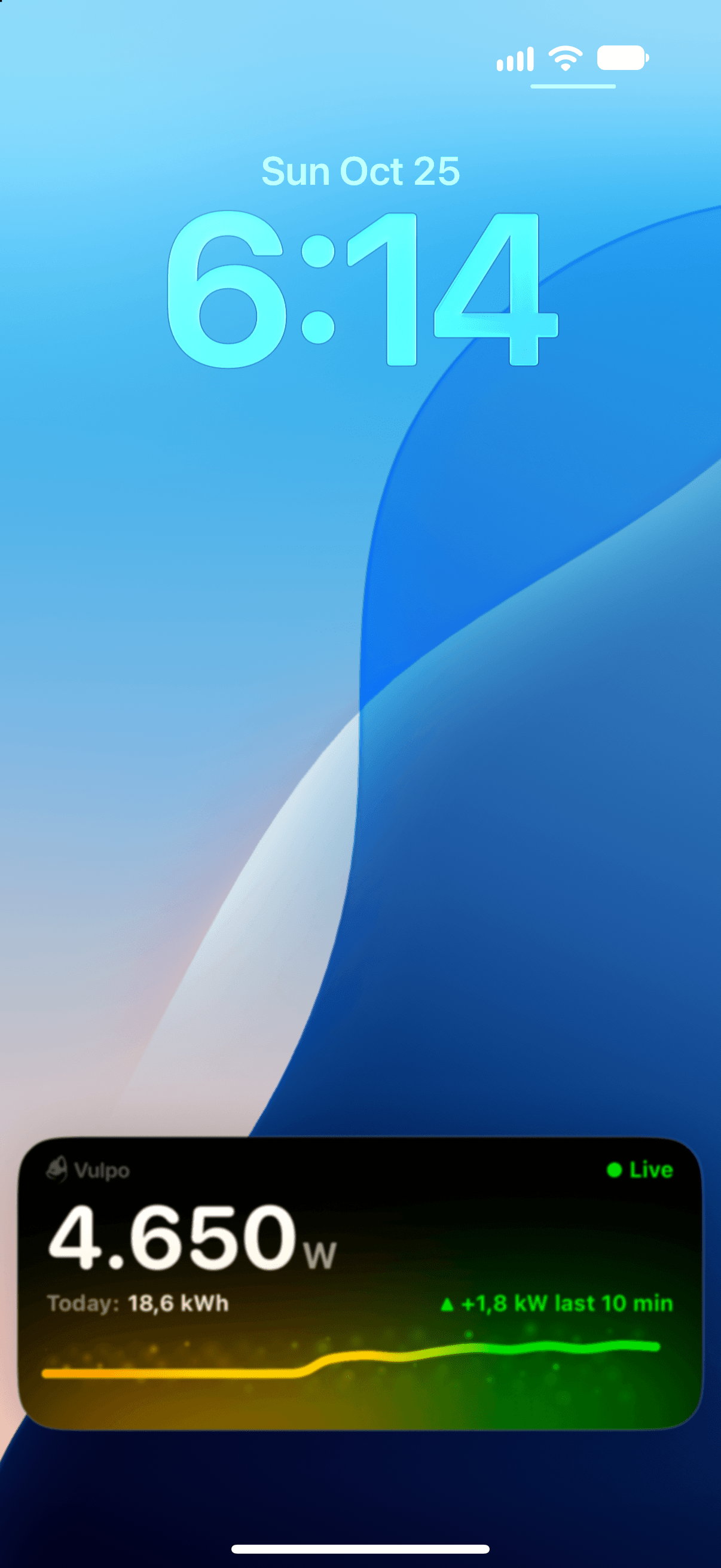
Live Activities. The washer, the vacuum or the solar roof on your Lock Screen, with buttons to pause, resume or stop.

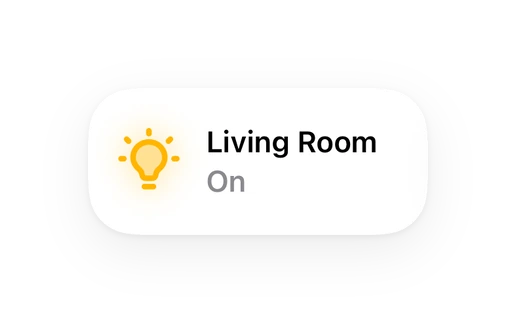
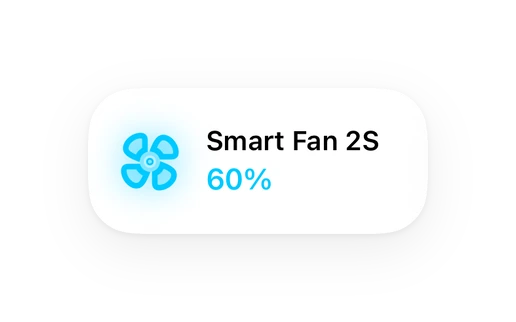
Widgets and Control Center. Toggle a light, close the blinds or run a scene from the Home Screen, Control Center or the Action button.


Siri and Spotlight. Ask for a home report, say "turn this off" for the device on screen, and find any device in Spotlight.
Cameras. Switch cameras in place and scroll back through 24 hours of motion.




Live Activities are part of Vulpo Pro.
Finds your home in seconds.
Open Vulpo at home and it finds your Home Assistant on the network. Pick it, sign in, and your devices are there.
Download on the App StoreTap the lamp, not its entity ID.
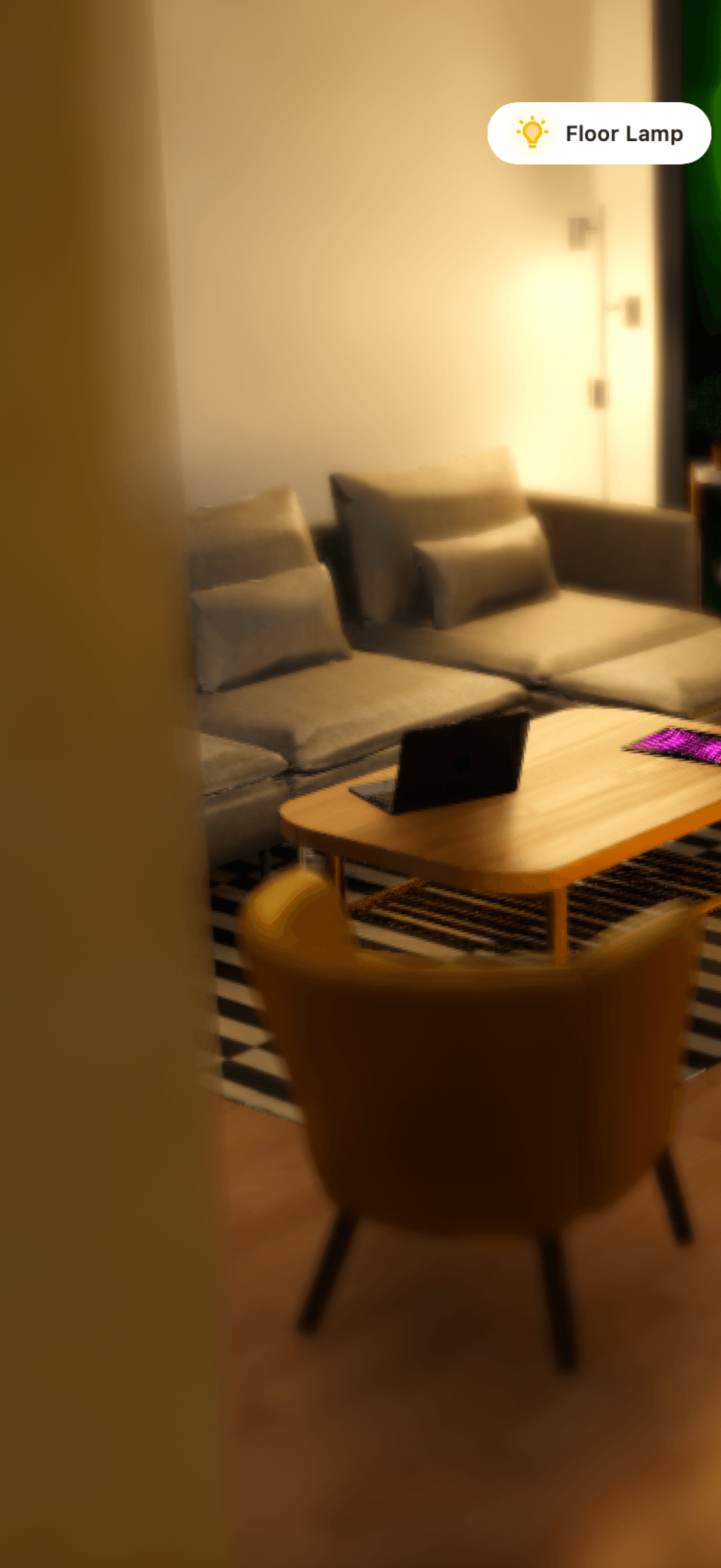
Lumen scans your rooms with LiDAR and rebuilds your home in 3D, furniture and all. Switch on the lamp you can see instead of scrolling a list for whatever someone named it years ago, and watch the room light up as it does. Try it on the flat below: tap a light, drag to look around, scrub through the day.

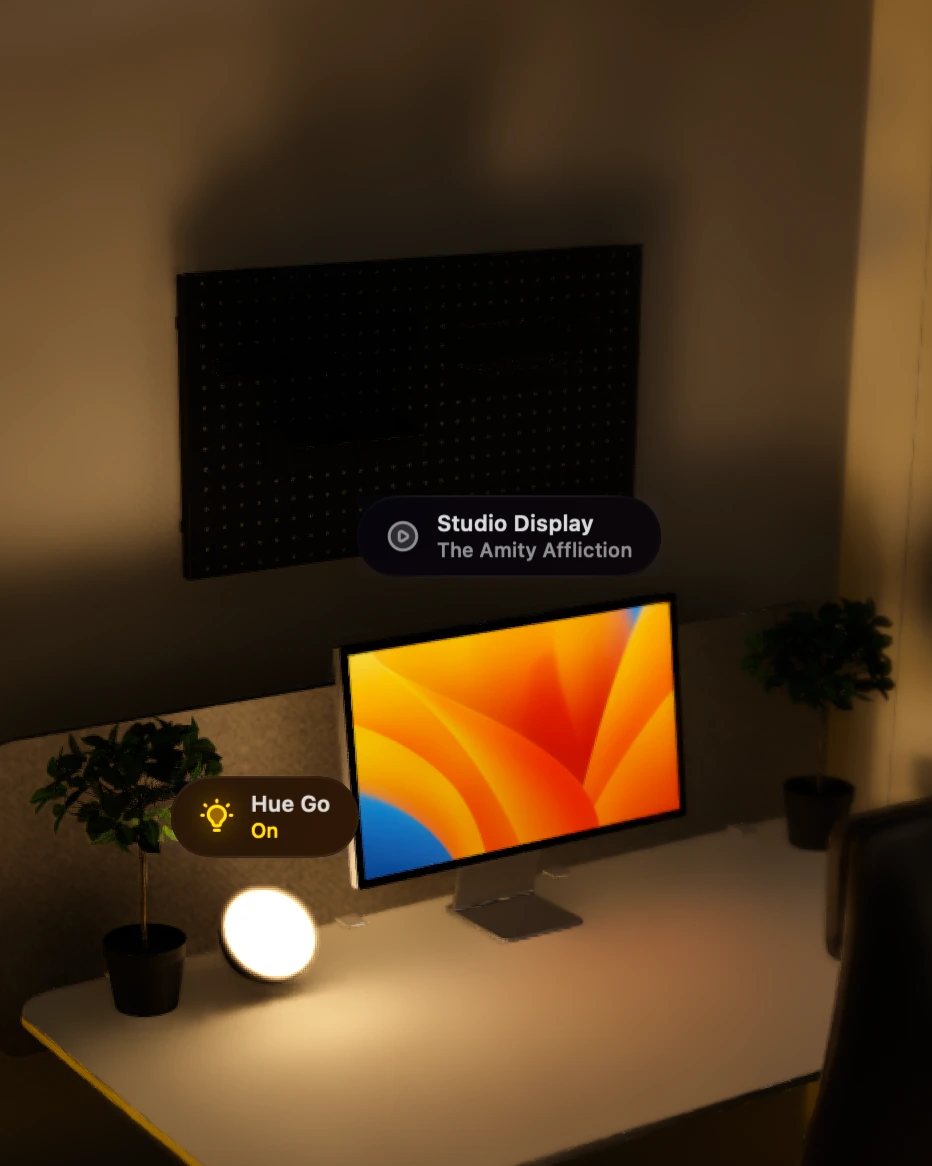
Path traced in real time. Reflections, soft shadows and light that bounces, on devices with hardware ray tracing.
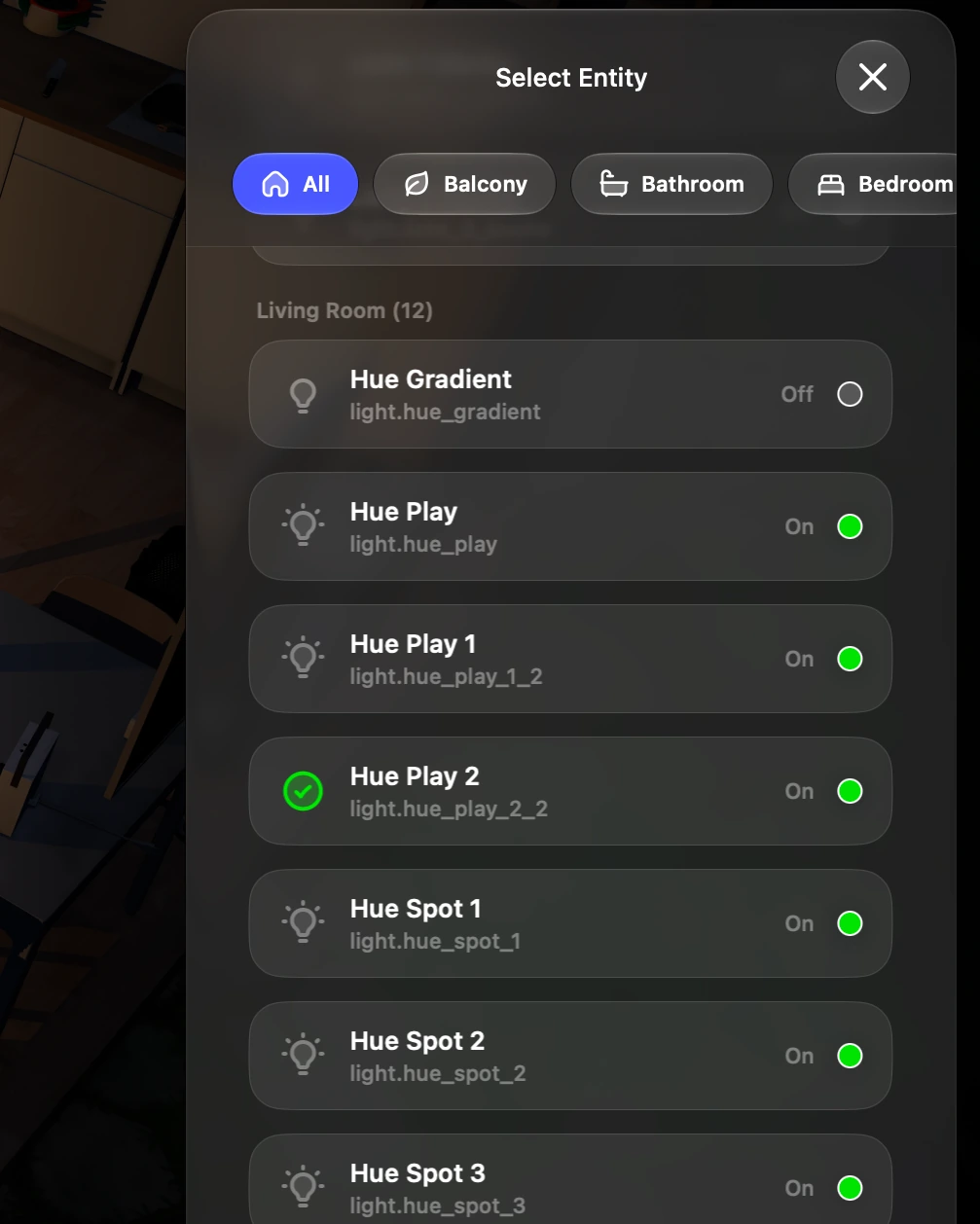
Tap to link. Tap a lamp, a socket or a speaker in 3D and attach its Home Assistant entity.
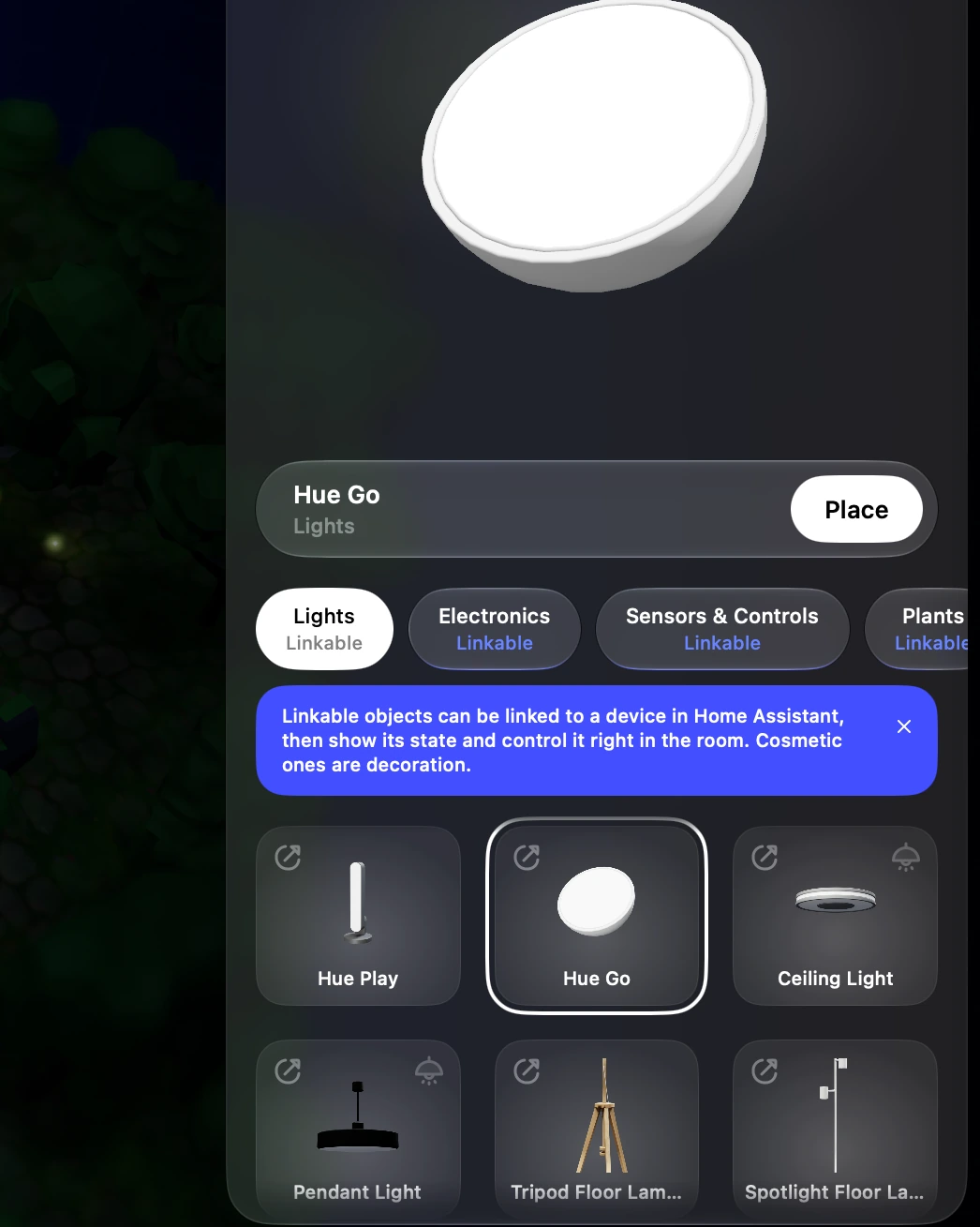
Over 200 objects. Furniture and decor from the object library, so the scan looks like home.
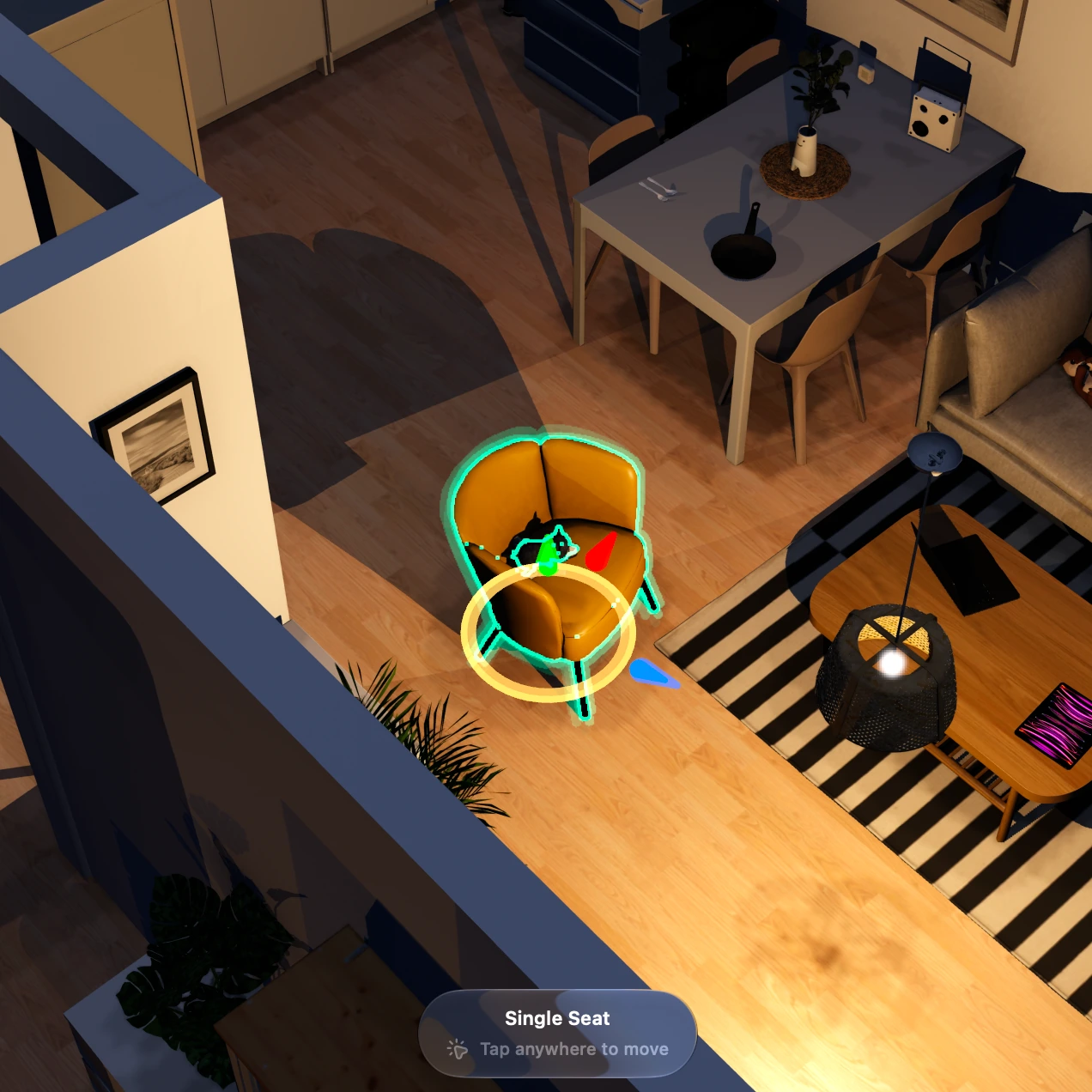
Move, rotate, scale. Put every object exactly where it stands in the real room.
Export and share. Render the room at up to 2560 by 1600 pixels and send it anywhere.
Lumen is part of Vulpo Pro.
Leave your iPhone on the couch.
The Vulpo watch app talks to Home Assistant on its own, over Wi-Fi or LTE. Dim the lights from the couch, turn up the heat from bed or skip a song on a run, with your iPhone left wherever you put it down.
Your home, on your wrist.
Lights, climate and media summed up, with favorites and scenes a tap away.
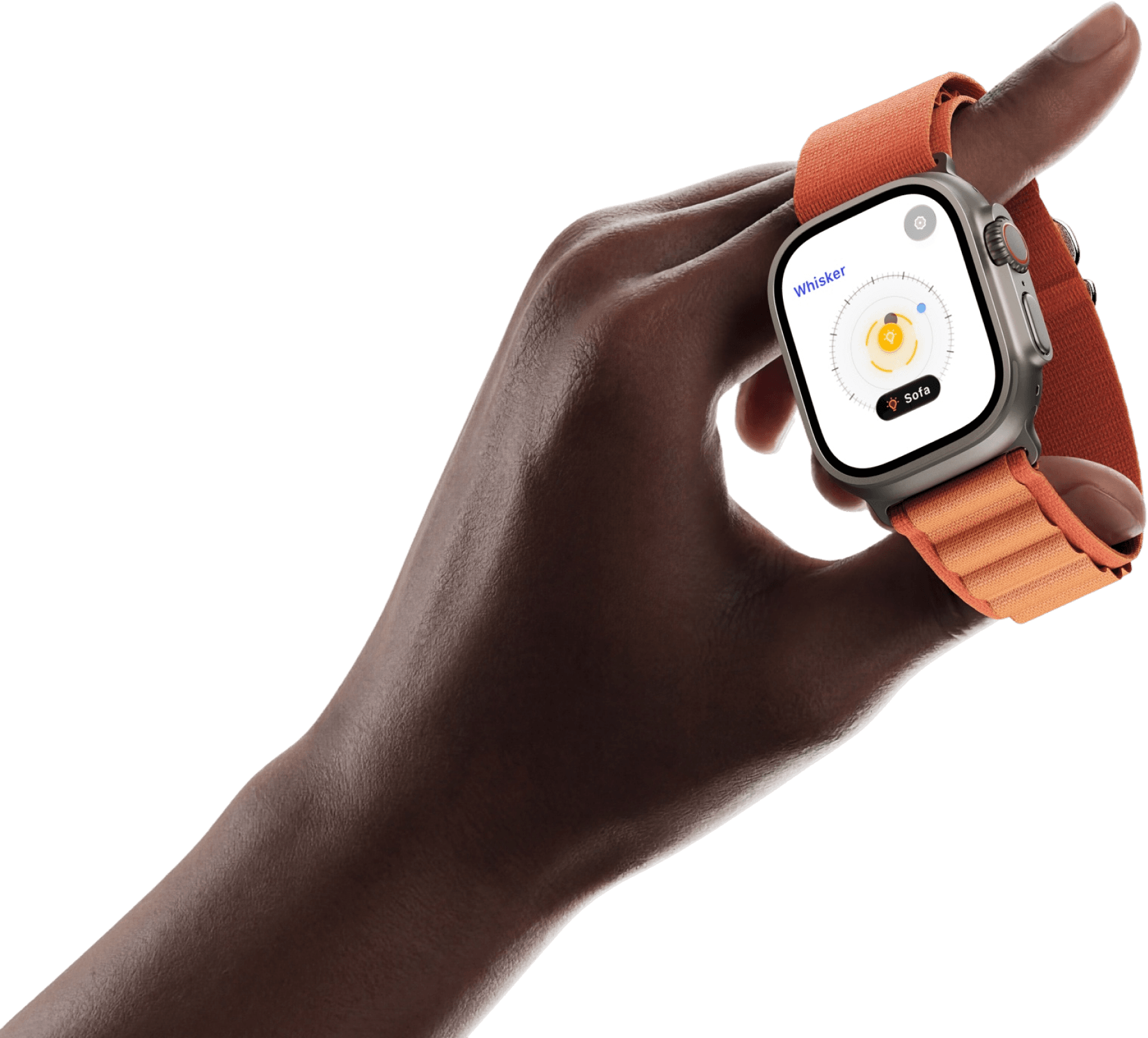
Made for the Digital Crown.
Dim a light, set the heat or scrub through a sensor's history with a turn of the Crown.


Whisker.
Point your wrist at a lamp, a blind or a speaker and double-tap to control it. In Labs, for Series 9, Ultra 2 and later.
Whisker is part of Vulpo Pro.
Automate your home without writing YAML.
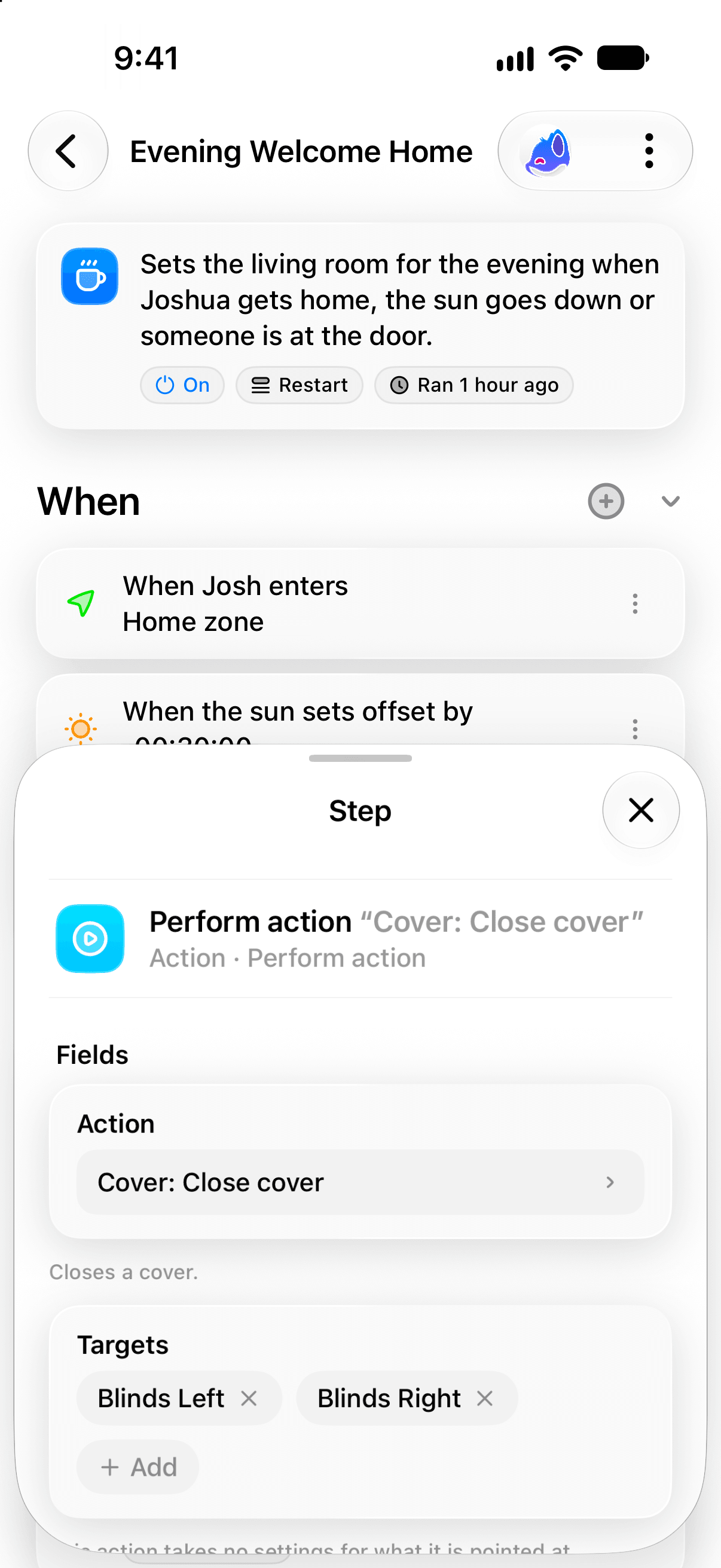
Describe what should happen in a sentence, or lay it out on a canvas, and Vulpo turns it into a real Home Assistant automation. Choices, conditions and delays are there when you need them, and the YAML stays one tap away for the times you want it.
Read a whole automation at a glance, every branch included.
Choices, conditions and branches on one canvas. Select a step and every field is right there in the inspector.
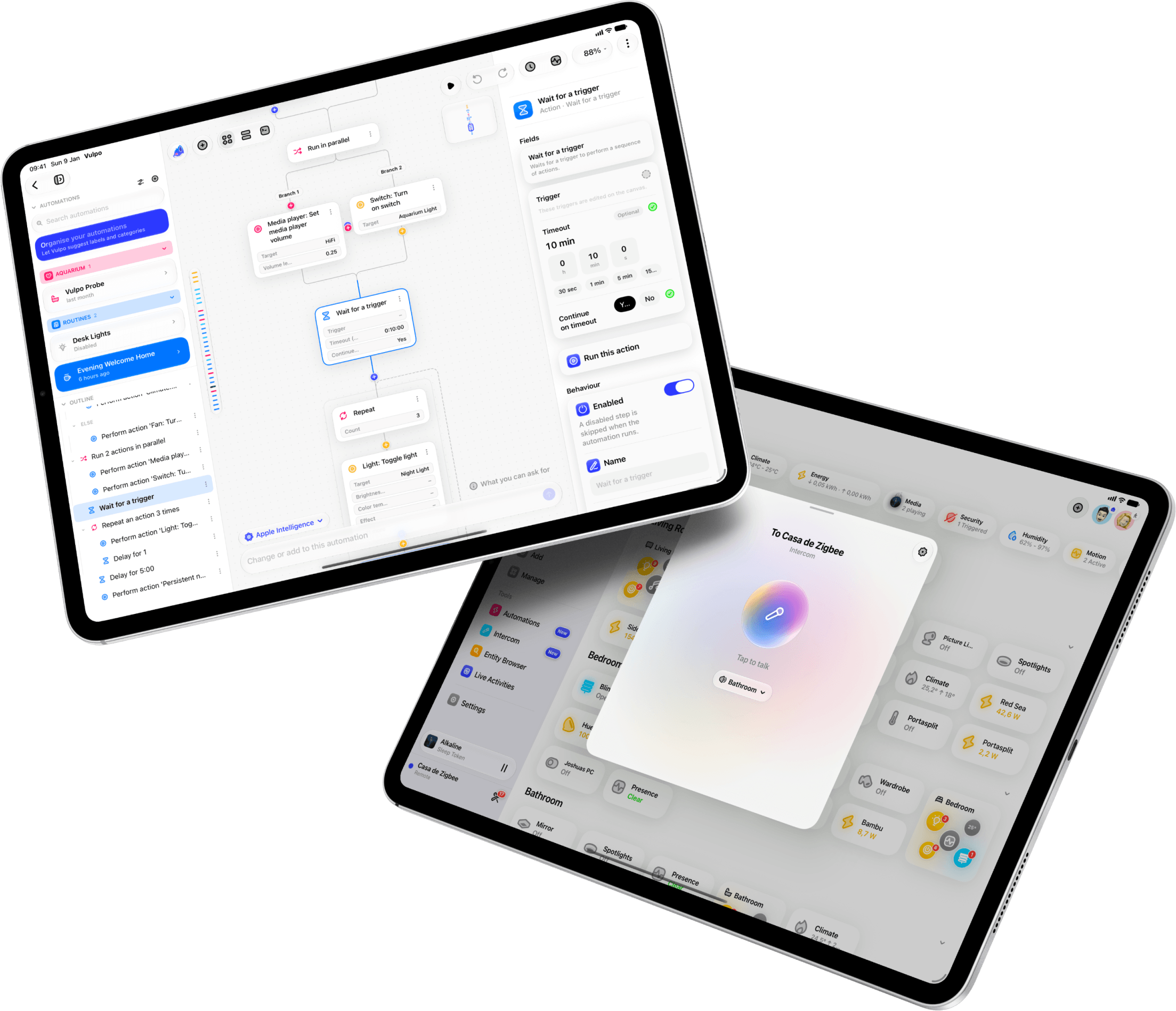
Say it in a sentence.
Vulpo drafts the steps, you check them, and one tap adds them to the automation.
One automation, three views.
Lay it out on the canvas, read it as steps, or edit the YAML Home Assistant runs.
Every speaker in the house, one player.
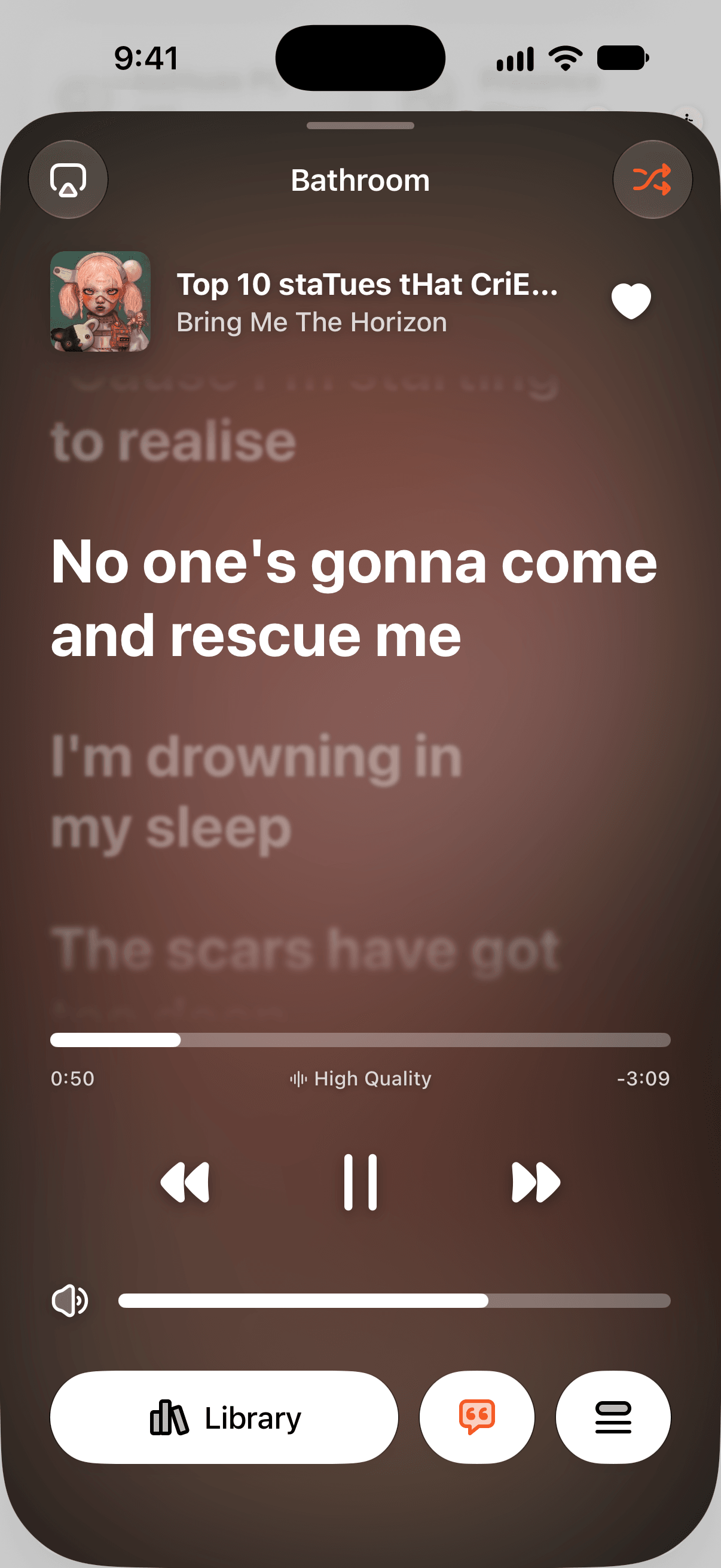
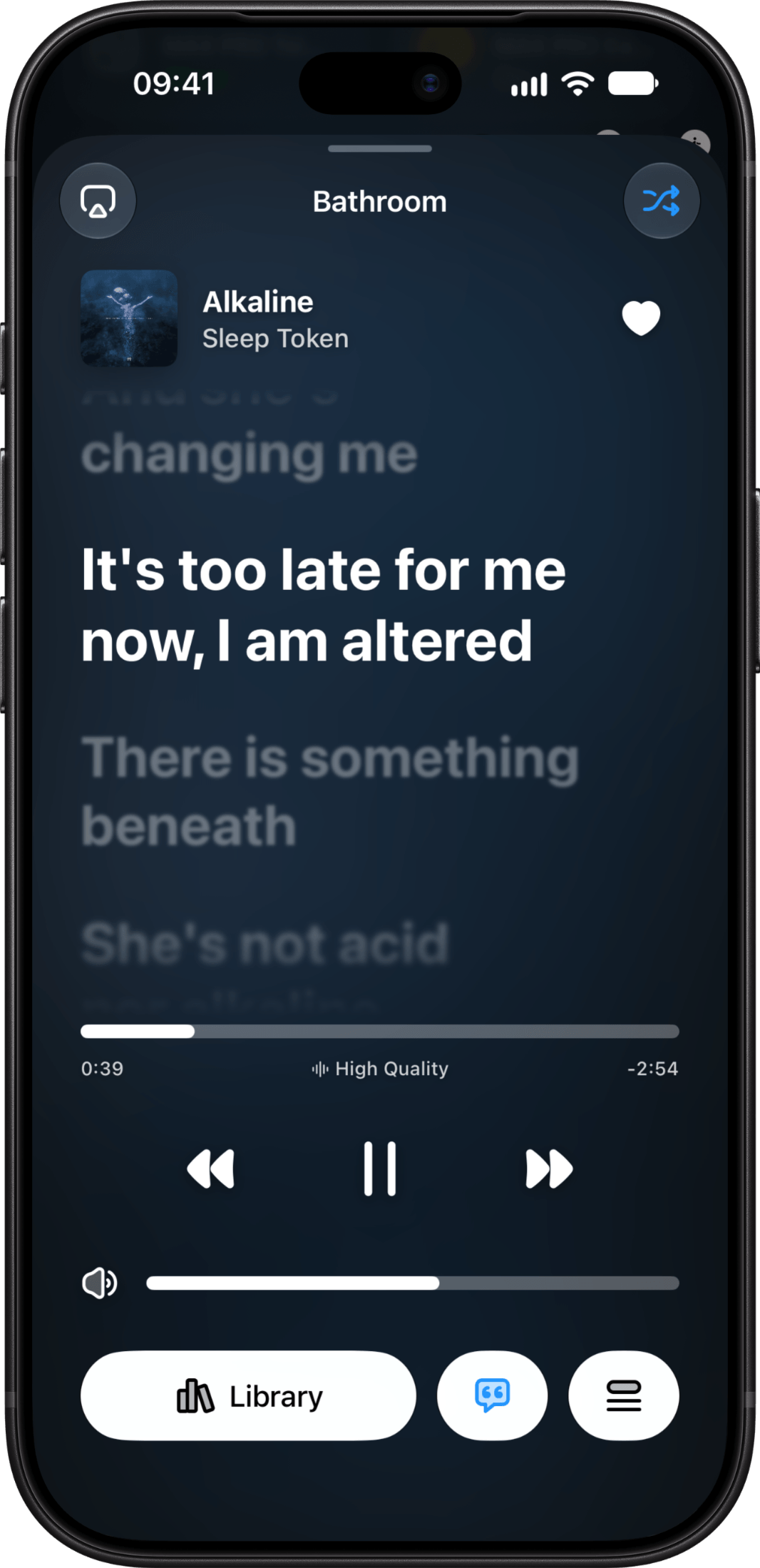
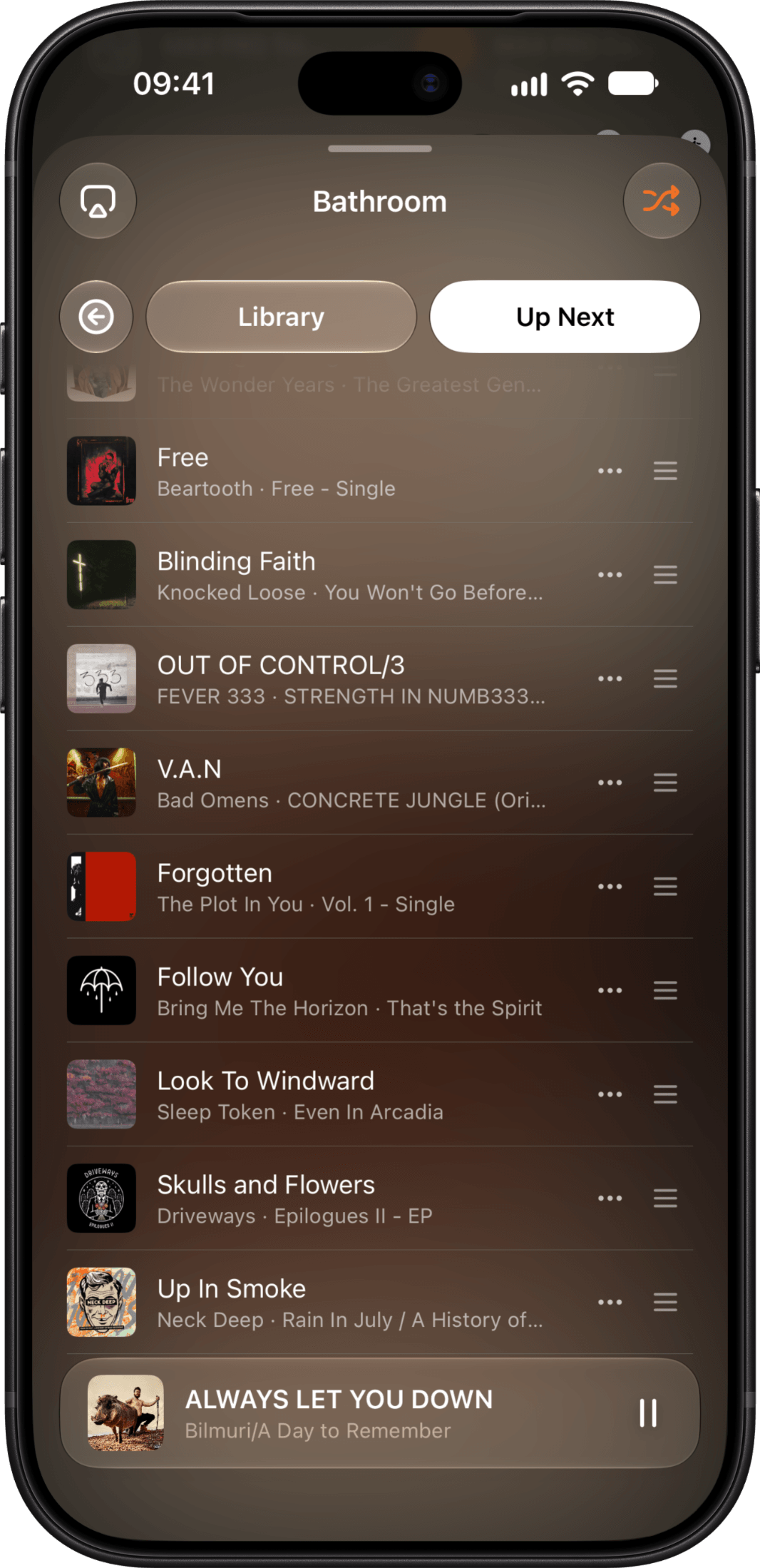
Vulpo plays your Music Assistant and Sonos queues in one native player, with lyrics that follow along and every speaker a tap away. Changing the song in the kitchen no longer means hunting for the right app, and with Intercom, any speaker can call everyone down for dinner.
Hand the music from the kitchen to the living room in a tap.
Play, reorder and remove in Up Next, hand playback to another speaker, and give each speaker in a group its own volume.
Intercom.
Speak for up to 30 seconds and the message plays on the Home Assistant speakers you pick, even when you're away.

Synced lyrics.
Follow along line by line, and tap any line to play from there.
Intercom and synced lyrics are part of Vulpo Pro.
See what's really driving up your bill.
Vulpo prices every device by your own tariff and ranks them, so the dryer, the heat pump or the gaming PC can't hide in the total anymore. It reads the Energy setup you already have in Home Assistant, so there's nothing to set up twice.
See your home in 3D, with the sun on its real path and the power on the move.
Your street in 3D, the sun's real path over it, and power moving between solar, battery, grid and home. Scroll back through the day to see where it went.
Find out what each device really costs you.
Switch from kWh to cost and the ranking changes: the EV that charges on sunshine costs next to nothing, the heat pump that runs before dawn costs the most. An early-access Labs feature.
See when each device runs, hour by hour.
A heatmap of every device across the day, so the heat pump before dawn, the car in the morning and the office from nine to five each show their pattern.
The Energy dashboard is part of Vulpo Pro.
Unfold it, and the whole house fits.
Closed, iPhone Duo runs the Vulpo you know. Open it, and a card's controls fill one half of the inner display while the rest of your home stays in view on the other, so you never lose your place.

Your home stays yours.
Vulpo talks straight to your own Home Assistant, with no Vulpo account to create. Your sign-in stays in the Keychain on each device, and dashboards sync through your private iCloud database.
Buy Pro once, share it with everyone at home.
Family Sharing is on for every Vulpo Pro plan, monthly, yearly or lifetime, so the whole household gets Pro on iPhone, iPad, Mac and Apple Watch.
Loved at home.
4.7 out of 557 ratings on the App Store
Exceptional
Beruk
Vulpo is the Home Assistant client I always wished existed on Apple platforms. It’s beautifully designed, feels completely native, and works exceptionally well. I was actually considering building my own Home Assistant app until I found Vulpo—and after trying it, I immediately abandoned the idea because it already surpassed everything I had envisioned. An outstanding app and an easy five-star recommendation.
Btw, I really love your design for the climate - it’s so Apple, it’s fun. Well done!
the watch app connecting directly over lte without the phone is huge, been waiting for that for ages. grabbing it now
Huge Help
DebtSucks
I have a history of adding sensors every weekend but never taking the time to develop my cards and dashboards. Maybe I’m too lazy or just lack time but Vulpo makes it stupid easy and saves me time. It looks better than HomeKit and the native HA App without getting into the yaml or searching Reddit. The developer has been transparent and helpful which gives me belief the app will be supported for a long time.
Just wanted to chime in and say that I love the app. This is the first third-party app that I use in any home automation system, and Home Assistant is my third one over the last decade and a half. Highly recommended.
Opened the app. Looked around for ten seconds and immediately bought a lifetime license. Well done on this!
Must-Have for Home Assistant Users
Shikhar
Super intuitive app, great UI, feels like what Home Assistants been missing for a long time. If you use the native app, you know how clunky it can feel, and makes iOS users feel like second class citizens, this fixes that and adds a lot of functionality on top.
Quickly scanned my downstairs and it's really intuitive and quite honestly ridiculously good how well it's been designed. Pretty 1-2-1.
I love this thing so much
FirstAid84
Finally an app that made the Home Assistant interface which I was trying to build myself. All of the customizations I wished I could build are ready and at my fingertips here.
Lot of effort put into this
suninthenorth
The person who took the time to create this app obviously put a lot of time and effort into it. Lifetime purchase is a great idea if you’re thinking about it. This is the apple of home assistant third party apps.
Amazing Interface and development speed
Henrik Johnson
This software adds a gorgeous interface to my HomeAssistant setup. I always had a problem with HomeAssistant’s own app always needing to basically load a dashboard HTML which often makes it slow to launch. This apps solves that by having all your setup locally. In addition the development speed of this is amazing and he is also super responsive. I’ve got next to all my suggestions to improvements so far implemented in a single release cycle.
A gourmet experience for Home Assistant
fvrther
A first class Apple experience for Home Assistant. You've ruined regular Home Assistant for me, and I mean that as a compliment. Please keep maintaining it !
It’s by far the most beautiful way to use home assistant and i LOVED getting the daily summaries!
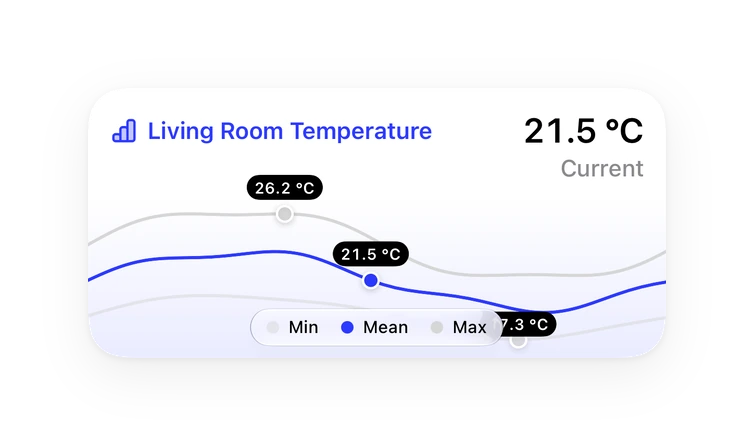
When you're using the apple ecosystem, this app is absolutely recommended. It bridges a gap which was really missing within HA itself ... a user friendly and native app experience at rocket speed. This app is on another level and gives you a much richer experience. It's crazy what level of detail has been put into the app to make it as user friendly and good looking as possible. The automation editor (don't want to know how many hours must have been spend to create something like that), the media player (absolutely rocking), 3D lidar scans, enriched graphs and energy monitoring, watch support, many different kind of predefined fantastic looking cards, ... thumbs up! Pretty sure all your non-sleeping hours are appreciated by a lot of people :-) keep up the great work!
Fantastic Native Experience for Home Assistant
robertdistefano
I've spent the past few weeks re-setting up Home Assistant (revisiting after ~4 years), and as a long-time HomeKit user, the official companion app was really letting me down usability-wise. I was about to give up and just use Apple Home as my front-end, ran a few searches out of desperation, and found this App. Downloaded it, and 24 hours later bought the lifetime pass. The UX here is impressive; it looks and feels lovely, exactly what I’d expect from something truly native. Light adjustments are snappier than Apple’s own Home app. Everything feels thoughtful and refined.
Incredible
jscoLP
Absolutely the best home-assistant app out there.
Hand-picked positive reviews and posts, quoted as written. How they're picked
The average above is the App Store's own, across every rating, not just these. Apple only lets people who downloaded the app review it on the App Store; Reddit and X posts aren't checked for whether their authors use Vulpo. Each card links to its source.
Your home, on every Apple device.
iPhone, iPhone Duo, iPad, Mac and Apple Watch. Free to download.