
Updated
iPhone Duo
New in Vulpo 1.4Home Assistant on iPhone Duo
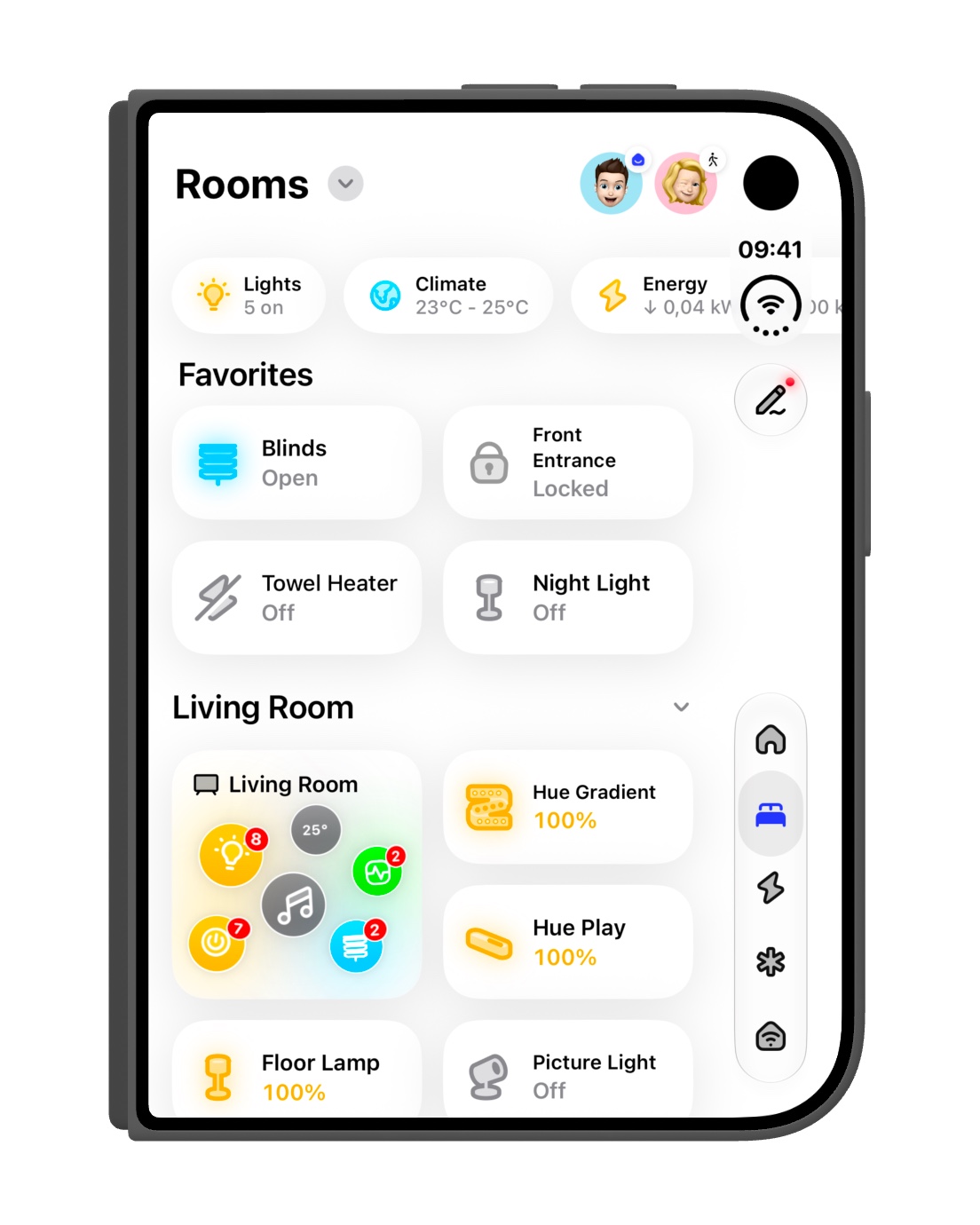
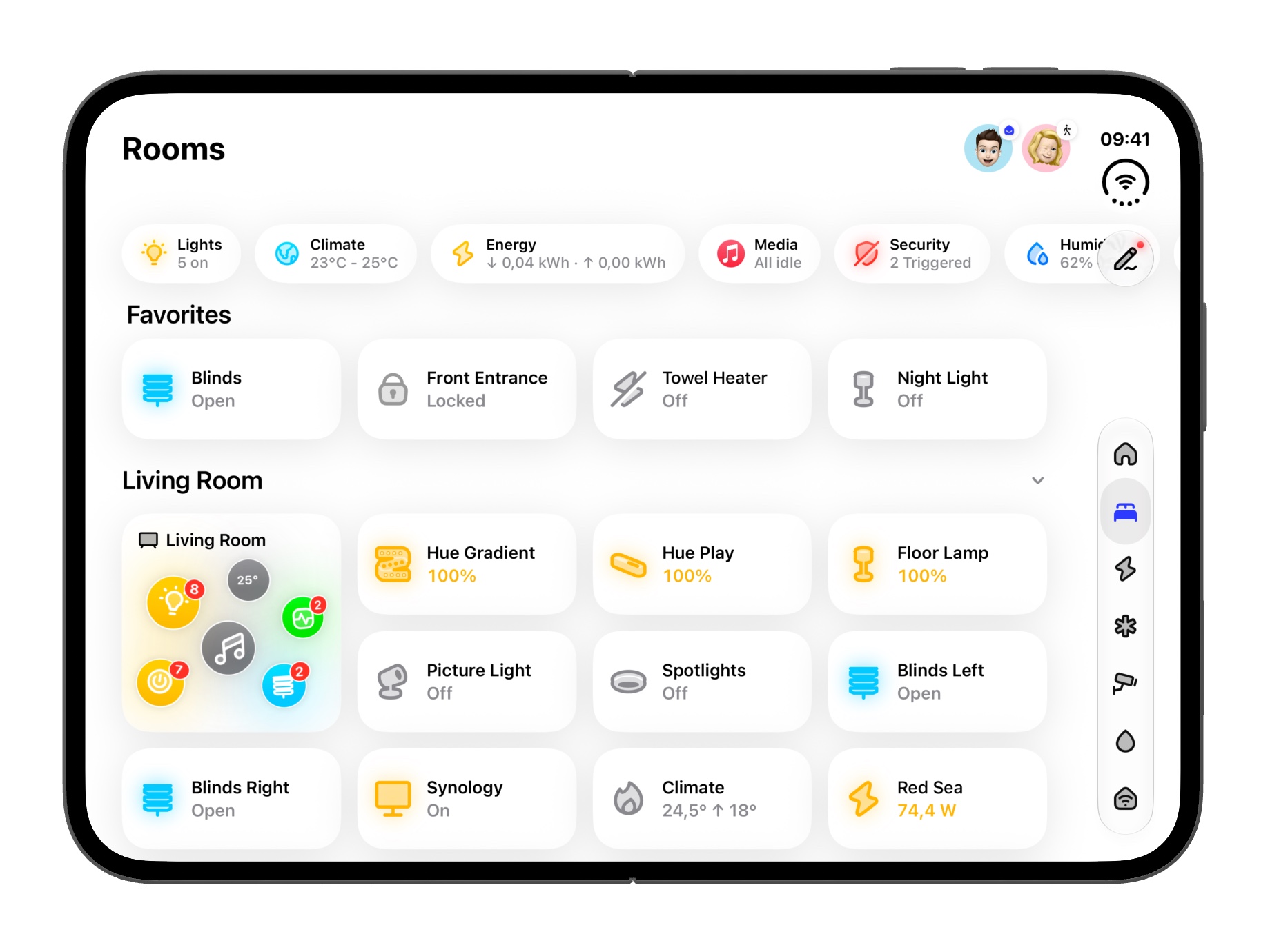
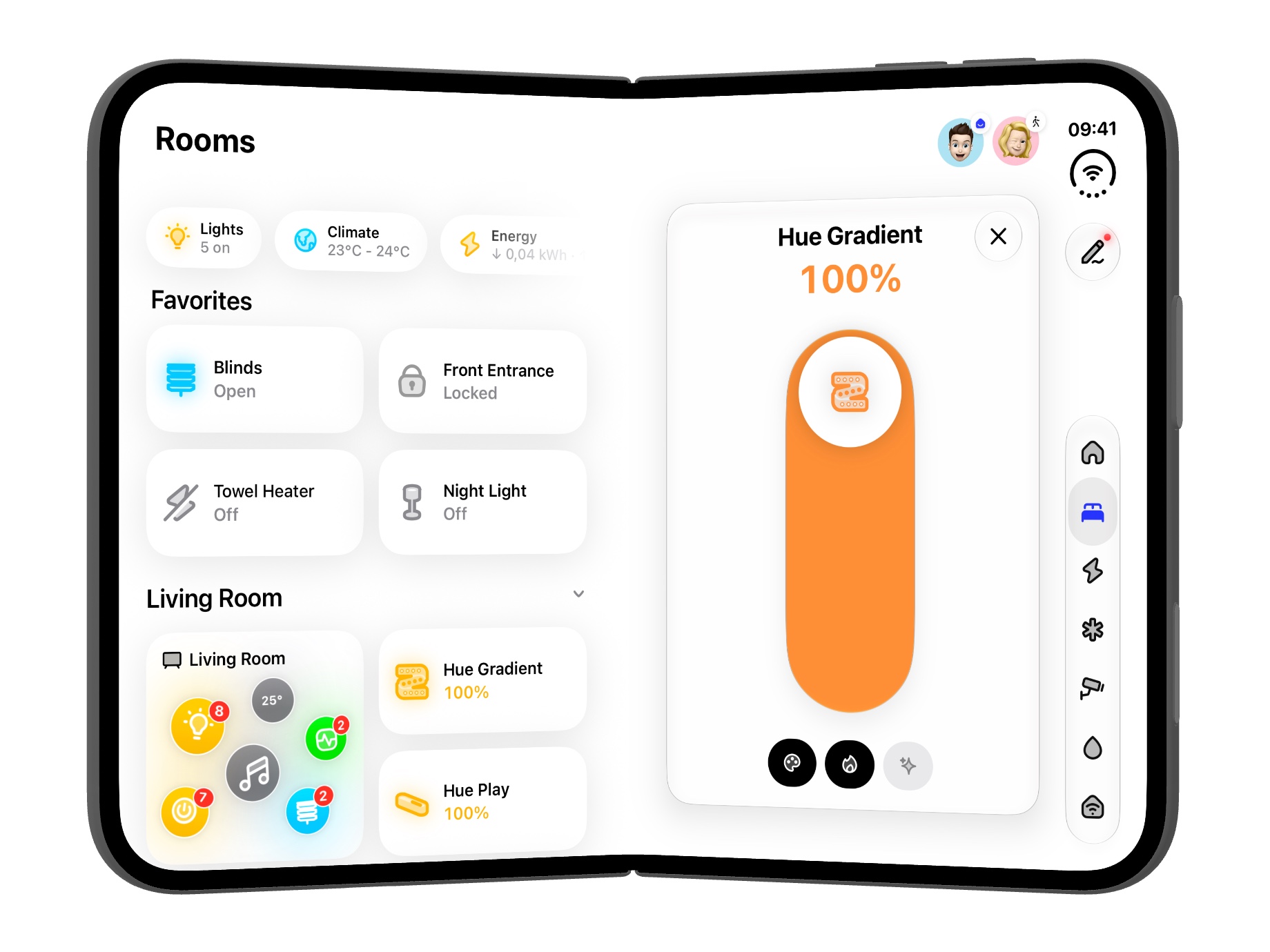
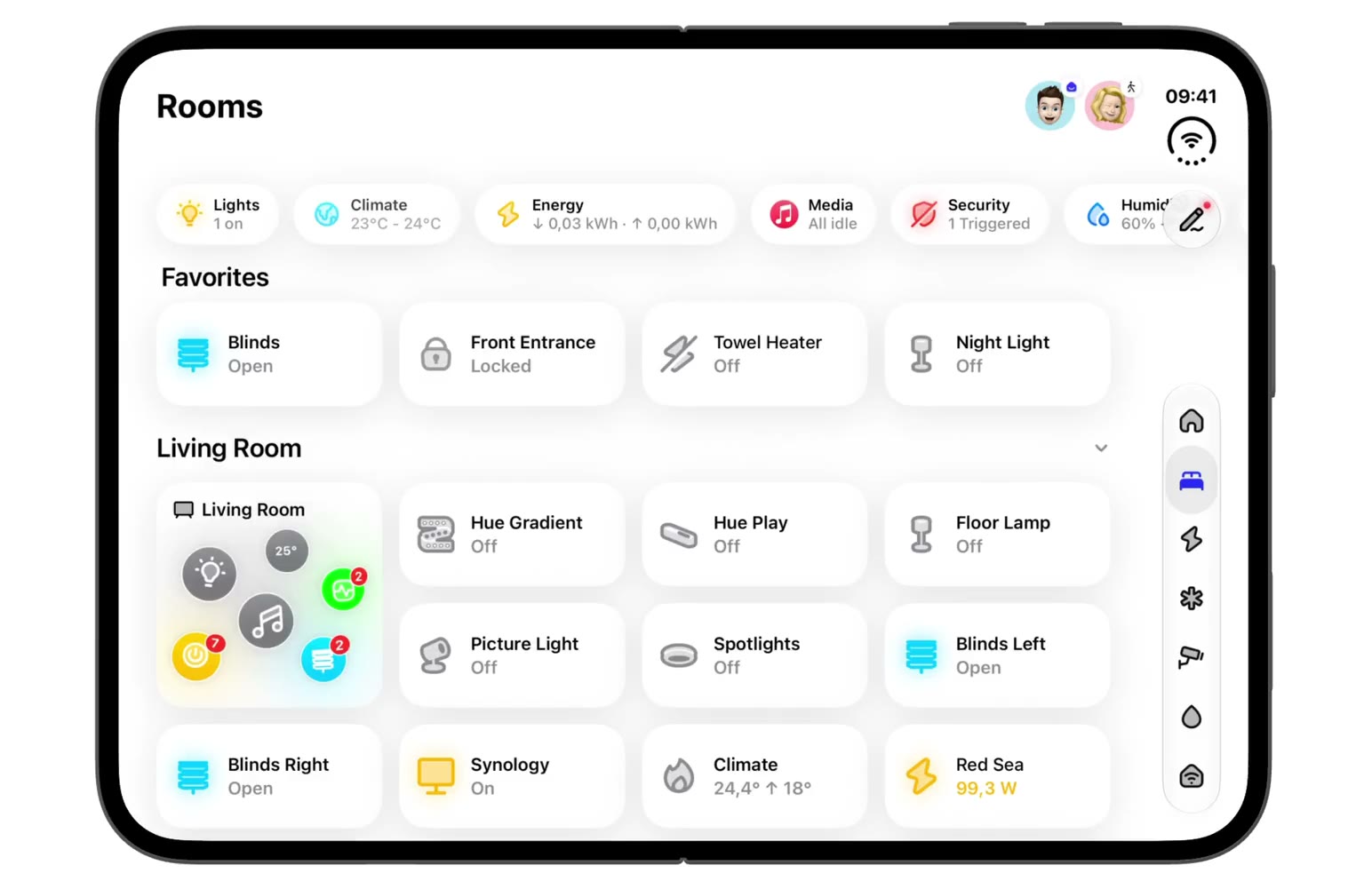
Vulpo 1.4 is made for iPhone Duo. Closed, it is the iPhone app edge to edge, with the bars along the side. Open, dashboards spread across the 7.6-inch inner display in columns. Folded like a book or in tabletop, a card's controls open on the other half, and cameras, Lumen, Energy and the player split the same way.

A layout for every pose
iPhone Duo is a phone when closed and close to an iPad when open, and it can stop anywhere in between. Vulpo follows it through every pose and keeps every control in reach, so nothing is hidden when you fold it.
Details made for the fold
Every card detail has a layout for each pose, from a climate dial that rises as an arch to a lock that lies flat with a slide to unlock. The detail opens beside the grid, not over it, so you can keep an eye on the rest of the home while you adjust one device.
Climate The dial rises as an arch, with the mode and presets beside it
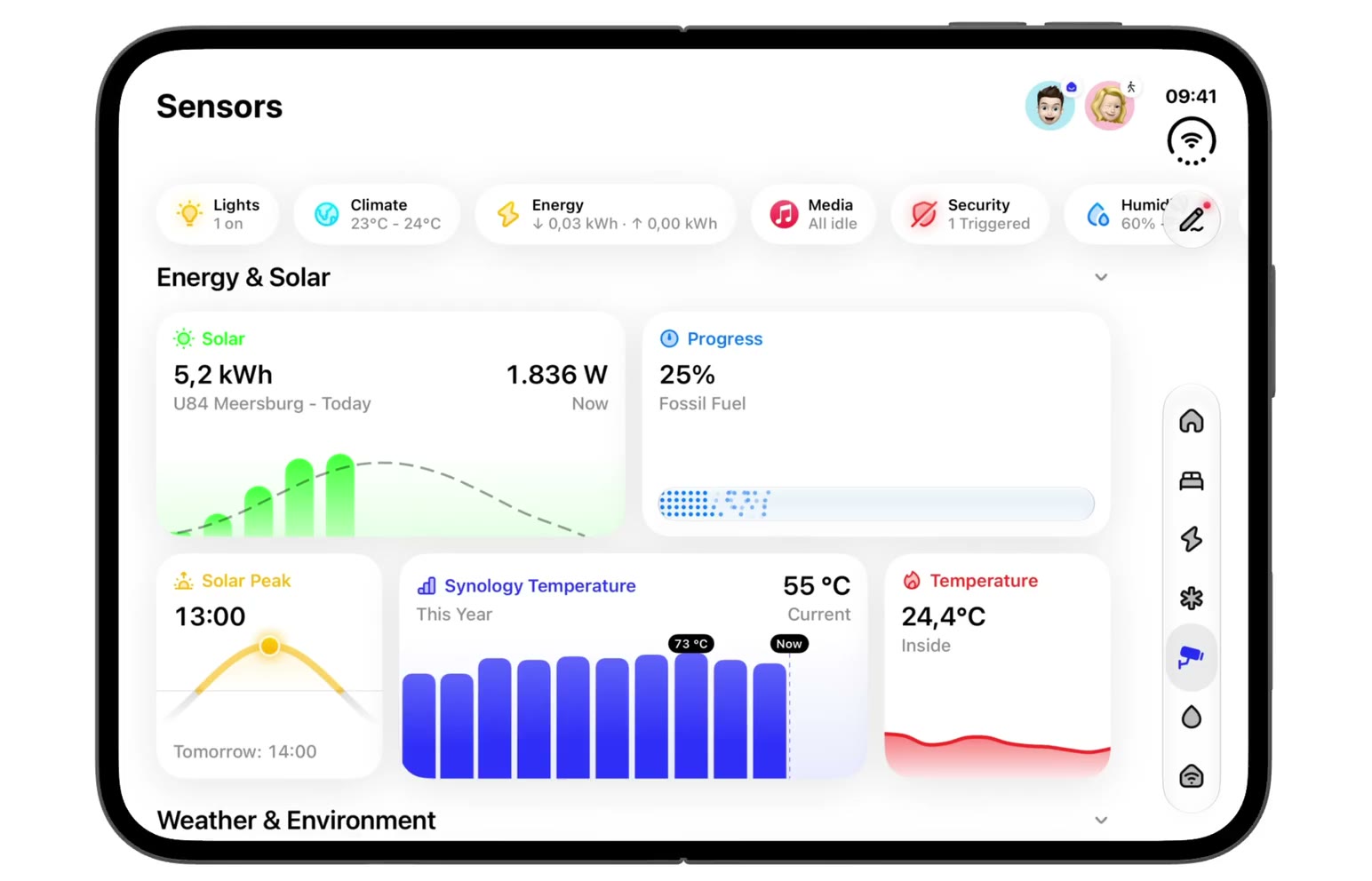
Solar The day's production, with its peak and average, opens on the right half beside the Energy and Solar cards
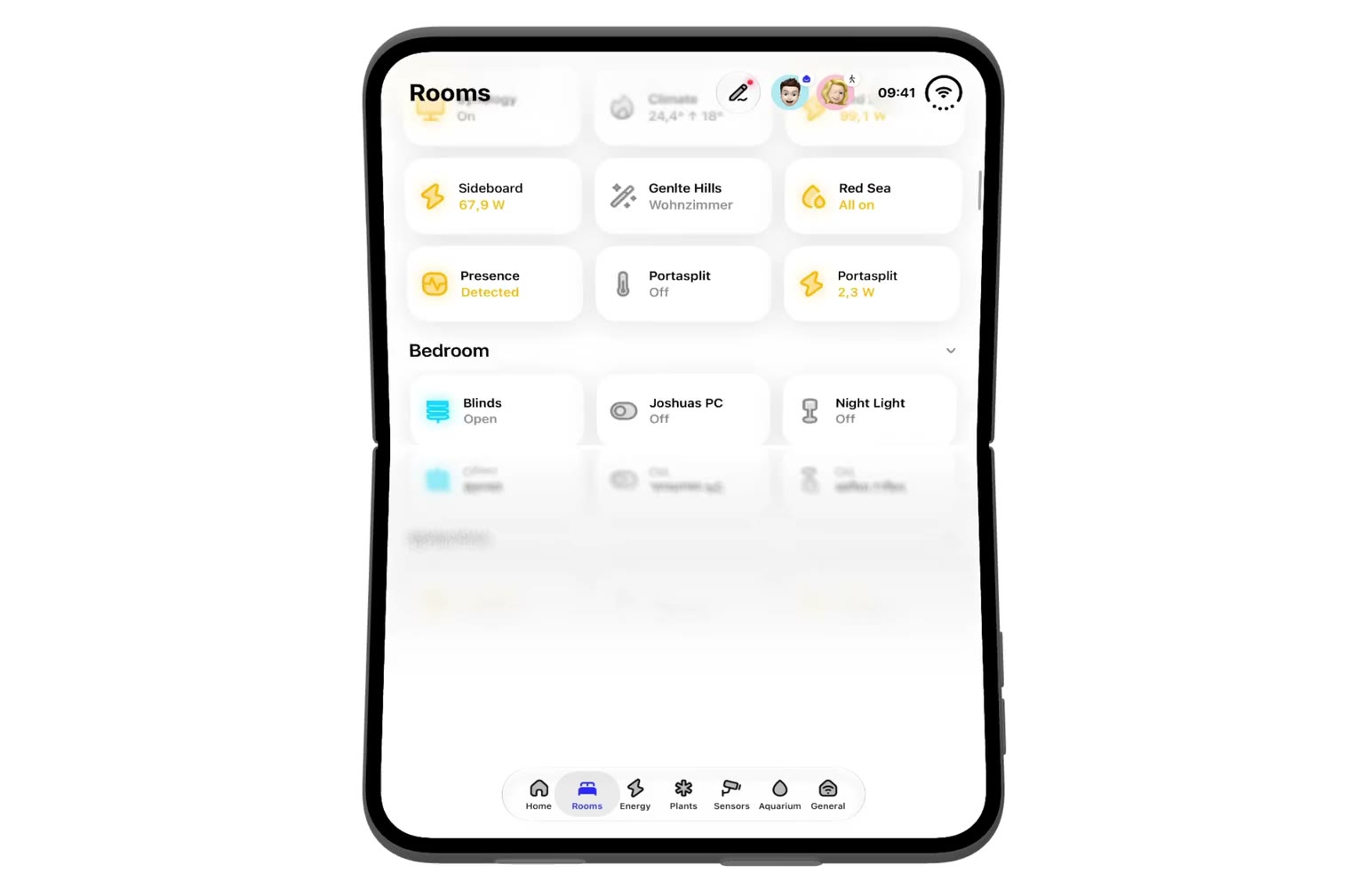
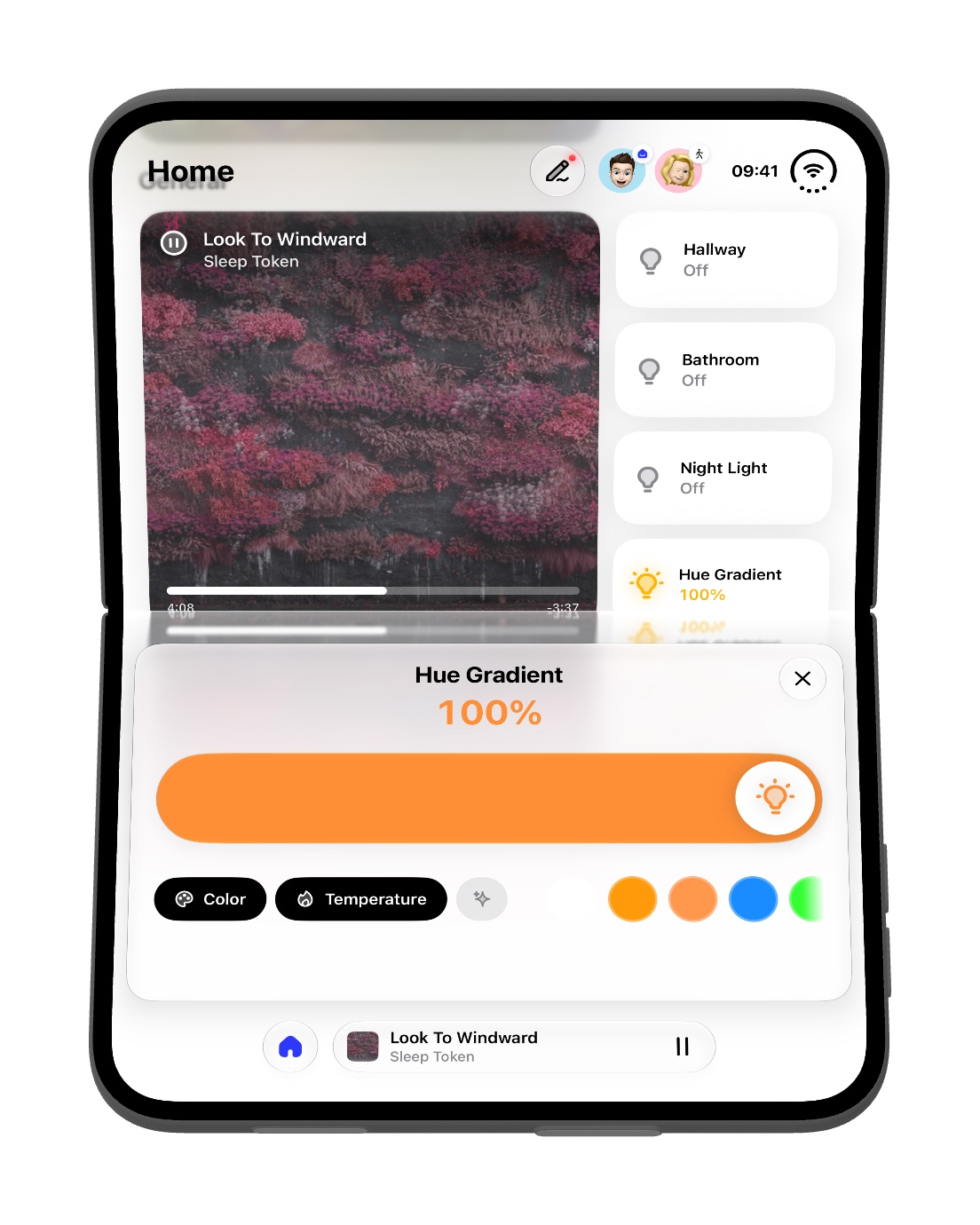
Lights In tabletop the dashboard stays above the crease, and brightness, color and temperature open below it
Both halves, everywhere
The larger screens in Vulpo use the fold too, with the picture in one half and its controls in the other.
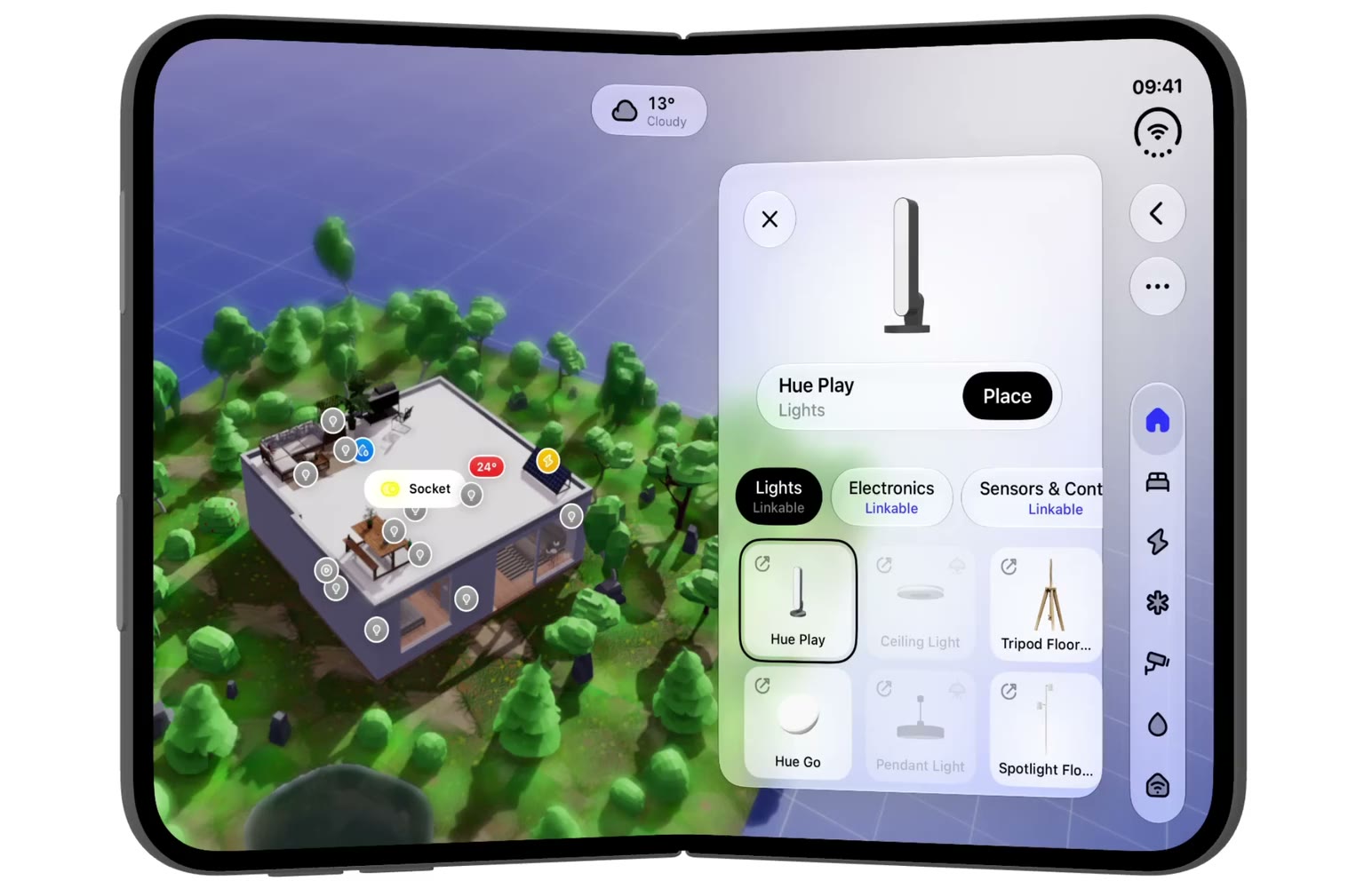
Lumen The 3D room in one half, with tiles, settings and the object library in the other (Pro)
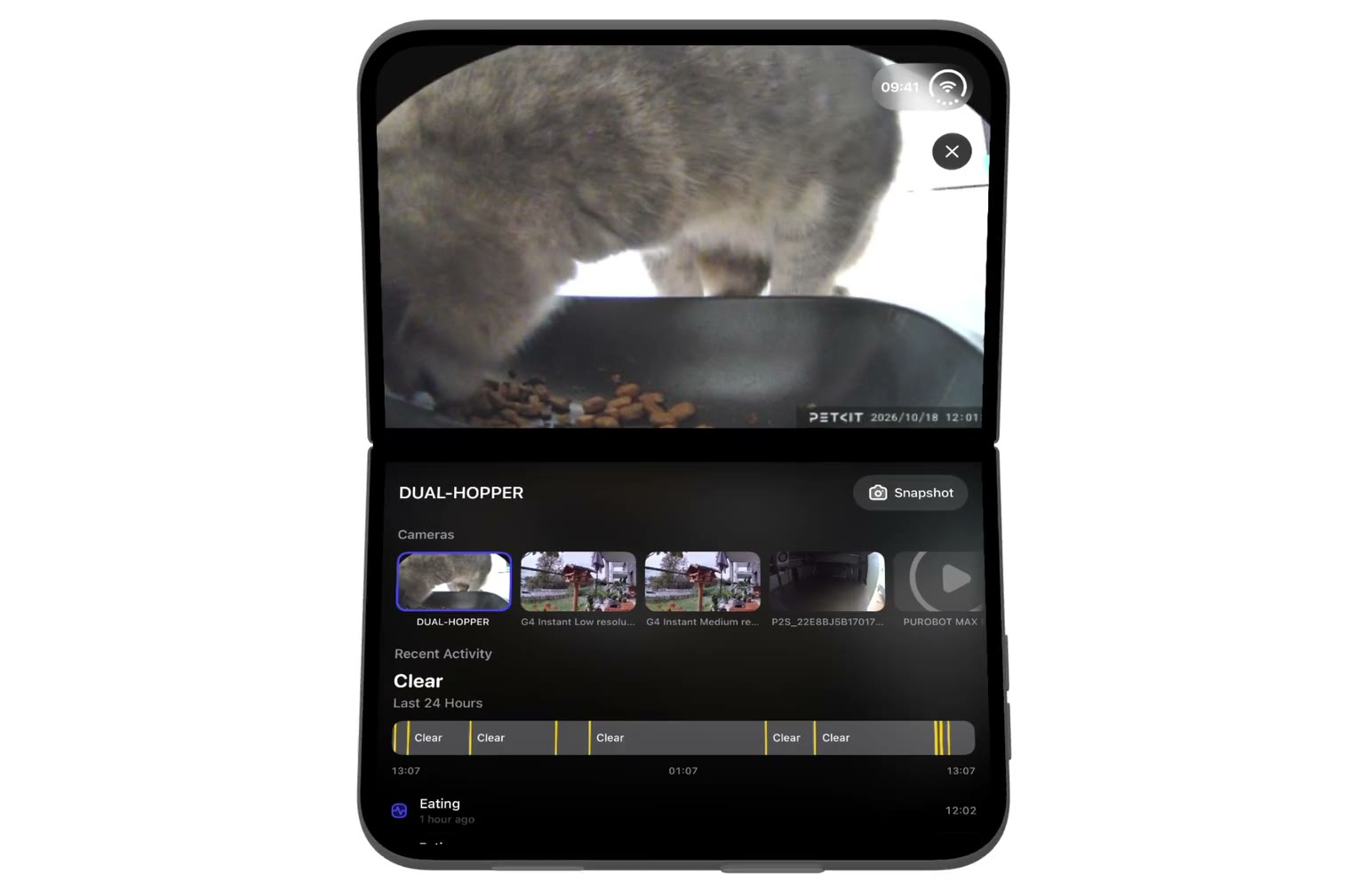
Cameras The camera column sits beside the picture, to switch cameras in place and scroll the last 24 hours of motion
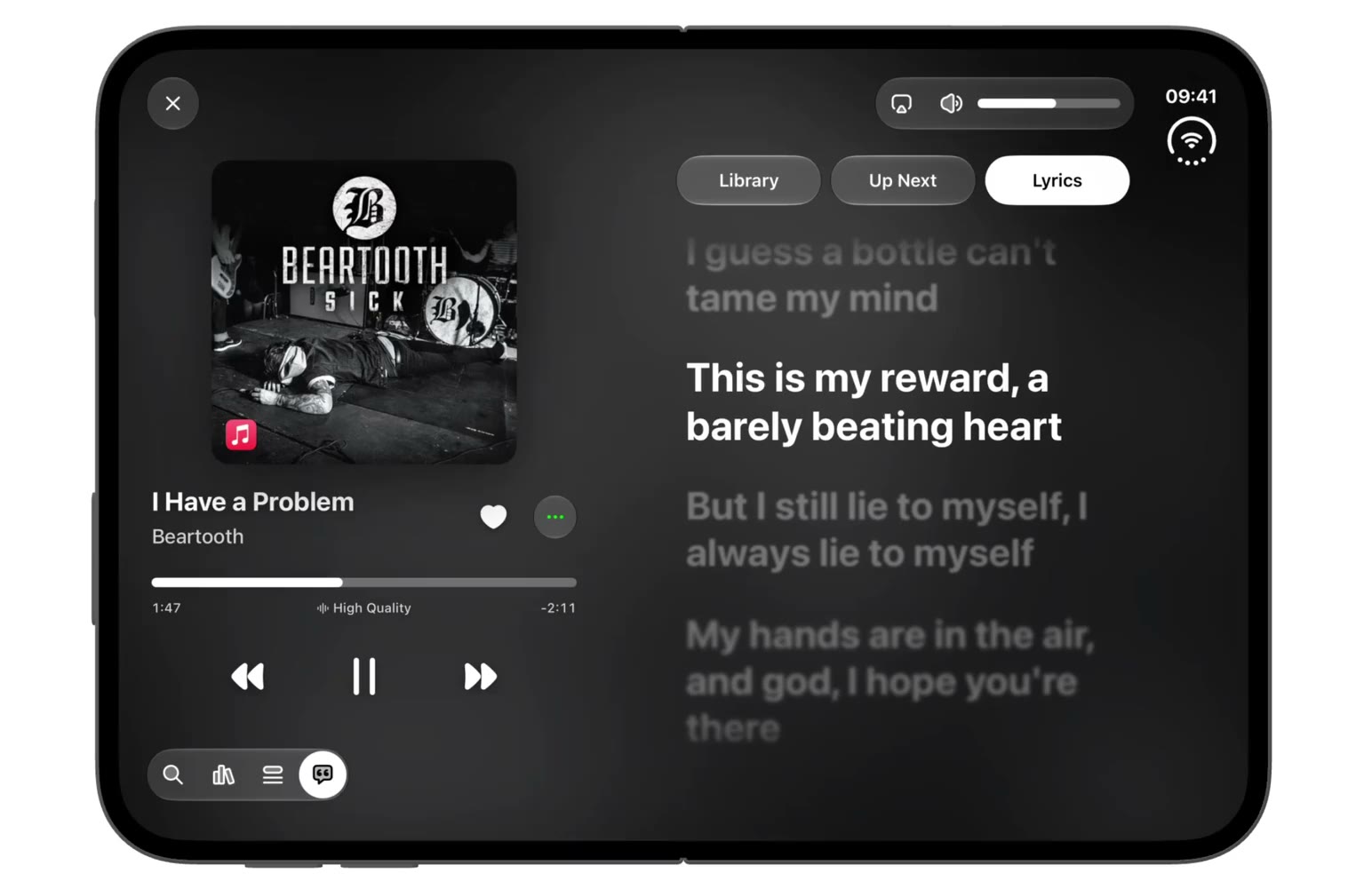
Player A remote of glass tiles beside what's playing, with synced lyrics in a panel beside the artwork (lyrics are Pro)
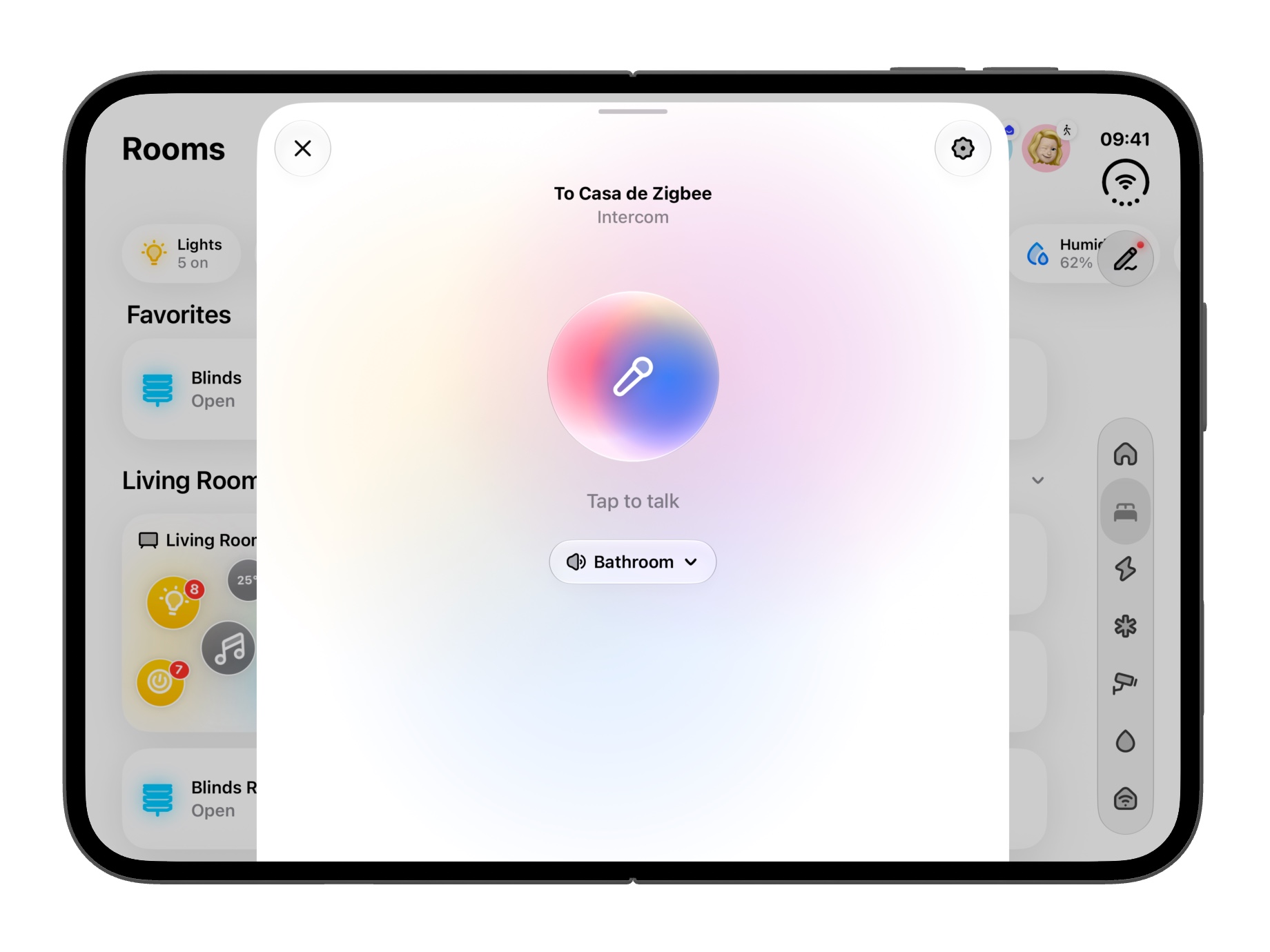
Intercom Tap the orb and speak, and the message plays on the speakers you pick, with live captions as you talk (Pro)
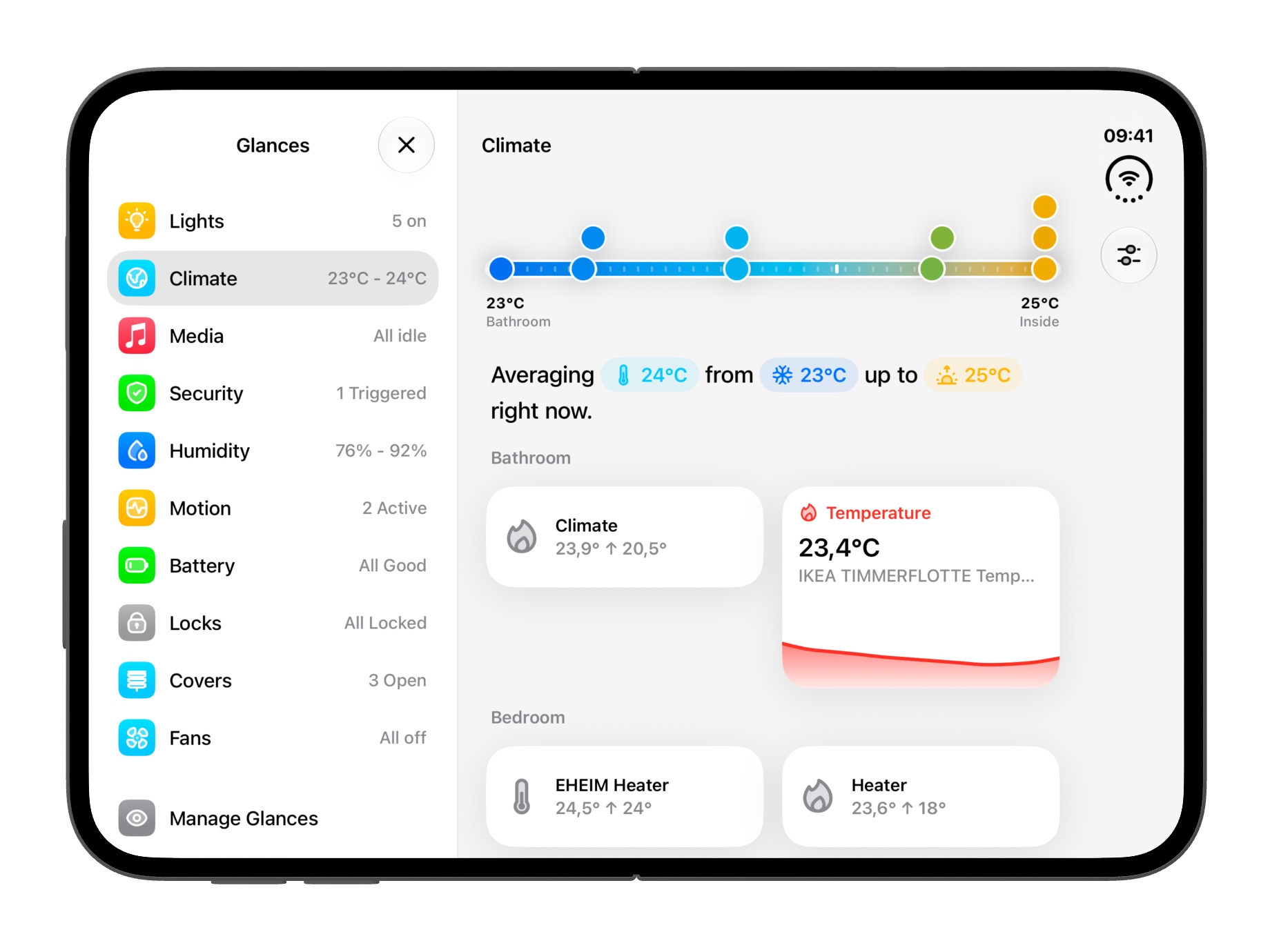
Settings, glances and Add Card Full screen with a sidebar on the open inner display
- Energy The 3D scene in one half while the sections scroll in the other (Pro)
- Automation editor, glances and dashboards: laid out for book and tabletop
Availability
iPhone Duo support is part of Vulpo 1.4 and later and needs iOS 27.1, the version iPhone Duo ships with. The layouts are part of the free app; Lumen, Energy and synced lyrics need Vulpo Pro, as they do on every device.
 Requires iOS 27.1
Questions
Does Vulpo use the whole inner display of iPhone Duo?
Yes. Open, Vulpo uses the 7.6-inch inner display the way it uses an iPad: dashboards in columns, a sidebar for Settings, glances and Add Card, and Split View next to another app. It is the layout the iPad gets, not an enlarged phone screen.
What happens when I fold iPhone Duo halfway?
Vulpo moves content out of the crease. Folded like a book, a card's controls open on the other half beside the dashboard. Standing in tabletop, the picture stays above the crease and the controls below, whether that is a camera, the 3D room, the Energy scene or what's playing. No control is hidden in any pose.