
Updated
iOS 27
Updated for Vulpo 1.4Vulpo on iOS 27
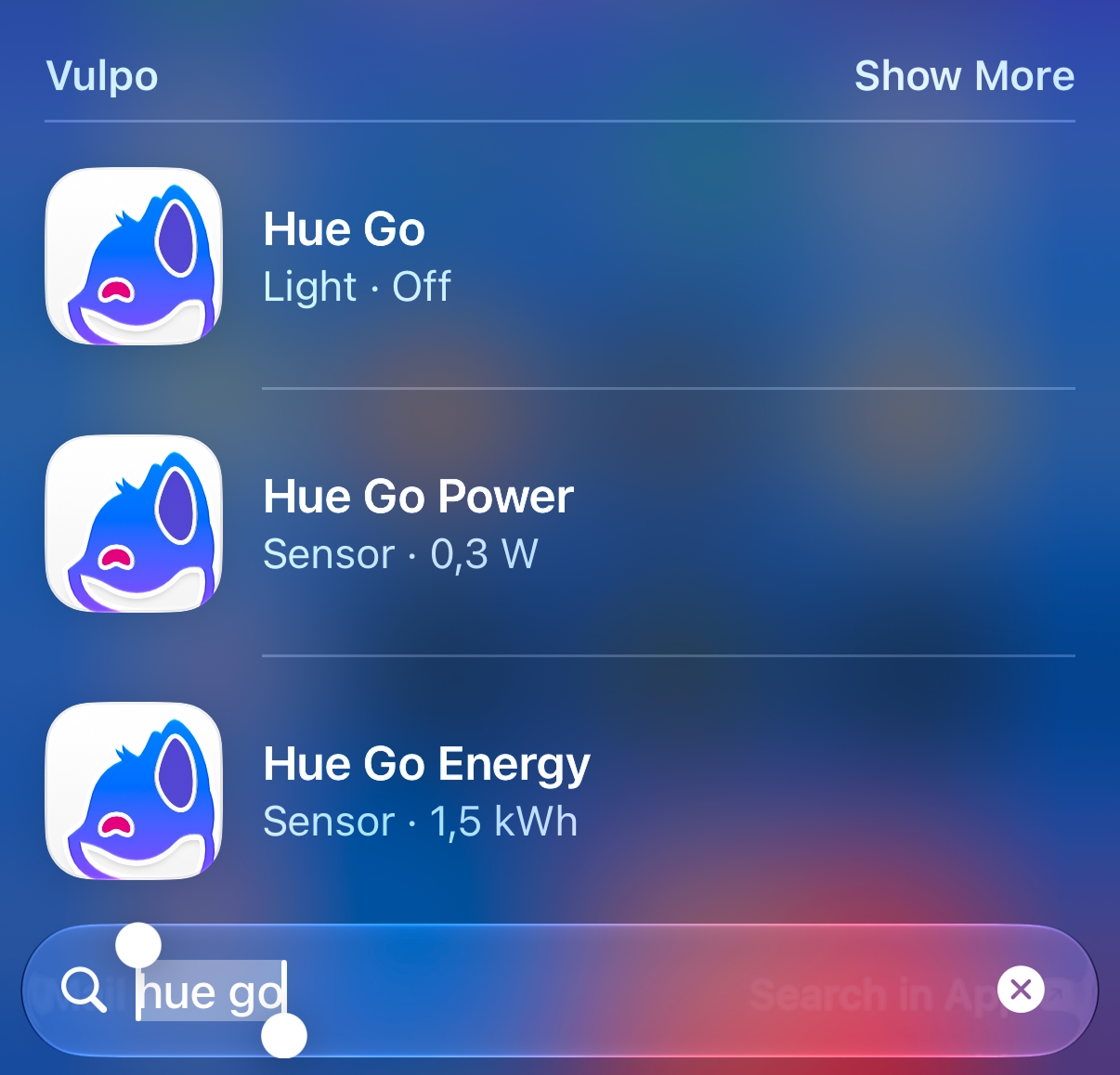
Vulpo is built for iOS 27. Describe an automation and a model drafts it. Your speakers get a real Now Playing card on the Lock Screen. Siri and Spotlight finally reach your home. And since Vulpo 1.4, it unfolds on iPhone Duo, ready for launch day on October 23.
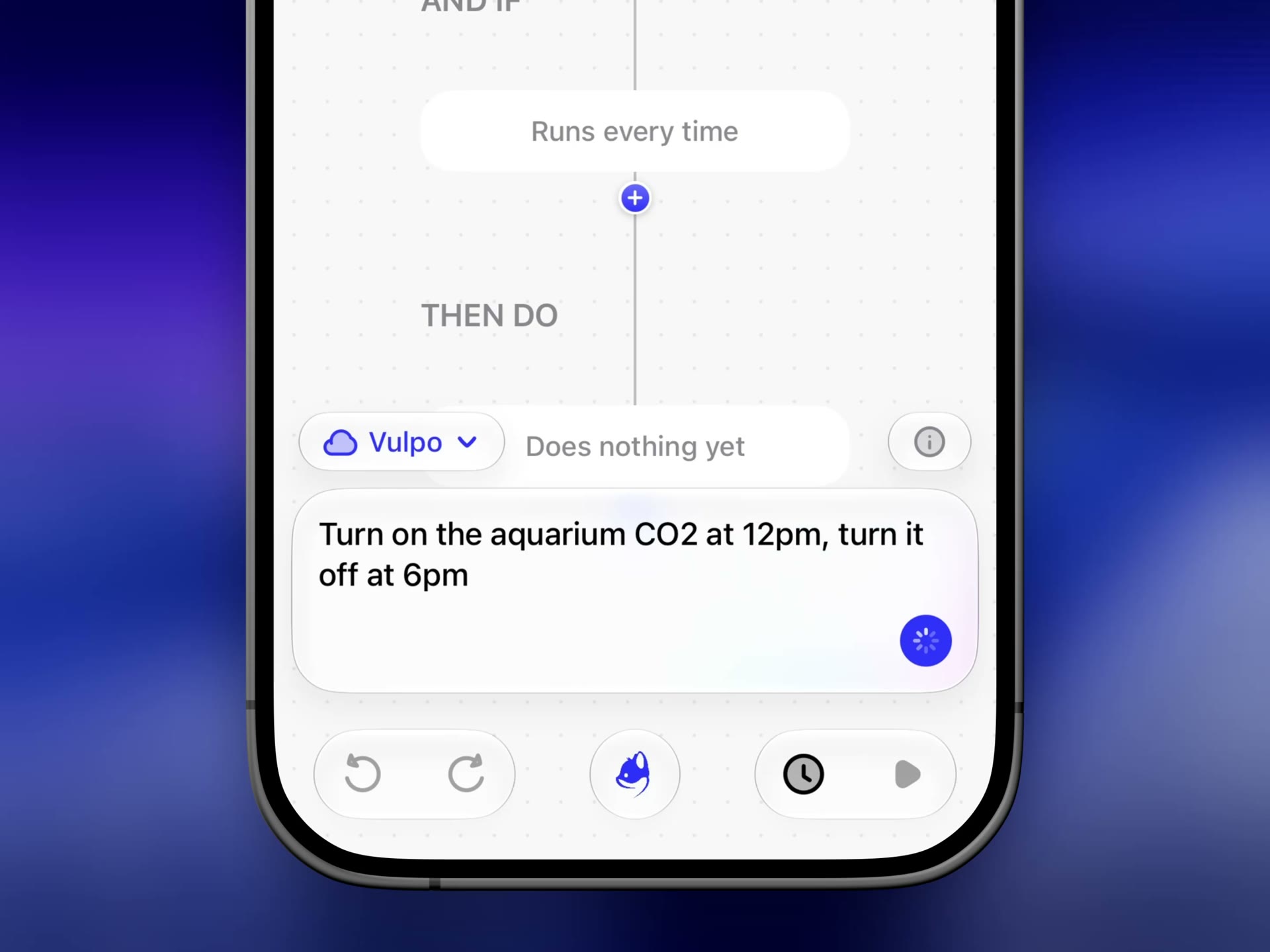
Say it in a sentence.
Vulpo drafts the steps, you check them, and one tap adds them to the automation.
Siri and Spotlight. Ask for a home report, say "turn this off" for the device on screen, and find any device in Spotlight.
Describe an automation, then read it back
A native automation editor, with a compose field at the bottom. Type what should happen, and a draft comes back in seconds.
The model works from your home, not from a guess. Every step it drafts is built through the same catalog as a step you add by hand, so a composed automation is a real one, from the first trigger to the whole document.
You read it back as a sentence, not as YAML. Every choice is a pill, and every pill is one tap to change. Anything the model left open stays highlighted until you fill it, and nothing is saved until you say so.
- Grounded Drafts name your own lights, doors and rooms, never a made-up one
- Bilingual homes Describe it in English, German, French or Dutch, whatever the room is called
- Deterministic after the model The draft is checked and written by Vulpo itself, the same way every time
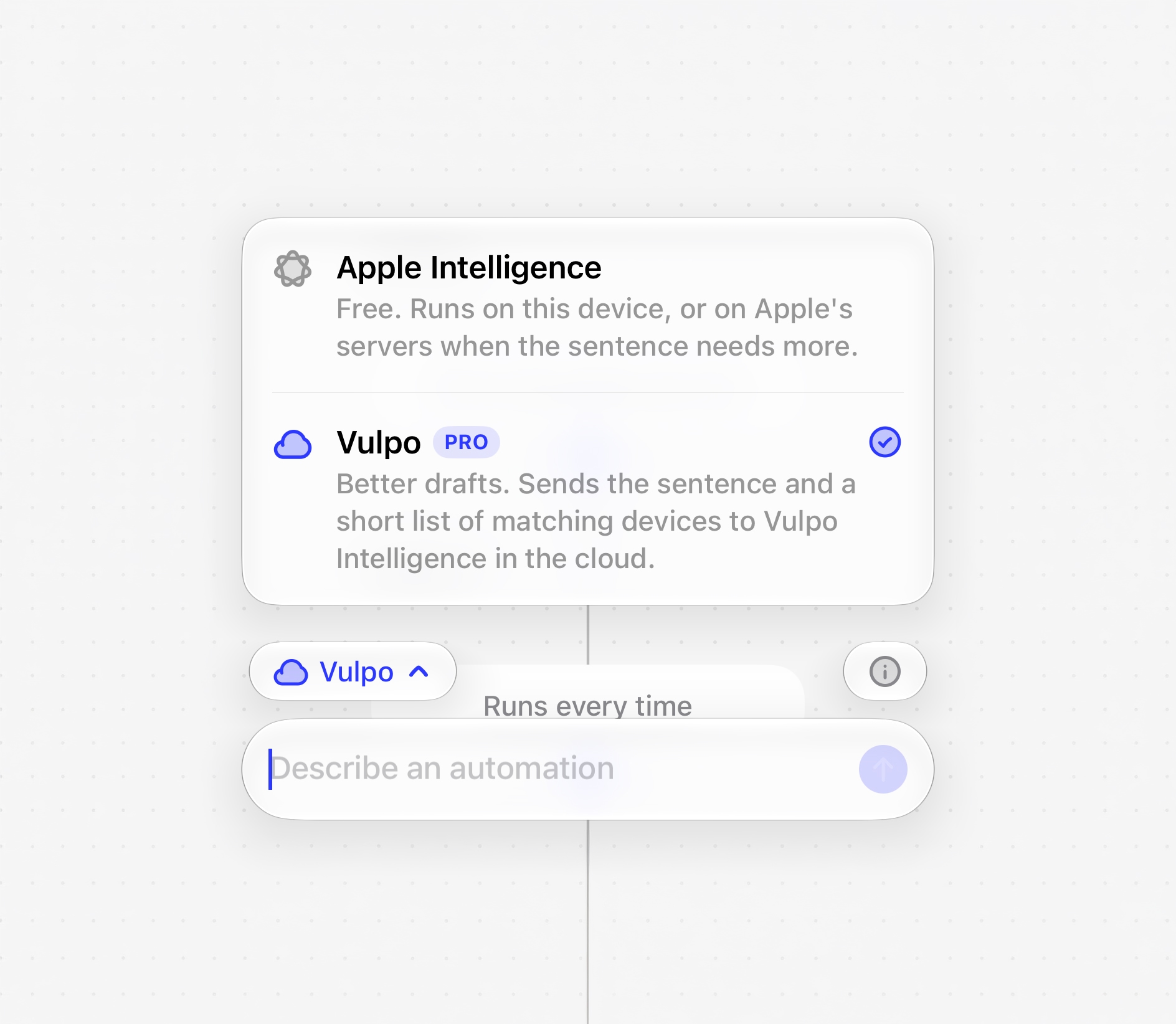
Three models, one picker
Your automation, your model. Apple Intelligence on the device, Private Cloud Compute, or Vulpo Intelligence, chosen in one picker.
On device is free, private and works offline, on iOS 26 and later. It turns a sentence into a trigger, a condition and an action.
Private Cloud Compute, on iOS 27, handles the longer sentences and writes the whole automation, branches included. Still free.
Vulpo Intelligence, part of Vulpo Pro, brings a larger model for the hardest sentences. Whole automations, 50 drafts a month, and off until you turn it on.
- On device Free and offline, on iOS 26 and later
- Private Cloud Compute Whole automations, free, on iOS 27 and macOS 27
- Vulpo Pro The largest model, 50 drafts a month, on iOS 27 and macOS 27
- Never silent Vulpo never switches you to the paid model on its own
On device
Private Cloud Compute
Vulpo Intelligence
Speakers on the Lock Screen
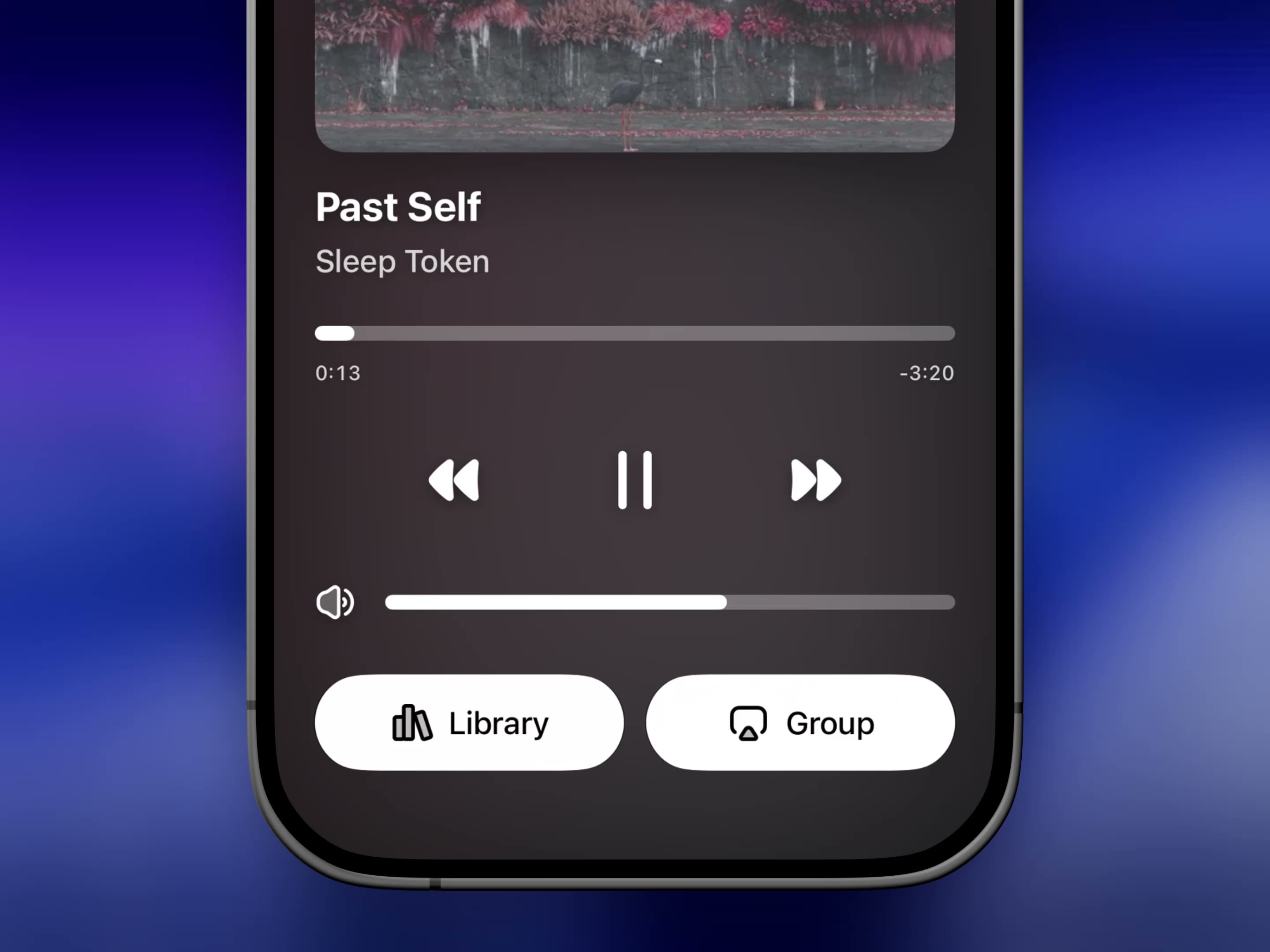
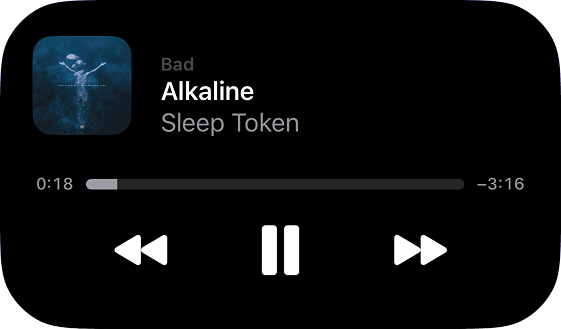
Your Home Assistant speakers, on the Lock Screen. Artwork, play, skip and volume for a speaker in another room, on the Lock Screen and in Control Center, and it works with the app closed.
iOS 27 and later, on iPhone, with a remotely reachable Home Assistant URL.
- Extension backed Play, pause and skip work with the app closed
- Artwork The cover of what is playing, updated with every track
- Volume A real slider for every speaker
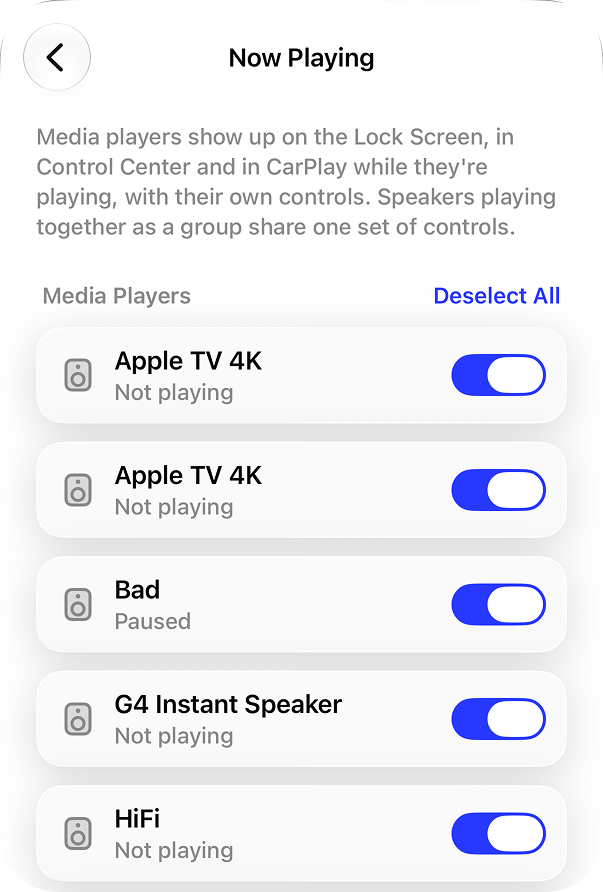
- Opt out Turn off any player, or all of them, in Settings
Siri, Shortcuts and Spotlight
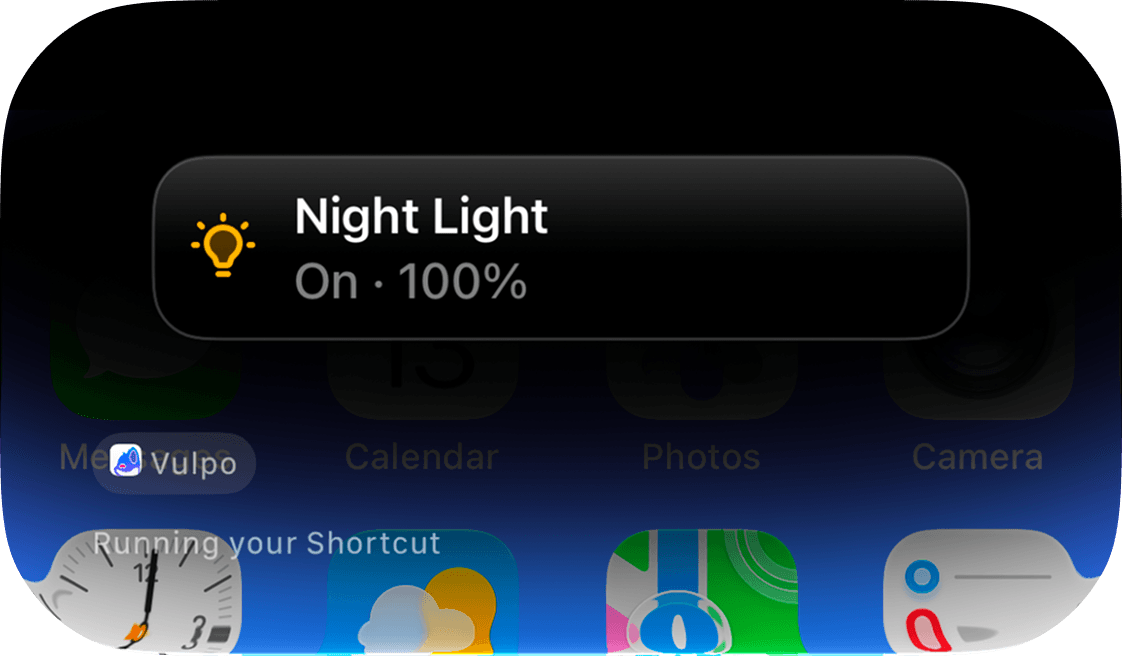
Ask Siri. Search Vulpo, open a device, check a lock or the temperature, all by voice. Eight App Shortcuts cover status, locks, covers, switches, temperature and motion, and Siri asks back when a name is missing.
Every device is in Spotlight, one swipe from the home screen. And what you control in the app comes back as a suggestion, on the Lock Screen and in Siri, right when you tend to need it.
- Search in App Ask Siri to search Vulpo and get your own devices back
- Open Jump straight to a device from Siri and Spotlight, on iPhone and iPad
- Spotlight Every device, indexed on your phone, kept current as names change
- Donations What you did in the app is suggested back to you when it fits
Ready for iPhone Duo on launch day
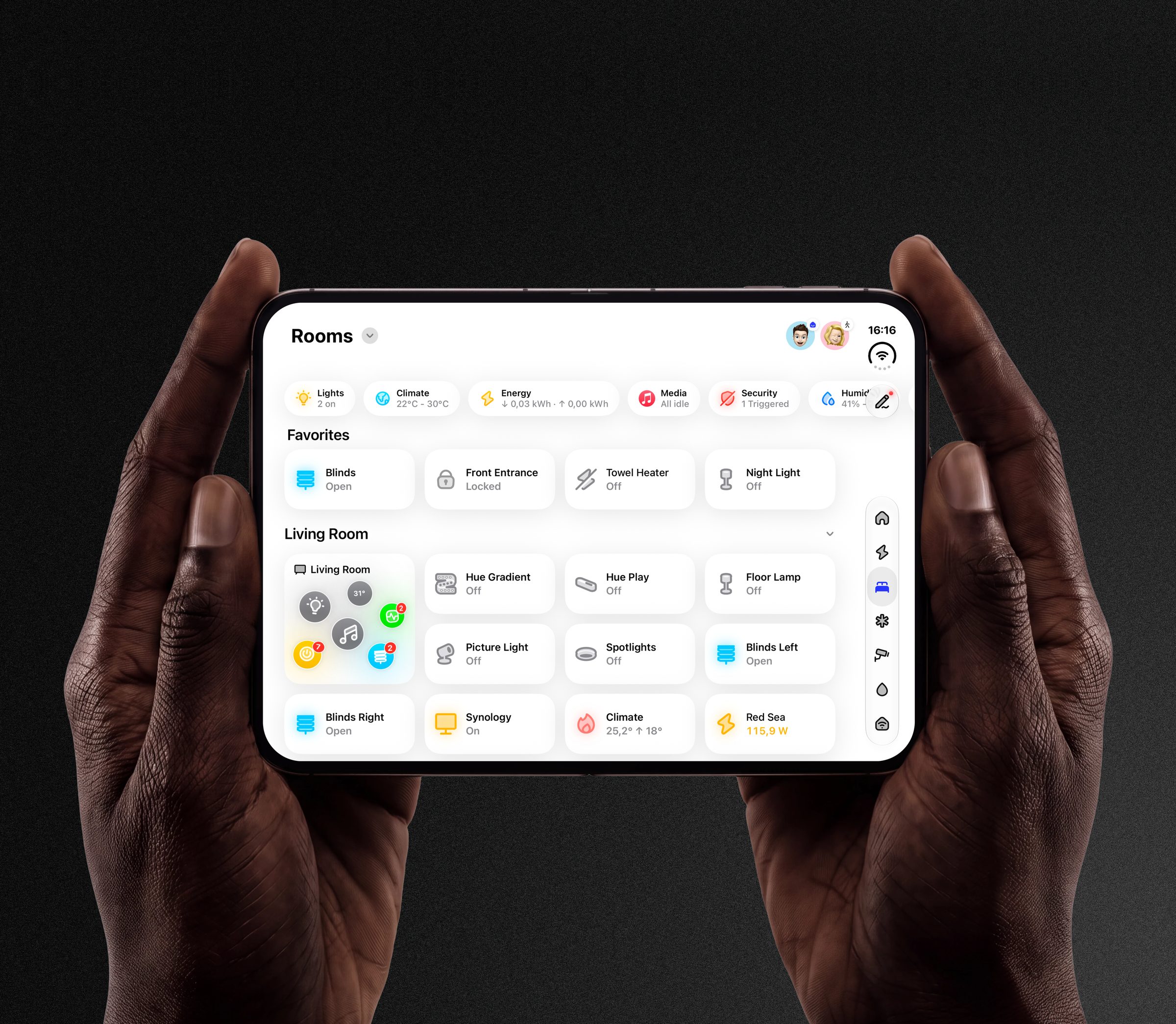
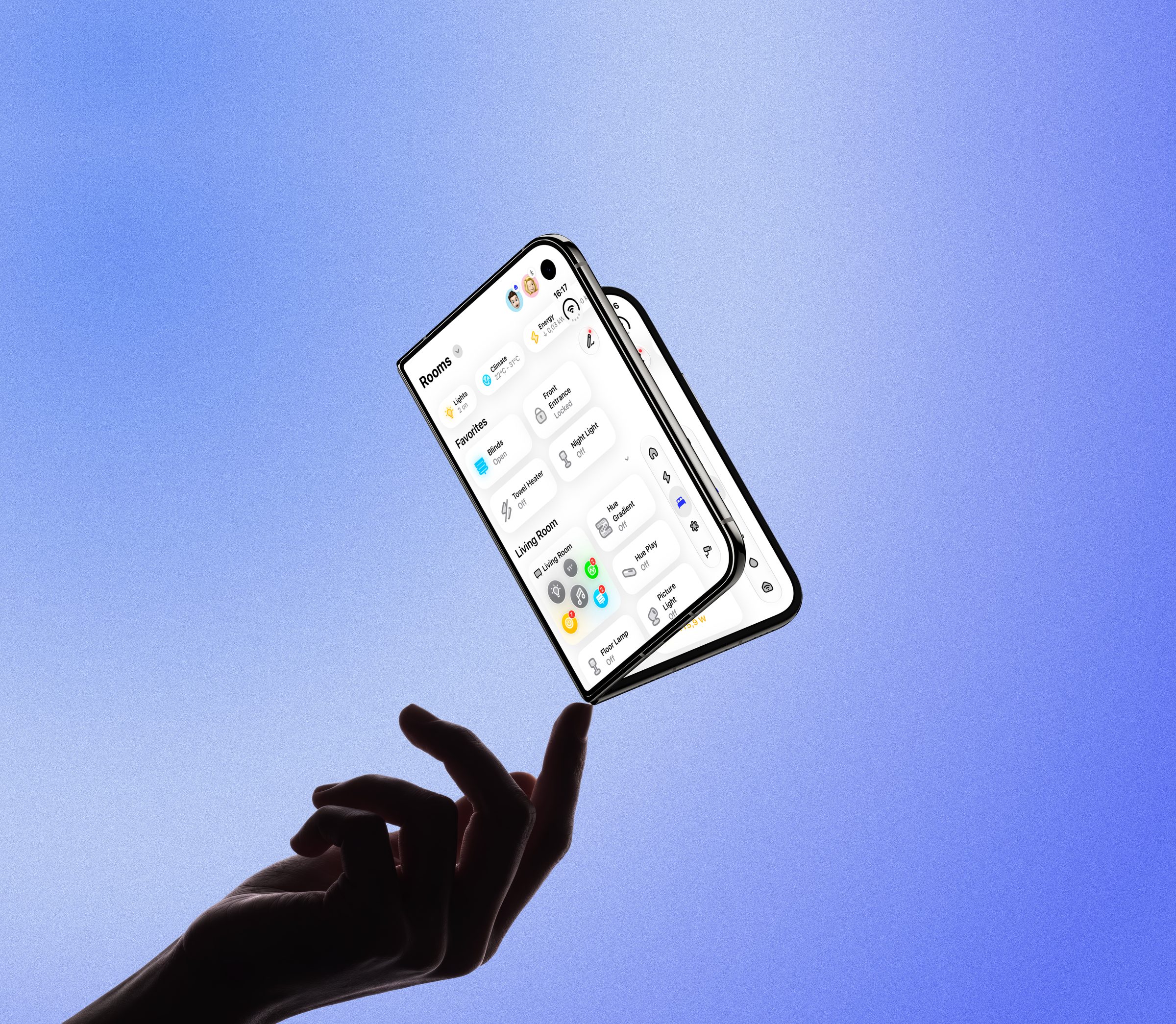
Vulpo 1.4 is ready for iPhone Duo on launch day, October 23. Closed, it is the iPhone app you know, edge to edge, with the bars along the side. Open, your dashboards spread across the 7.6-inch inner display in the multi-column layout from iPad, and Split View puts Vulpo beside any app.
The fold is part of the design. In book pose, a card's controls open on the other half, beside the grid. Folded on a table, a camera or your 3D room fills the upper half, with its controls below. Nothing is hidden in any pose.
- Open Your dashboards across the 7.6-inch inner display, in columns
- Every pose Every control stays in reach, open, closed or half folded
- Book pose A card's detail opens beside the dashboard, not over it
- Tabletop A camera or the 3D room above, its controls below
- Cameras Switch cameras in place and scroll the day's motion
- Split View Vulpo beside any app on the inner display
Private by default
Your phone talks straight to your Home Assistant. No Vulpo account, and no relay or anyone else in the middle of that connection.
Drafting is just as private. The on-device model never sends a word anywhere. Private Cloud Compute runs on Apple's servers under Apple's privacy terms, and nothing reaches Vulpo. Vulpo Intelligence is the only model that goes through a Vulpo relay, and all it sees is your sentence and the shortlist of names the model may use.
That relay checks your subscription, counts the draft and passes it on. It keeps nothing you wrote: no sentence, no draft, no names. Once the answer is back, the request is gone.
Requirements
Vulpo runs on iOS 26 and later, with the automation editor, the recipes and the on-device composer. Private Cloud Compute and Vulpo Intelligence need iOS 27 or macOS 27 and a device that supports Apple Intelligence. Now Playing on the Lock Screen needs iOS 27, a remotely reachable Home Assistant URL, and is iPhone only. iPhone Duo support needs Vulpo 1.4 and iOS 27.1, the version iPhone Duo ships with.
Everything on this page needs your own Home Assistant server. Editing automations needs an administrator account.
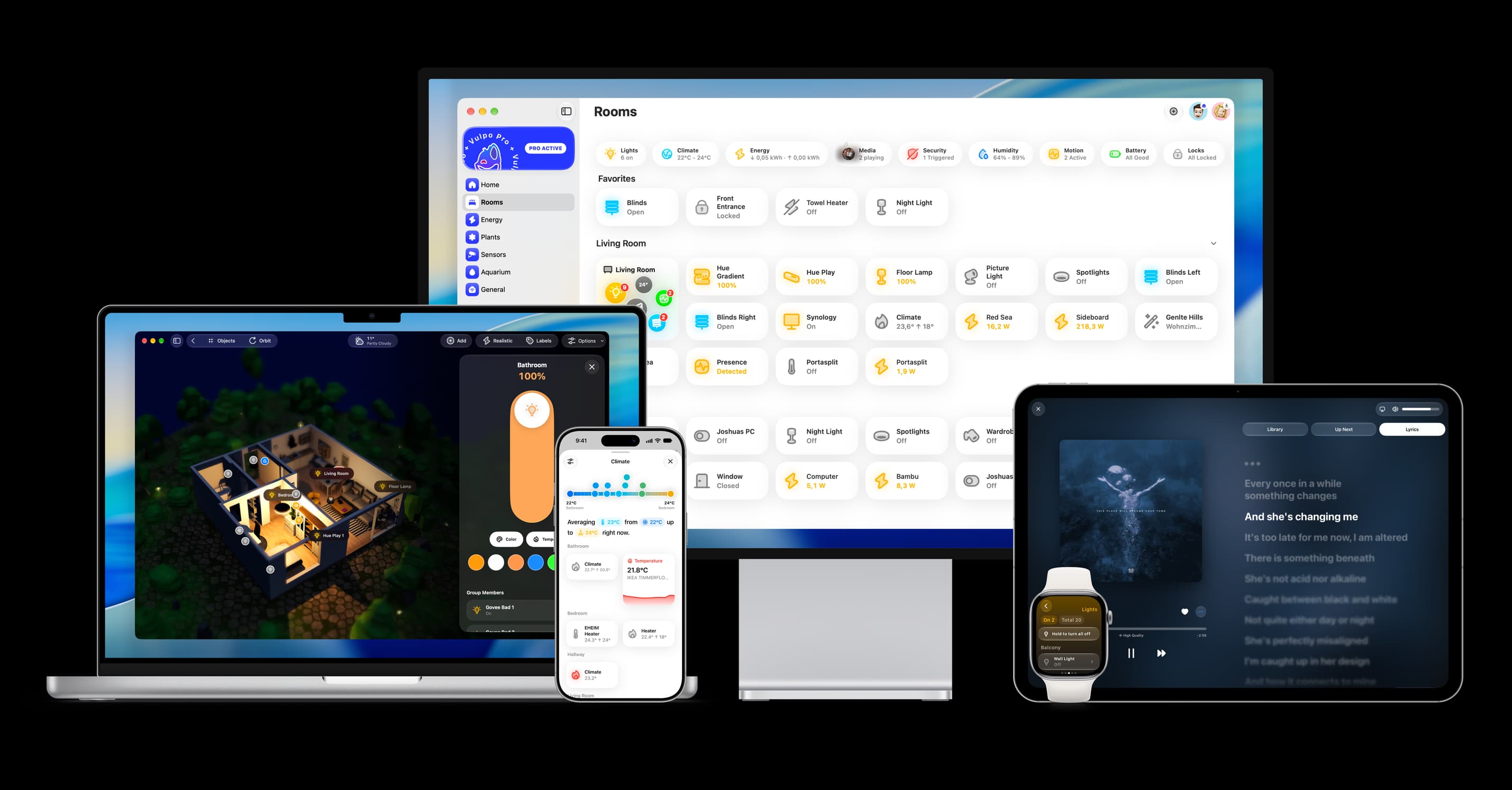
- iOS 26 for the editor and the on-device composer
- iOS 27 or macOS 27 for Vulpo Intelligence
- iOS 27.1 with Vulpo 1.4 for iPhone Duo
- Admin rights in Home Assistant