Home Assistant in iPhone Control Center
On iOS 18 and newer, the official Home Assistant app offers five Control Center controls: Assist, toggle light, run script, activate scene and open page. The same controls work on the Lock Screen and the Action button. For anything else, run a Shortcut from a control, or use an app with more control types.
 Joshua Dessol2 min read
Add a control
Open Control Center, touch and hold an empty area, tap Add a Control and search for Home Assistant (or another Home Assistant app). Pick the control and choose the light, script or scene it should use. For the Action button, open Settings, then Action Button, and choose Controls. The Lock Screen's two bottom buttons can be changed the same way after tapping Customize on the Lock Screen.
Controls in the official app
The official app added Control Center controls with iOS 18 support in September 2024.
- Assist: Talk to or type to Assist
- Toggle light: Turns a light on or off
- Run script: Runs a script
- Activate scene: Activates a scene
- Open page: Opens a Home Assistant page in the app
Anything else, through Shortcuts
For a cover, a fan or an action with data, create a Shortcut with the Home Assistant app's actions and add Apple's Shortcut control to Control Center or the Action button. It runs anything the app's Shortcuts actions can do, but it does not show the current state the way a dedicated control does.
Controls in Vulpo
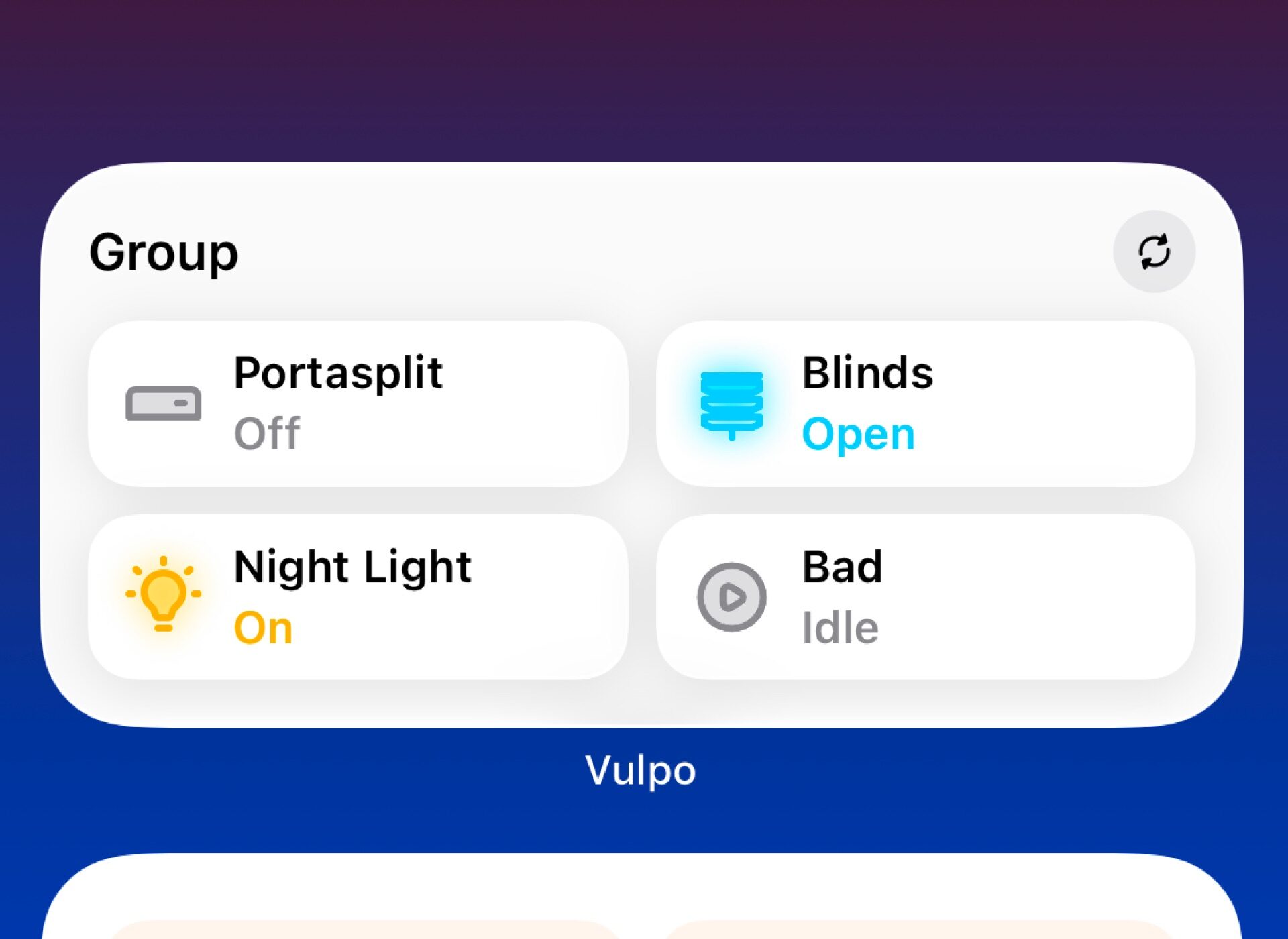
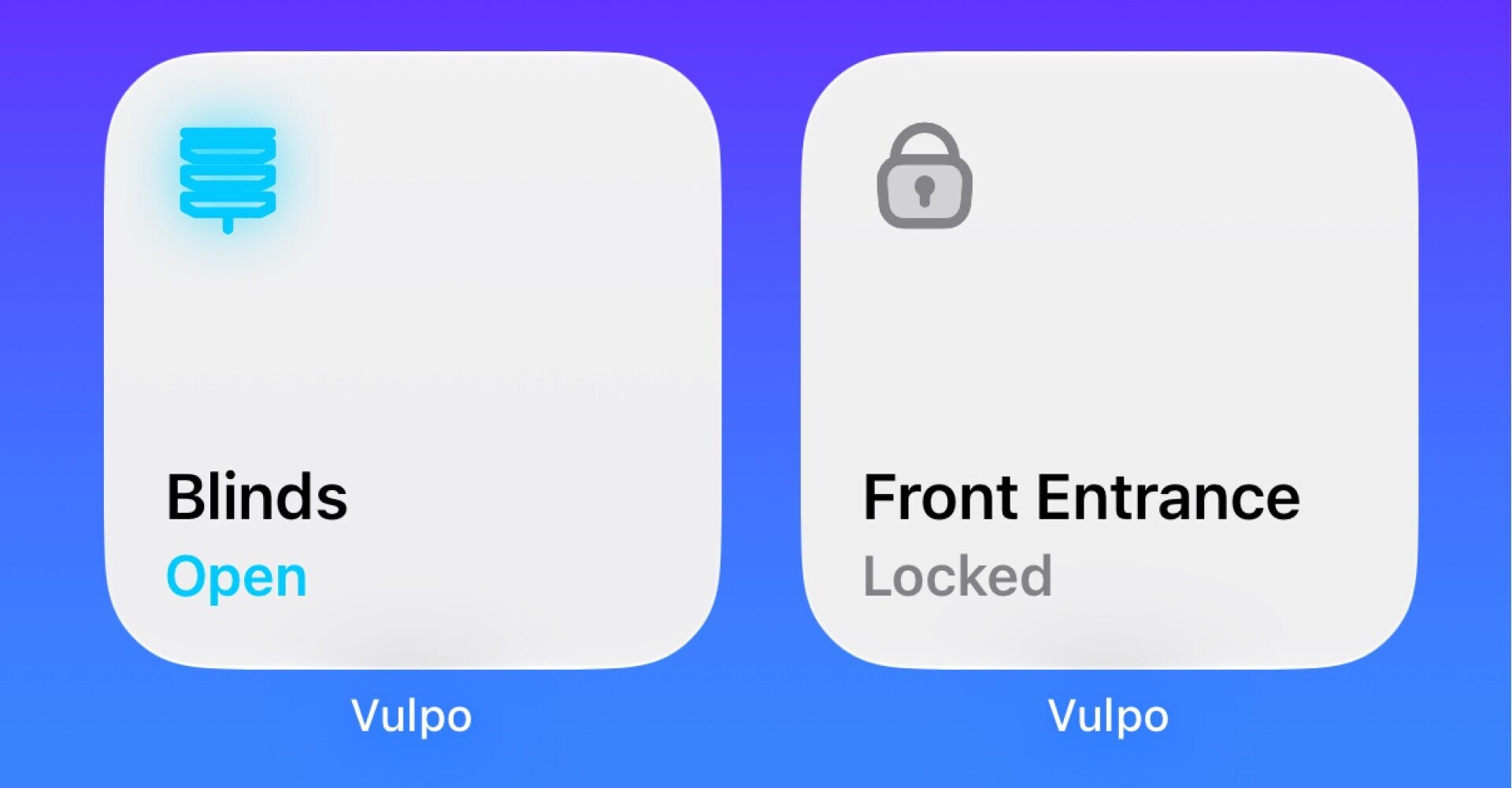
Vulpo's controls cover lights, switches, covers, scenes and scripts, plus a button that opens Vulpo, on Control Center, the Lock Screen and the Action button. They run the action directly and show the new state. All of them are included in the free version. Vulpo is made by the publisher of this site.
Questions
Can a Control Center control open my garage door?
Yes, if the garage door is a cover entity and the app offers a cover control (Vulpo does), or through a Shortcut or a script with the official app.
Sources
Sources2
Facts about other apps come from their App Store listings and documentation as of the date above. Home Assistant is a trademark of the Open Home Foundation; Vulpo is not affiliated with it. Corrections: josh@vulpo.app.
Widgets & Live Activities in VulpoMore guides
- , 3 min read
Home Assistant widgets on iPhone
The Home Assistant iOS widgets for the iPhone Home Screen and Lock Screen in the official app and Vulpo, how to add one, and what to do when it stops updating. - , 3 min read
Home Assistant Live Activities
How to show a washing machine, vacuum or other Home Assistant process as a Live Activity on the iPhone Lock Screen: the official app, Vulpo and two more apps. - , 12 min read
Best Home Assistant dashboards
Sections, Mushroom, Bubble Card, Magic Frame and native iPhone and iPad apps compared: what each costs, where it runs and who it suits, November 2026.