

Tuya Heat Pump
On Home Assistant 2026.11 or newer? Open it in the Marketplace
- Installs
- 117 sharing analytics
- GitHub stars
- 16
- Connection
- Uses the vendor's cloud
- Upkeep
- Updated in the last 6 months
- Version
- v2.6.0,
- Category
- Climate, Heat pumps and air conditioning
- Kind
- Marketplace integration
- Brand
- Tuya
- Needs
- Needs the Marketplace (HACS on 2026.10 and older)
- Domain
tuya_heat_pump- Issues
- Report an issue
Independent directory, made by the developer of Vulpo. Not affiliated with Home Assistant or the Open Home Foundation.
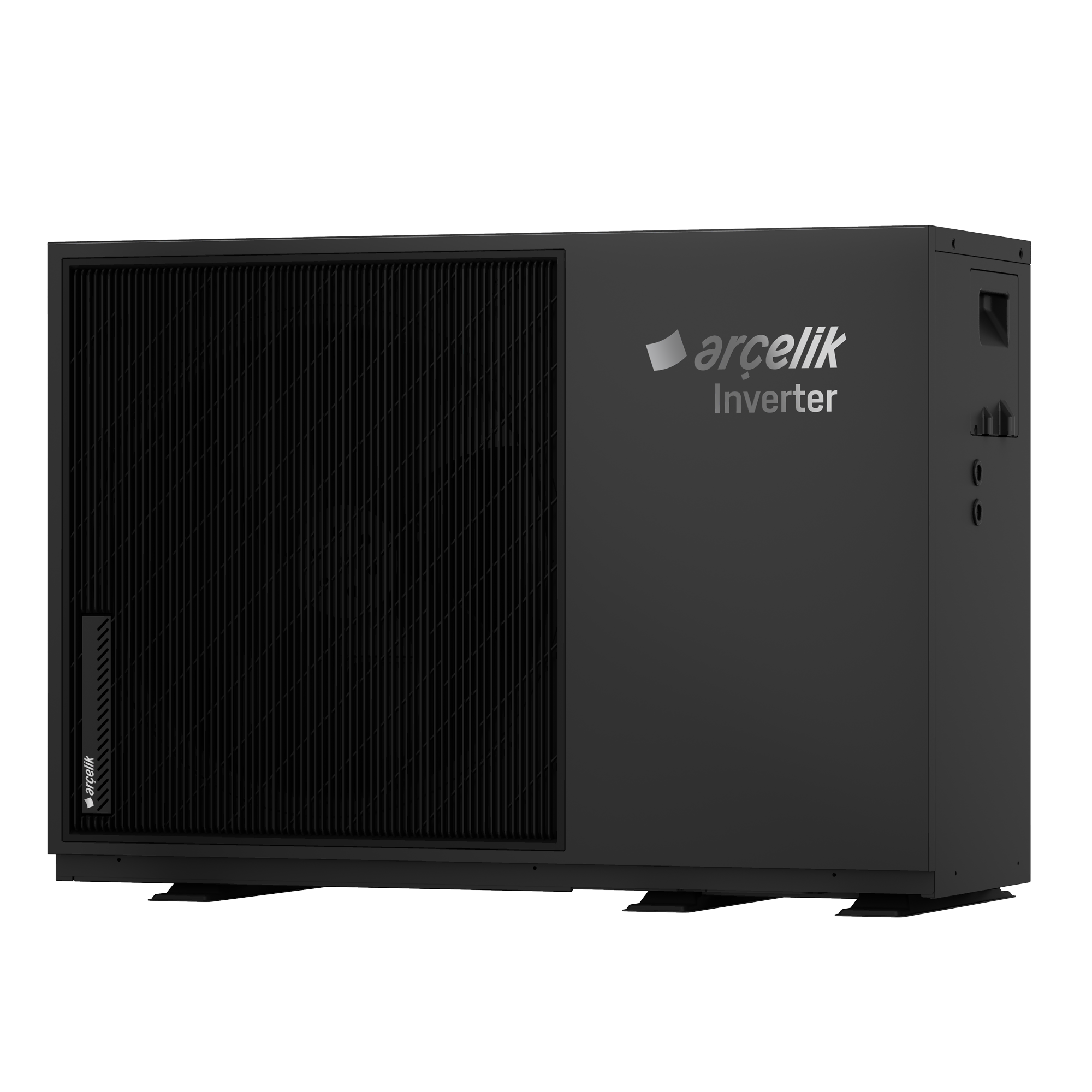
Screenshots From the README of Korkuttum/tuya_heat_pump.
About
Tuya Heat Pump controls and monitors a Tuya heat pump device from Home Assistant. It connects through the Tuya cloud, and a local network mode with a device IP address and local key is also offered. Optional MQTT push can be added on top of cloud mode, using a user code and a QR scan, to get state updates without waiting for the refresh interval. It provides binary sensors, climate, numbers, selects, sensors, switches and texts, plus a work mode select. An optional thermostat card can be built from the power switch, temperature entities and mode select, with minimum and maximum target temperatures and compressor protection timing. If the MQTT sign-in becomes invalid, a notice appears in Repairs, and setup is done in the UI.
Automatic summary of the README and code of Korkuttum/tuya_heat_pump. Something wrong, or are you the maintainer and want your own text here? Get in touch
Supports
Uses the vendor's cloud Needs an internet connection and an account with the vendor.
From the Marketplace Installed through the Marketplace, formerly HACS.
Actively maintained Its author released or pushed a change in the last six months.
Provides
- Climate
- Switches
- Sensors
Setting it up
Install it from the Marketplace and restart Home Assistant, then add it under Settings, Devices and services.
Tuya Heat Pump Setup
- Access ID
- Access Key
- Device ID
- Region
- Connection Type
- User Code (optional — for MQTT)Found in the Tuya app under Me → Settings → Account and Security → User Code. If provided, you'll be asked to scan a QR code after this step to try instant (MQTT push) updates. Note: how well this works varies by device — some devices get everything instantly, others are limited by Tuya's own restrictions (in that case the integration automatically keeps using regular polling instead, nothing breaks).
Local Device Setup
- Device IP Address
- Local Key
- Protocol Version
Cloud Configuration
- Sensor Refresh Interval (minutes)
Scan to Enable Instant Updates
- QR Code
Optional: Climate (Thermostat) Card
- Enable climate card
- Power switch
- Current temperature (optional)
- Target temperature (optional — use it if your device has one, otherwise leave blank)
- Mode select (optional — only if your device can also cool)
- Tolerance (only used without a target temperature above)
- Minimum on/off cycle duration, minutes (compressor protection; only used without a target temperature above)
- Minimum target temperature
- Maximum target temperature
Climate Card: Heat/Cool Values
- Value that means Heat
- Value that means Cool
After setup
- Sensor Refresh Interval (minutes)
- Device IP Address
- Local Key
- Protocol Version
- Enable climate card
- Power switch
- Current temperature (optional)
- Target temperature (optional — use it if your device has one, otherwise leave blank)
- Mode select (optional — only if your device can also cool)
- Tolerance (only used without a target temperature above)
- Minimum on/off cycle duration, minutes (compressor protection; only used without a target temperature above)
- Minimum target temperature
- Maximum target temperature
- Value that means Heat
- Value that means Cool
Texts from the code of Korkuttum/tuya_heat_pump.
Entities
- SelectsWork Mode
Troubleshooting
- Repair noticesNotices it can show in Settings, Repairs:MQTT sign-in needs to be redone

Shows in Vulpo
Quick Toggle card, Climate card, Select card, Chart card, Apple Watch, Control Center, Climate Live Activity.Information
- Installs
- 117 sharing analytics
- GitHub stars
- 16
- Connection
- Uses the vendor's cloud
- Upkeep
- Updated in the last 6 months
- Version
- v2.6.0,
- Category
- Climate, Heat pumps and air conditioning
- Kind
- Marketplace integration
- Brand
- Tuya
- Needs
- Needs the Marketplace (HACS on 2026.10 and older)
- Domain
tuya_heat_pump- Issues
- Report an issue
More from Tuya
 Tuya Smart IR AC1k installs · Control Tuya IR based air conditioners and generic devices from H…OpenLocalTuyaIR Remote Control467 installs · Tuya universal remote control device Home Assistant integrationOpen









