
Sofabaton X
m3tac0de
On Home Assistant 2026.11 or newer? Open it in the Marketplace
- Installs
- 623 sharing analytics
- GitHub stars
- 67
- Connection
- Works locally
- Upkeep
- Updated in the last 6 months
- Version
- 0.7.1,
- Category
- Buttons and remotes
- Kind
- Marketplace integration
- Needs
- Needs the Marketplace (HACS on 2026.10 and older)
- Domain
sofabaton_x1s- Issues
- Report an issue
Independent directory, made by the developer of Vulpo. Not affiliated with Home Assistant or the Open Home Foundation.
Screenshots From the README of m3tac0de/home-assistant-sofabaton-x1s.
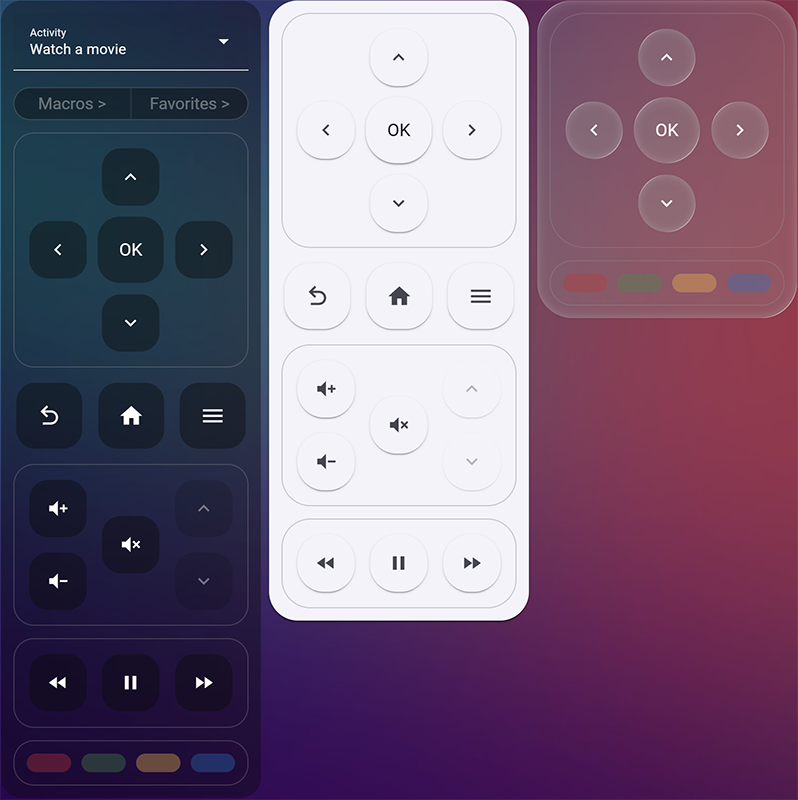
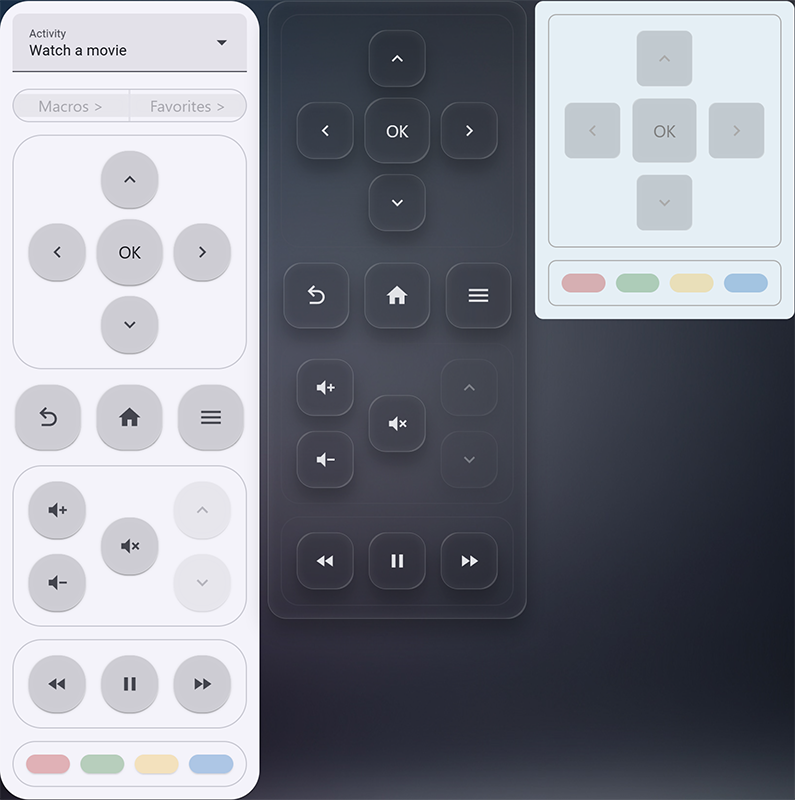
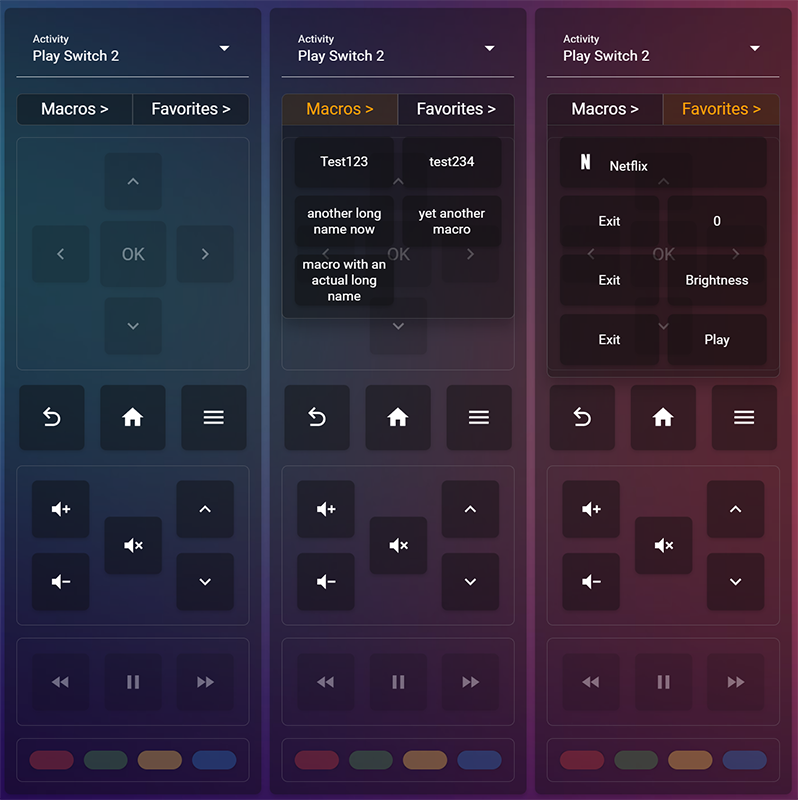
About
Sofabaton X is an integration for local control of Sofabaton X1, X1S and X2 hubs and their remotes. It connects directly to the hub over local APIs and passes remote presses and hub events to Home Assistant. A built-in local proxy presents a virtual hub, so the Sofabaton app keeps working, and entities that write to the hub become unavailable while the app is connected. It adds buttons, a remote, an activity select, sensors, switches, text fields and connection status sensors. Actions cover backing up and restoring hub configuration, editing activities and favorites, and learning, saving, playing or sending IR commands including Pronto Hex. A sidebar remote, a Control Panel for administrators and two dashboard cards are included, and setup is done in the UI with network discovery.
Automatic summary of the README and code of m3tac0de/home-assistant-sofabaton-x1s. Something wrong, or are you the maintainer and want your own text here? Get in touch
Supports
Works locally Talks to your devices on your own network. No vendor cloud in between.
Found by itself Home Assistant spots it on the network and offers to add it.
From the Marketplace Installed through the Marketplace, formerly HACS.
Actively maintained Its author released or pushed a change in the last six months.
Provides
- Remotes
- Switches
- Sensors
Setting it up
Install it from the Marketplace and restart Home Assistant, then add it under Settings, Devices and services.
Manual hub setup
- Hub IP address
Integration ports
- Hub TCP listener portTCP port used by physical hubs to connect to the integration.
- App UDP listener portUDP port used for official app discovery and connections. Keep port 8102 for iOS compatibility unless another service already uses it.
- Wifi command HTTP listener portHTTP port used to receive Wifi device button presses. Changing it breaks X1 compatibility and requires existing Wifi devices and commands to be synchronized again.
After setup
- Hub TCP listener portTCP port used by physical hubs to connect to the integration.
- App UDP listener portUDP port used for official app discovery and connections. Keep port 8102 for iOS compatibility unless another service already uses it.
- Wifi command HTTP listener portHTTP port used to receive Wifi device button presses. Changing it breaks X1 compatibility and requires existing Wifi devices and commands to be synchronized again.
Texts from the code of m3tac0de/home-assistant-sofabaton-x1s.
Entities
- Binary sensorsApp connected, Hub connected
- ButtonsFind remote, Synchronize remote, A button, B button, Back, Blue button, C button, Channel down, Channel up, Down, DVR, Exit, and 17 more
- infraredIR emitter
- RemotesRemote
- SelectsActivity
- SensorsActivity, Index, Wifi commands, Last intercepted IR command, Recorded keypress
- SwitchesHex logging, Proxy, Wifi device
- TextsHub IP address, Home Assistant IP address
Actions
- Back up hub bundleReturns a hub_bundle JSON payload. Omit device IDs to back up all devices and activities, or provide device IDs to back up only those devices.Fields: Sofabaton hub, Device IDs
- Map command to activity buttonMaps a command to a physical button in an activity on the selected hub.Fields: Sofabaton hub, Activity ID, Activity button ID, Device ID, Command ID, Long-press device ID, Long-press command ID
- Add command to activity favoritesAdds a command to an activity's favorites on the selected hub.Fields: Sofabaton hub, Activity ID, Device ID, Command ID, Favorite slot ID
- Create Wifi deviceCreates a Wifi device on the selected hub.Fields: Sofabaton hub, Device name, Custom commands, Power-on command ID, Power-off command ID, Input command IDs
- Delete deviceDeletes a device and confirms all affected activities on the selected hub.Fields: Sofabaton hub, Device ID
- Delete activity favoriteDeletes one favorite from an activity on the selected hub.Fields: Sofabaton hub, Activity ID, Favorite ID
- Add device to activityAdds a device to an activity on the selected hub.Fields: Sofabaton hub, Activity ID, Device ID, Input command ID
- Dump raw IR commandsRequests 0x020C [device_id, command_id] and returns parsed raw command blob pages for a device.Fields: Sofabaton hub, Device ID, Command ID
- Export hub snapshotReturns the structural hub_bundle the live Control Panel editor reads (cached proxy state only, no hub round trip and no per-command IR blob dump), plus the cache generation it was exported at. Pass that generation to the sync edited snapshot action's expected generation to catch a stale baseline. Requires the persistent cache to be enabled and populated. Edit the returned JSON offline and pass it back as the baseline and edited snapshots to write just the changed rows.Fields: Sofabaton hub
- Fetch normalized blobRequests 0x020C [device_id, command_id] and returns normalized command blob records, including the canonical body, removed checksum byte, and a parsed descriptor when available.Fields: Sofabaton hub, Device ID, Command ID
- Fetch commands for device or activityFetches and caches commands for an activity or device so they appear on the diagnostic sensor.Fields: Sofabaton hub, Activity or device ID
- Get activity favoritesFetches the ordered quick-access list for an activity, including favorites and macros with their order IDs, display slots, types, and labels.Fields: Sofabaton hub, Activity ID
- Save IR blobAdds a command to an existing IR device by staging the current command IDs, uploading a canonical command blob, and saving it on the hub.Fields: Sofabaton hub, Device ID, Command name, Blob or descriptor
- Set IR learn modeArms or disarms the hub's IR learning mode. While armed, the hub's IR receiver waits for a button press from the source IR remote. Arming always exits any previous learning session first. This action only toggles the mode; it does not wait for a captured code. Use Learn IR command for the full learn flow.Fields: Sofabaton hub, Enabled
- Learn IR commandArms the hub's IR learning mode and waits for one code from the source IR remote. The response reports what happened: learned (with the captured payload), timed_out (nothing was received), or interrupted (other hub traffic ended the learning window). No manual mode switching is needed.Fields: Sofabaton hub, Timeout
- Play IR blobStreams a command blob to the hub for one-time playback without saving it. Accepts a canonical blob body without its final replay-tail checksum byte or a descriptive protocol string such as P:Sony12 R:40000 D:1 F:18 MUL:2.Fields: Sofabaton hub, Blob or descriptor
- Reorder activity favoritesReorders an activity's favorites using their hub-order IDs.Fields: Sofabaton hub, Activity ID, Ordered favorite IDs
- Restore hub bundleRestores a hub_bundle JSON payload. Devices are restored first, followed by activities using the automatically generated device ID mapping.Fields: Sofabaton hub, Backup payload
- Send Pronto HexDecodes a learned-format Pronto Hex code (0000) and sends it through the hub's IR emitter. The emitter timestamp updates, and the Last intercepted IR command sensor records the payload prepared for the hub.Fields: Pronto Hex
- Synchronize command configurationDeploys the saved command-slot configuration by recreating the managed Wifi device and applying activity mappings.Fields: Sofabaton hub, Wifi Device, Device name, Wifi Device key
Troubleshooting
- DiagnosticsDownloads a diagnostics file to attach to a bug report.
- Repair noticesNotices it can show in Settings, Repairs:Sofabaton hub firmware update recommended
From the README
Local, bidirectional control of Sofabaton X1, X1S, and X2 hubs from Home Assistant.
Sofabaton X connects directly to your hub using local APIs. It can control the hub, expose remote presses and hub events to Home Assistant, edit hub configuration, and let the official Sofabaton app continue to work through a built-in local proxy.

Shows in Vulpo
Quick Toggle card, Button card, Select card, Chart card, Apple Watch, Control Center.Information
- Installs
- 623 sharing analytics
- GitHub stars
- 67
- Connection
- Works locally
- Upkeep
- Updated in the last 6 months
- Version
- 0.7.1,
- Category
- Buttons and remotes
- Kind
- Marketplace integration
- Needs
- Needs the Marketplace (HACS on 2026.10 and older)
- Domain
sofabaton_x1s- Issues
- Report an issue