

Marketplace integration
Bosch HomeCom
On Home Assistant 2026.10 or older? Open it in HACS
- Installs
- 573 sharing analytics
- GitHub stars
- 104
- Connection
- Uses the vendor's cloud
- Upkeep
- Updated in the last 6 months
- Version
- v1.6.5,
- Category
- Climate
- Kind
- Marketplace integration
- Brand
- Bosch
- Needs
- Needs the Marketplace (HACS on 2026.10 and older)
- Domain
bosch_homecom- Issues
- Report an issue
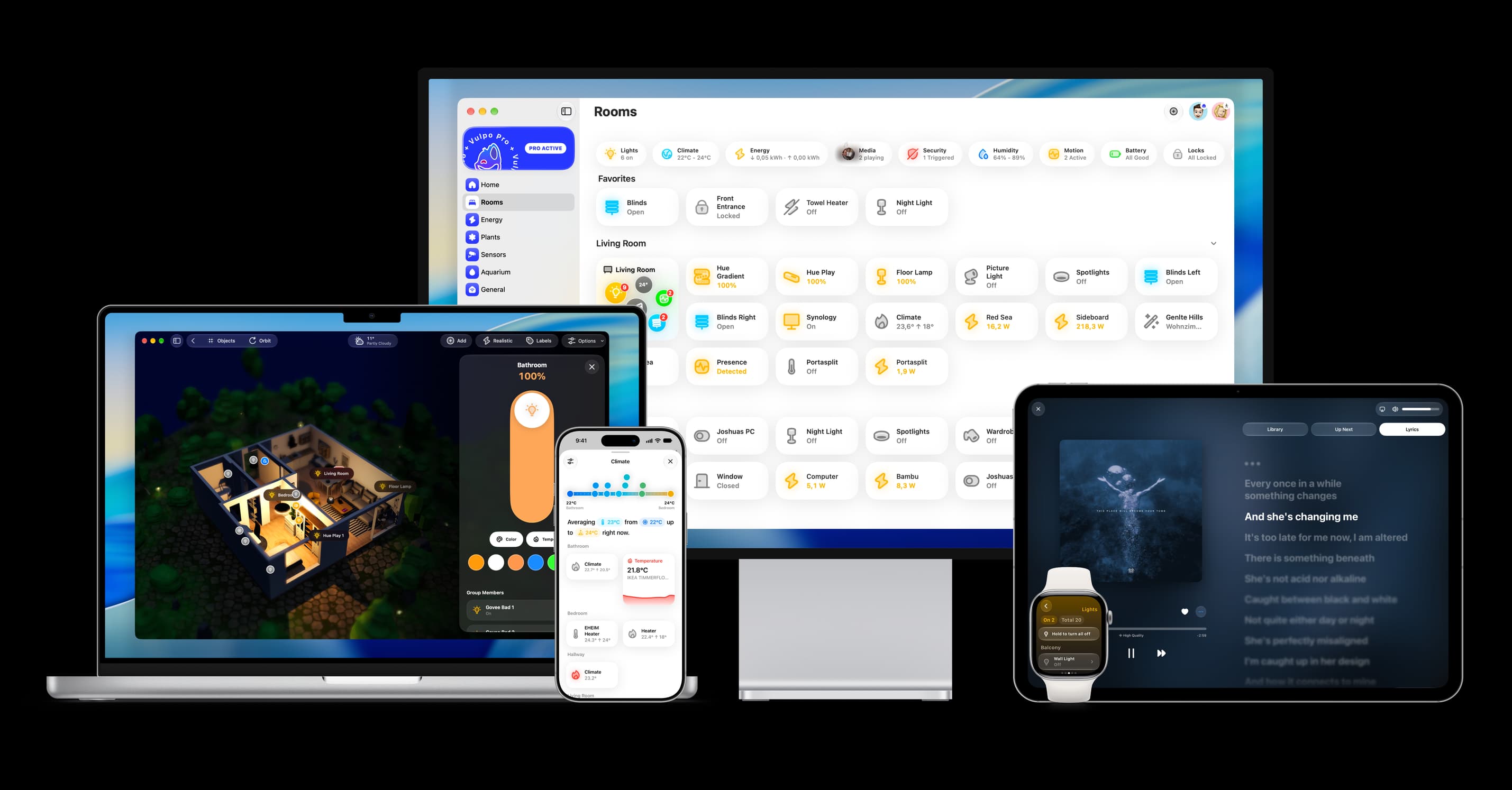
Shows in Vulpo Quick Toggle card, Climate card, Fan card, Button card, Apple Watch, Control Center, Climate Live Activity.


Scan with your iPhone
DownloadIndependent directory, made by the developer of Vulpo. Not affiliated with Home Assistant or the Open Home Foundation.
Screenshots From the README of serbanb11/bosch-homecom-hass.
About
Bosch HomeCom Easy integration for Home Assistant
Description from serbanb11/bosch-homecom-hass

Shows in Vulpo
Quick Toggle card, Climate card, Fan card, Button card, Apple Watch, Control Center, Climate Live Activity.Supports
- Uses the vendor's cloudNeeds an internet connection and an account with the vendor.
- From the MarketplaceInstalled through the Marketplace, formerly HACS.
- Actively maintainedIts author released or pushed a change in the last six months.
Provides
- Climate
- Water heaters
- Fans
- Switches
- Sensors
Setting it up
Install it from the Marketplace and restart Home Assistant, then add it under Settings, Devices and services.
Authentication
- SingleKey ID username
- SingleKey ID password
Also asked when signing in again and changing the connection.
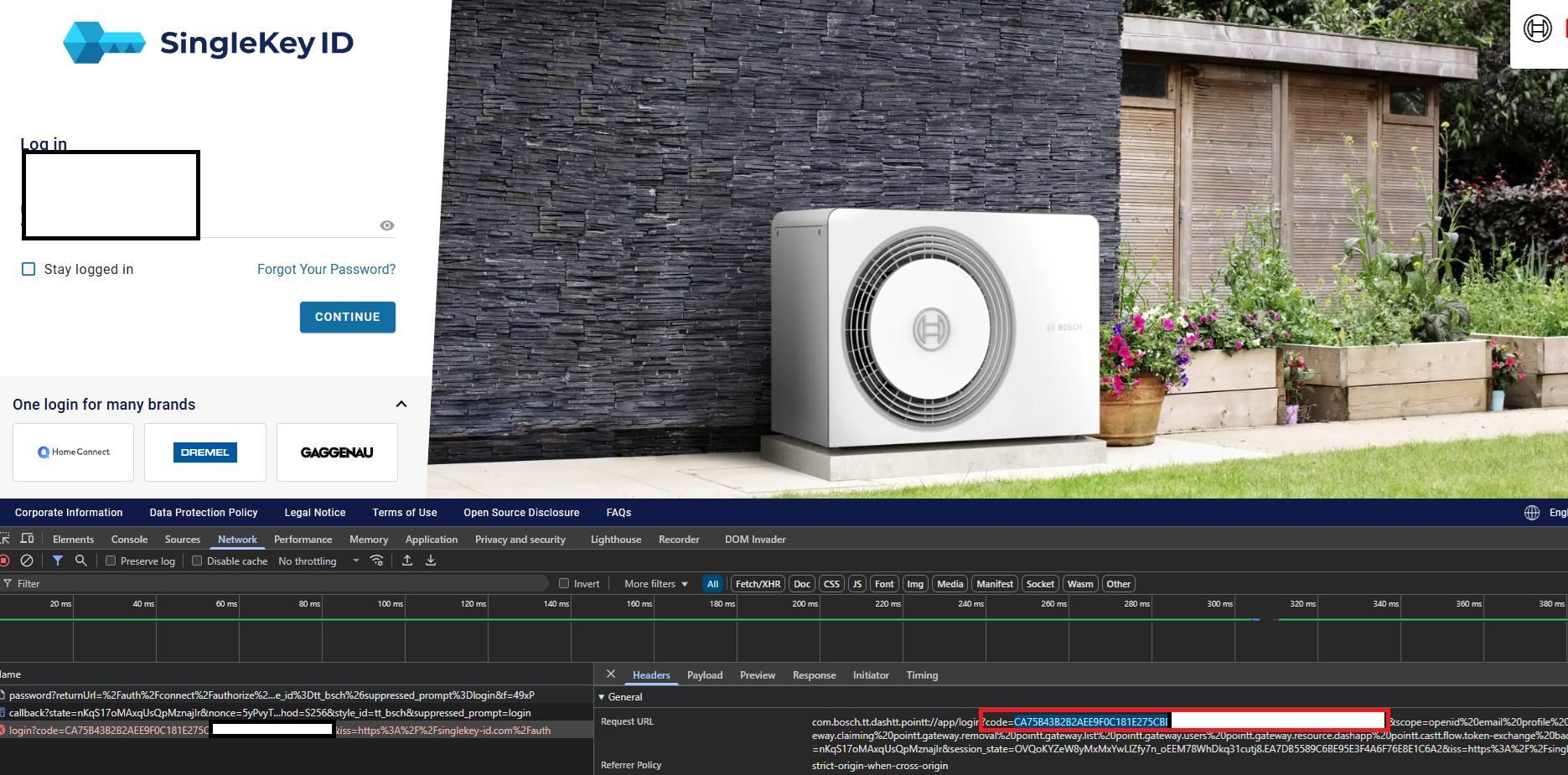
Browser Authentication
- SingleKey ID code
After setup
- Update interval (seconds)
- Buderus brand
- Wallbox label
- Gateway
- Gateway hostname or IP address
- Login (from the gateway label)
- Pass (from the gateway label)
- Existing access token (instead of Login and Pass)
- Remove local access for this gateway
Texts from the code of serbanb11/bosch-homecom-hass.
Entities
- Binary sensorsHeat source flow below measuring range, Wallbox Network, RF Connection, Heating circuit pump, Connectivity, Holiday active, Central heating active, Standby mode, Emergency mode, PV contact, Power limitation, and 1 more
- ButtonsAuthenticate Charging, Start Charging, Pause Charging, Extra hot water, Filter reset
- ClimateAir conditioner
- FansAir purifier
- NumbersElectricity Price, Charging Limit, Summer bypass duration, DHW charge duration, Pool setpoint, HC1 max flow temperature, HC1 summer/winter threshold, HC1 comfort setpoint, HC1 eco setpoint, HC1 heat curve base point, HC1 heat curve end point, and 4 more
- SelectsHorizontal airflow, Vertical airflow, Program, Operation mode, Temperature level, Summer/winter mode, Heat/cool mode, Cooling operation mode, Holiday mode, Away mode, and 9 more
- SensorsStatus, Indoor Humidity, Flame Indication, Energy History, Level, Wallbox State, Wallbox Power, Wallbox Energy Total, Wallbox Temperature, Wallbox Phases, and 128 more
- SwitchesChild Lock, Wallbox Locked, Wallbox Auth, Wallbox RFID Secure, Plasmacluster, Frost protection, Safety Temperature, Holiday Mode, Pool heating, Boost, and 9 more
- Water heatersWater heater
Troubleshooting
- DiagnosticsDownloads a diagnostics file to attach to a bug report.
From the README
A Home Assistant custom integration for Bosch HomeCom Easy-connected appliances. Cloud-polling, pure async, automatic token refresh, with optional read-only local network access for K 40 RF gateways.
Disclaimer: This project is not affiliated with Bosch or Home Assistant.
Information
- Installs
- 573 sharing analytics
- GitHub stars
- 104
- Connection
- Uses the vendor's cloud
- Upkeep
- Updated in the last 6 months
- Version
- v1.6.5,
- Category
- Climate
- Kind
- Marketplace integration
- Brand
- Bosch
- Needs
- Needs the Marketplace (HACS on 2026.10 and older)
- Domain
bosch_homecom- Issues
- Report an issue
More from Bosch



You might also like









Try it with your own Home Assistant.
- Free to download
- iPhone, iPad, Mac and Apple Watch
- 40+ native card types
- Connects to your own Home Assistant