

Built-in integration
LG TV via Serial
- Installs
- 11 sharing analytics
- Connection
- Works locally
- Upkeep
- Part of Home Assistant
- Quality
- Silver on the quality scale
- Category
- Media and entertainment, TV and streaming
- Kind
- Built-in integration
- Brand
- LG
- Needs
- Built into Home Assistant
- Domain
lg_tv_rs232



Independent directory, made by the developer of Vulpo. Not affiliated with Home Assistant or the Open Home Foundation.
About
LG TV via Serial is a built-in integration for Home Assistant.

Shows in Vulpo
Media Player card, Apple Watch.Installs over time
11+5 in 30 days
Oct 20Nov 19
#1,076 of 1,095 built-in integrations, up 7 places in 30 days. Installs sharing analytics.
Supports
- Works locallyTalks to your devices on your own network. No vendor cloud in between.
- Set up in the UIAdd it in Settings, Devices and services. Nothing to download.
- Silver qualityHome Assistant's own rating of its code and setup experience.
- Updated with Home AssistantShips and updates with every Home Assistant release.
Provides
- Media
Setting it up
It is added under Settings, Devices and services, with Add integration.
Connect
- PortSerial port path to connect to. The TV must be powered on for the initial connection.
- Set IDThe set ID configured on the TV. Leave this at 1 unless you have multiple TVs daisy-chained on the same RS-232 bus.
Texts from Home Assistant's source code, Apache License 2.0.
Information
- Installs
- 11 sharing analytics
- Connection
- Works locally
- Upkeep
- Part of Home Assistant
- Quality
- Silver on the quality scale
- Category
- Media and entertainment, TV and streaming
- Kind
- Built-in integration
- Brand
- LG
- Needs
- Built into Home Assistant
- Domain
lg_tv_rs232
More from LG


You might also like











Try it with your own Home Assistant.
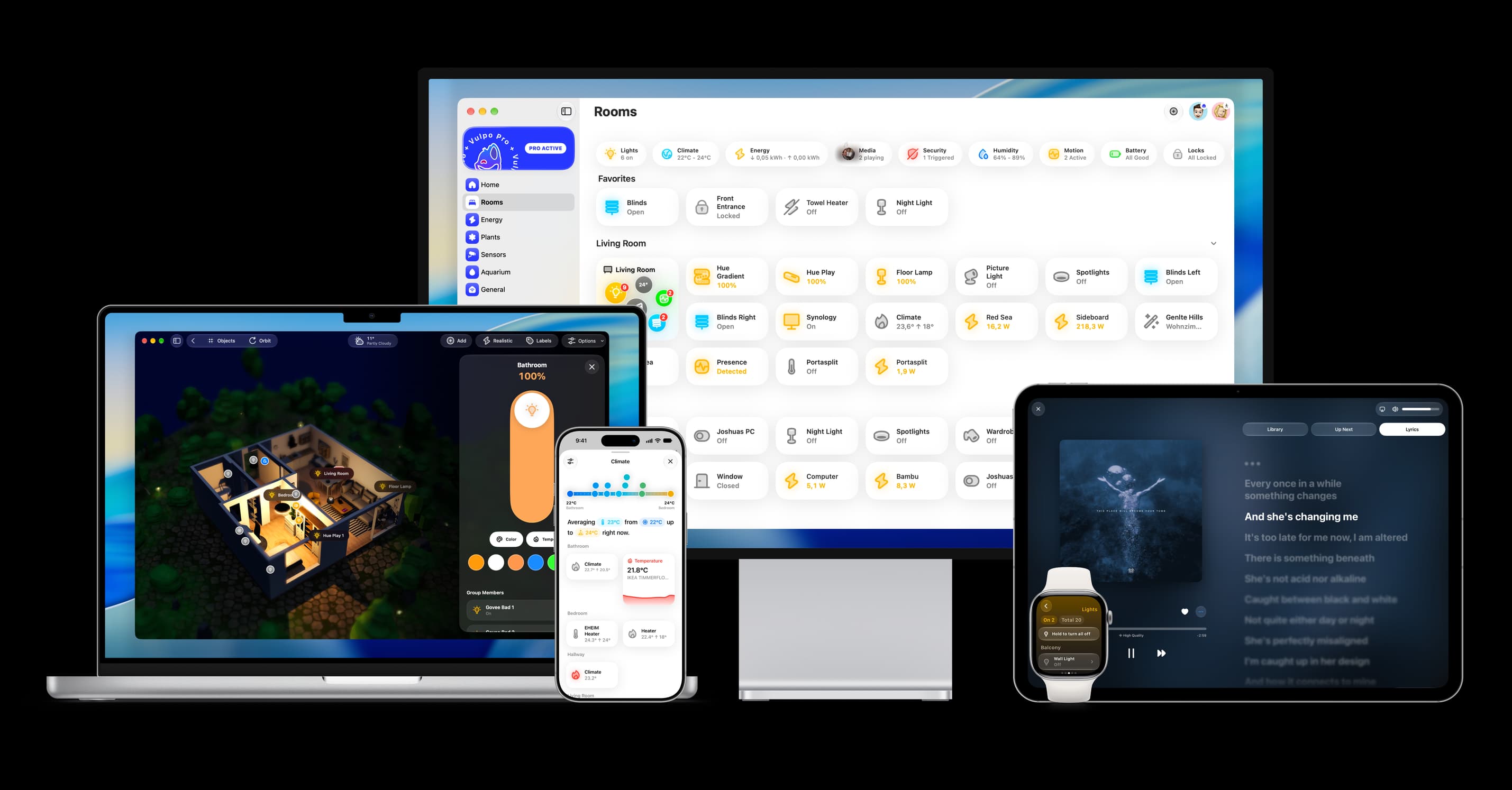
- Free to download
- iPhone, iPad, Mac and Apple Watch
- 40+ native card types
- Connects to your own Home Assistant