
On Home Assistant 2026.10 or older? Open it in HACS
- Installs
- 51 sharing analytics
- GitHub stars
- 8
- Connection
- Works locally
- Upkeep
- Updated in the last 6 months
- Version
- v1.9.0,
- Category
- Energy, EV charging
- Kind
- Marketplace integration
- Brand
- SolarEdge
- Needs
- Needs the Marketplace (HACS on 2026.10 and older)
- Domain
keba_one_ev- Issues
- Report an issue


Independent directory, made by the developer of Vulpo. Not affiliated with Home Assistant or the Open Home Foundation.
About
SolarEdge One EV Charger connects a SolarEdge ONE EV Charger to Home Assistant over the local network. It talks to the charger directly through the KEBA UDP protocol, so no cloud service or SolarEdge account is needed, and other chargers using that protocol can work too. It adds sensors for charging state, power, session and total energy, plus current, voltage and power factor per phase. Binary sensors show whether a vehicle is connected and whether charging is running, and a button unlocks the cable. A number entity sets the charging current in ampere, which allows automations that follow a target power, with 6 A as the lowest value. Setup is done in the UI by entering the charger's IP address, UDP port and polling interval.
Automatic summary of the README and code of mousehome-net/keba_one_ev. Something wrong, or are you the maintainer and want your own text here? Get in touch

Shows in Vulpo
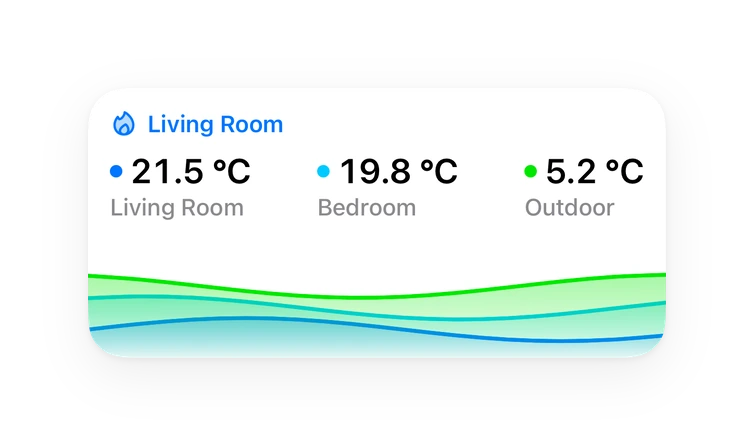
Button card, Chart card, Apple Watch.Installs over time
#1,657 of 1,684 Marketplace integrations, down 2 places in 30 days. Installs sharing analytics.
Supports
- Works locallyTalks to your devices on your own network. No vendor cloud in between.
- From the MarketplaceInstalled through the Marketplace, formerly HACS.
- Actively maintainedIts author released or pushed a change in the last six months.
Provides
- Sensors
Setting it up
Install it from the Marketplace and restart Home Assistant, then add it under Settings, Devices and services.
Set Up SolarEdge One EV Charger
- IP Address
- UDP Port
- Polling Interval (Seconds)
Texts from the code of mousehome-net/keba_one_ev.
Entities
- Binary sensorsVehicle Connected, Charging, Backend Connected, COM Module Present
- ButtonsUnlock Cable
- NumbersCharging Current
- SensorsCharging State, Charging Power, Session Energy, Total Energy, Current L1, Current L2, Current L3, Current Limit (User), Voltage L1, Voltage L2, Voltage L3, Power Factor, and 15 more
From the README
A Home Assistant custom integration for the SolarEdge ONE EV Charger and other chargers that speak the KEBA UDP protocol. Communicates directly via the KEBA UDP protocol on the local network — no cloud, no SolarEdge account required.
- 6 A is the lowest value (about 4 kW on three phases). The current can't be lowered further or paused (see above), so a smaller surplus is drawn from the battery or the grid.
- A change is applied after a few seconds (KEBA documents 6–7 s, about 3 s were measured). Adjust no faster than every 30 s and use some hysteresis.
- A curr value stays until the charger is rebooted, no periodic re-sending is needed (held for over 230 s without any command on FW 04.00.70).
Information
- Installs
- 51 sharing analytics
- GitHub stars
- 8
- Connection
- Works locally
- Upkeep
- Updated in the last 6 months
- Version
- v1.9.0,
- Category
- Energy, EV charging
- Kind
- Marketplace integration
- Brand
- SolarEdge
- Needs
- Needs the Marketplace (HACS on 2026.10 and older)
- Domain
keba_one_ev- Issues
- Report an issue
More from SolarEdge
 SolarEdge Modbus Multi Rising3.5k installs · The Complete SolarEdge Integration for Home Assistant (Modbus/T…OpenSolarEdge Modbus1.9k installs · Home assistant Component for reading data locally from Solaredg…OpenSolarEdge Optimizers Data577 installs · Intergration to get optimizers information from the SolarEdge po…Open
You might also like










Try it with your own Home Assistant.
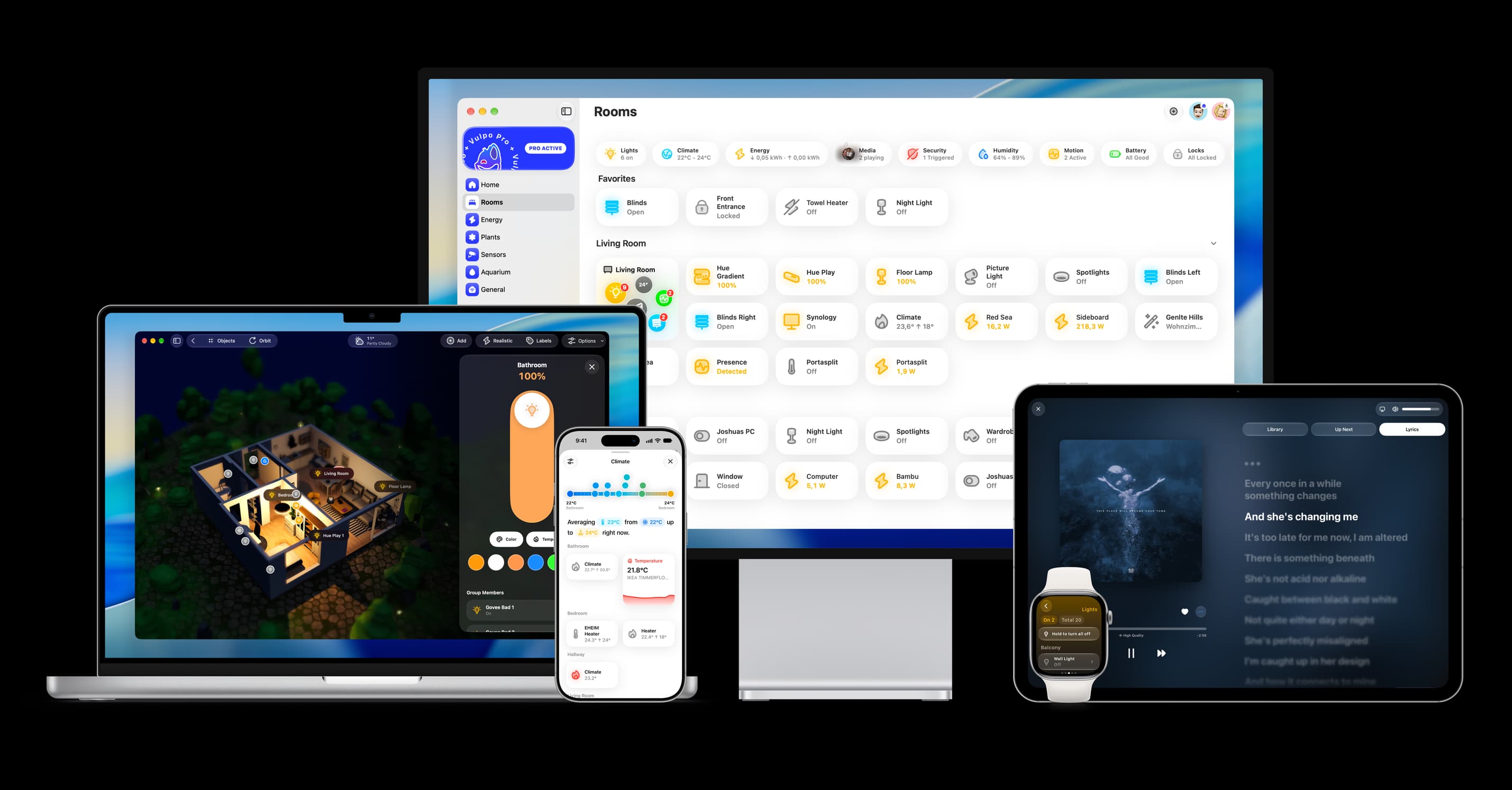
- Free to download
- iPhone, iPad, Mac and Apple Watch
- 40+ native card types
- Connects to your own Home Assistant