
On Home Assistant 2026.10 or older? Open it in HACS
- Installs
- 50 sharing analytics
- GitHub stars
- 1
- Connection
- Uses the vendor's cloud
- Upkeep
- Updated in the last 6 months
- Version
- v1.5.1,
- Category
- Energy, Solar and batteries
- Kind
- Marketplace integration
- Brand
- SMA
- Needs
- Needs the Marketplace (HACS on 2026.10 and older)
- Domain
sma_ennexos_cloud- Issues
- Report an issue


Independent directory, made by the developer of Vulpo. Not affiliated with Home Assistant or the Open Home Foundation.
About
Home Assistant integration for SMA ennexOS / Sunny Portal PV systems
Description from MauroDruwel/SMA-ennexOS-cloud-HA

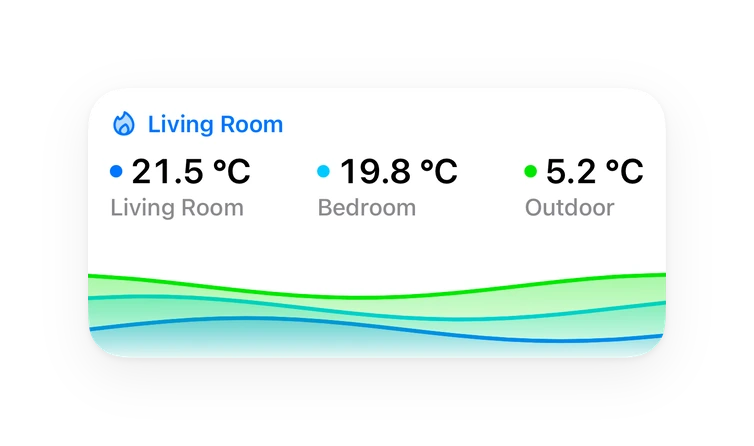
Shows in Vulpo
Chart card, Lumen sky, Apple Watch.Installs over time
50+35 in 30 daysNew
Oct 21Nov 24
#1,645 of 1,656 Marketplace integrations, up 2 places in 30 days. Installs sharing analytics.
Supports
- Uses the vendor's cloudNeeds an internet connection and an account with the vendor.
- From the MarketplaceInstalled through the Marketplace, formerly HACS.
- Actively maintainedIts author released or pushed a change in the last six months.
Provides
- Sensors
- Weather
Setting it up
Install it from the Marketplace and restart Home Assistant, then add it under Settings, Devices and services.
Connect to SMA ennexOS
- Username
- Password
Select Plant
- Plant
After setup
- Live power poll interval (seconds)
- Daily energy poll interval (seconds)
- Enable portal status diagnostic sensors
- Portal status poll interval (seconds)
Texts from the code of MauroDruwel/SMA-ennexOS-cloud-HA.
From the README
Your PV production data, directly in Home Assistant.
Your SMA Sunny Portal / ennexOS PV data, right where it belongs, in Home Assistant.
Information
- Installs
- 50 sharing analytics
- GitHub stars
- 1
- Connection
- Uses the vendor's cloud
- Upkeep
- Updated in the last 6 months
- Version
- v1.5.1,
- Category
- Energy, Solar and batteries
- Kind
- Marketplace integration
- Brand
- SMA
- Needs
- Needs the Marketplace (HACS on 2026.10 and older)
- Domain
sma_ennexos_cloud- Issues
- Report an issue
More from SMA

You might also like








Try it with your own Home Assistant.
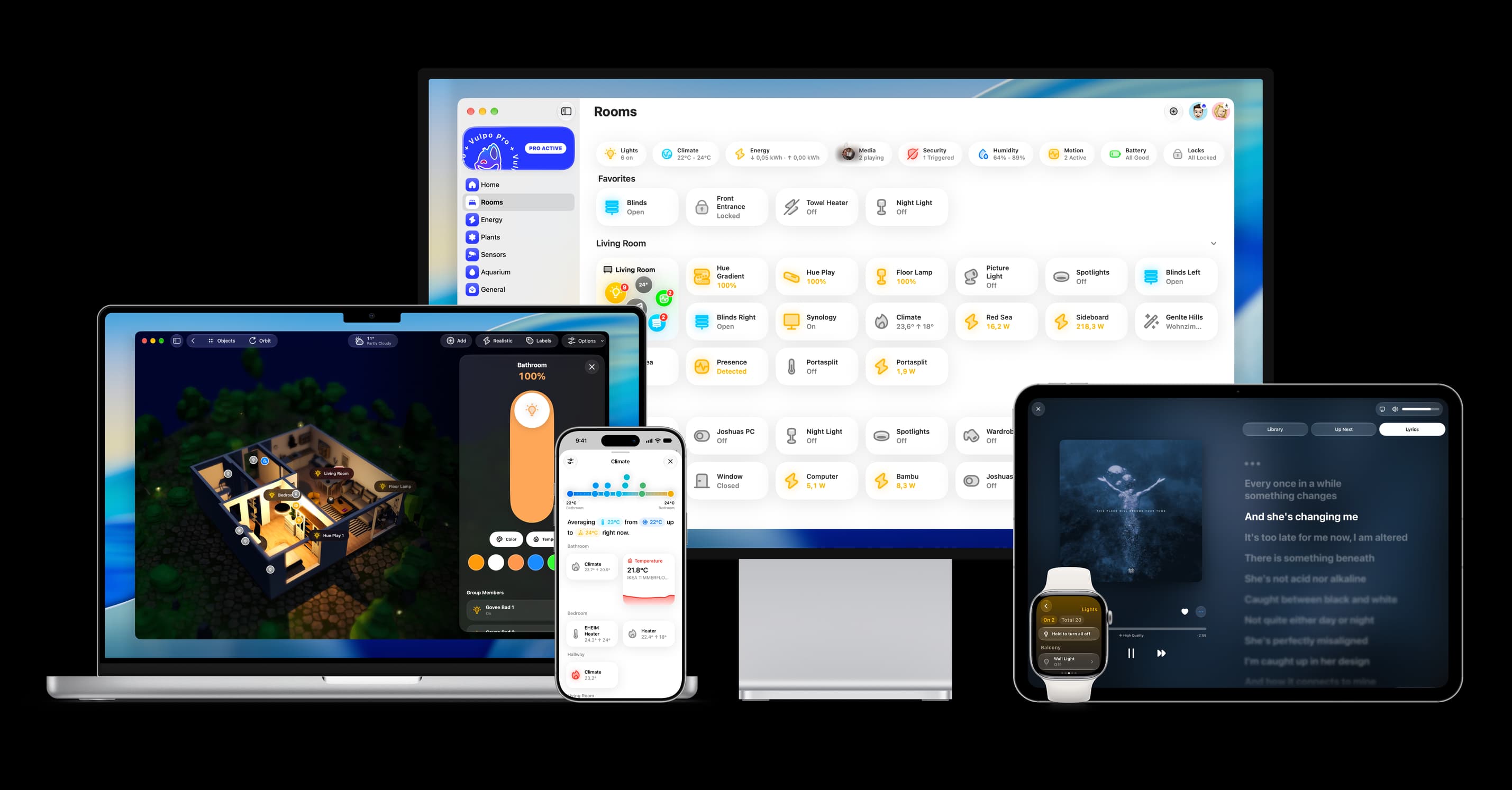
- Free to download
- iPhone, iPad, Mac and Apple Watch
- 40+ native card types
- Connects to your own Home Assistant