
On Home Assistant 2026.10 or older? Open it in HACS
- Installs
- 52 sharing analytics
- GitHub stars
- 24
- Connection
- Works locally
- Upkeep
- Updated in the last 6 months
- Version
- v0.6.5,
- Category
- Appliances and cleaning, Cleaning
- Kind
- Marketplace integration
- Brand
- Dreame
- Needs
- Needs the Marketplace (HACS on 2026.10 and older)
- Domain
dreame_scheduler- Issues
- Report an issue
Shows in Vulpo Quick Toggle card, Button card, Chart card, Apple Watch, Control Center.


Scan with your iPhone
DownloadIndependent directory, made by the developer of Vulpo. Not affiliated with Home Assistant or the Open Home Foundation.
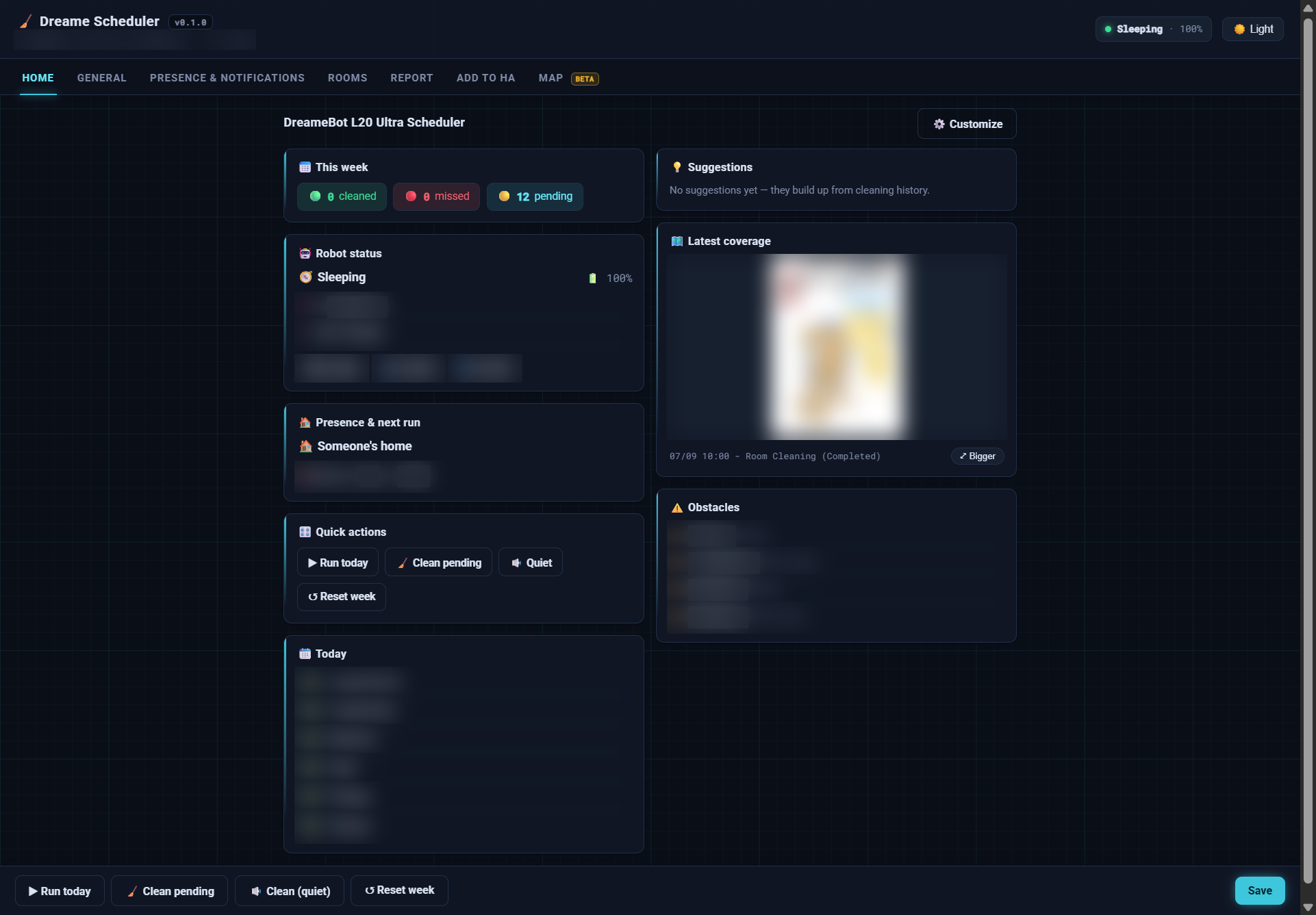
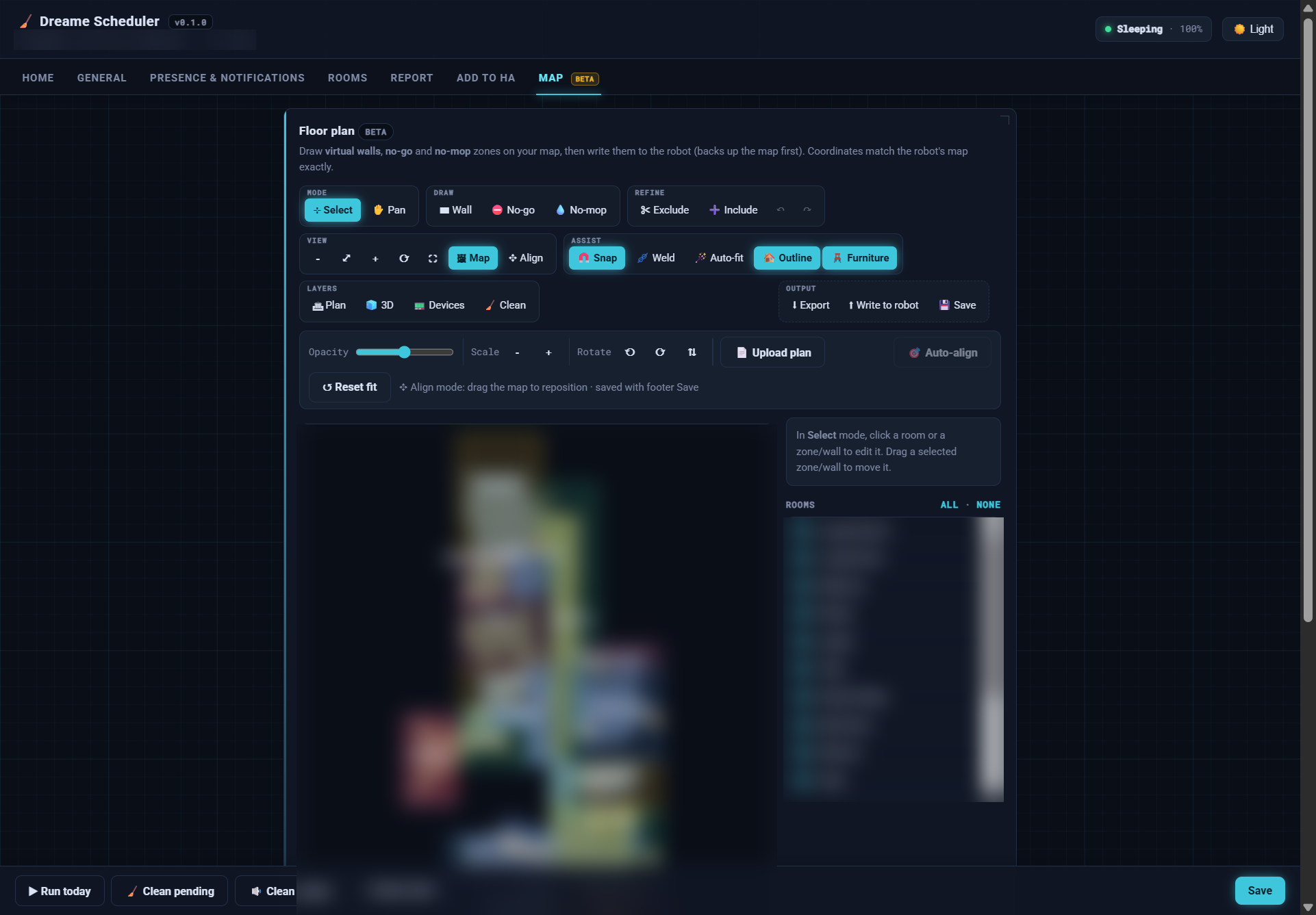
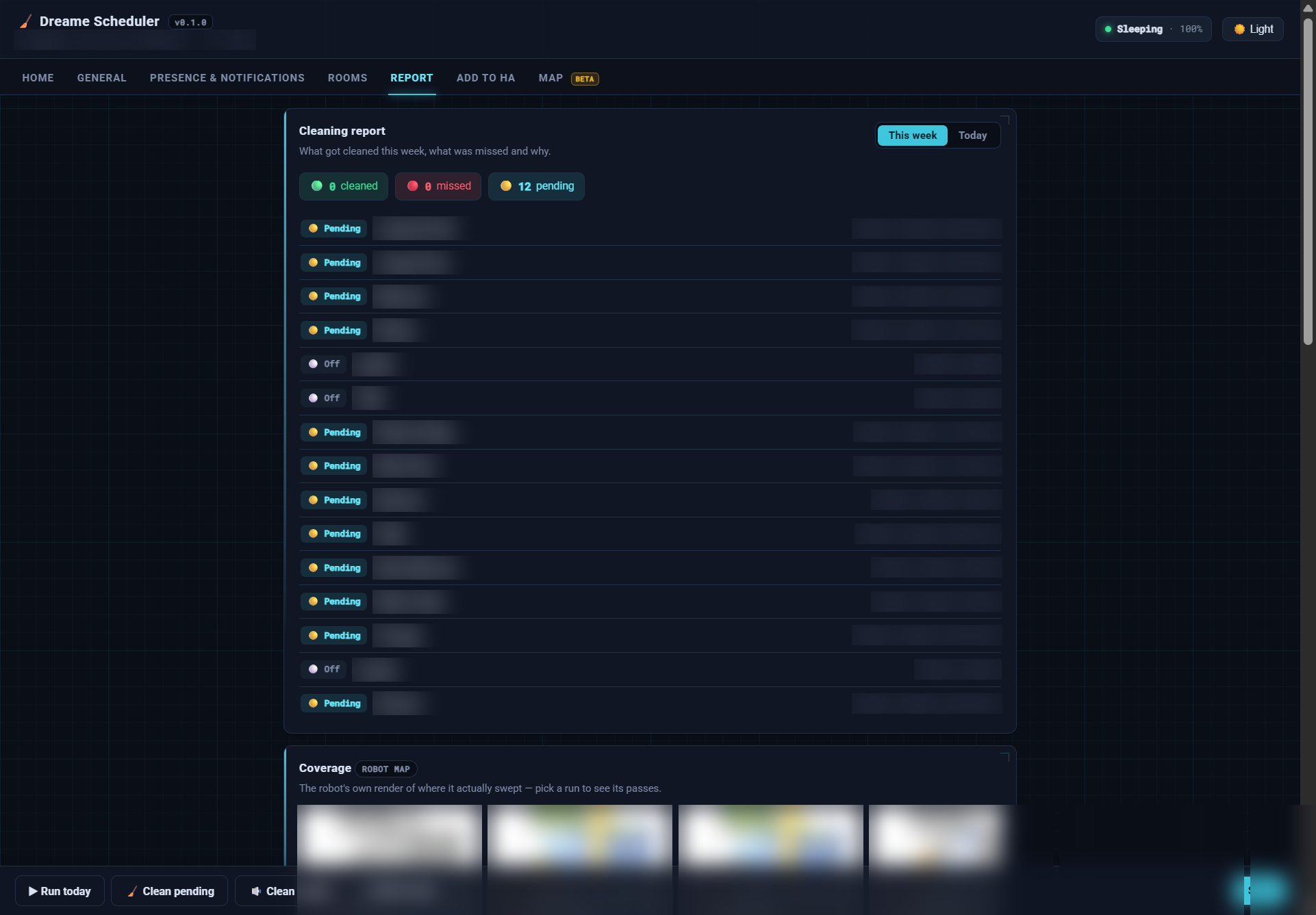
Screenshots From the README of botts7/dreame-scheduler.
About
Presence-aware, per-room cleaning scheduler for any Dreame robot vacuum in Home Assistant.
Description from botts7/dreame-scheduler

Shows in Vulpo
Quick Toggle card, Button card, Chart card, Apple Watch, Control Center.Installs over time
#1,621 of 1,656 Marketplace integrations, down 20 places in 30 days. Installs sharing analytics.
Supports
- Works locallyTalks to your devices on your own network. No vendor cloud in between.
- From the MarketplaceInstalled through the Marketplace, formerly HACS.
- Actively maintainedIts author released or pushed a change in the last six months.
Provides
- Switches
- Sensors
Setting it up
Install it from the Marketplace and restart Home Assistant, then add it under Settings, Devices and services.
Dreame Scheduler
- Vacuum
After setup
- Restrict to a time window
- Window start
- Window end
- Finish the current room if the window closes mid-clean
- Daily dispatch time
- Minimum battery to start
- Skip if dust bag full
- Skip if water tanks need attention
- Return to dock if someone comes home
- Resume remaining rooms once everyone leaves again
- Guarantee whole house once a week
- Catch-up day
- Catch-up time
- Catch up on any free (empty) day, not just the catch-up day
- Pause cleaning on an extended absence (holiday)
- Only clean when no one is home
- People, trackers or switches that mean 'don't clean now'
- Wait this long after everyone leaves
- Ignore a tracker that hasn't reported for this long (0 = off)
- Retry a door-skipped room when its door reopens
- Door must be open this long before retrying
- Allow that retry even when someone's home (trusts the open-time)
- Notification targets
- Notify if the robot gets stuck
- Notify when rooms are skipped
- Weekly whole-house summary
- Room
- Include this room in the schedule
- Clean on these days
- Cleaning mode (blank = default)
- Suction (blank = default)
- Mop wetness (blank = default)
- Mop every N sweeps (1 = mop every clean, 2 = every 2nd day, …)
- Passes
- Door sensor (optional — skip when closed)
- Remove existing times
- Add a time
- New time is vacuum only (no mop)
- Save and finish (untick to add another)
Texts from the code of botts7/dreame-scheduler.
From the README
Presence-aware, per-room cleaning scheduler for any Dreame robot vacuum in Home Assistant.
Schedule cleaning per room and per weekday, only when nobody's home, with a weekly whole-house guarantee — all driven by the entities the Tasshack dreame_vacuum integration already exposes. A meta-integration: it works with any model and needs no rooting. One config entry per robot; add it again for a second vacuum.
- Clean when nobody's home — gate on person/device_tracker/group entities, with a grace delay so it doesn't launch the moment you leave.
- Per-room schedule — assign each room to specific weekdays, with its own cleaning mode / suction / mop wetness (discovered live from your vacuum).
- More than once a day, per room — give a room its own list of extra clean times, each a full clean or a vacuum-only pass (e.g. a quick midday sweep of the kitchen). Every extra pass is presence- and…
- Never mop the rugs — set a room's mop cadence to Never (sweep only) so an all-rug room always sweeps, even if the robot's own mode for it is mop; or mop every Nth clean.
- Weekly whole-house guarantee — tracks what's been cleaned since the start of the week and, on your catch-up day, finishes whatever's still pending.
- Opportunistic catch-up (opt-in) — if a day's clean keeps getting blocked by someone being home, the pending rooms are caught up the next time the house is empty on any day, instead of waiting for…
Information
- Installs
- 52 sharing analytics
- GitHub stars
- 24
- Connection
- Works locally
- Upkeep
- Updated in the last 6 months
- Version
- v0.6.5,
- Category
- Appliances and cleaning, Cleaning
- Kind
- Marketplace integration
- Brand
- Dreame
- Needs
- Needs the Marketplace (HACS on 2026.10 and older)
- Domain
dreame_scheduler- Issues
- Report an issue
More from Dreame

You might also like









Try it with your own Home Assistant.
- Free to download
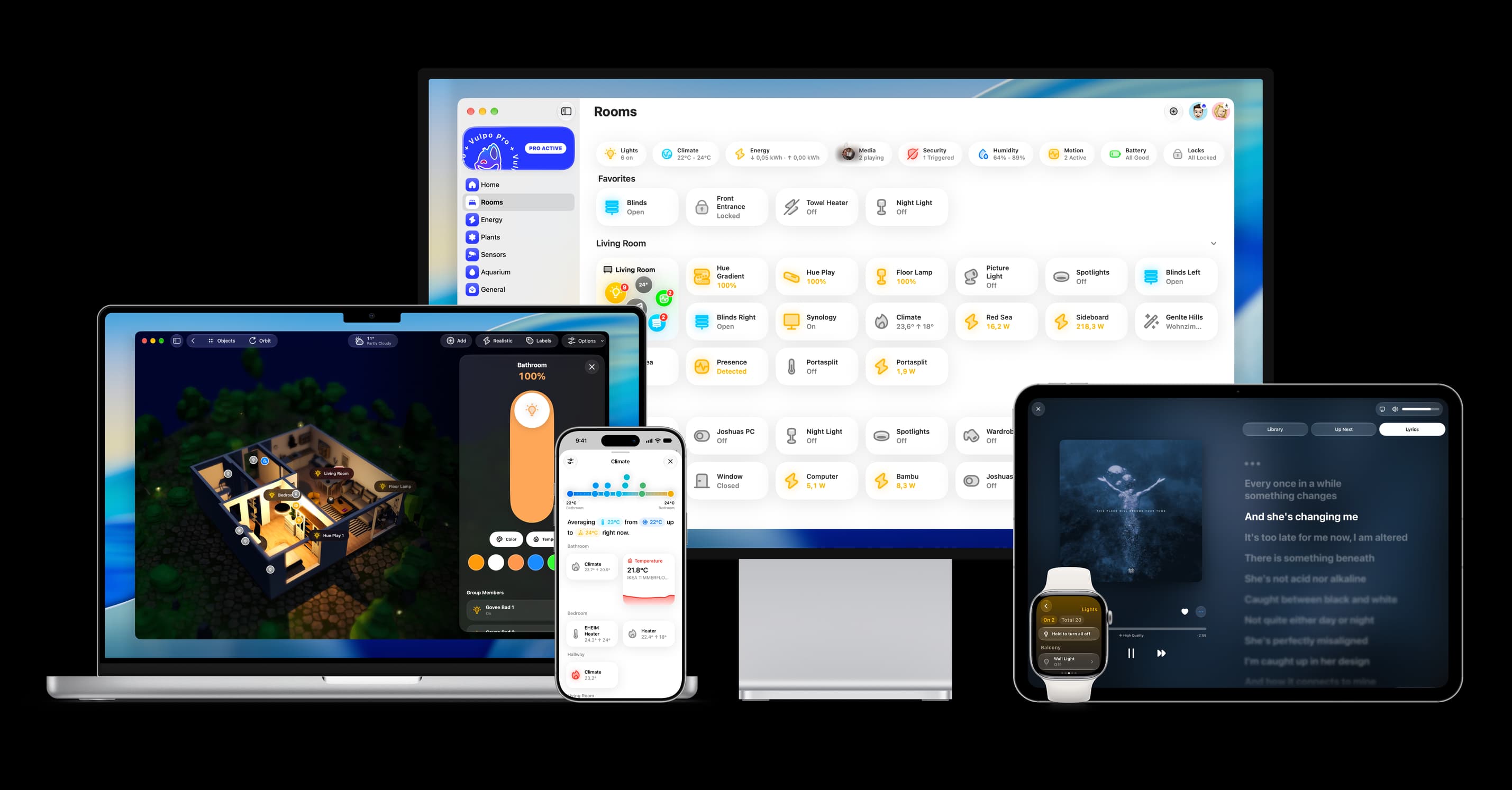
- iPhone, iPad, Mac and Apple Watch
- 40+ native card types
- Connects to your own Home Assistant