Screenshots From the README of EvotecIT/homeassistant-dreamelawnmower.
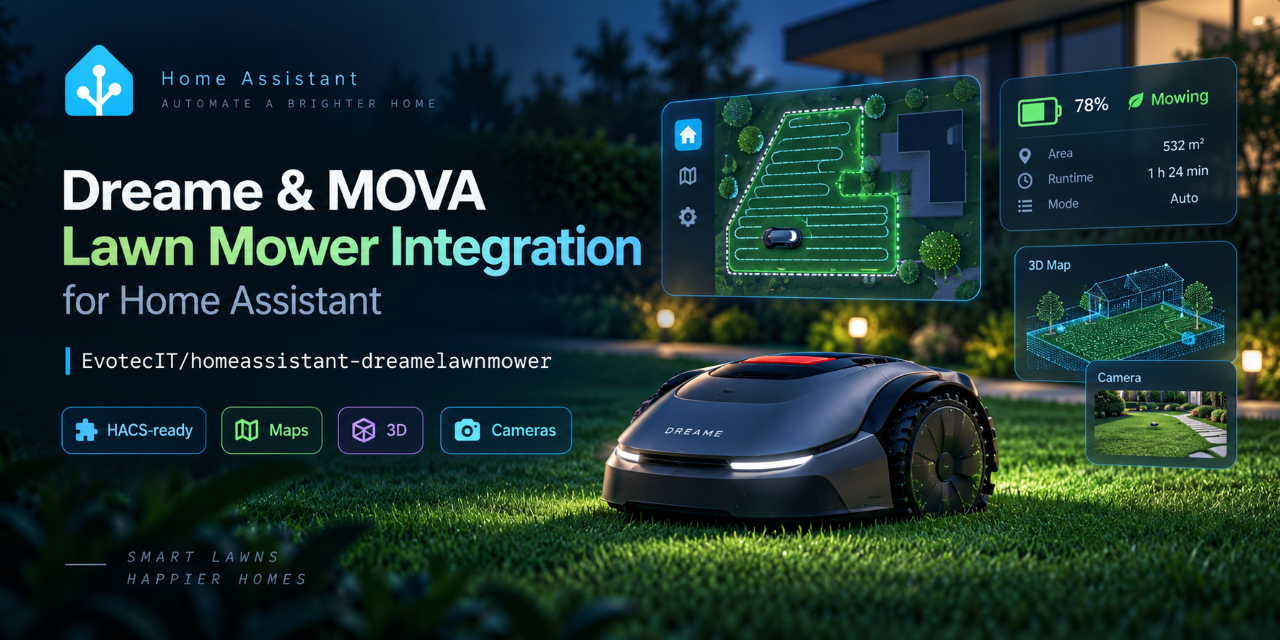
About
Dreame Lawn Mower connects Dreame and MOVA robotic lawn mowers to Home Assistant through the vendor's cloud. It exposes each mower as a lawn mower entity that can start, pause and dock, and it reports state, battery, faults, rain protection, charging and maintenance. Maps can be selected, and mowing can target saved zones, spot areas or edge contours through dedicated actions. Other parts cover native schedule switches, notifications, camera views and optional live video on supported mowers. Guarded actions for schedule, preference and maintenance changes run as dry runs unless the call is explicitly confirmed. Options adjust polling, map appearance, notifications and live video, and setup is done in the UI with the Dreame or MOVA account.
Automatic summary of the README and code of EvotecIT/homeassistant-dreamelawnmower. Something wrong, or are you the maintainer and want your own text here? Get in touch
Supports
Uses the vendor's cloud Needs an internet connection and an account with the vendor.
From the Marketplace Installed through the Marketplace, formerly HACS.
Actively maintained Its author released or pushed a change in the last six months.
Provides
- Cameras
- Switches
- Sensors
- Presence
- Calendars
Setting it up
Install it from the Marketplace and restart Home Assistant, then add it under Settings, Devices and services.
Connect Dreame lawn mower
- Account type
- Username
- Password
- Region
Select mower
- Discovered mower
Reconnect account
- Username
- Password
- Region
Also asked when changing the connection.
After setup
- Polling interval in seconds
- Keep a map preview across restartsOff by default. Stores one private map JPEG (up to 2 MB) in Home Assistant. Only previews less than 24 hours old are used while the matching map loads; they are not live mower state. Disabling this option or deleting the integration removes the stored preview.
- Map label scale
- Map display rotationFallback rotation for maps without a per-map selection. Use the Selected Map Display Rotation entity for individual maps.
- Map themeChoose a coordinated light, dark, midnight, or high-contrast palette for all locally rendered maps.
- Map backgroundStandard draws the lawns on a plain background. Real-scene photo places the mower's top-down garden photo under the map, when the mower provides one.
- Map line thicknessScale map boundaries and paths from 0.5 to 3.
- Map marker sizeScale map points and the live mower marker from 0.5 to 3.
- Custom mower markerOptional PNG, JPEG, or WebP inside Home Assistant's config/www folder, for example mower/marker.png or /local/mower/marker.png. Files outside that folder and files larger than 1 MB are ignored.
- Saved spot area displayHide saved spot-mowing rectangles for a clean Dreame-like map, show only their outlines, or restore the filled diagnostic overlay. This affects locally rendered vector maps only.
- Completed mowing path displayHide completed mowing passes, render them subtly, or show every pass in full detail. The live route and mower marker remain visible.
- Home Assistant notificationsCreate persistent Home Assistant notifications for mower conditions. Notifications use one stable item per mower and condition, update when details change, and disappear when the condition clears. Off is the default; use the notification blueprint for mobile delivery, maintenance reminders, offline alerts, delays, repeats, or custom actions.
- Live video retentionBalanced gives snapshot previews a 60-second reconnect window and keeps XP2P ready for the current mowing run after someone opens live video. Battery saver always releases it shortly after the last consumer. Video priority also treats snapshot access as a reason to stay ready while mowing. All modes remain lazy until media is requested and stop when mower state blocks video.
- Live video transportAuto is the fast default: it refreshes only mower safety state, then reuses health-checked provisioning and prefers a proven LAN route when firmware exposes one. Cloud remains the compatibility fallback. The tested A2 firmware does not expose Tencent's separate LAN service, so neither mode promises internet-independent startup.
- Host XP2P native library pathAdvanced video option. Use a dynamic XP2P library built for this Home Assistant host OS and CPU. Android APK/AAR libraries and iOS frameworks are not host runtimes.
- Enable HA mowing automation
- Weekly Schedule helper
- Soil moisture sensor (0–100%, optional)
- Irrigation running entity (optional)
- Additional mowing permission (optional)
- Block above this moisture
- Allow drying wait below this moisture
- Continuous drying wait
- Wait after irrigation stops
- Maximum soil report age
- Minimum battery
- Wait up to this long before skipping (0 = skip immediately)
- Latest recovery, from original scheduled start (0 = disabled)
- If garden permission is lost while mowing
- Automatically resume this automation’s paused task
- Show outcome notifications
- I disabled native mowing plans on every map and kept Rain Protection enabled
Texts from the code of EvotecIT/homeassistant-dreamelawnmower.
Entities
- PresenceGPS position
- EventsPerson detection
- NumbersMaximum area per start, Rest days between zone mowings
- SelectsWhat to mow
- SensorsLeast recently mowed zone, State
Actions
- Set map georeferenceStore the calibration that converts native map coordinates to GPS: one map point tied to its latitude and longitude, and the compass heading of the map's +Y axis. Does not reload the integration.
- Clear map georeferenceRemove the stored map-to-GPS calibration. The GPS position becomes unknown until a new calibration is set.
- Cancel managed mowing automationCancel pending starts and automatic recovery without moving the mower. Use normal pause or dock separately to interrupt physical mowing.
- Start guarded scheduled mowingRefresh mower eligibility and start an explicit task, or report why it was skipped. Defaults do not defer, interrupt or resume. Optional external permission, bounded deferral and owned-task pause recovery apply only to this managed run.
- Set a zone's rotation rest daysGive one saved zone its own rest days in the Mowing automation's zone rotation, or omit rest days to use the automation default again. Applies at once without reloading the integration.
- Start zone mowingStart mower-native mowing for one or more saved zones on the active map and confirm that mowing started. Exact zone confirmation depends on the mower publishing native task metadata.
- Start spot mowingStart mower-native mowing for one or more saved spot areas on the active map and confirm that mowing started. Exact spot confirmation depends on the mower publishing native task metadata.
- Start edge mowingStart mowing for one or more explicit current-map edge contour IDs and confirm that mowing started. Exact mode confirmation depends on the mower publishing native task metadata. Each contour ID is a two-item list in the form [edge_id, contour_index].
- Start point patrolSend the mower to visit configured patrol points on the active map without mowing. When point_ids is omitted, every patrol point on the active map is visited. Use while the mower is docked or otherwise idle. Observed on MOVA LiDAX Ultra 1000 firmware; other models may reject the request.
- Start edge patrolDrive along one or more explicit current-map edge contours without mowing. Each contour ID is a two-item list in the form [edge_id, contour_index]. Use while the mower is docked or otherwise idle. Observed on MOVA LiDAX Ultra 1000 firmware; other models may reject the request.
- Download session photosSave the photos attached to the latest finished task sessions (for example point patrol photos) to the Home Assistant media folder under dreame_lawn_mower, grouped by entity and cloud object. Already saved photos are skipped. Limited to 100 photos and 64 MiB per call, with a 256 MiB archive per entity. Observed on MOVA LiDAX Ultra 1000 firmware; other models may not publish session photos.
- Download person photoSave the photo the mower took when it detected a person to the Home Assistant media folder, next to the session photos. Without detected_at, the latest retained human-detection notice (code 27) is used. Observed on MOVA LiDAX Ultra 1000 firmware; other models may store person photos differently.
- Switch current mapSwitch the mower's active app map by app map index. This updates the real active mower map, not just the local Home Assistant selection scope. Use while the mower is docked or otherwise idle; the vendor protocol may reject the request while mowing.
- Cancel current taskEnd the mower's current mowing task without sending it to the dock. The service waits for authoritative inactive state before completing, so a map switch can safely follow it. Calling it while already idle has no effect.
- Plan map preference mode updateBuild or send a guarded preference-mode update for the selected map on the mower entity. This only changes the selected map between global and custom preference mode and does not require any zone selection. By default this is a dry run that only stores the candidate PREP request in the last preference write diagnostic sensor. Sending the request requires execute and confirm_preference_write to both be true.
- Plan zone mowing preference updateBuild or send a guarded mowing preference update for the selected map on the mower entity. Zone-scoped settings use the current Home Assistant map/zone selection scope unless zone_id is provided explicitly. Map-level preference_mode updates can be planned without any zone selection. By default this is a dry run that only stores the candidate PRE/PREP request in the last preference write diagnostic sensor. Sending the request requires execute and confirm_preference_write to both be true.
- Remote control stepSend one validated manual-drive movement step to the mower. This can physically move the mower and is intended for short supervised tests only. The service is blocked while the mower is mowing, returning, mapping, fast mapping, in error, or below 20% battery.
- Remote control stopSend a zero-motion remote-control step to stop manual driving.
- Set schedule plan enabledBuild or send a guarded app-schedule enable/disable request. By default this is a dry run that only shows the request payload in a notification. Sending the request requires execute and confirm_schedule_write to both be true. Use only during supervised testing.
- Set existing schedule start timePreview or change one existing all-area mowing start on an A2 V3 schedule. Qualified for map 0, plan 0. Preserves other tasks, names and enable flags. The mower must have finished its current task. Defaults to a dry run; sending requires execute and confirm_schedule_write. Creation, weekday changes and area edits remain unavailable.
Troubleshooting
- DiagnosticsDownloads a diagnostics file to attach to a bug report.

Shows in Vulpo
Quick Toggle card, Camera card, Button card, Select card, Apple Watch, Control Center.Information
- Installs
- 592 sharing analytics
- GitHub stars
- 32
- Connection
- Uses the vendor's cloud
- Upkeep
- Updated in the last 6 months
- Version
- v0.2.182,
- Category
- Appliances and cleaning, Cleaning
- Kind
- Marketplace integration
- Brand
- Dreame
- Needs
- Needs the Marketplace (HACS on 2026.10 and older)
- Domain
dreame_lawn_mower- Issues
- Report an issue