

Marketplace integration
Wiser by Feller
On Home Assistant 2026.10 or older? Open it in HACS
- Installs
- 51 sharing analytics
- GitHub stars
- 22
- Connection
- Works locally
- Upkeep
- Updated in the last 6 months
- Version
- v1.0.0,
- Category
- Climate, Thermostats and heating
- Kind
- Marketplace integration
- Needs
- Needs the Marketplace (HACS on 2026.10 and older)
- Domain
wiser_by_feller- Issues
- Report an issue
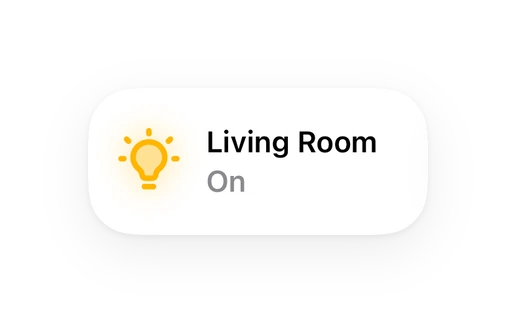
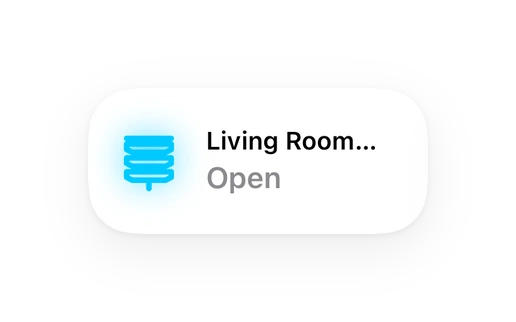
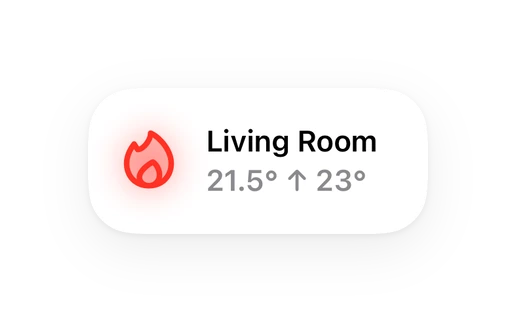
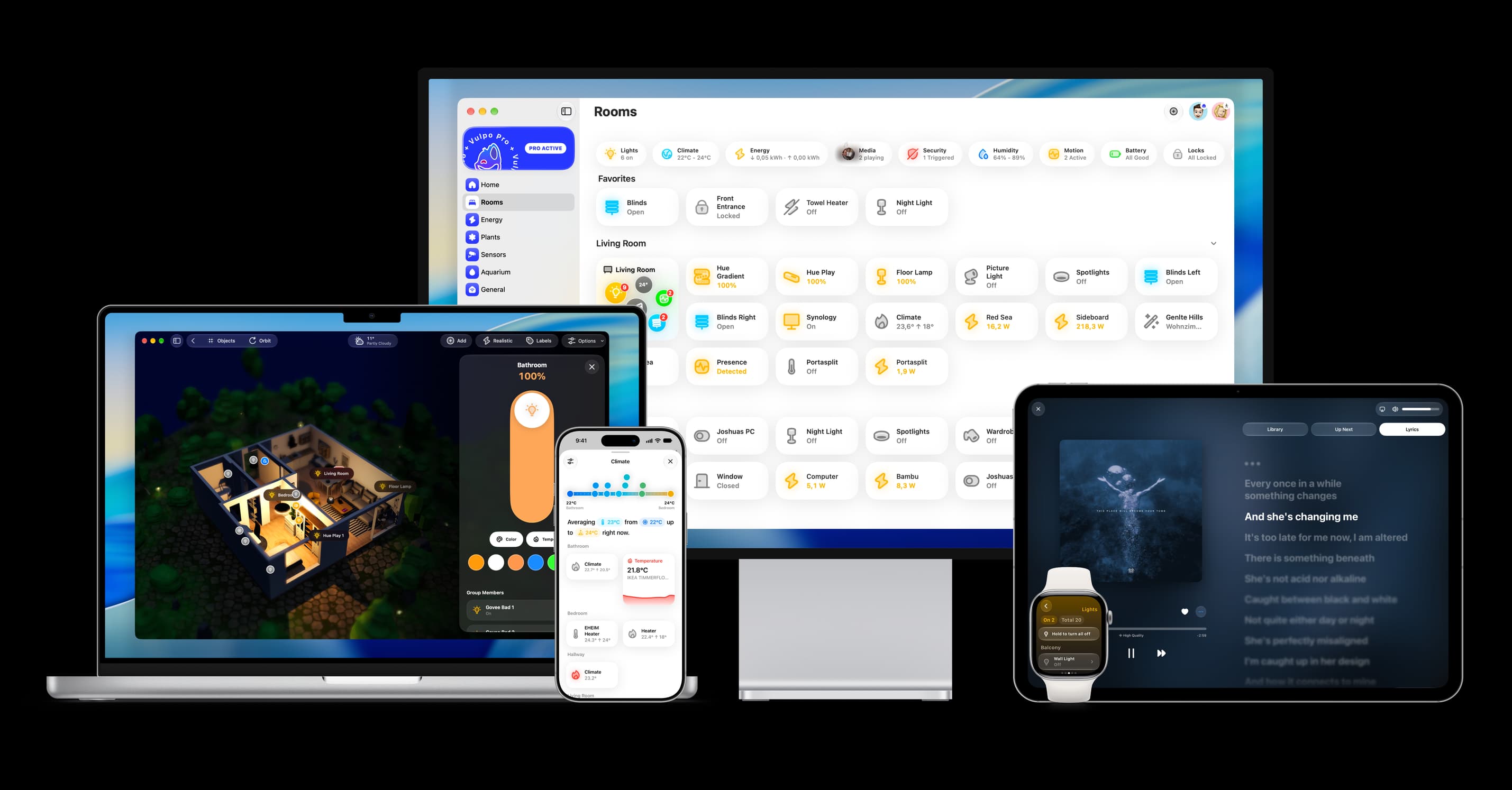
Shows in Vulpo Light card, Quick Toggle card, Cover card, Climate card, Apple Watch, Control Center, Climate Live Activity.


Scan with your iPhone
DownloadIndependent directory, made by the developer of Vulpo. Not affiliated with Home Assistant or the Open Home Foundation.
About
Home Assistant integration for Wiser by Feller smart home system
Description from Syonix/ha-wiser-by-feller

Shows in Vulpo
Light card, Quick Toggle card, Cover card, Climate card, Apple Watch, Control Center, Climate Live Activity.Installs over time
#1,631 of 1,647 Marketplace integrations, down 40 places in 30 days. Installs sharing analytics.
Supports
- Works locallyTalks to your devices on your own network. No vendor cloud in between.
- Found by itselfHome Assistant spots it on the network and offers to add it.
- From the MarketplaceInstalled through the Marketplace, formerly HACS.
- Actively maintainedIts author released or pushed a change in the last six months.
Provides
- Lights
- Climate
- Covers
- Switches
- Sensors
Setting it up
Install it from the Marketplace and restart Home Assistant, then add it under Settings, Devices and services.
Connect Wiser by Feller µGateway
- HostThe hostname or IP address of your µGateway.
- UsernameThe username to be used for the API. You can enter anything, however only one connection per username is possible. If you have multiple instances, use unique usernames.
- Import config fromThe user to import existing Wiser configuration from (like scenes, rooms and load names). If you don't have any other systems using the API, you can choose between 'installer' (Wiser eSetup app) and 'admin' (Wiser Home app).
Also asked when signing in again.
Reconfigure Wiser by Feller µGateway
- HostThe new hostname or IP address of your µGateway.
- UsernameThe username to be used for the API.
- Import config fromThe user to import existing Wiser configuration from.
After setup
- Allow missing µGateway dataBy default, the setup fails if fields like fw_version or serial_nr are missing for devices in the API response. Enable this option for debug purposes to disable the check. WARNING: Use with caution, this can affect entity IDs and functionality!
Texts from the code of Syonix/ha-wiser-by-feller.
Entities
- ButtonsIdentify
- SensorsRSSI, Hail, Rain, NTC temperature, Last Reboot, Flash Free, Flash Size, Memory Size, Memory Free, Core Temperature, WLAN Resets, Max Tasks, and 3 more
- SwitchesUnnamed Flag
Actions
- Configure status lightConfigure the status light color and brightness for a Wiser by Feller device.
- Device
- Color
- Color when off
- Channel
- Brightness when on
- Brightness when off
- Set Button LED OverrideSet a temporary LED override on a Wiser button LED.
- µGateway
- Button ID
- LED
- Color
- Effect
- Clear Button LED OverrideDisable the temporary LED override and return to the configured Wiser LED behavior.
- µGateway
- Button ID
- LED
- Find ButtonActivates find-me mode: all button LEDs start blinking. Press any physical button to identify it. The button ID and other information are returned.
- µGateway
- Register unmanaged button
- Register ButtonRegisters any physical button on the µGateway so it gets a button ID and can be used for automations. Requires µGateway firmware 6.0.42+. Note that button management is a beta feature of the µGateway firmware — only register buttons you actually need, as too many registered buttons can slow the gateway down.
- µGateway
- Device
- Channel
- Unregister ButtonRemoves a registered button from the µGateway. It will stop emitting button events and linked automations stop working. Requires µGateway firmware 6.0.42+.
- µGateway
- Button ID
- Create System FlagCreates a new system flag on the µGateway. System flags are user-defined booleans that can be used in Wiser jobs and conditions (e.g. a holiday mode) and appear as switch entities in Home Assistant.
- µGateway
- Symbol
- Initial value
- Name
- Update System FlagRenames an existing system flag or changes its symbol. Provide at least one of the two. To change the flag's state, just toggle its switch entity.
- System flag
- Symbol
- Name
- Delete System FlagDeletes a system flag from the µGateway. Wiser jobs and conditions that reference the flag stop working, and the switch entity is removed from Home Assistant.
- System flag
- Assign Scene FlagAssigns a system flag value to a Wiser scene. The frontset LEDs of the scene's buttons light up in the configured "on" state while the flag matches the assigned value, and triggering the scene sets the flag to that value.
- Scene
- System flag
- Value
- Unassign Scene FlagRemoves a system flag assignment from a Wiser scene. The scene's button LEDs no longer follow the flag, and triggering the scene no longer sets it.
- Scene
- System flag
Troubleshooting
- DiagnosticsDownloads a diagnostics file to attach to a bug report.
From the README
Use your Wiser by Feller smart light switches, cover controls and scene buttons in Home Assistant. Note that this is an unofficial integration that is not affiliated with Feller AG. All brand and product names are courtesy of Feller AG.
Information
- Installs
- 51 sharing analytics
- GitHub stars
- 22
- Connection
- Works locally
- Upkeep
- Updated in the last 6 months
- Version
- v1.0.0,
- Category
- Climate, Thermostats and heating
- Kind
- Marketplace integration
- Needs
- Needs the Marketplace (HACS on 2026.10 and older)
- Domain
wiser_by_feller- Issues
- Report an issue
You might also like









Try it with your own Home Assistant.
- Free to download
- iPhone, iPad, Mac and Apple Watch
- 40+ native card types
- Connects to your own Home Assistant