Marketplace integration
WarmLink
On Home Assistant 2026.10 or older? Open it in HACS
- Installs
- 51 sharing analytics
- GitHub stars
- 3
- Connection
- Uses the vendor's cloud
- Upkeep
- Updated in the last 6 months
- Version
- v78.0,
- Category
- Climate
- Kind
- Marketplace integration
- Needs
- Needs the Marketplace (HACS on 2026.10 and older)
- Domain
warmlink- Issues
- Report an issue
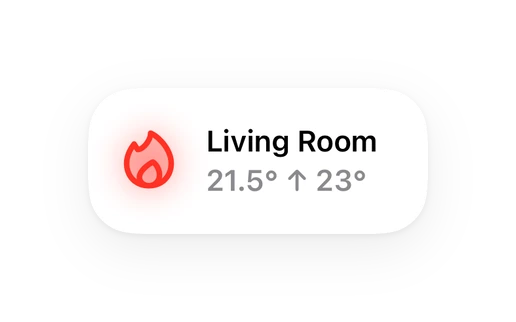
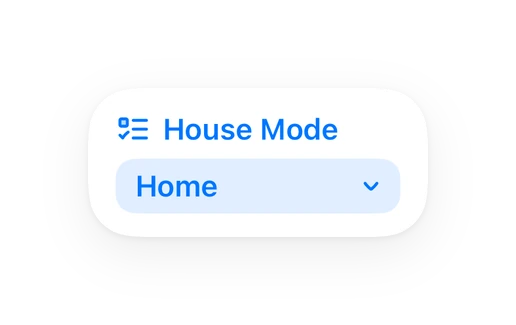
Shows in Vulpo Quick Toggle card, Climate card, Button card, Select card, Apple Watch, Control Center, Climate Live Activity.
Independent directory, made by the developer of Vulpo. Not affiliated with Home Assistant or the Open Home Foundation.
About
Home Assistant integration for WarmLink/Linked-Go Chinese R290 heat pumps (Zealux, Alsavo, Aquatemp, Fairland, Nor-R290)
Description from srbjessen/ha-warmlink

Shows in Vulpo
Quick Toggle card, Climate card, Button card, Select card, Apple Watch, Control Center, Climate Live Activity.Supports
- Uses the vendor's cloudNeeds an internet connection and an account with the vendor.
- From the MarketplaceInstalled through the Marketplace, formerly HACS.
- Actively maintainedIts author released or pushed a change in the last six months.
Provides
- Climate
- Water heaters
- Switches
- Sensors
Setting it up
Install it from the Marketplace and restart Home Assistant, then add it under Settings, Devices and services.
WarmLink Setup
- Username
- Password
- Language
- Device code (members / shared accounts only)Leave blank to auto-detect (owner accounts). For a shared/member account, enter the heat pump's device code — find it in the WarmLink app under the device's information.
Also asked when changing the connection.
Re-authenticate WarmLink
- Password
Texts from the code of srbjessen/ha-warmlink.
From the README
Home Assistant integration for WarmLink/Zealux heat pumps.
Monitor and control your WarmLink/Zealux heat pump directly from Home Assistant with comprehensive sensor coverage, fault code monitoring, and real-time updates.
Information
- Installs
- 51 sharing analytics
- GitHub stars
- 3
- Connection
- Uses the vendor's cloud
- Upkeep
- Updated in the last 6 months
- Version
- v78.0,
- Category
- Climate
- Kind
- Marketplace integration
- Needs
- Needs the Marketplace (HACS on 2026.10 and older)
- Domain
warmlink- Issues
- Report an issue