Screenshots From the README of shuette42/ecoflow-energy-ha.
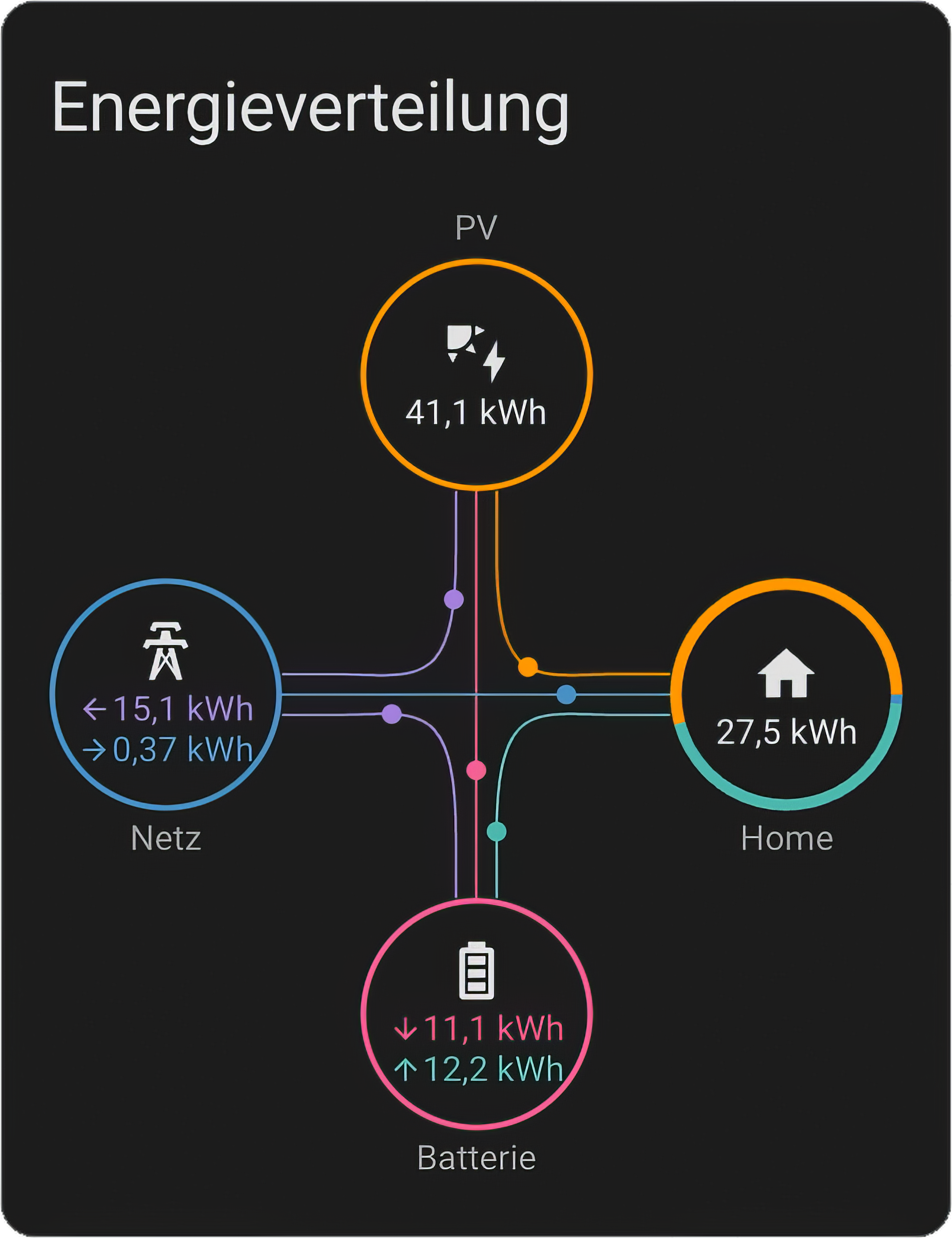
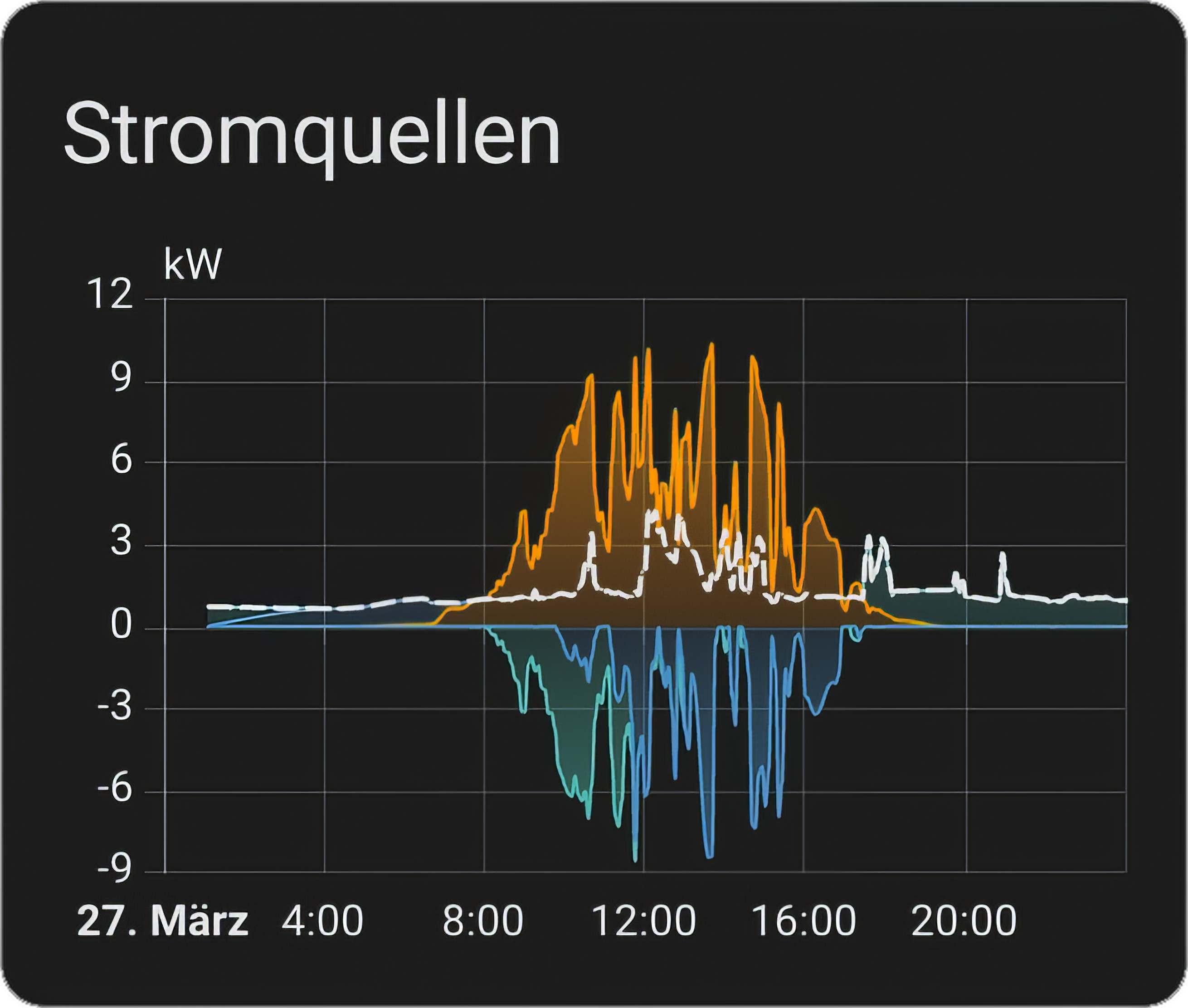
About
EcoFlow Energy connects EcoFlow power devices such as PowerOcean, Delta and Stream models to Home Assistant. It offers two cloud modes: one reads through the vendor's developer API with an access key and secret key, the other signs in with the EcoFlow account for faster updates. A three-phase PowerOcean can also be read locally over Modbus/TCP, without an account or cloud. It adds sensors, binary sensors, switches, numbers, selects and buttons, covering settings like backup reserve, work mode, charge limits and output toggles. Sensors are prepared for the Energy Dashboard, and an option records extra diagnostic data for 24 hours to help with bug reports. Setup is done in the UI, and the entity names and setup screens are available in six languages.
Automatic summary of the README and code of shuette42/ecoflow-energy-ha. Something wrong, or are you the maintainer and want your own text here? Get in touch
Supports
Uses the vendor's cloud Needs an internet connection and an account with the vendor.
From the Marketplace Installed through the Marketplace, formerly HACS.
Actively maintained Its author released or pushed a change in the last six months.
Provides
- Climate
- Switches
- Sensors
Setting it up
Install it from the Marketplace and restart Home Assistant, then add it under Settings, Devices and services.
Connection Mode
- Connection Mode
EcoFlow Developer Credentials
- Access Key
- Secret Key
Also asked when signing in again.
EcoFlow App Login
- Password
Also asked when signing in again and signing in again.
Local Modbus/TCP Connection
- HostDNS name (or address) of the PowerOcean on your network.
- PortModbus/TCP port of the device. 502 unless your device uses another one.
- Unit IDModbus unit ID of the device. 1 unless it was changed.
Select Devices
- Devices
After setup
- Connection Mode
- DevicesSelecting a device is what makes this integration read it. A device marked "not supported yet" has no parser here, so it produces two diagnostic sensors and nothing else. Leaving it selected is still worth doing, because a diagnostics download from it attached to a GitHub issue is what support for a new model is built from. Your diagnostics download already carries the raw data such a device reports, so nothing needs switching on first.
- Record extra diagnostic data for 24 hoursKeeps more of the raw messages your devices send, records any device this integration does not support yet, and records the settings the EcoFlow app writes to your devices while it runs. That last one is how a control gets built for a model nobody here owns: changing the setting in the app once, with this on, shows what the device accepts. Only worth switching on if it was asked for in a GitHub issue, since the data is only useful attached to a diagnostics download. Nothing is ever sent to your devices, and the recording stops by itself after 24 hours.
- Track completed PowerPulse charging energy by vehicleReads completed charging sessions from your EcoFlow account about every 5 minutes and keeps a local record of them in Home Assistant. The record is removed when you delete the integration.
- Access Key
- Secret Key
- Password
- Connection Mode
- DevicesSelecting a device is what makes this integration read it. A device marked "not supported yet" has no parser here, so it produces two diagnostic sensors and nothing else. Leaving it selected is still worth doing, because a diagnostics download from it attached to a GitHub issue is what support for a new model is built from. Switch the diagnostic data recording below on first and download afterwards, because with account sign-in the download does not carry that raw data on its own.
- Record extra diagnostic data for 24 hoursKeeps more of the raw messages your devices send, records any device this integration does not support yet, and records the settings the EcoFlow app writes to your devices while it runs. That last one is how a control gets built for a model nobody here owns: changing the setting in the app once, with this on, shows what the device accepts. Only worth switching on if it was asked for in a GitHub issue, since the data is only useful attached to a diagnostics download. Nothing is ever sent to your devices, and the recording stops by itself after 24 hours.
- Track completed PowerPulse charging energy by vehicleReads completed charging sessions from your EcoFlow account about every 5 minutes and keeps a local record of them in Home Assistant. The record is removed when you delete the integration.
Texts from the code of shuette42/ecoflow-energy-ha.
Entities
- Binary sensorsAC Enabled, DC Output Enabled, 12V Enabled, UPS Enabled, Relay, AC Outlet 1, AC Outlet 2, AFCI Fault String 1, AFCI Fault String 2, Battery Line Disconnected, Battery Relay Fault, SG Ready Enabled, and 33 more
- ButtonsWallbox Start Charging, Wallbox Stop Charging
- NumbersAC Charge Speed, Max Charge SoC, Min Discharge SoC, Backup Reserve, Solar Surplus Threshold, Heating Rod Target Power, Heating Rod Target Temperature, Standby Timeout, 12V Port Timeout, Screen Brightness, Screen Timeout, Backup Reserve Level, and 37 more
- SelectsWork Mode, Heating Rod Mode, Screen Timeout, Device Idle Shutdown, AC 1 Idle Shutdown, AC 2 Idle Shutdown, 12 V Idle Shutdown, Operating Mode, Operating Submode, Display Temperature, Mood Light, Wallbox Charging Mode, and 1 more
- SensorsSoC, Input Total, Output Total, Solar Input 1, Solar Input 2, 12V Output, AC Output 1, AC Output 2, Type-C 3, Solar Power, Third-Party Solar Power, and 734 more
- SwitchesAC Output, DC Output, 12V Output, Beeper, X-Boost, AC Auto Restart, Backup Reserve, Plug, AC output, AC output 2, 12V output, and 36 more
Troubleshooting
- DiagnosticsDownloads a diagnostics file to attach to a bug report.
From the README
Real-time solar, battery, grid & home power monitoring. Energy Dashboard ready. Two cloud modes: official API or real-time app connection. Plus a local Modbus connection for the three-phase PowerOcean.
- In the HACS default store - installable from HACS directly, no custom repository to add
- Up to 253 sensors on one device - power, energy, battery packs, temperature, diagnostics
- Energy Dashboard ready - local Riemann-sum kWh with gap detection
- Real-time out of the box - Enhanced Mode: ~2-4 s updates for most devices
- Local option for a three-phase PowerOcean - Modbus/TCP on your own network, about every 2 s, no account and no cloud
- Full PowerOcean control - Backup Reserve, Solar Surplus Threshold, Work Mode (Self-use / AI Schedule)
- Delta switches & numbers - AC/DC output, charge speed, backup reserve, screen settings
- Auto-discovery - all devices bound to your EcoFlow account (cloud connections)
- Six languages - English, German, French, Italian, Dutch and Polish, for every entity name, state, setup screen and error message
- 4-tier reconnect - never gives up on the connection
- Automatic fallback - MQTT stale? Transparent switch to HTTP polling (Standard Mode)
- Offline tolerance - mobile devices offline = expected, not an error

Shows in Vulpo
Quick Toggle card, Climate card, Button card, Select card, Apple Watch, Control Center, Climate Live Activity.Information
- Installs
- 659 sharing analytics
- GitHub stars
- 48
- Connection
- Uses the vendor's cloud
- Upkeep
- Updated in the last 6 months
- Version
- v1.26.0,
- Category
- Energy, Backup power
- Kind
- Marketplace integration
- Brand
- EcoFlow
- Needs
- Needs the Marketplace (HACS on 2026.10 and older)
- Domain
ecoflow_energy- Issues
- Report an issue