
Ecoflow PowerOcean
On Home Assistant 2026.11 or newer? Open it in the Marketplace
- Installs
- 270 sharing analytics
- GitHub stars
- 34
- Connection
- Uses the vendor's cloud
- Upkeep
- Updated in the last 6 months
- Version
- 2026.10.21,
- Category
- Energy, Backup power
- Kind
- Marketplace integration
- Brand
- EcoFlow
- Needs
- Needs the Marketplace (HACS on 2026.10 and older)
- Domain
powerocean- Issues
- Report an issue
Independent directory, made by the developer of Vulpo. Not affiliated with Home Assistant or the Open Home Foundation.
Screenshots From the README of niltrip/powerocean.
About
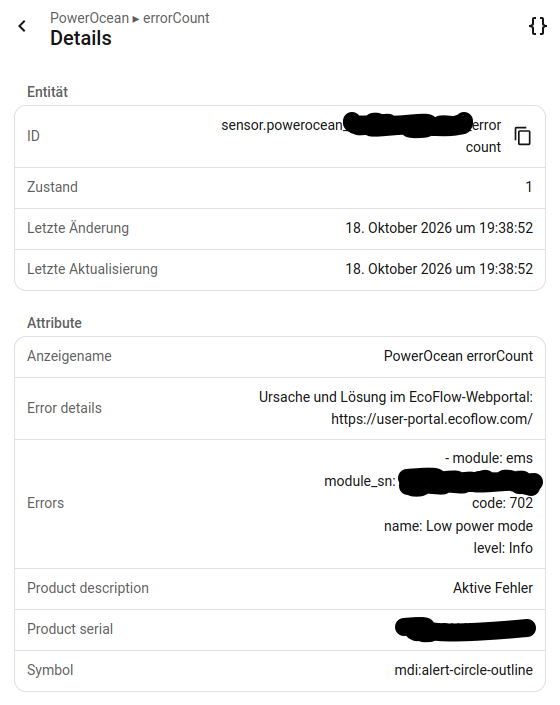
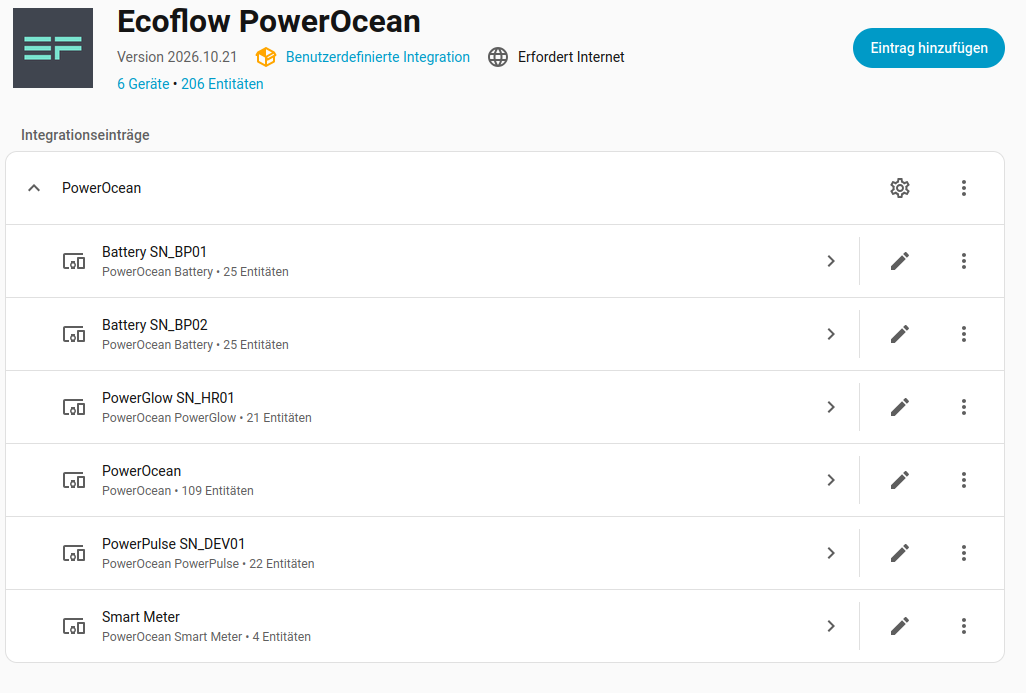
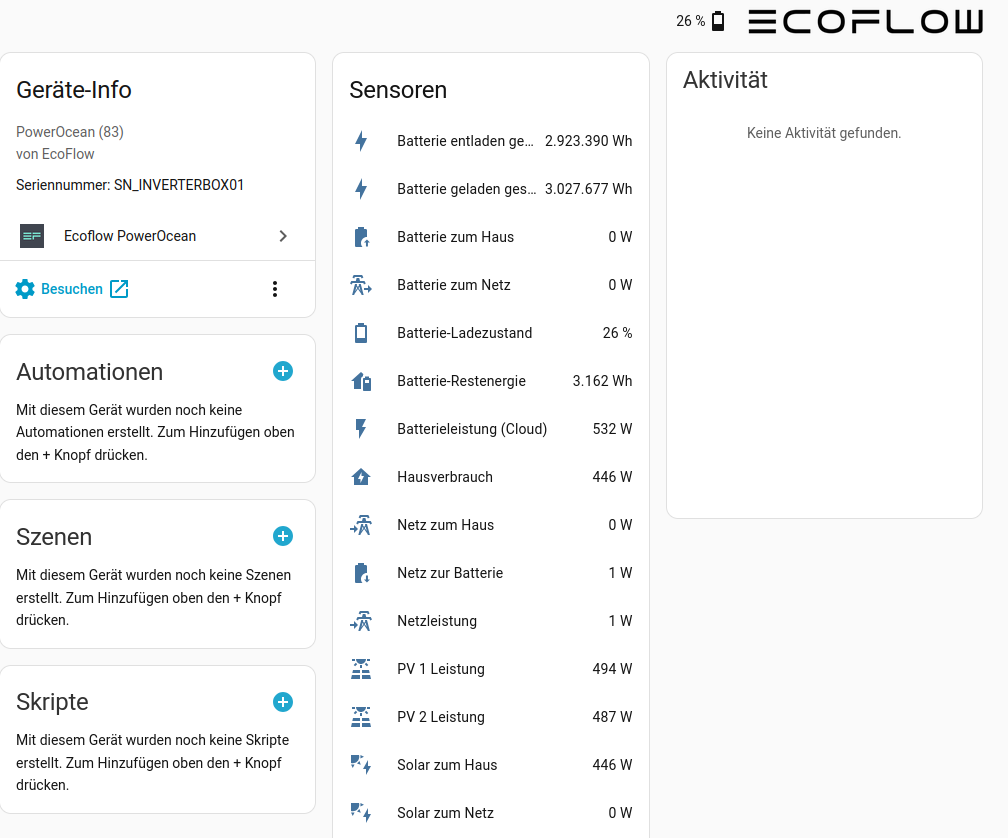
Ecoflow PowerOcean is a custom integration that reads values from an EcoFlow PowerOcean system through the vendor's cloud. It adds sensors for the system, including an active errors sensor that counts current errors from the EMS, the inverter and the battery packs. The error sensor lists each active error with its module, serial number and code, and gives the name and level for known codes. Setup happens in the UI with the inverter serial number, EcoFlow account email and password, and the PowerOcean model; device name and update interval can be changed afterwards. The cloud does not refresh every value at the same rate, so some sensors can stay flat for hours, and the README suggests particular heartbeat values for grid, solar and battery on a dashboard. A diagnostics download is available to attach to bug reports, with credentials removed.
Automatic summary of the README and code of niltrip/powerocean. Something wrong, or are you the maintainer and want your own text here? Get in touch
Supports
Uses the vendor's cloud Needs an internet connection and an account with the vendor.
From the Marketplace Installed through the Marketplace, formerly HACS.
Actively maintained Its author released or pushed a change in the last six months.
Provides
- Sensors
Setting it up
Install it from the Marketplace and restart Home Assistant, then add it under Settings, Devices and services.
Connect
- Inverter serial number (as shown in the EcoFlow app)
- Email address
- Password
- PowerOcean model
Also asked when changing the connection.
Device options
- Device name
- Update interval (in seconds)
Sign in again
- Email address
- Password
After setup
- Device name
- Update interval (in seconds)
- Extended connection (MQTT)Additionally connects to the EcoFlow cloud like the EcoFlow app (MQTT) and reads the firmware of the modules. The values still come from the regular polling.
Texts from the code of niltrip/powerocean.
Entities
- SensorsAllocated power, Battery limit reason, Battery to grid, Battery to house, Charge state, BMS state, Charged energy, Discharged energy, Current, Cell balancing, Highest cell voltage, Lowest cell voltage, and 193 more
Troubleshooting
- DiagnosticsDownloads a diagnostics file to attach to a bug report.
From the README
Home Assistant custom component to get access to my EcoFlow PowerOcean system.
This component was inspired by tolwi/hassio-ecoflow-cloud and is a copy of evercape/hass-resol-KM2.

Shows in Vulpo
Chart card, Apple Watch.Information
- Installs
- 270 sharing analytics
- GitHub stars
- 34
- Connection
- Uses the vendor's cloud
- Upkeep
- Updated in the last 6 months
- Version
- 2026.10.21,
- Category
- Energy, Backup power
- Kind
- Marketplace integration
- Brand
- EcoFlow
- Needs
- Needs the Marketplace (HACS on 2026.10 and older)
- Domain
powerocean- Issues
- Report an issue