

Marketplace integration
Maestro MCZ
On Home Assistant 2026.10 or older? Open it in HACS
- Installs
- 361 sharing analytics
- GitHub stars
- 80
- Connection
- Uses the vendor's cloud
- Upkeep
- Updated in the last 6 months
- Version
- 1.7.0,
- Category
- Climate
- Kind
- Marketplace integration
- Needs
- Needs the Marketplace (HACS on 2026.10 and older)
- Domain
maestro_mcz- Issues
- Report an issue
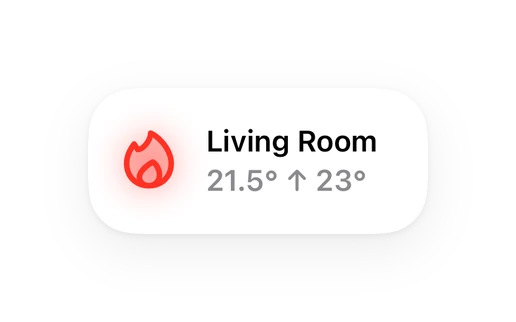
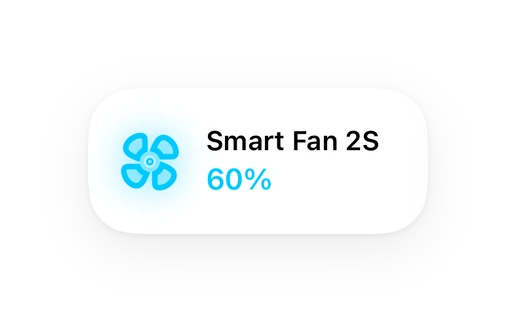
Shows in Vulpo Quick Toggle card, Climate card, Fan card, Button card, Apple Watch, Control Center, Climate Live Activity.


Scan with your iPhone
DownloadIndependent directory, made by the developer of Vulpo. Not affiliated with Home Assistant or the Open Home Foundation.
About
A Home Assistant Custom Component for Maestro MCZ (cloud)
Description from Robbe-B/maestro_mcz

Shows in Vulpo
Quick Toggle card, Climate card, Fan card, Button card, Apple Watch, Control Center, Climate Live Activity.Supports
- Uses the vendor's cloudNeeds an internet connection and an account with the vendor.
- From the MarketplaceInstalled through the Marketplace, formerly HACS.
- Actively maintainedIts author released or pushed a change in the last six months.
Provides
- Climate
- Fans
- Switches
- Sensors
Setting it up
Install it from the Marketplace and restart Home Assistant, then add it under Settings, Devices and services.
Connect
- PasswordThe password for your Maestro account in the official MCZ app, not your Home Assistant password.
- UsernameThe username for your Maestro account in the official MCZ app, not your Home Assistant username.
Reauthenticate
- PasswordYour current Maestro account password.
Texts from the code of Robbe-B/maestro_mcz.
Entities
- SensorsIgnition count, Total operating time, Operating time at power 1, Operating time at power 2, Operating time at power 3, Operating time at power 4, Operating time at power 5, Yesterday's consumption
Troubleshooting
- DiagnosticsDownloads a diagnostics file to attach to a bug report.
From the README
Your MCZ stove, at home in Home Assistant.
Monitor your stove and control its supported settings from Home Assistant using the Maestro cloud service.
Information
- Installs
- 361 sharing analytics
- GitHub stars
- 80
- Connection
- Uses the vendor's cloud
- Upkeep
- Updated in the last 6 months
- Version
- 1.7.0,
- Category
- Climate
- Kind
- Marketplace integration
- Needs
- Needs the Marketplace (HACS on 2026.10 and older)
- Domain
maestro_mcz- Issues
- Report an issue
You might also like










Try it with your own Home Assistant.
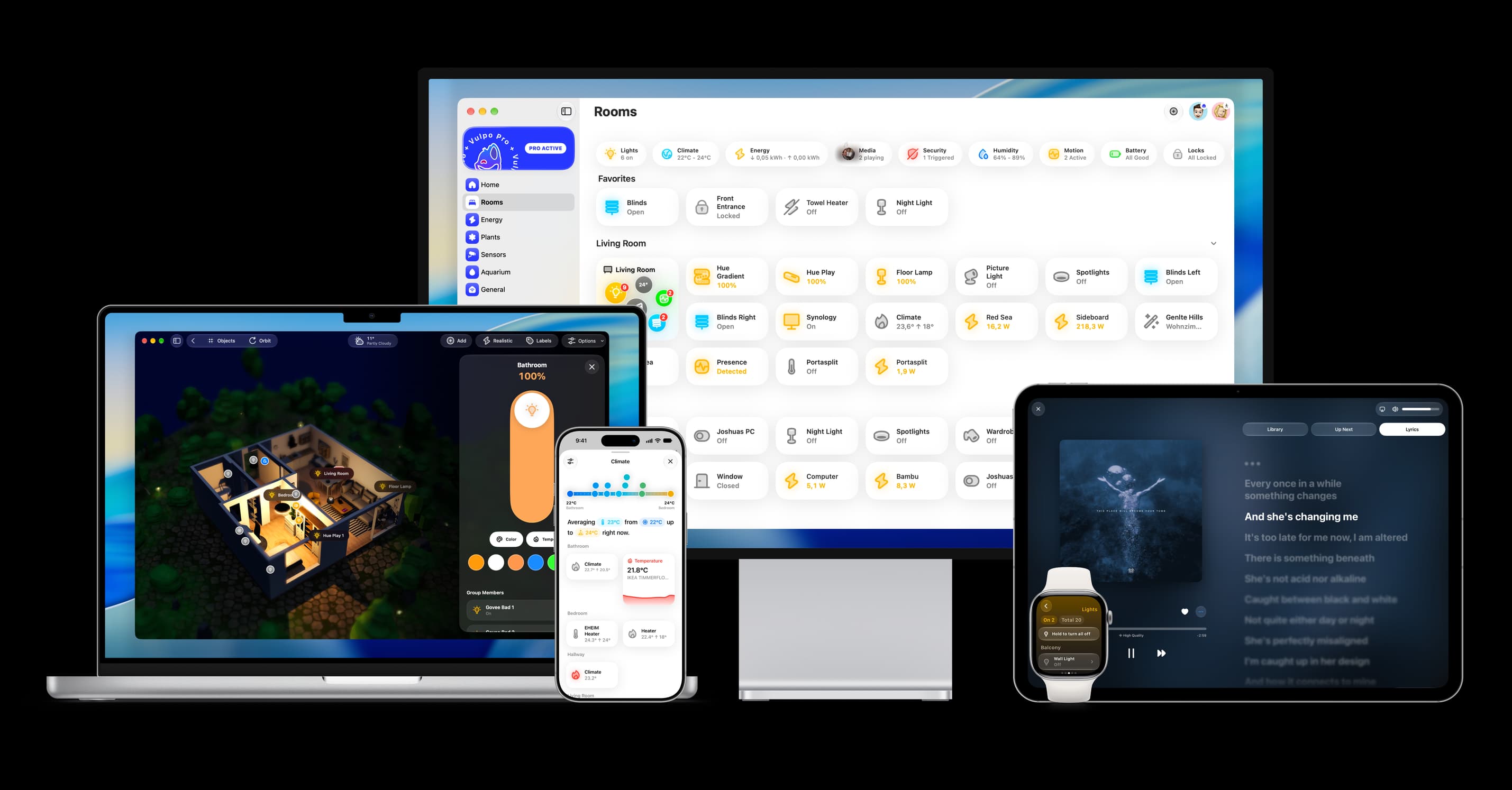
- Free to download
- iPhone, iPad, Mac and Apple Watch
- 40+ native card types
- Connects to your own Home Assistant