
On Home Assistant 2026.10 or older? Open it in HACS
- Installs
- 50 sharing analytics
- GitHub stars
- 13
- Connection
- Uses the vendor's cloud
- Upkeep
- Updated in the last 6 months
- Version
- v0.19.0,
- Category
- Climate
- Kind
- Marketplace integration
- Needs
- Needs the Marketplace (HACS on 2026.10 and older)
- Domain
gwm_ora- Issues
- Report an issue
Shows in Vulpo Quick Toggle card, Climate card, Lock card, Button card, Apple Watch, Control Center, Climate Live Activity.


Scan with your iPhone
DownloadIndependent directory, made by the developer of Vulpo. Not affiliated with Home Assistant or the Open Home Foundation.
Screenshots From the README of moryoav/ha-gwm-ev.
About
GWM is an integration that connects Home Assistant to the cloud services of GWM vehicles. It finds the vehicles on an account, polls their status, and creates entities such as sensors, binary sensors, a climate control, a door lock, a location tracker, numbers, selects, switches and buttons. Remote controls are off until enabled in the options, and most need a vehicle security PIN. These cover climate, locks, windows, seats, horn and lights, and charging start and stop. Two actions set and clear the vehicle's charging schedule, and the polling interval can be adjusted. Accounts from Europe, Australia and New Zealand, Russia, mainland China and Asia-Pacific are supported, and the region must match the account's registration. Setup runs in the UI with a dedicated GWM account.
Automatic summary of the README and code of moryoav/ha-gwm-ev. Something wrong, or are you the maintainer and want your own text here? Get in touch

Shows in Vulpo
Quick Toggle card, Climate card, Lock card, Button card, Apple Watch, Control Center, Climate Live Activity.Installs over time
#1,611 of 1,626 Marketplace integrations. Installs sharing analytics.
Supports
- Uses the vendor's cloudNeeds an internet connection and an account with the vendor.
- From the MarketplaceInstalled through the Marketplace, formerly HACS.
- Actively maintainedIts author released or pushed a change in the last six months.
Provides
- Climate
- Locks
- Switches
- Sensors
- Presence
Setting it up
Install it from the Marketplace and restart Home Assistant, then add it under Settings, Devices and services.
Choose GWM cloud region
- Cloud regionThis must match the account registration region, not the vehicle's current location.
Sign in to GWM
- Registration countryTwo-letter country where the account is registered.
- ANZ authentication methodFor Australia and New Zealand, use the current app login unless this account previously worked with the retired add-on.
- Email, username, or registered phoneUse the same account identifier as the official GWM app.
- PasswordStored in the Home Assistant config entry for account-bound restart recovery and reauthentication; it is redacted from diagnostics.
- Test Russian certificate enrollmentOff by default. Test the Android app certificate flow for Russian gateway certificate errors. The issued certificate and key stay in private Home Assistant storage.
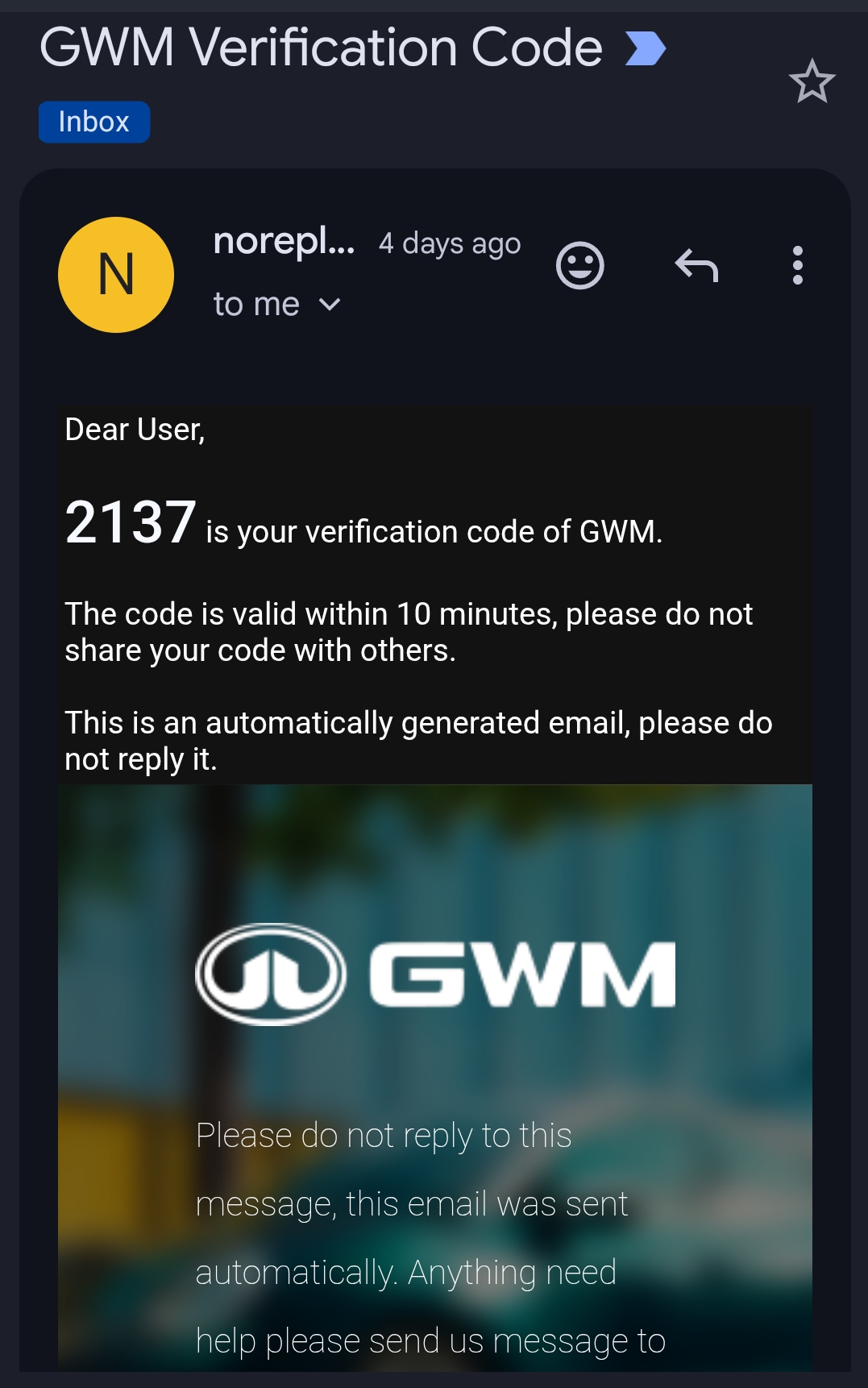
Enter verification code
- Verification code
- Request a new email verification code
Allow ANZ session login
- I understand and want to continue
Reconnect GWM
- Password
Reconfigure GWM
- Cloud region
Authenticate replacement account
- Request a new SMS verification codeFor Mainland China, select this if the saved session cannot be restored. Continue with a new SMS code; sign-in progress is saved for restart recovery.
- Registration country
- ANZ authentication methodChanging this method discards the previous account-bound session and requires a fresh login.
- Email, username, or registered phone
- Password
- Test Russian certificate enrollmentOff by default. Test the Android app certificate flow for Russian gateway certificate errors. The issued certificate and key stay in private Home Assistant storage.
After setup
- Polling intervalSeconds between account-level cloud polls (30-3600).
- Enable remote commandsExplicit opt-in for supported remote command controls.
- Vehicle controlsAllow supported climate, locks, windows, seats and other vehicle controls. Requires a vehicle security PIN.
- Charging controlAllow starting and stopping charging. Charging schedules are not supported. Requires a vehicle security PIN.
- Enable charging controlIndependent explicit opt-in for charging schedules.
- Vehicle security PINRequired for remote commands outside mainland China. For mainland-China BeanTech vehicles, enter the six-digit PIN if the app requires it for locking, unlocking, closing windows, or standalone remote start. Leave it blank to keep the saved credential.
- Log levelIntegration-specific diagnostic verbosity.
Texts from the code of moryoav/ha-gwm-ev.
Entities
- Binary sensorsCharging active, Charge plug, A/C active, Lock open, Front driver window, Front passenger window, Rear driver-side window, Rear passenger-side window, Rear-left window, Rear-right window, Front driver door, Front passenger door, and 23 more
- ButtonsStart air circulation, Close windows, Remote start, Remote stop, Sound horn, Flash lights, Sound horn and flash lights, Open tailgate, Close tailgate, Start steering wheel heating, Stop steering wheel heating, Start charging, and 16 more
- ClimateA/C climate
- PresenceLocation
- LocksDoor lock
- NumbersClimate run time, Charge limit
- SelectsDriver seat heating level, Passenger seat heating level, Driver seat ventilation level, Passenger seat ventilation level, Charge window start, Charge window end, Battery heating departure time, Cabin clean appointment
- SensorsSOC, Range, Fuel level, Fuel range, Odometer, Remaining charging time, Charging status, SOCE, Interior temperature, Tire pressure front left, Tire pressure front right, Tire pressure rear left, and 85 more
- SwitchesFront defroster, Scheduled charging, Driver seat heating, Passenger seat heating, Driver seat ventilation, Passenger seat ventilation, Steering wheel heating, Front defrost, Rear defrost, Plugged-in battery heating, Active battery heating, and 2 more
Actions
- Set charging planSet the vehicle's charging schedule. The car charges only inside the window; a window that starts in the future pauses charging until then. Requires charging control in the integration options.
- VIN
- Start time
- End time
- Clear charging planClear the vehicle's charging schedule so the car charges whenever it is plugged in.
- VIN
Troubleshooting
- DiagnosticsDownloads a diagnostics file to attach to a bug report.
Information
- Installs
- 50 sharing analytics
- GitHub stars
- 13
- Connection
- Uses the vendor's cloud
- Upkeep
- Updated in the last 6 months
- Version
- v0.19.0,
- Category
- Climate
- Kind
- Marketplace integration
- Needs
- Needs the Marketplace (HACS on 2026.10 and older)
- Domain
gwm_ora- Issues
- Report an issue
You might also like









Try it with your own Home Assistant.
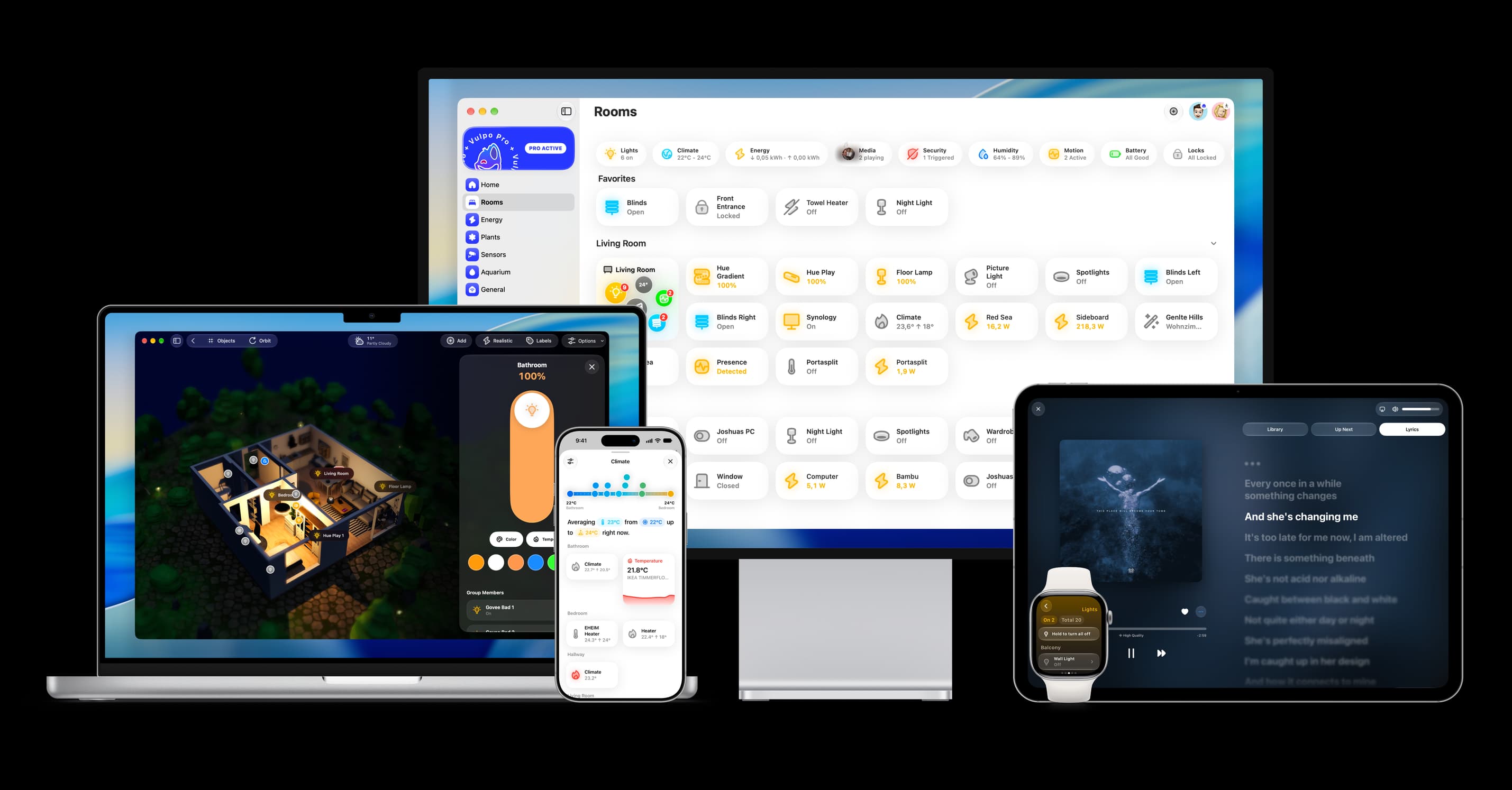
- Free to download
- iPhone, iPad, Mac and Apple Watch
- 40+ native card types
- Connects to your own Home Assistant