

Marketplace integration
Spotcast
On Home Assistant 2026.10 or older? Open it in HACS
- Installs
- 4.8k sharing analytics
- GitHub stars
- 29
- Connection
- Uses the vendor's cloud
- Upkeep
- Updated in the last 6 months
- Version
- v6.6.7,
- Category
- Media and entertainment, Music and radio services
- Kind
- Marketplace integration
- Brand
- Spotify
- Needs
- Needs the Marketplace (HACS on 2026.10 and older)
- Domain
spotcast- Issues
- Report an issue
Independent directory, made by the developer of Vulpo. Not affiliated with Home Assistant or the Open Home Foundation.
About
Start and transfer Spotify playback on idle Chromecast and Connect devices, on top of the official Home Assistant Spotify integration.
Description from Mincka/spotcast
Supports
- Uses the vendor's cloudNeeds an internet connection and an account with the vendor.
- Sign in with the vendorConnects through the vendor's own sign-in page.
- From the MarketplaceInstalled through the Marketplace, formerly HACS.
- Actively maintainedIts author released or pushed a change in the last six months.
Setting it up
Install it from the Marketplace and restart Home Assistant, then add it under Settings, Devices and services.
Start Setup
- I have read the documentation
Desktop api
- Access Token
- Refresh Token
Paste the redirect URL
- Redirect URL
After setup
- Set the current account as the default Spotcast account
- Base Refresh RateHow often (in seconds) Spotcast refreshes the account data from Spotify.
- Stale device timeoutDays before an unavailable device and its entity are removed. 0 removes them immediately.
- Device filter modeDeny ignores devices matching the patterns. Allow only creates entities for matching devices.
- Device filter patternsComma-separated device names, case insensitive, wildcards allowed. Example: *Jam*, Pixel 7 Pro. Leave empty to keep every device.
Texts from the code of Mincka/spotcast.
Actions
- Add to QueueAdd a list of tracks to the active playback in Spotify
- Spotify URIs
- Spotify Account
- Like MediaAdd a list of media to your Spotify Library
- Spotify URIs
- Spotify Account
- Unlike MediaRemove a list of media from your Spotify Library
- Spotify URIs
- Spotify Account
- Play Custom ContextStarts playback from a custom list of tracks URIs
- Target
- Items
- Spotify Account
- Data
- Spotify DJ PlaylistPlay Spotify DJ playlist
- Target
- Spotify Account
- Data
- Play From SearchStart playback from a search result
- Target
- Search Term
- Item Type
- Tags
- Filters
- Spotify Account
- Data
- Liked Songs PlaylistPlay User's Liked Songs
- Target
- Spotify Account
- Data
- Play MediaPlay Spotify media
- Target
- URI
- Spotify Account
- Data
- Saved PodcastPlay User's Saved Podcast Episodes
- Target
- Spotify Account
- Data
- Transfer PlaybackTransfers the Spotify playback to the targeted device
- Target
- Spotify Account
- Data
Troubleshooting
- System healthAdds its status to Home Assistant's system information.
From the README
Spotcast is a Home Assistant custom integration that starts Spotify playback on an idle Chromecast or Spotify Connect device, so your automations can target both device families the same way.
Information
- Installs
- 4.8k sharing analytics
- GitHub stars
- 29
- Connection
- Uses the vendor's cloud
- Upkeep
- Updated in the last 6 months
- Version
- v6.6.7,
- Category
- Media and entertainment, Music and radio services
- Kind
- Marketplace integration
- Brand
- Spotify
- Needs
- Needs the Marketplace (HACS on 2026.10 and older)
- Domain
spotcast- Issues
- Report an issue
More from Spotify

You might also like










Try it with your own Home Assistant.
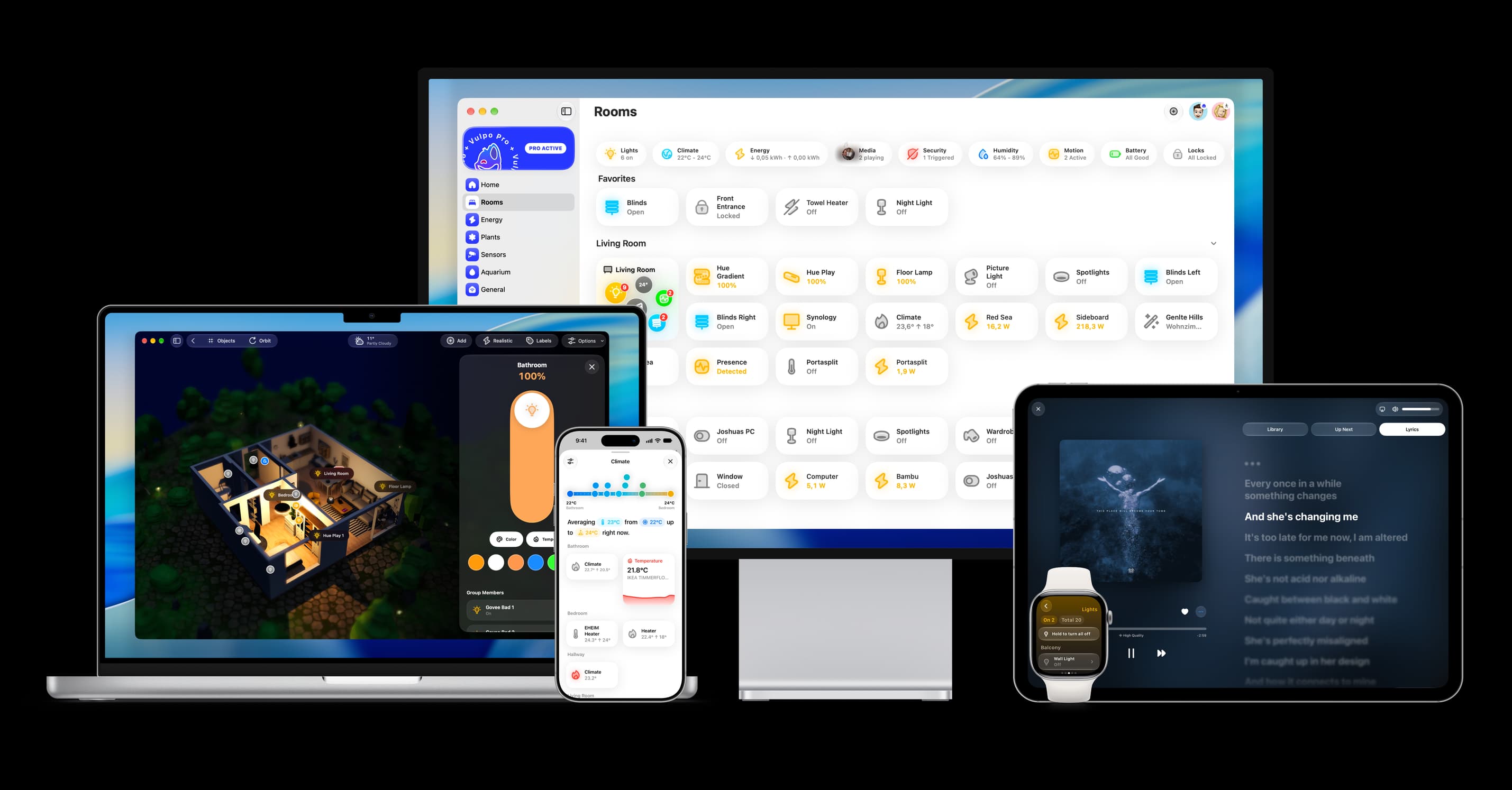
- Free to download
- iPhone, iPad, Mac and Apple Watch
- 40+ native card types
- Connects to your own Home Assistant