On Home Assistant 2026.10 or older? Open it in HACS
- Installs
- 51 sharing analytics
- GitHub stars
- 4
- Connection
- Uses the vendor's cloud
- Upkeep
- Updated in the last 6 months
- Version
- v0.3.3,
- Category
- Climate
- Kind
- Marketplace integration
- Brand
- Honeywell
- Needs
- Needs the Marketplace (HACS on 2026.10 and older)
- Domain
resideo_native- Issues
- Report an issue
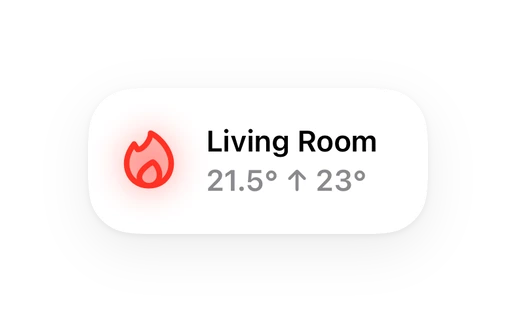
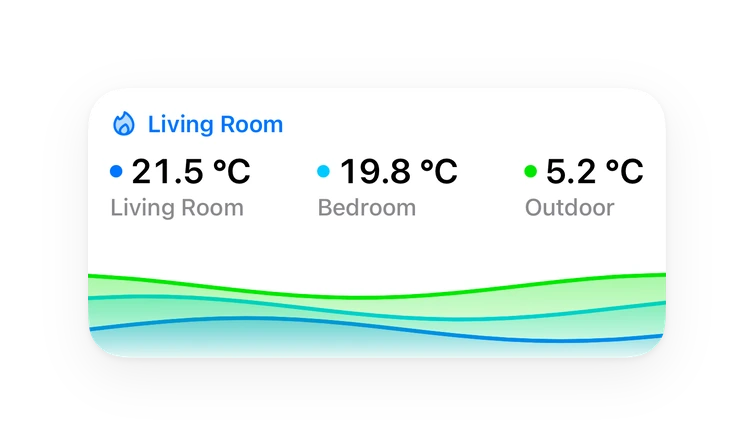
Shows in Vulpo Quick Toggle card, Climate card, Chart card, Apple Watch, Control Center, Climate Live Activity.
Independent directory, made by the developer of Vulpo. Not affiliated with Home Assistant or the Open Home Foundation.
About
Control Honeywell Home / Resideo Lyric T6 and T6R thermostats from Home Assistant using your normal Resideo Smart Home account.
Description from Kosztyk/resideo_native

Shows in Vulpo
Quick Toggle card, Climate card, Chart card, Apple Watch, Control Center, Climate Live Activity.Installs over time
#1,557 of 1,584 Marketplace integrations. Installs sharing analytics.
Supports
- Uses the vendor's cloudNeeds an internet connection and an account with the vendor.
- From the MarketplaceInstalled through the Marketplace, formerly HACS.
- Actively maintainedIts author released or pushed a change in the last six months.
Provides
- Climate
- Water heaters
- Switches
- Sensors
Setting it up
Install it from the Marketplace and restart Home Assistant, then add it under Settings, Devices and services.
Sign in to Resideo
- Email address
- Password
- Country code
Sign in with Resideo in your browser
- Complete Resideo redirect URL
Use an existing Resideo app refresh token
- Resideo app refresh token
After setup
- Refresh interval (seconds)
- Default hold for temperature changes
- Show Resideo schedules in the sidebar
Texts from the code of Kosztyk/resideo_native.
Entities
- SensorsHot water state, Schedule editor
- SwitchesHeating schedule, Add scheduler to sidebar, Switch to Geofencing
- Water heatersHot water
Actions
- Boost hot waterStart a timed hot-water boost for the selected duration.
- Duration (minutes)
- Cancel hot-water boostSend the app's temporary hot-water off command. Choose Follow schedule to explicitly resume the schedule.
- Turn heating schedule on/offEnable or disable the native schedule through Schedule/Status. Does not send a thermostat hold command.
- Follow schedule
- Expected revision
- Set heating schedule typeSelect Timed or Geofence for one Jasper thermostat after explicit review. Phone geofencing remains in the official app.
- Schedule type
- Expected revision
- Confirm type change
- Timed days
- Geofence temperatures
Troubleshooting
- DiagnosticsDownloads a diagnostics file to attach to a bug report.
From the README
Control Honeywell Home / Resideo Lyric T6 and T6R thermostats from Home Assistant using your normal Resideo Smart Home account.
No Resideo developer account, consumer key, consumer secret, SmartThings connection, or HomeKit pairing is required.
- One climate entity per supported thermostat.
- Jasper/T6R domestic hot water: reported on/off state, follow schedule, always on/off, and 30/60/90-minute boost controls when a nested dhwZone is present.
- Bounded follow-up reads after hot-water commands, stopping when a fresh cloud response confirms the requested mode.
- Current temperature, target temperature, and device-reported temperature limits.
- Celsius/Fahrenheit handling, including the Jasper/T6 API conversion corrected in version 0.1.2.
- Heating, cooling, off, and automatic heat/cool modes when reported by the device. Heating-only models are not given cooling controls.
- Heating/cooling activity when the reported operating status can be interpreted.
- Report EquipmentOff as HVAC Idle while Heat/Cool mode is still enabled (v0.3.3).
- Indoor humidity when the device exposes a valid, enabled reading.
- Follow schedule, Temporary hold, and Permanent hold presets.
- Shared account polling, automatic discovery of newly returned thermostats, and unavailable status for offline devices.
- Automatic token refresh and reauthentication support.
Information
- Installs
- 51 sharing analytics
- GitHub stars
- 4
- Connection
- Uses the vendor's cloud
- Upkeep
- Updated in the last 6 months
- Version
- v0.3.3,
- Category
- Climate
- Kind
- Marketplace integration
- Brand
- Honeywell
- Needs
- Needs the Marketplace (HACS on 2026.10 and older)
- Domain
resideo_native- Issues
- Report an issue