Screenshots From the README of kongo09/remote_buttons.
About
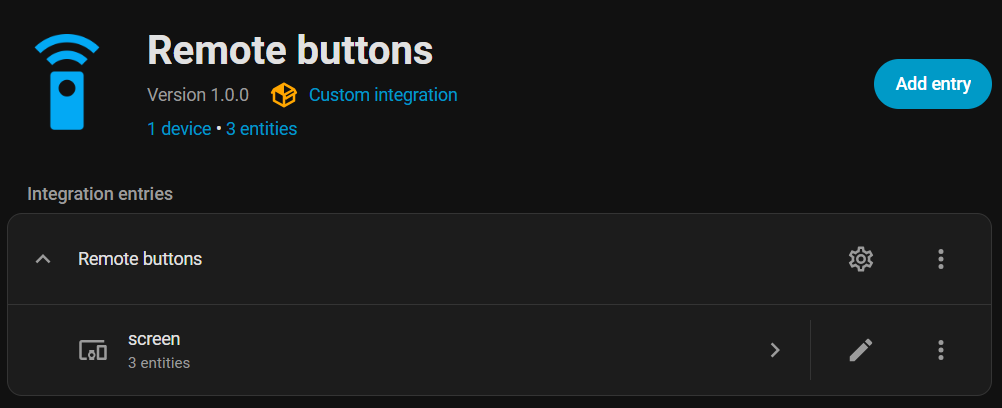
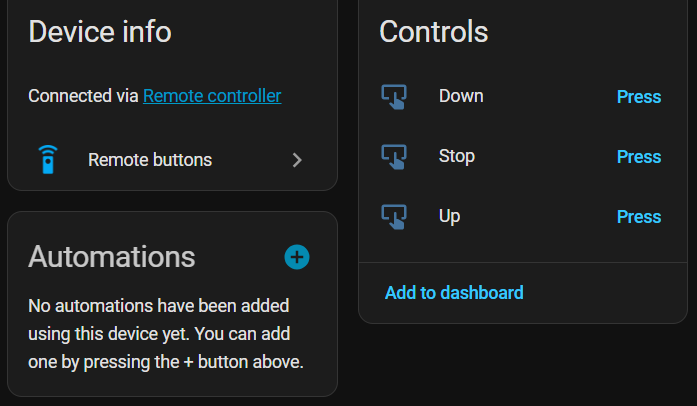
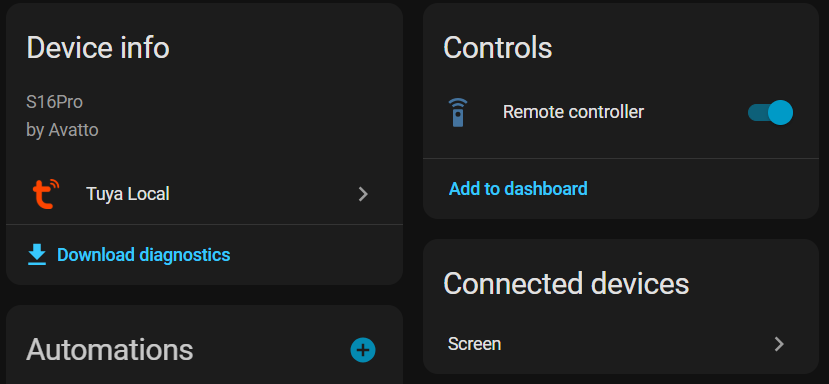
Remote Buttons creates button entities for learnt commands stored on IR and RF remote entities. Commands are grouped into devices by sub-device name, such as a TV or an AC, and each button sends its command through the underlying remote. For IR sub-devices it also adds number entities for IR delay and IR repeat, so send behaviour can be tuned per device. Which remotes to watch is chosen in the setup dialog and can be changed later in the options, and only Broadlink and Tuya Local remotes are supported. It works locally and does not poll, rescanning about 30 seconds after commands are learnt or deleted. A repair notice appears when a compatible remote is added, and a diagnostics download is available.
Automatic summary of the README and code of kongo09/remote_buttons. Something wrong, or are you the maintainer and want your own text here? Get in touch
Supports
Works locally Talks to your devices on your own network. No vendor cloud in between.
From the Marketplace Installed through the Marketplace, formerly HACS.
Setting it up
Install it from the Marketplace and restart Home Assistant, then add it under Settings, Devices and services.
Select remote entities
- Remote entities
Also asked when changing the connection.
After setup
- Remote entities
Texts from the code of kongo09/remote_buttons.
Entities
- NumbersIR delay, IR repeat
Troubleshooting
- DiagnosticsDownloads a diagnostics file to attach to a bug report.
From the README
A Home Assistant custom integration that automatically creates button entities for every learnt command on your IR/RF remote entities.

Shows in Vulpo
Button card.Information
- Installs
- 129 sharing analytics
- GitHub stars
- 5
- Connection
- Works locally
- Upkeep
- No update in 6 to 18 months
- Version
- v1.2.1,
- Category
- Buttons and remotes
- Kind
- Marketplace integration
- Needs
- Needs the Marketplace (HACS on 2026.10 and older)
- Domain
remote_buttons- Issues
- Report an issue