

Marketplace integration
Thermostat Proxy
On Home Assistant 2026.10 or older? Open it in HACS
- Installs
- 50 sharing analytics
- GitHub stars
- 27
- Connection
- Not stated
- Upkeep
- Updated in the last 6 months
- Version
- 2026.11.0,
- Category
- Climate, Thermostats and heating
- Kind
- Marketplace integration
- Needs
- Needs the Marketplace (HACS on 2026.10 and older)
- Domain
thermostat_proxy- Issues
- Report an issue
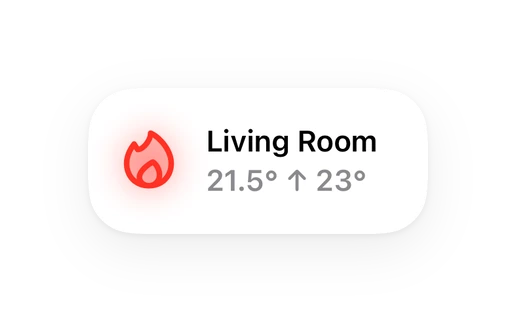
Shows in Vulpo Climate card, Apple Watch, Climate Live Activity.


Scan with your iPhone
DownloadIndependent directory, made by the developer of Vulpo. Not affiliated with Home Assistant or the Open Home Foundation.
Screenshots From the README of jianyu-li/thermostat-proxy.
About
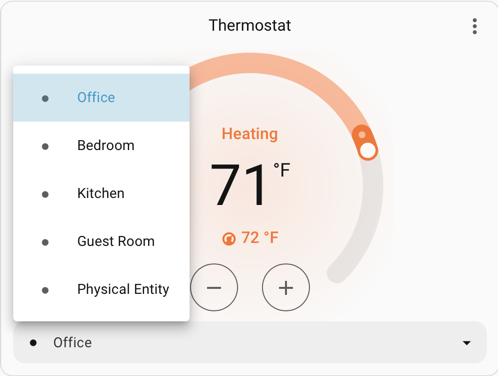
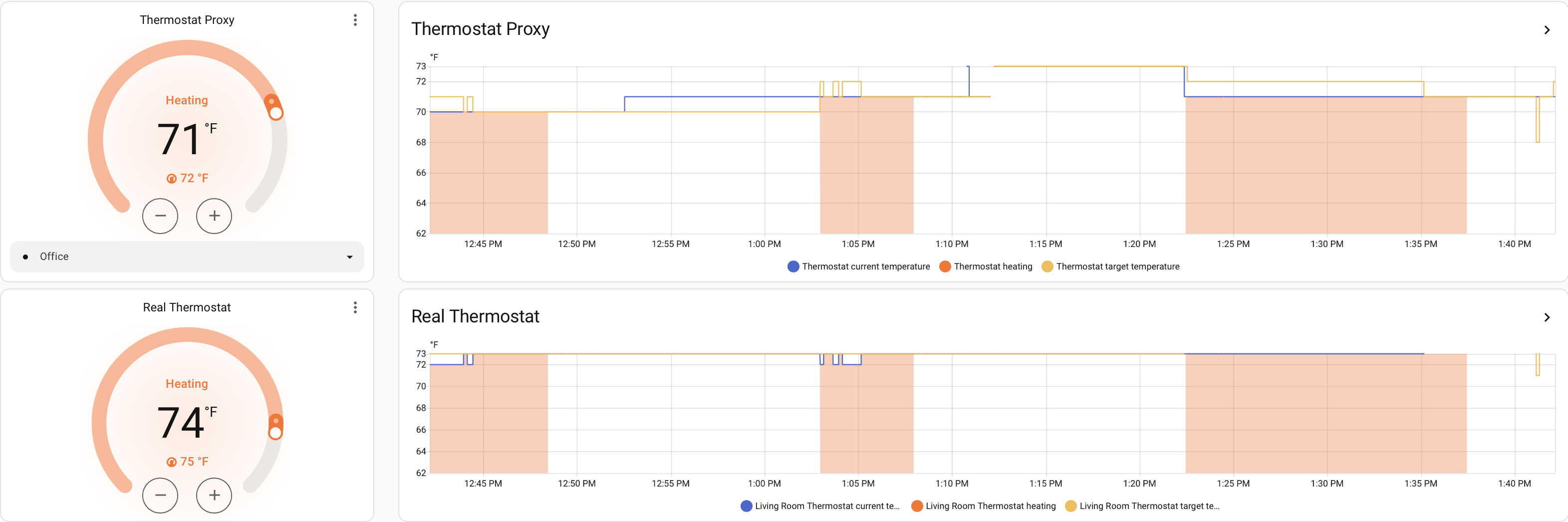
Thermostat Proxy mirrors a physical Home Assistant climate device but lets you choose any remote temperature sensor as its “current” reading. Set targets on the proxy, and it offsets the real...
Description from jianyu-li/thermostat-proxy

Shows in Vulpo
Climate card, Apple Watch, Climate Live Activity.Installs over time
#1,638 of 1,647 Marketplace integrations, down 41 places in 30 days. Installs sharing analytics.
Supports
- From the MarketplaceInstalled through the Marketplace, formerly HACS.
- Actively maintainedIts author released or pushed a change in the last six months.
Provides
- Climate
Setting it up
Install it from the Marketplace and restart Home Assistant, then add it under Settings, Devices and services.
Thermostat Proxy
- Name
- Physical thermostat
Also asked when changing the connection.
Temperature sensors
- Sensor name
- Temperature entity
- Humidity entity (optional)
- Add another sensor
Manage sensors
- Choose what to do
Remove a sensor
- Sensor name
Replace a sensor
- Sensor to replace
Replace a sensor
- Sensor name
- Temperature entity
- Humidity entity (optional)
Defaults
- Adjustment cooldown (seconds)Minimum wait time between setpoint adjustments sent to the physical thermostat to prevent short-cycling. Set to 0 to disable.
- Default sensorSensor preset to activate on startup or when the integration reloads. Choose a specific sensor or 'Last active sensor'.
- Default target humidity (%)Initial target relative humidity percentage slider on the proxy entity (30% - 99%).
- Humidity overcool limitMaximum degrees the system may cool below target temperature to dehumidify the room when high humidity is detected. Set to 0 to disable (default 2.0°).
- Maximum sync offsetMaximum degrees of offset allowed between the active sensor and physical setpoint. Protects against wild offsets if a sensor is faulty. Set to 0 to disable (default 10.0°).
- Maximum safe temperatureHighest allowable target temperature (safety ceiling). Any target above this is clamped. Set to 0 to disable.
- Minimum dual setpoint deadbandMinimum degree separation between heat and cool setpoints sent to the physical thermostat in Heat/Cool mode (e.g. 5.0°F for ecobee). Prevents hardware firmware setpoint clamping. Set to 0 for automatic.
- Minimum safe temperatureLowest allowable target temperature (safety floor). Any target below this is clamped. Set to 0 to disable.
- Temperature overdrive offsetExtra degree offset applied to force the physical thermostat to run when the remote sensor is not satisfied but the thermostat is idle. Set to 0 to disable (default 1.0°).
- Physical thermostat preset namePreset name for the physical thermostat's internal temperature sensor (defaults to 'Physical Entity').
- Physical target change behaviorHow the proxy responds when setpoints are changed directly on the physical thermostat hardware (e.g., turning the physical dial).
- Sensor change thresholdMinimum temperature change required at the active sensor before updating the physical thermostat. Filters out noise and frequent micro-adjustments. Set to 0 to disable.
After setup
- Adjustment cooldown (seconds)Minimum wait time between setpoint adjustments sent to the physical thermostat to prevent short-cycling. Set to 0 to disable.
- Default sensorSensor preset to activate on startup or when the integration reloads. Choose a specific sensor or 'Last active sensor'.
- Default target humidity (%)Initial target relative humidity percentage slider on the proxy entity (30% - 99%).
- Humidity overcool limitMaximum degrees the system may cool below target temperature to dehumidify the room when high humidity is detected. Set to 0 to disable (default 2.0°).
- Maximum sync offsetMaximum degrees of offset allowed between the active sensor and physical setpoint. Protects against wild offsets if a sensor is faulty. Set to 0 to disable (default 10.0°).
- Maximum safe temperatureHighest allowable target temperature (safety ceiling). Any target above this is clamped. Set to 0 to disable.
- Minimum dual setpoint deadbandMinimum degree separation between heat and cool setpoints sent to the physical thermostat in Heat/Cool mode (e.g. 5.0°F for ecobee). Prevents hardware firmware setpoint clamping. Set to 0 for automatic.
- Minimum safe temperatureLowest allowable target temperature (safety floor). Any target below this is clamped. Set to 0 to disable.
- Temperature overdrive offsetExtra degree offset applied to force the physical thermostat to run when the remote sensor is not satisfied but the thermostat is idle. Set to 0 to disable (default 1.0°).
- Physical target change behaviorHow the proxy responds when setpoints are changed directly on the physical thermostat hardware (e.g., turning the physical dial).
- Sensor change thresholdMinimum temperature change required at the active sensor before updating the physical thermostat. Filters out noise and frequent micro-adjustments. Set to 0 to disable.
Texts from the code of jianyu-li/thermostat-proxy.
From the README
A Home Assistant custom integration that lets you expose a virtual climate entity which mirrors a real thermostat but lets you pick any temperature sensor to act as the “current temperature”. When you change the virtual target temperature, the integration calculates the difference between the selected sensor and the requested set point, then offsets the real thermostat so it behaves as if it were reading the chosen sensor.
- Wraps an existing climate entity; copies all of its attributes for dashboards/automations.
- Supports any number of temperature sensors. Each named sensor becomes a preset_mode, so changing the preset swaps the active sensor.
- Falls back to the real thermostat’s current_temperature whenever the selected sensor is unknown or unavailable.
- climate.set_temperature service adjusts the linked thermostat by the delta between the selected sensor reading and your requested temperature.
- Exposes helper attributes: active sensor, sensor entity id, real current temperature, and the last real target temperature.
- Remembers the previously selected sensor/target temperature across restarts and surfaces an unavailable_entities attribute so you can monitor unhealthy dependencies.
- Always adds a built-in preset for the wrapped thermostat’s own temperature reading (named Physical Entity by default, but you can rename it during setup) so you can revert or set it as the default…
Information
- Installs
- 50 sharing analytics
- GitHub stars
- 27
- Connection
- Not stated
- Upkeep
- Updated in the last 6 months
- Version
- 2026.11.0,
- Category
- Climate, Thermostats and heating
- Kind
- Marketplace integration
- Needs
- Needs the Marketplace (HACS on 2026.10 and older)
- Domain
thermostat_proxy- Issues
- Report an issue
You might also like











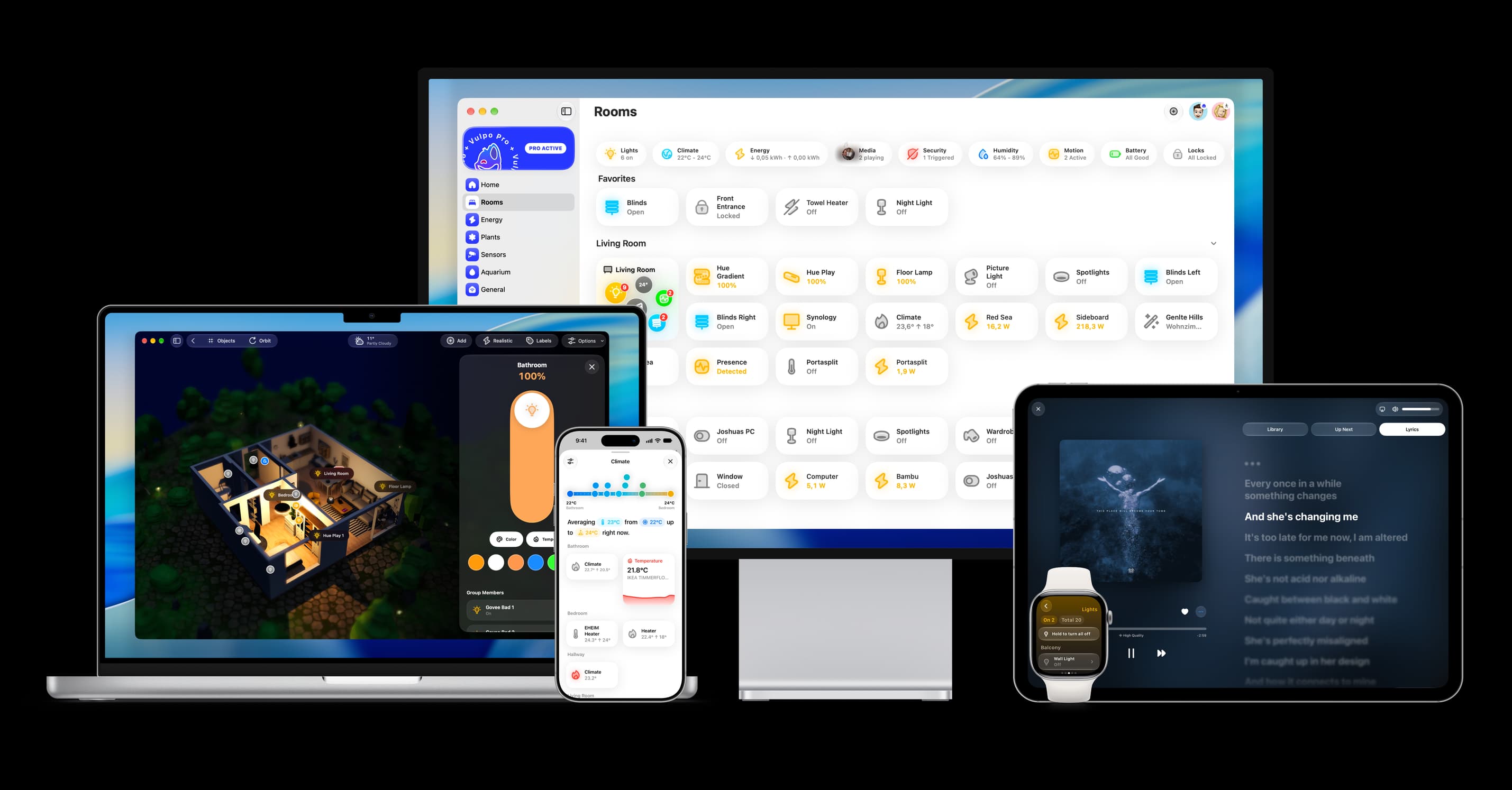
Try it with your own Home Assistant.
- Free to download
- iPhone, iPad, Mac and Apple Watch
- 40+ native card types
- Connects to your own Home Assistant