

Marketplace integration
Smartbox
On Home Assistant 2026.10 or older? Open it in HACS
- Installs
- 76 sharing analytics
- GitHub stars
- 14
- Connection
- Uses the vendor's cloud
- Upkeep
- Updated in the last 6 months
- Version
- v3.2.1,
- Category
- Climate
- Kind
- Marketplace integration
- Needs
- Needs the Marketplace (HACS on 2026.10 and older)
- Domain
smartbox- Issues
- Report an issue
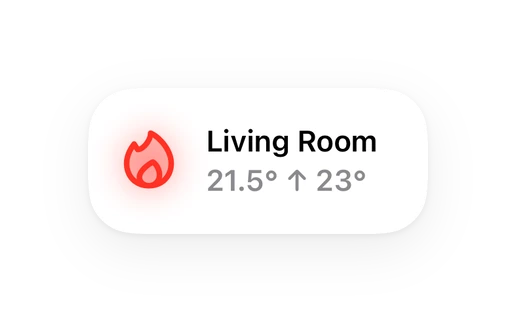
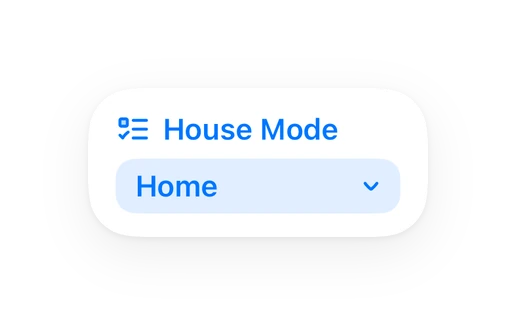
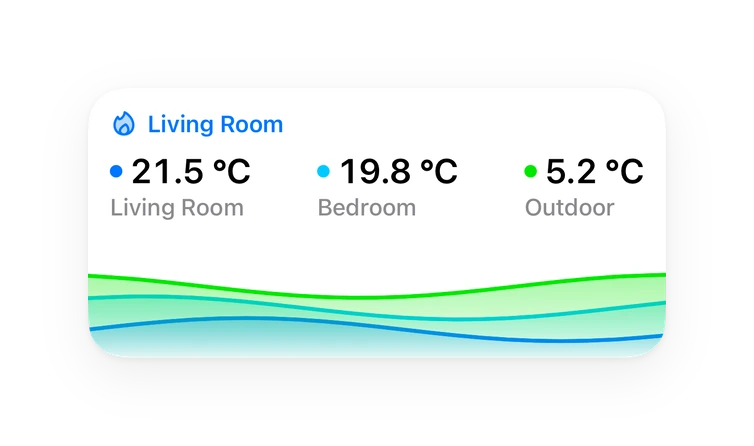
Shows in Vulpo Quick Toggle card, Climate card, Select card, Chart card, Apple Watch, Control Center, Climate Live Activity.


Scan with your iPhone
DownloadIndependent directory, made by the developer of Vulpo. Not affiliated with Home Assistant or the Open Home Foundation.
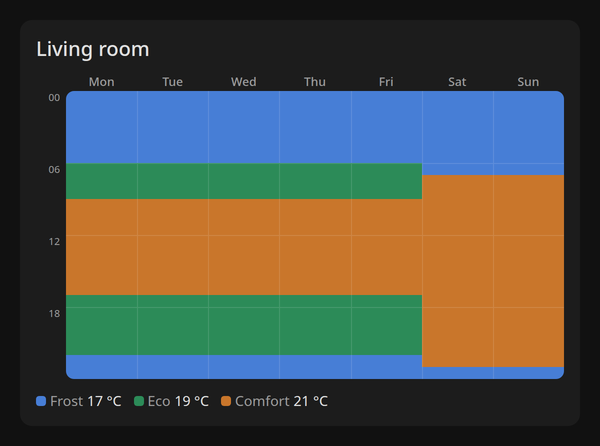
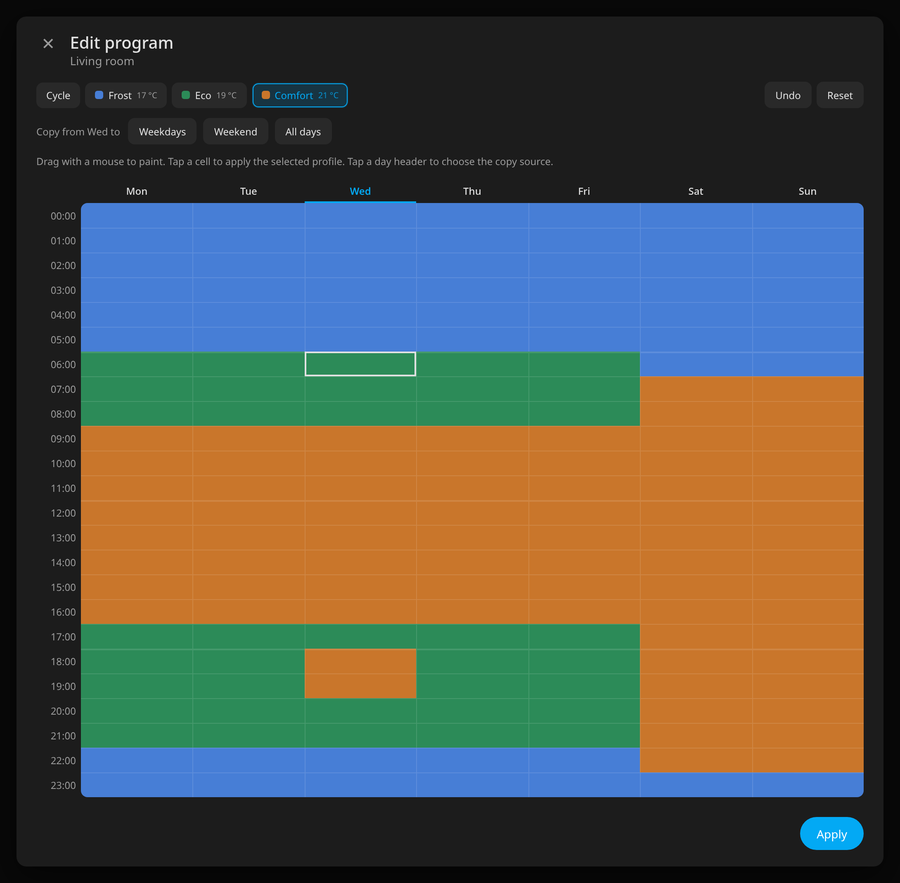
Screenshots From the README of ajtudela/hass-smartbox.
About
Home Assistant integration for Smartbox/Helki heating systems from Haverland, Lucht LHZ, Elnur, Climastar, Technotherm, Electrorad, iHeat, Valderoma, HJM, Perry, Tevolve, SmartControl, and Electric...
Description from ajtudela/hass-smartbox

Shows in Vulpo
Quick Toggle card, Climate card, Select card, Chart card, Apple Watch, Control Center, Climate Live Activity.Supports
- Uses the vendor's cloudNeeds an internet connection and an account with the vendor.
- From the MarketplaceInstalled through the Marketplace, formerly HACS.
- Actively maintainedIts author released or pushed a change in the last six months.
Provides
- Climate
- Switches
- Sensors
Setting it up
Install it from the Marketplace and restart Home Assistant, then add it under Settings, Devices and services.
Add an account
- Name of the vendor.Select the brand your Smartbox account was created with. The brand selects the tenant credentials, API host and referer.
- Username
- Password
Also asked when changing the connection.
Reauthentication
- Username
- Password
After setup
- Consumption historyConsumption history: Start imports the last three years once; Auto refreshes the last 24 hours every 15 minutes; Off keeps the sensor value current without statistics.
- Delta for update power entity (in sec)Delta between attempts to update the power entity for pmo
- Reseller logo for entities
Texts from the code of ajtudela/hass-smartbox.
Entities
- Binary sensorsConnectivity, Charging, Water Ready, Water Fully Ready, Low Battery, PIR Presence, Window Detection
- NumbersPower Limit, Boost Temperature, Boost Duration, Away Offset, Maximum, Frost, Eco, Comfort
- SelectsRadiator Priority, Power Limit Factor, Control Mode
- SensorsCharge Level, Target Charge, Duty Cycle, Total Consumption, Boost End, Clock Drift, Schedule
- SwitchesChild Lock, Maximum Limit, True Radiant, Window Mode, Away Status, No Power Limit, Boost
Actions
- Set boost modeActivates or deactivates a full-boost mode on a climate entity. This uses the app's /boost_mode path; the boost temperature and duration numbers remain the defaults.
- Active
- Mode
- Temperature
- Duration
- Set boost parametersSets temperature and duration parameters for the boost function.
- Entity
- Temperature
- Duration
- Set scheduleSets (part of) the heater's own weekly schedule. Keys are the days "0".."6" (Sunday..Saturday); each value is the list of hourly profile slots (0=frost, 1=eco, 2=comfort). Omitted days keep their current programme.
- Schedule
Troubleshooting
- DiagnosticsDownloads a diagnostics file to attach to a bug report.
- System healthAdds its status to Home Assistant's system information.
- Repair noticesNotices it can show in Settings, Repairs:Smartbox websocket endpoint keeps disappearing, New Smartbox heaters detected
From the README
Home Assistant integration for Haverland, Ducasa (Ducaheat) and other brands' heating smartboxes.
- htr and acm (accumulator) nodes
- Supported modes: 'manual' and 'auto'
- Supported presets: 'home' and 'away'
- htr_mod
- Supported modes: 'manual', 'auto', 'self_learn' and 'presence'
- Supported presets: 'comfort', 'eco', 'frost', 'schedule', 'self_learn' and 'activity'
Information
- Installs
- 76 sharing analytics
- GitHub stars
- 14
- Connection
- Uses the vendor's cloud
- Upkeep
- Updated in the last 6 months
- Version
- v3.2.1,
- Category
- Climate
- Kind
- Marketplace integration
- Needs
- Needs the Marketplace (HACS on 2026.10 and older)
- Domain
smartbox- Issues
- Report an issue
You might also like









Try it with your own Home Assistant.
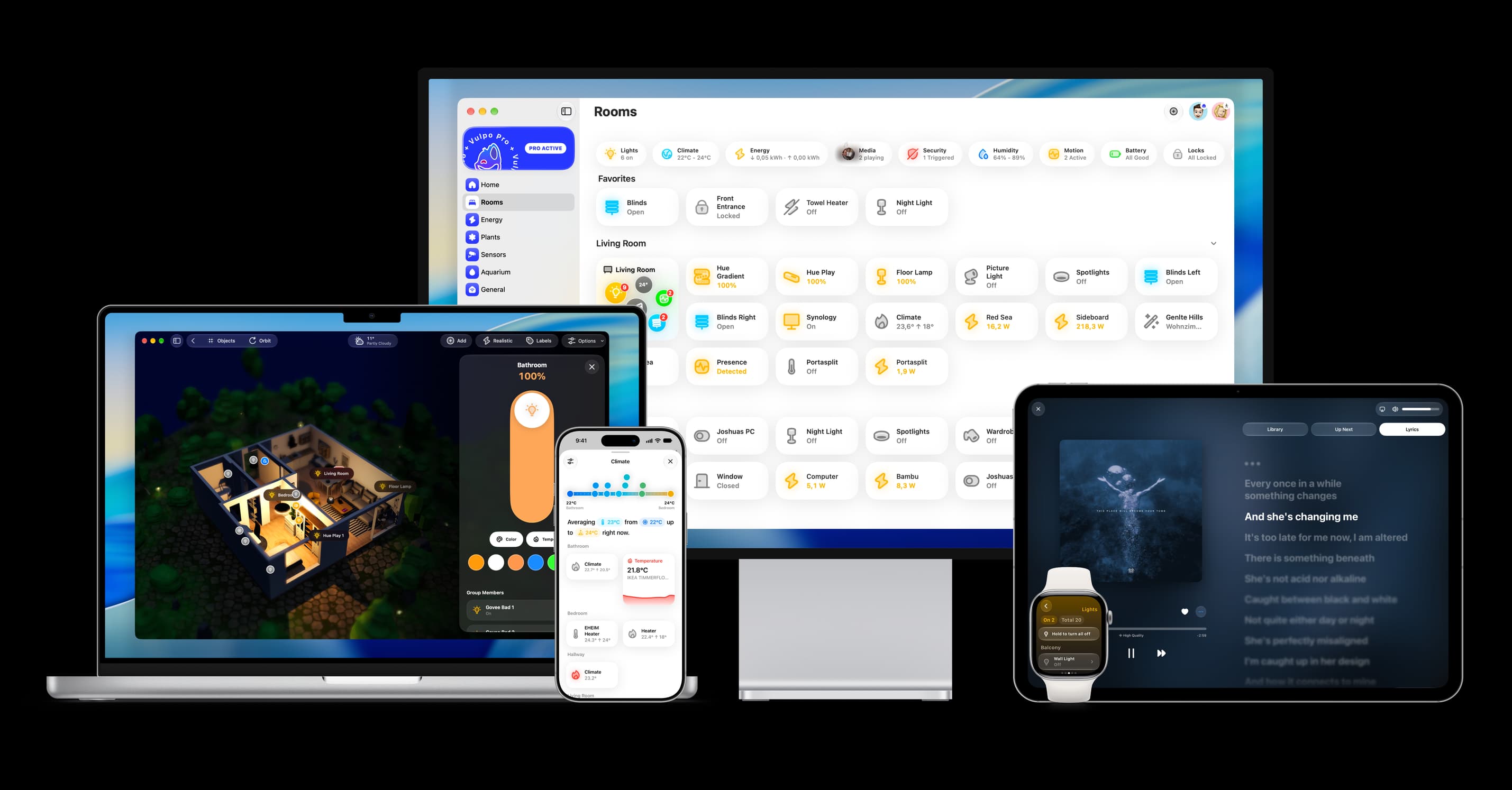
- Free to download
- iPhone, iPad, Mac and Apple Watch
- 40+ native card types
- Connects to your own Home Assistant