
On Home Assistant 2026.10 or older? Open it in HACS
- Installs
- 56 sharing analytics
- GitHub stars
- 9
- Connection
- Works locally
- Upkeep
- Updated in the last 6 months
- Version
- v1.1.10,
- Category
- Vehicles and transport, Cars and EVs
- Kind
- Marketplace integration
- Brand
- Tesla
- Needs
- Needs the Marketplace (HACS on 2026.10 and older)
- Domain
tesla_ble- Issues
- Report an issue
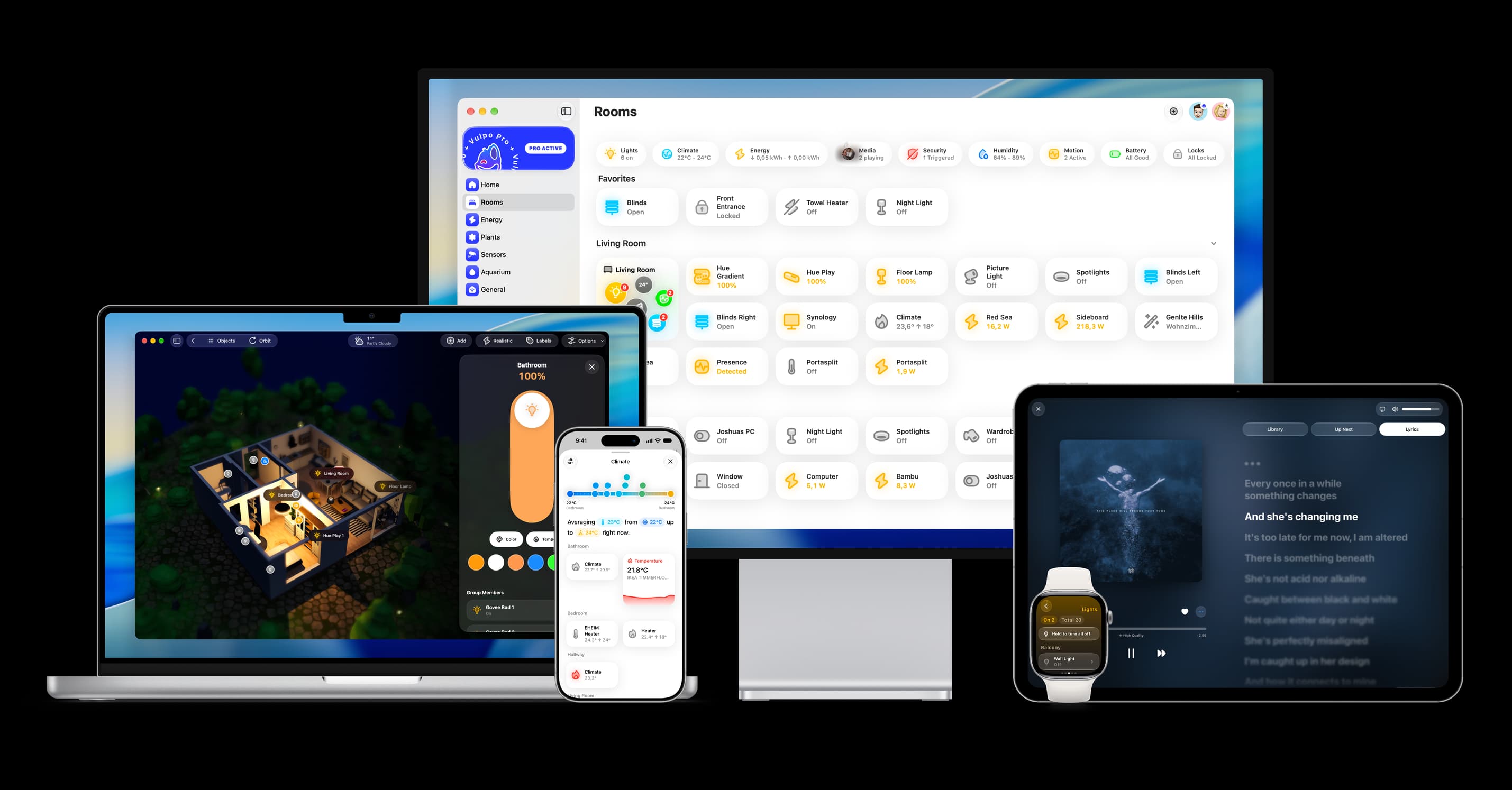
Shows in Vulpo Quick Toggle card, Cover card, Climate card, Lock card, Apple Watch, Control Center, Climate Live Activity.


Scan with your iPhone
DownloadIndependent directory, made by the developer of Vulpo. Not affiliated with Home Assistant or the Open Home Foundation.
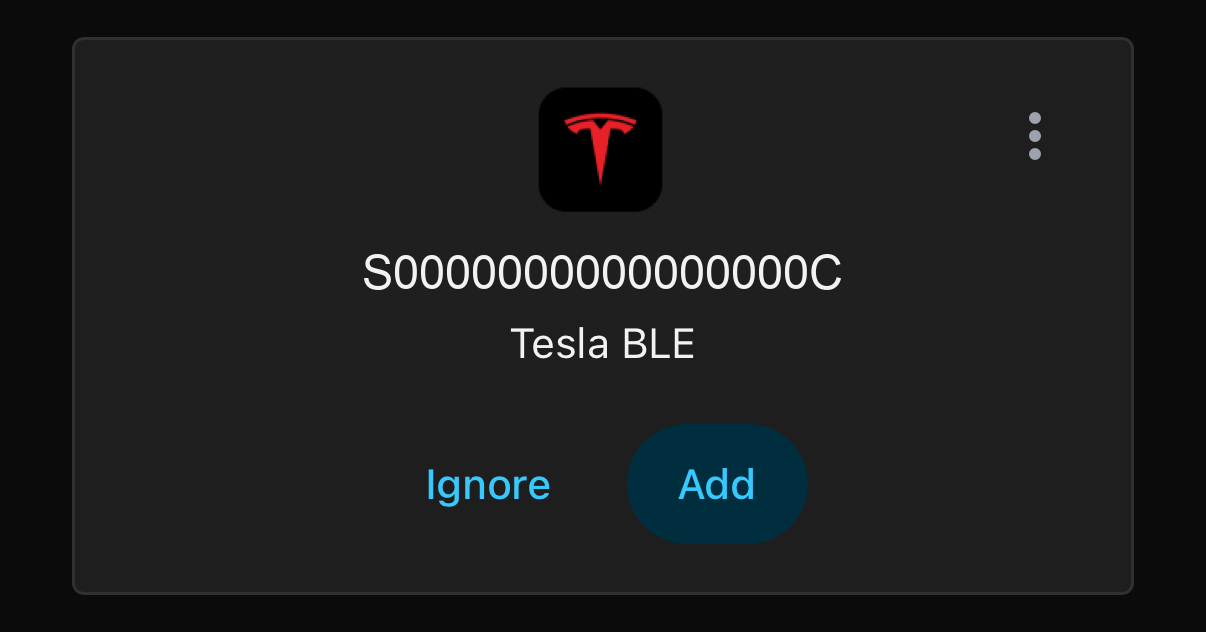
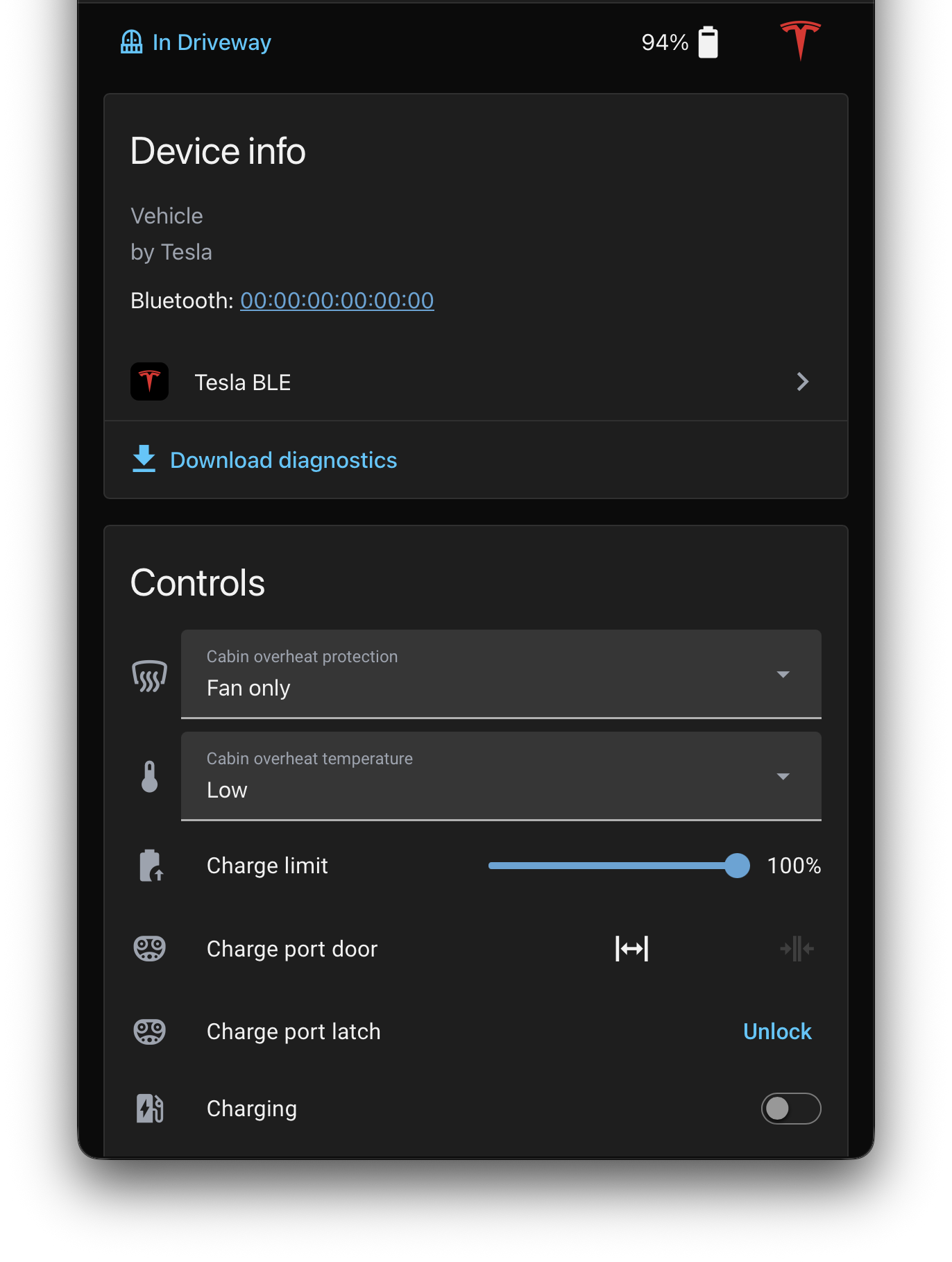
Screenshots From the README of yoziru/ha-tesla-ble.
About
Home Assistant integration to interact with Tesla vehicles over BLE
Description from yoziru/ha-tesla-ble

Shows in Vulpo
Quick Toggle card, Cover card, Climate card, Lock card, Apple Watch, Control Center, Climate Live Activity.Installs over time
#1,559 of 1,637 Marketplace integrations. Installs sharing analytics.
Supports
- Works locallyTalks to your devices on your own network. No vendor cloud in between.
- Found by itselfHome Assistant spots it on the network and offers to add it.
- From the MarketplaceInstalled through the Marketplace, formerly HACS.
- Actively maintainedIts author released or pushed a change in the last six months.
Provides
- Climate
- Covers
- Locks
- Switches
- Sensors
- Presence
Setting it up
Install it from the Marketplace and restart Home Assistant, then add it under Settings, Devices and services.
Add a Tesla vehicle
- Vehicle
Bluetooth address
- Bluetooth address
Also asked when changing the connection.
Vehicle identification number
- VIN
Vehicle key access
- Access level
After setup
- Vehicle status poll interval (seconds)
- Awake poll interval (seconds)
- Charging/sentry poll interval (seconds)
- Idle time before backing off (seconds)
- Disconnect after idle (seconds)
Texts from the code of yoziru/ha-tesla-ble.
Entities
- Binary sensorsPairing required, Doors lock, Charge port door, Charge port latch, Trunk, Frunk, Windows, Sentry mode, Asleep, Charge cable connected, Charging, Connection, and 5 more
- ButtonsRefresh without waking, Flash lights, Force refresh vehicle data, Honk horn, Pair vehicle, Wake up, Regenerate key, Unlatch driver door
- ClimateClimate
- CoversCharge port door, Frunk, Trunk, Windows, Sunroof
- PresenceLocation
- LocksDoors, Charge port latch
- NumbersCharging amps, Charge limit
- SelectsFront left seat climate, Front right seat climate, Rear left seat heat, Rear right seat heat, Rear center seat heat, Rear left backrest heat, Rear right backrest heat, Third row left seat heat, Third row right seat heat, Cabin overheat protection, Cabin overheat temperature
- SensorsConfigured key access, Charge limit, Charging amps, Steering heat mode, Battery, Range, Energy, Energy added, Current, Power, Voltage, Charging state, and 18 more
- SwitchesCharging, Steering wheel heater, Sentry mode, Polling
- UpdatesFirmware
Troubleshooting
- DiagnosticsDownloads a diagnostics file to attach to a bug report.
- Repair noticesNotices it can show in Settings, Repairs:Tesla BLE: pairing required
From the README
Monitor and control your Tesla over Bluetooth—no Tesla cloud account, API token, or subscription. Use your Home Assistant host's Bluetooth adapter or a stock
near the car. No custom ESPHome vehicle component is required.
Information
- Installs
- 56 sharing analytics
- GitHub stars
- 9
- Connection
- Works locally
- Upkeep
- Updated in the last 6 months
- Version
- v1.1.10,
- Category
- Vehicles and transport, Cars and EVs
- Kind
- Marketplace integration
- Brand
- Tesla
- Needs
- Needs the Marketplace (HACS on 2026.10 and older)
- Domain
tesla_ble- Issues
- Report an issue
More from Tesla



You might also like


 Kia Uvo / Hyundai Bluelink6.9k installs · A Home Assistant HACS integration that supports Kia Connect(Uvo…Open





Try it with your own Home Assistant.
- Free to download
- iPhone, iPad, Mac and Apple Watch
- 40+ native card types
- Connects to your own Home Assistant