

Marketplace integration
Sage Coffee
On Home Assistant 2026.10 or older? Open it in HACS
- Installs
- 50 sharing analytics
- GitHub stars
- 14
- Connection
- Uses the vendor's cloud
- Upkeep
- Updated in the last 6 months
- Version
- v1.4.2,
- Category
- Appliances and cleaning, Cooking
- Kind
- Marketplace integration
- Needs
- Needs the Marketplace (HACS on 2026.10 and older)
- Domain
sagecoffee- Issues
- Report an issue
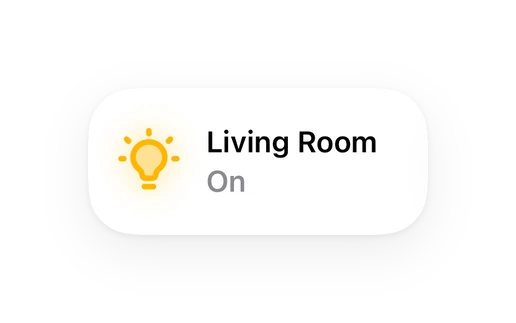
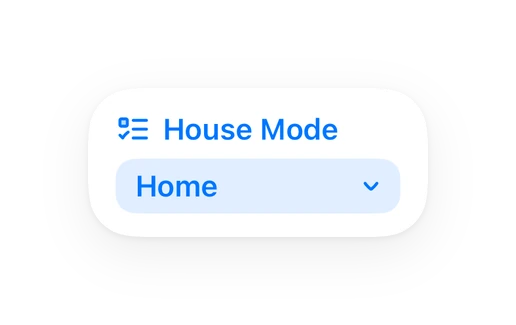
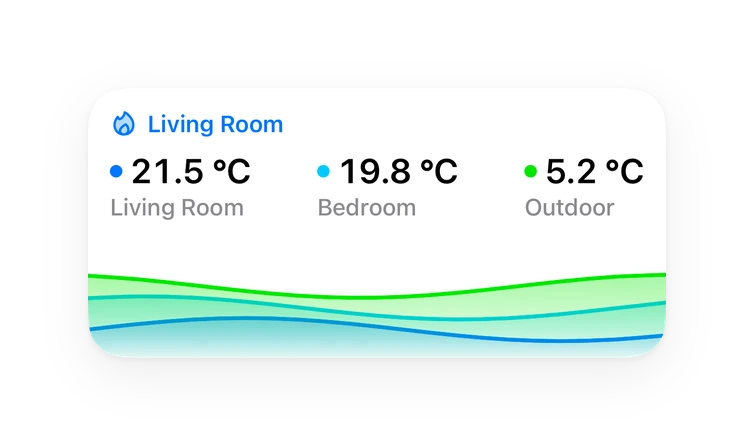
Shows in Vulpo Light card, Quick Toggle card, Select card, Chart card, Apple Watch, Control Center.


Scan with your iPhone
DownloadIndependent directory, made by the developer of Vulpo. Not affiliated with Home Assistant or the Open Home Foundation.
About
Home Assistant integration for Sage/Breville Wi-Fi enabled coffee machines
Description from simonjgreen/sageha

Shows in Vulpo
Light card, Quick Toggle card, Select card, Chart card, Apple Watch, Control Center.Installs over time
#1,615 of 1,626 Marketplace integrations, up 4 places in 30 days. Installs sharing analytics.
Supports
- Uses the vendor's cloudNeeds an internet connection and an account with the vendor.
- From the MarketplaceInstalled through the Marketplace, formerly HACS.
- Actively maintainedIts author released or pushed a change in the last six months.
Provides
- Lights
- Switches
- Sensors
Setting it up
Install it from the Marketplace and restart Home Assistant, then add it under Settings, Devices and services.
Sign in to Sage/Breville
- Password
- Brand
Also asked when signing in again.
Use Refresh Token
- Refresh Token
- Brand
Also asked when signing in again.
Texts from the code of simonjgreen/sageha.
Entities
- LightsWork Light
- NumbersDisplay Brightness, Volume
- SelectsColor Theme
- SensorsState, Brew Temperature, Brew Target Temperature, Steam Temperature, Steam Target Temperature, Grind Size, Auto-off Time, Firmware Version, MCU Firmware Version, OTA Service Version, SOM Image Version, Next Wake Time, and 7 more
- SwitchesPower
- TextsAppliance Name
From the README
Home Assistant custom integration for Sage/Breville connected coffee machines.
- Power Control: Turn your coffee machine on (wake) and off (sleep)
- Real-time State Monitoring: See if your machine is ready, warming up, or asleep
- Temperature Sensors: Monitor brew and steam boiler temperatures
- Configuration Sensors: View theme, brightness, grind size, and more
- Wake Schedule: See when your machine is next scheduled to switch on automatically
- Firmware Version: Check the installed firmware version from the device page
Information
- Installs
- 50 sharing analytics
- GitHub stars
- 14
- Connection
- Uses the vendor's cloud
- Upkeep
- Updated in the last 6 months
- Version
- v1.4.2,
- Category
- Appliances and cleaning, Cooking
- Kind
- Marketplace integration
- Needs
- Needs the Marketplace (HACS on 2026.10 and older)
- Domain
sagecoffee- Issues
- Report an issue
You might also like


 Dreame Vacuum Rising19.8k installs · Home Assistant integration for Dreame robot vacuums with map s…Open



 SmartThinQ LGE Sensors9.2k installs · HomeAssistant custom integration for SmartThinQ LG devicesOpen


Try it with your own Home Assistant.
- Free to download
- iPhone, iPad, Mac and Apple Watch
- 40+ native card types
- Connects to your own Home Assistant