
Switch Port Card Pro
partach
On Home Assistant 2026.11 or newer? Open it in the Marketplace
- Installs
- 162 sharing analytics
- GitHub stars
- 26
- Connection
- Works locally
- Upkeep
- Updated in the last 6 months
- Version
- v1.0.4,
- Category
- Plugs and switches
- Kind
- Marketplace integration
- Needs
- Needs the Marketplace (HACS on 2026.10 and older)
- Domain
switch_port_card_pro- Issues
- Report an issue
Independent directory, made by the developer of Vulpo. Not affiliated with Home Assistant or the Open Home Foundation.
Screenshots From the README of partach/switch_port_card_pro.
About
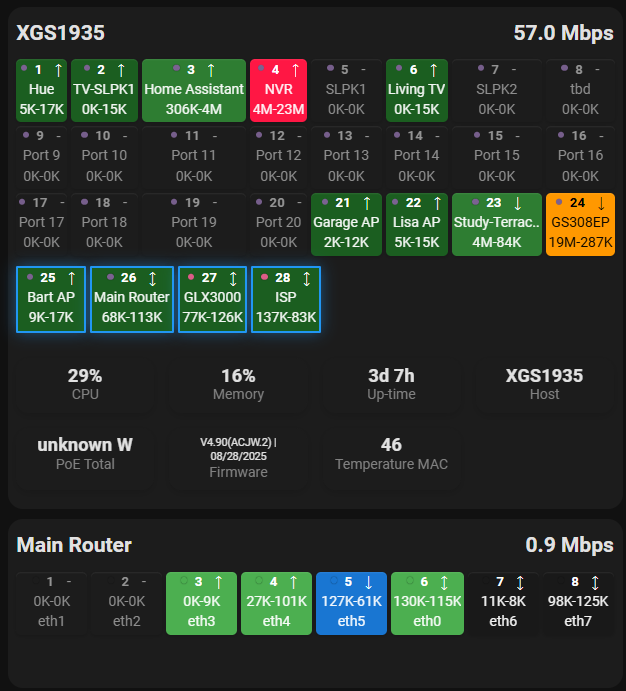
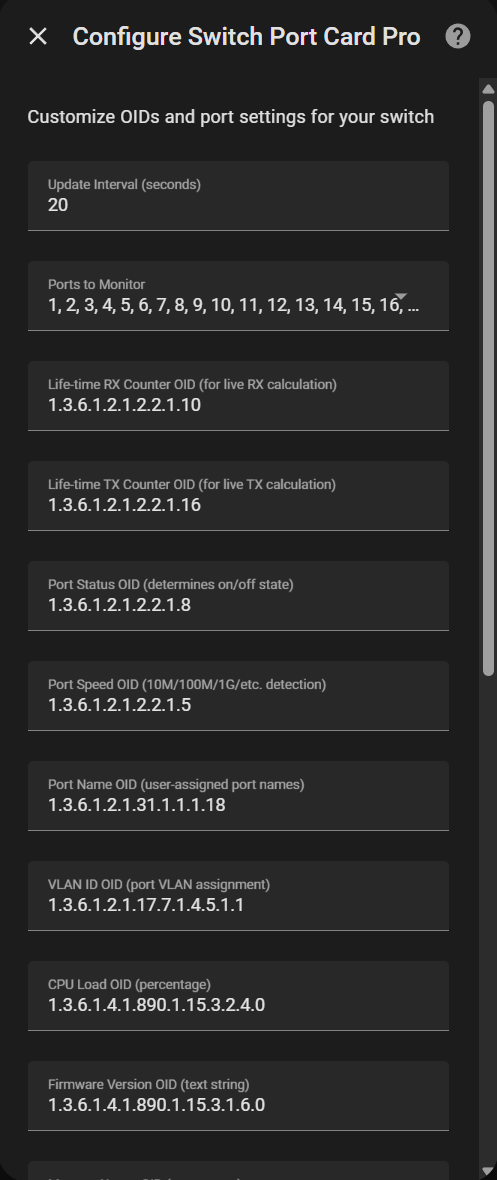
Switch Port Card Pro is an integration and dashboard card that shows network switch port status through built-in SNMP. It polls the switch locally and creates sensors, so SNMP does not have to be configured separately in configuration files. Setup in the UI asks for the switch address or hostname and the SNMP community string. The options let the user set the update interval, choose which ports to monitor, and change the OIDs used for traffic counters, port status, speed, names, VLANs, CPU load, memory, firmware, uptime and PoE data. The card shows link speed with color coding, VLAN membership, port names, receive and transmit rates, and PoE power and status, with a tooltip per port and a compact mode. Several switches can be monitored from one dashboard, and custom system or per-port OIDs can be added.
Automatic summary of the README and code of partach/switch_port_card_pro. Something wrong, or are you the maintainer and want your own text here? Get in touch
Supports
Works locally Talks to your devices on your own network. No vendor cloud in between.
From the Marketplace Installed through the Marketplace, formerly HACS.
Actively maintained Its author released or pushed a change in the last six months.
Provides
- Sensors
Setting it up
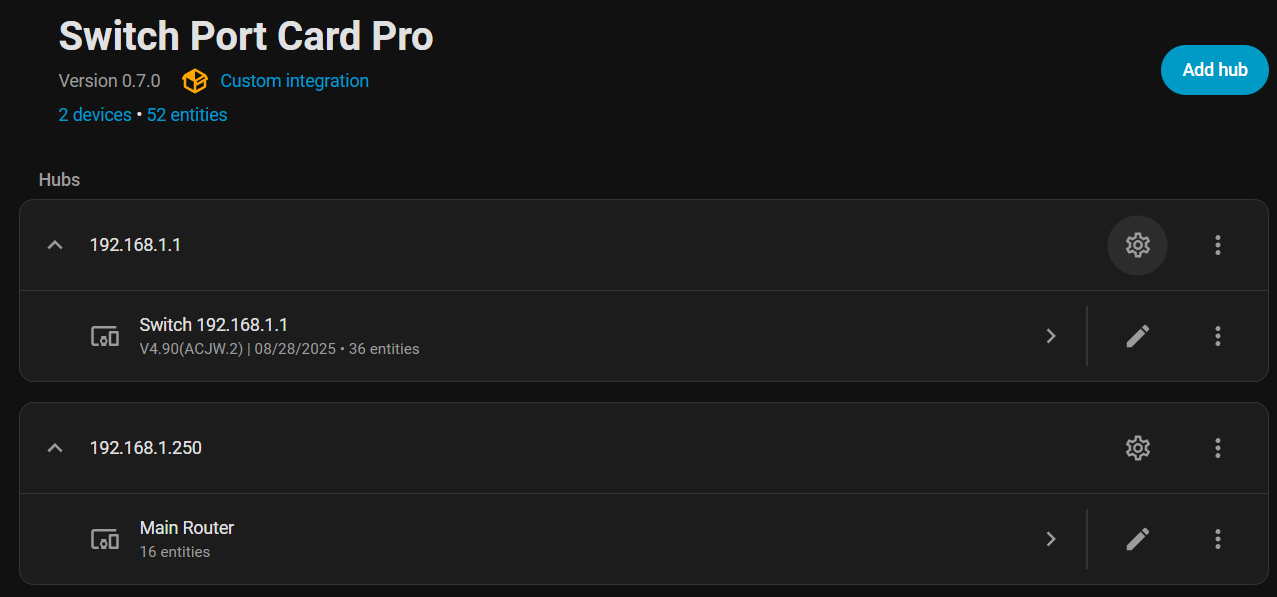
Install it from the Marketplace and restart Home Assistant, then add it under Settings, Devices and services.
Switch Port Card Pro Setup
- Switch IP Address or Hostname
- SNMP Community String
After setup
- Update Interval (seconds)
- Ports to Monitor
- Life-time RX Counter OID (for live RX calculation)
- Life-time TX Counter OID (for live TX calculation)
- Port Status OID (determines on/off state)
- Port Speed OID (10M/100M/1G/etc. detection)
- Port Name OID (user-assigned port names)
- VLAN ID OID (port VLAN assignment)
- CPU Load OID (percentage)
- Firmware Version OID (text string)
- Memory Usage OID (percentage)
- Hostname/Model OID (device identification)
- Uptime OID (seconds, converted to D:H:M)
- PoE Power OID (per-port power in mW)
- PoE Status OID (per-port PoE state)
Texts from the code of partach/switch_port_card_pro.
From the README
This Home Assistant integration shows the status of your switch ports and includes embedded SNMP integration (no need to setup SNMP seperately via configuration files).
Any remarks or questions? Please see our Discussion corner on GitHub

Shows in Vulpo
Chart card, Apple Watch.Information
- Installs
- 162 sharing analytics
- GitHub stars
- 26
- Connection
- Works locally
- Upkeep
- Updated in the last 6 months
- Version
- v1.0.4,
- Category
- Plugs and switches
- Kind
- Marketplace integration
- Needs
- Needs the Marketplace (HACS on 2026.10 and older)
- Domain
switch_port_card_pro- Issues
- Report an issue