On Home Assistant 2026.10 or older? Open it in HACS
- Installs
- 158 sharing analytics
- GitHub stars
- 8
- Connection
- Uses the vendor's cloud
- Upkeep
- Updated in the last 6 months
- Version
- v1.0.1,
- Category
- Energy, Meters and monitoring
- Kind
- Marketplace integration
- Needs
- Needs the Marketplace (HACS on 2026.10 and older)
- Domain
obi_energy_tracker- Issues
- Report an issue
Independent directory, made by the developer of Vulpo. Not affiliated with Home Assistant or the Open Home Foundation.
Screenshots From the README of OBI-Smart-Technologies/energy-tracker-integration-home-assistant.
About
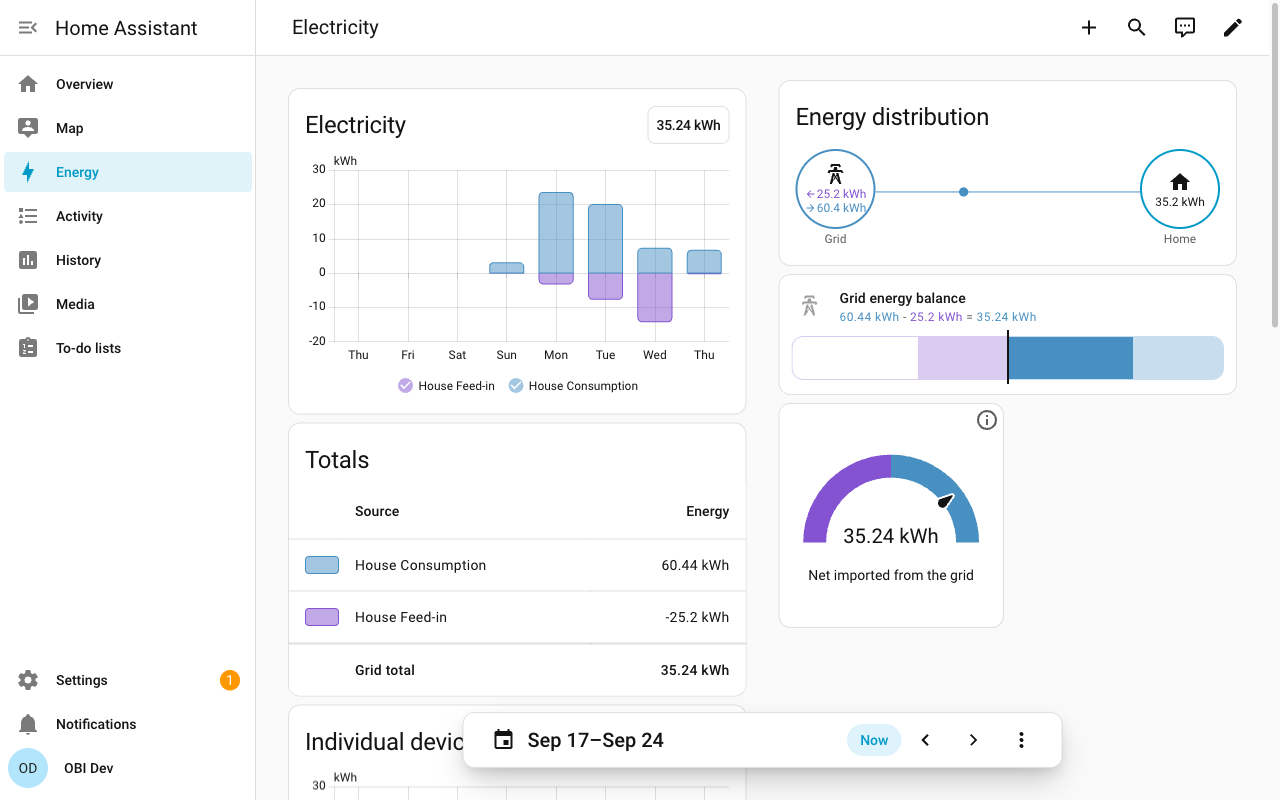
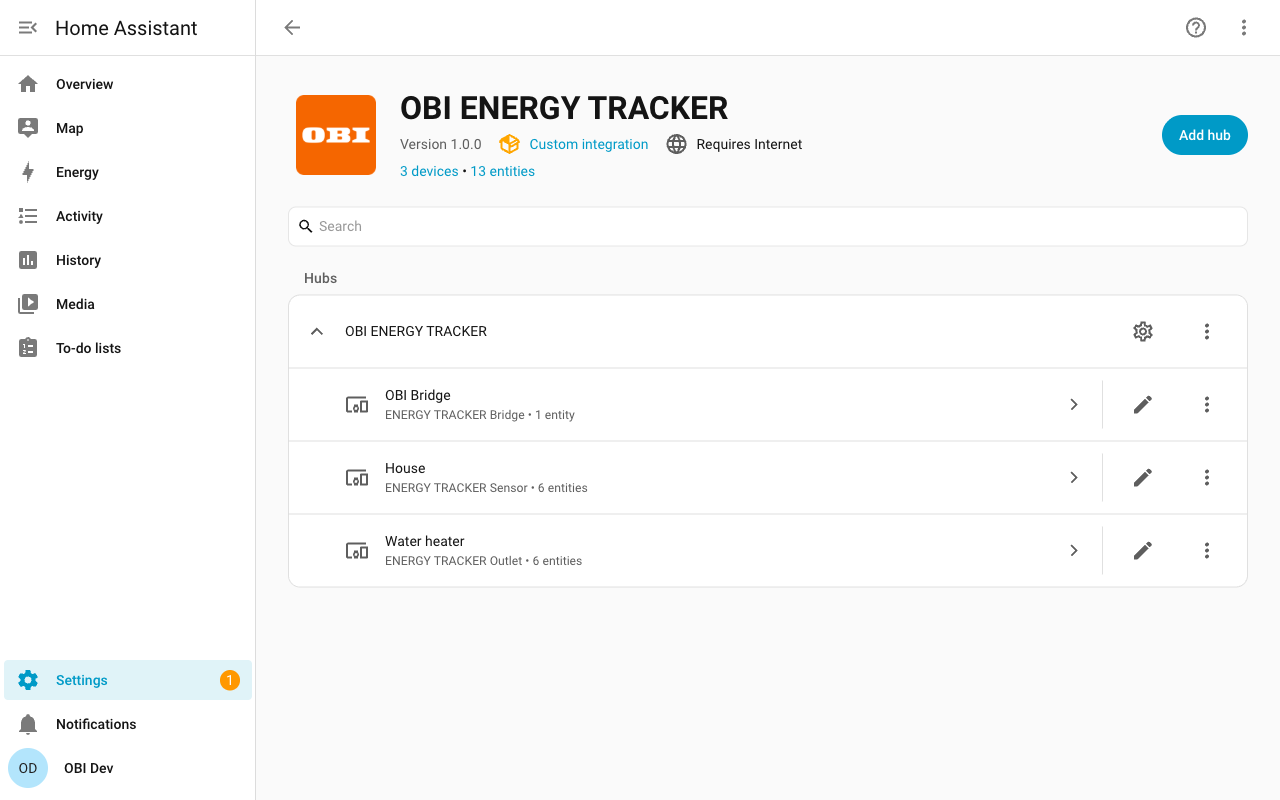
Official HACS integration for the OBI ENERGY TRACKER. Adds every bridge, meter sensor and smart outlet of your OBI account: consumption and feed-in for the Energy dashboard including past history...
Description from OBI-Smart-Technologies/energy-tracker-integration-home-assistant

Shows in Vulpo
Quick Toggle card, Chart card, Apple Watch, Control Center.Supports
- Uses the vendor's cloudNeeds an internet connection and an account with the vendor.
- From the MarketplaceInstalled through the Marketplace, formerly HACS.
- Actively maintainedIts author released or pushed a change in the last six months.
Provides
- Switches
- Sensors
Setting it up
Install it from the Marketplace and restart Home Assistant, then add it under Settings, Devices and services.
Entities
- Binary sensorsOnline Status
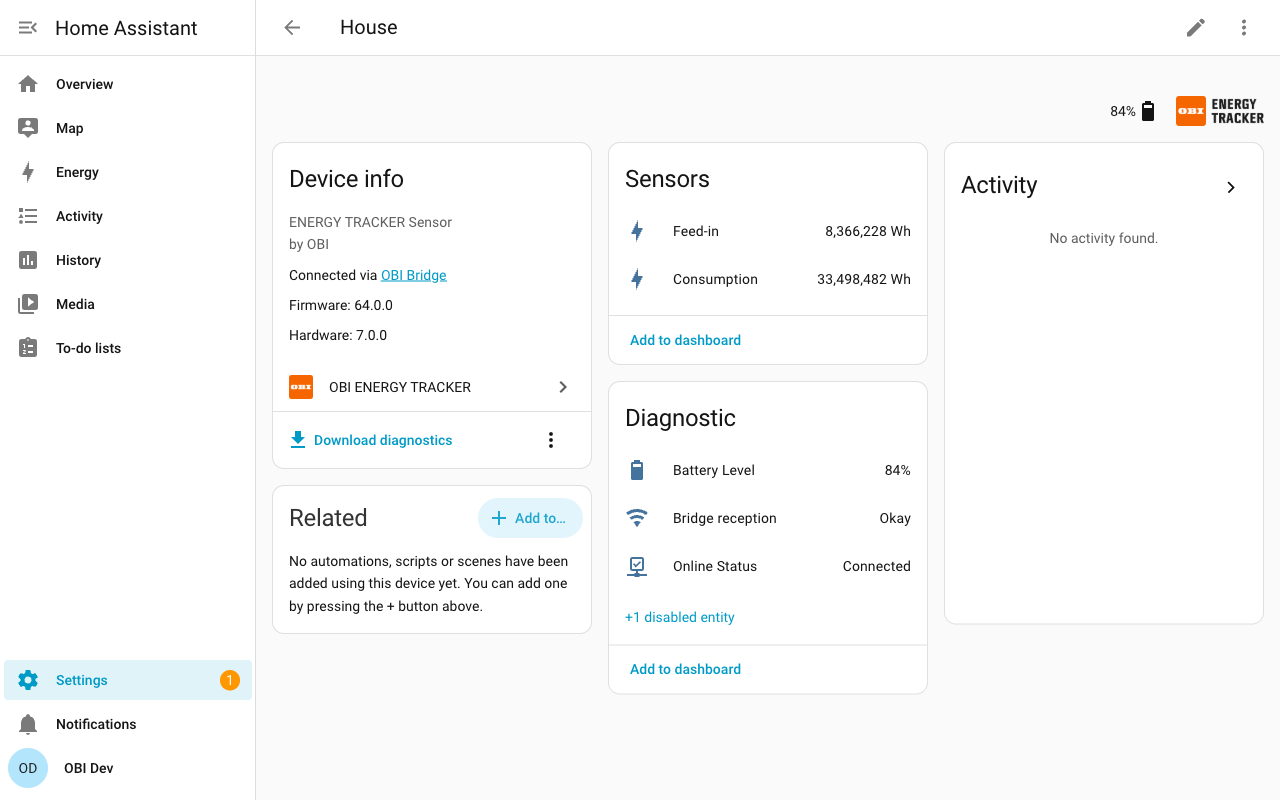
- SensorsConsumption, Feed-in, Battery Level, Bridge reception, Signal Strength
- SwitchesOutlet
- UpdatesFirmware
Troubleshooting
- DiagnosticsDownloads a diagnostics file to attach to a bug report.
From the README
The official Home Assistant integration for the OBI ENERGY TRACKER, the electricity meter sensor and smart outlet by OBI. Sign in with the account you use in the OBI app, and every bridge, sensor and outlet shows up as a device in Home Assistant. Consumption and feed-in go straight into the Energy dashboard, including the history from before the setup. Outlets can be switched from automations, and the bridge offers its firmware updates.
Information
- Installs
- 158 sharing analytics
- GitHub stars
- 8
- Connection
- Uses the vendor's cloud
- Upkeep
- Updated in the last 6 months
- Version
- v1.0.1,
- Category
- Energy, Meters and monitoring
- Kind
- Marketplace integration
- Needs
- Needs the Marketplace (HACS on 2026.10 and older)
- Domain
obi_energy_tracker- Issues
- Report an issue