
On Home Assistant 2026.10 or older? Open it in HACS
- Installs
- 53 sharing analytics
- GitHub stars
- 1
- Connection
- Works locally
- Upkeep
- Updated in the last 6 months
- Version
- v0.3.14,
- Category
- Security and safety, Cameras
- Kind
- Marketplace integration
- Brand
- Xiaomi
- Needs
- Needs the Marketplace (HACS on 2026.10 and older)
- Domain
xiaomi_camera_native- Issues
- Report an issue
Shows in Vulpo Camera card, Button card.


Scan with your iPhone
DownloadIndependent directory, made by the developer of Vulpo. Not affiliated with Home Assistant or the Open Home Foundation.
About
Direct Xiaomi camera streaming and pan/tilt controls for Home Assistant — without go2rtc.
Description from Kosztyk/xiaomi_camera_native

Shows in Vulpo
Camera card, Button card.Installs over time
#1,605 of 1,647 Marketplace integrations. Installs sharing analytics.
Supports
- Works locallyTalks to your devices on your own network. No vendor cloud in between.
- From the MarketplaceInstalled through the Marketplace, formerly HACS.
- Actively maintainedIts author released or pushed a change in the last six months.
Provides
- Cameras
Setting it up
Install it from the Marketplace and restart Home Assistant, then add it under Settings, Devices and services.
Xiaomi account
- Email, phone number or Xiaomi ID
- Password
- Mi Home region
Existing Mi Home credential
- Xiaomi account ID
- Mi Home passToken
- Mi Home region
Xiaomi CAPTCHA
- CAPTCHA
Xiaomi verification
- Verification code
Select cameras
- Cameras
After setup
- Camera
- Camera IPv4 address
- CS2 transport
- Camera quality
- Video output
- Maximum H.264 height
- Disconnect after no viewers (seconds)
- Automatically update camera IP
- Enable horizontal pan (ipc020)
- Use TUTK LAN transport (ipc020)
- Cameras
Texts from the code of Kosztyk/xiaomi_camera_native.
Entities
- ButtonsPan left, Pan right, Tilt up, Tilt down
Troubleshooting
- DiagnosticsDownloads a diagnostics file to attach to a bug report.
From the README
Direct Xiaomi camera streaming and pan/tilt controls for Home Assistant — without go2rtc.
Xiaomi Camera Native streams compatible cameras to Home Assistant over the local network. It uses MISS over CS2 on most supported cameras. Version 0.3.14 adds opt-in TUTK LAN streaming and horizontal pan for the China-region IMILAB outdoor PTZ camera chuangmi.camera.ipc020. ipc020 setup and hardware results
- Local video over CS2/UDP, CS2/TCP or, for ipc020, TUTK/UDP.
- Xiaomi account login, region selection, camera discovery and selection.
- Password login with CAPTCHA and email/SMS verification handling, or reuse of an existing Mi Home account credential.
- H.264 compatibility output through Home Assistant's FFmpeg, with configurable maximum resolution.
- Original H.264/H.265 video output without transcoding.
- A normal Home Assistant stream source for live view and snapshots.
- Single-step movement in four directions on verified CS2 cameras and optional left/right on ipc020.
- Movement arrows below the video in the standard camera pop-up, alongside Download snapshot.
- One shared video connection and, when required, one encoder per camera.
- On-demand streaming, idle disconnection, bounded reconnection attempts and credential-safe diagnostics.
Information
- Installs
- 53 sharing analytics
- GitHub stars
- 1
- Connection
- Works locally
- Upkeep
- Updated in the last 6 months
- Version
- v0.3.14,
- Category
- Security and safety, Cameras
- Kind
- Marketplace integration
- Brand
- Xiaomi
- Needs
- Needs the Marketplace (HACS on 2026.10 and older)
- Domain
xiaomi_camera_native- Issues
- Report an issue
More from Xiaomi

 Xiaomi Cloud Map Extractor3.4k installs · This custom integration provides a way to present a live view o…OpenXiaomi Gateway 33.3k installs · Home Assistant custom component for control Xiaomi Multimode Ga…Open
You might also like












Try it with your own Home Assistant.
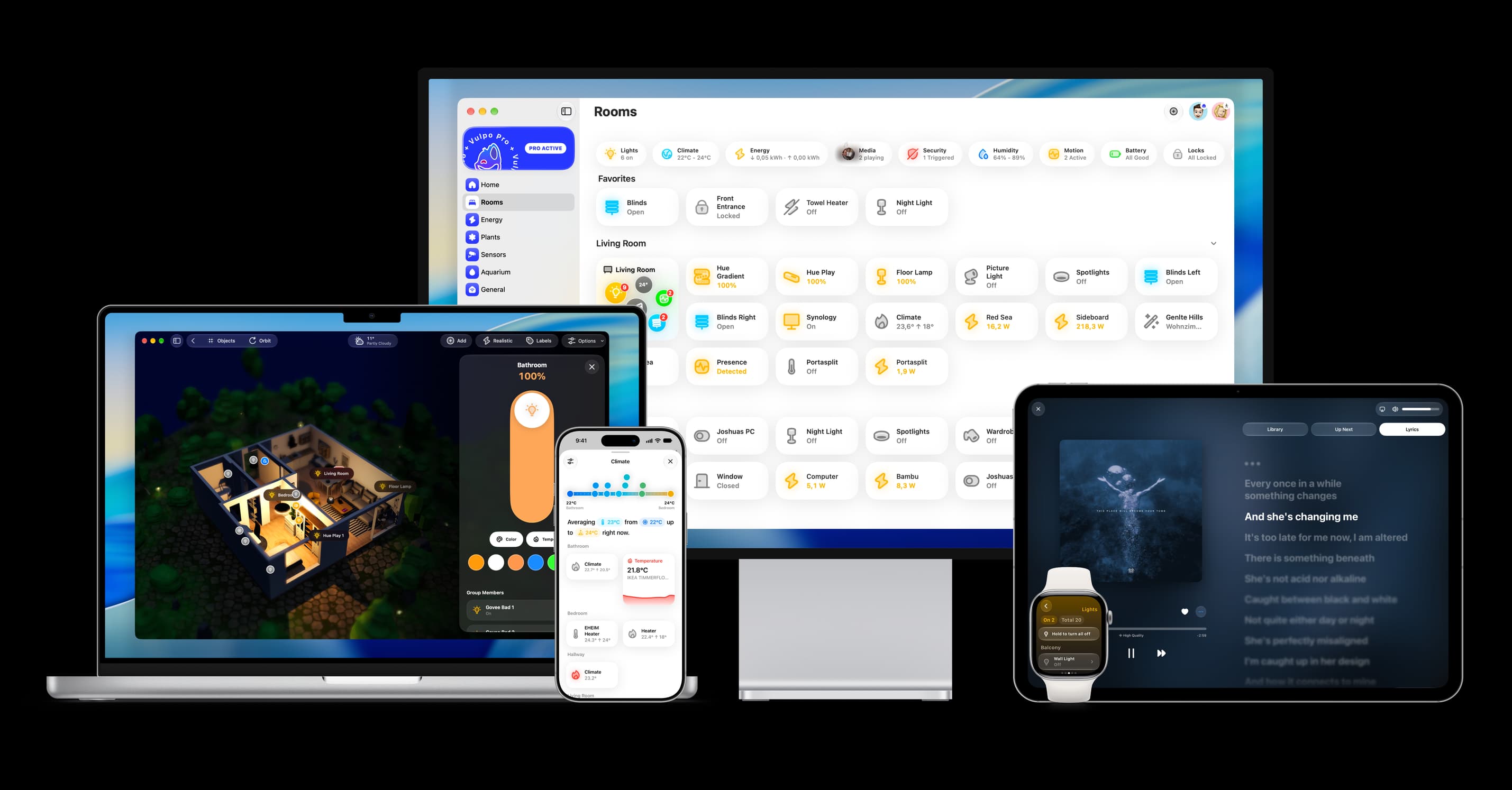
- Free to download
- iPhone, iPad, Mac and Apple Watch
- 40+ native card types
- Connects to your own Home Assistant