Marketplace integration
Liebherr Smart Device
On Home Assistant 2026.10 or older? Open it in HACS
- Installs
- 480 sharing analytics
- GitHub stars
- 25
- Connection
- Uses the vendor's cloud
- Upkeep
- Updated in the last 6 months
- Version
- 2026.7.1,
- Category
- Appliances and cleaning
- Kind
- Marketplace integration
- Needs
- Needs the Marketplace (HACS on 2026.10 and older)
- Domain
liebherr- Issues
- Report an issue
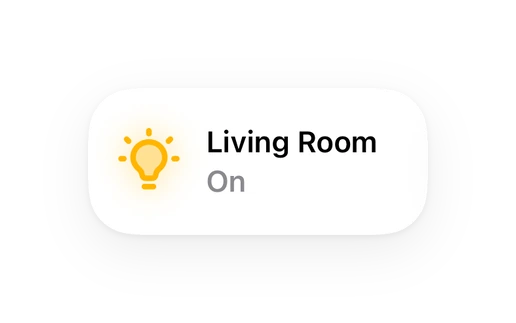
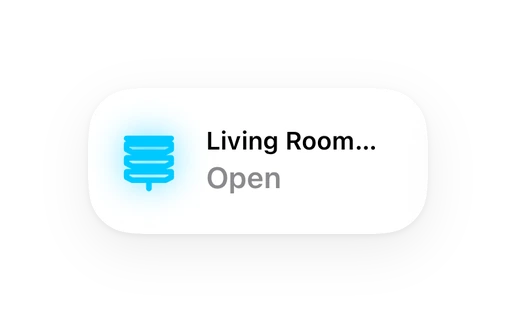
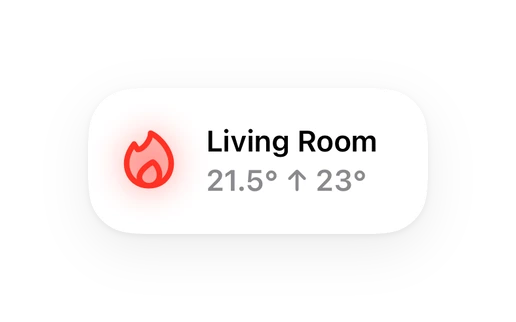
Shows in Vulpo Light card, Quick Toggle card, Cover card, Climate card, Apple Watch, Control Center, Climate Live Activity.
Independent directory, made by the developer of Vulpo. Not affiliated with Home Assistant or the Open Home Foundation.
About
Liebherr integration for Home Assistant
Description from iluvdata/liebherr

Shows in Vulpo
Light card, Quick Toggle card, Cover card, Climate card, Apple Watch, Control Center, Climate Live Activity.Installs over time
#478 of 1,557 Marketplace integrations. Installs sharing analytics.
Supports
- Uses the vendor's cloudNeeds an internet connection and an account with the vendor.
- From the MarketplaceInstalled through the Marketplace, formerly HACS.
- Actively maintainedIts author released or pushed a change in the last six months.
Provides
- Lights
- Climate
- Fans
- Covers
- Switches
Setting it up
Install it from the Marketplace and restart Home Assistant, then add it under Settings, Devices and services.
Connect
- API Key from the SmartDevice App
After setup
- Use a number entity (slider) instead of a light entity for Presentation Light control (if applicable)?
Texts from the code of iluvdata/liebherr.
Entities
- FansHydroBreeze
- ImagesDevice Image
- LightsPresentation Light
- NumbersPresentation Light
- SelectsBioFreshPlus
- SensorsLast Updated
- SwitchesParty Mode, Night Mode
Troubleshooting
- DiagnosticsDownloads a diagnostics file to attach to a bug report.
From the README
This is an unofficial custom integration for Home Assistant that allows you to connect and control Liebherr smart devices via the Liebherr SmartHomeAPI using the simple pyliebherr library.
- Uses Server-Sent Events to receive updates (Cloud Push)
- Monitor current and target temperatures of your Liebherr refrigerators and freezers.
- Control device features such as BioFreshPlus, Hydrobreeze, AutoDoor, Presentation Lights, and Ice Makers.
Information
- Installs
- 480 sharing analytics
- GitHub stars
- 25
- Connection
- Uses the vendor's cloud
- Upkeep
- Updated in the last 6 months
- Version
- 2026.7.1,
- Category
- Appliances and cleaning
- Kind
- Marketplace integration
- Needs
- Needs the Marketplace (HACS on 2026.10 and older)
- Domain
liebherr- Issues
- Report an issue