On Home Assistant 2026.10 or older? Open it in HACS
- Installs
- 95 sharing analytics
- GitHub stars
- 28
- Connection
- Uses the vendor's cloud
- Upkeep
- Updated in the last 6 months
- Version
- v4.12.0,
- Category
- Energy, Meters and monitoring
- Kind
- Marketplace integration
- Needs
- Needs the Marketplace (HACS on 2026.10 and older)
- Domain
ovo_energy_au- Issues
- Report an issue
Independent directory, made by the developer of Vulpo. Not affiliated with Home Assistant or the Open Home Foundation.
About
Home Assistant custom integration for OVO Energy Australia - solar, grid, export, rate breakdowns, and analytics
Description from HallyAus/OVO_Aus_api

Shows in Vulpo
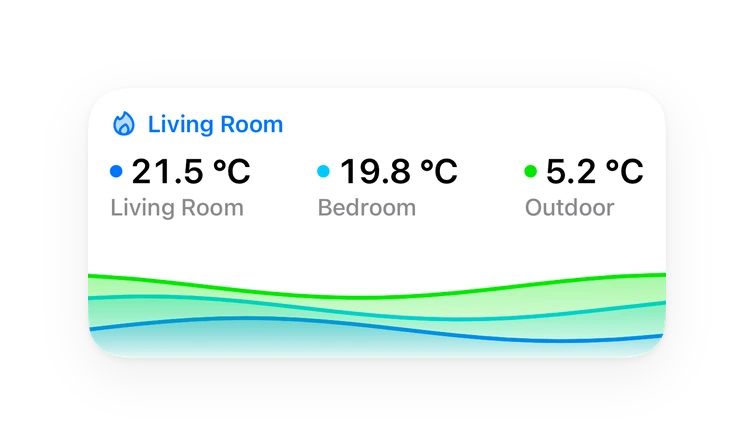
Chart card, Apple Watch.Supports
- Uses the vendor's cloudNeeds an internet connection and an account with the vendor.
- From the MarketplaceInstalled through the Marketplace, formerly HACS.
- Actively maintainedIts author released or pushed a change in the last six months.
Provides
- Sensors
Setting it up
Install it from the Marketplace and restart Home Assistant, then add it under Settings, Devices and services.
Connect to OVO Energy Australia
- Email Address
- Password
Also asked when signing in again.
After setup
- Consolidate into single account device
- Advanced: Configure billing cycle, peak hours, or manual tariffs
- Billing Cycle Start Day (1-31)
- Peak Window Start Hour (0-23)
- Peak Window End Hour (0-23)
- Energy Plan
- Peak Rate ($/kWh)
- Shoulder Rate ($/kWh)
- Off-Peak Rate ($/kWh)
- EV Off-Peak Rate ($/kWh)
- Flat Rate ($/kWh)
Texts from the code of HallyAus/OVO_Aus_api.
Troubleshooting
- DiagnosticsDownloads a diagnostics file to attach to a bug report.
From the README
- $1,066/year saved vs the One Plan (OVO-calculated)
- 30--50 kWh/day solar generation
- 8c/kWh overnight EV charging (vs 37c standard rate)
- Free electricity 11 am -- 2 pm daily
- 2.8c/kWh feed-in tariff
Information
- Installs
- 95 sharing analytics
- GitHub stars
- 28
- Connection
- Uses the vendor's cloud
- Upkeep
- Updated in the last 6 months
- Version
- v4.12.0,
- Category
- Energy, Meters and monitoring
- Kind
- Marketplace integration
- Needs
- Needs the Marketplace (HACS on 2026.10 and older)
- Domain
ovo_energy_au- Issues
- Report an issue