
On Home Assistant 2026.10 or older? Open it in HACS
- Installs
- 52 sharing analytics
- GitHub stars
- 5
- Connection
- Works locally
- Upkeep
- Updated in the last 6 months
- Version
- v0.7.0,
- Category
- Appliances and cleaning, Cooking
- Kind
- Marketplace integration
- Needs
- Needs the Marketplace (HACS on 2026.10 and older)
- Domain
jura_wifi- Issues
- Report an issue
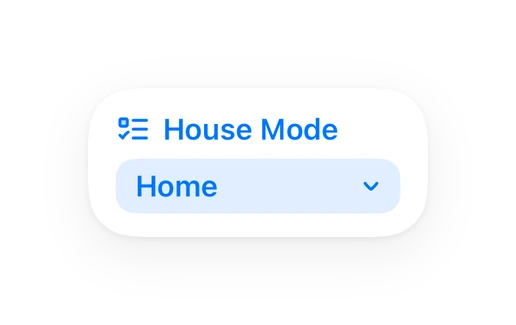
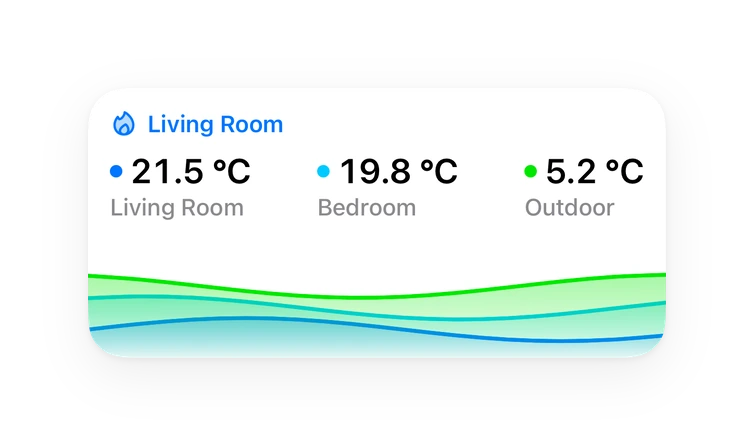
Shows in Vulpo Quick Toggle card, Button card, Select card, Chart card, Apple Watch, Control Center.


Scan with your iPhone
DownloadIndependent directory, made by the developer of Vulpo. Not affiliated with Home Assistant or the Open Home Foundation.
About
JURA Wi-Fi Connect is a local integration for JURA coffee machines fitted with a Wi-Fi Connect dongle. It talks directly to the dongle over the local network, with no cloud and no JURA account. It reads the machine status, counters and maintenance needs, and adds binary sensors, sensors, buttons, selects, numbers and a switch. Optional brew buttons start a drink with the recipe stored on the machine, and a separate action brews with changed recipe parameters for a single drink. Optional maintenance buttons start cleaning, descaling and rinse programs, and an optional settings group covers water hardness, switch-off time and language. Entities follow the machine profile, so only what the model supports appears, and setup runs in the UI.
Automatic summary of the README and code of dominikgysin/HomeAssistant-Jura-WiFi-Integration. Something wrong, or are you the maintainer and want your own text here? Get in touch

Shows in Vulpo
Quick Toggle card, Button card, Select card, Chart card, Apple Watch, Control Center.Installs over time
#1,641 of 1,684 Marketplace integrations, up 38 places in 30 days. Installs sharing analytics.
Supports
- Works locallyTalks to your devices on your own network. No vendor cloud in between.
- From the MarketplaceInstalled through the Marketplace, formerly HACS.
- Actively maintainedIts author released or pushed a change in the last six months.
Provides
- Switches
- Sensors
Setting it up
Install it from the Marketplace and restart Home Assistant, then add it under Settings, Devices and services.
Connect a JURA machine
- IP addressAddress of the Wi-Fi Connect dongle in your network.
Pairing failed
- PINThe setup PIN of the machine. Leave empty if none is set.
Which model is it?
- Article numberFive digits, for example 15833.
Pick the model
- Machine modelThe model name including the regional variant, e.g. "E8 (SDS)". Type to search the list.
Area and options
- AreaOptional. The device of the machine is created in this area, so that all of its entities get the name of the area. This happens once; to move the machine later, change the area of the device.
- Update intervalSeconds between two polls. The dongle accepts only one connection at a time, so do not go too low.
- Brew buttonsAdd a button per drink that brews it with the recipe stored on the machine, as selected at its display. Make sure a cup is in place before pressing. Also adds a cancel button and enables the action Brew with options.
- Maintenance buttonsAdd buttons that start the maintenance programs of the machine (cleaning, descaling, milk system rinse, coffee system rinse, ...). The machine then asks for the confirmations on its display; the coffee system rinse runs right away, so put a cup under the spout. Also adds a cancel button.
- Machine settingsAdd entities for the settings of the machine (water hardness, switch-off time, language, ...). The values are read from the machine and written to it; a change needs the machine to be on and idle.
Change the address
- IP address
- Article numberOptional, five digits. Leave empty to keep what is stored.
After setup
- Update intervalSeconds between two polls. The dongle accepts only one connection at a time, so do not go too low.
- Brew buttonsAdd a button per drink that brews it with the recipe stored on the machine, as selected at its display. Make sure a cup is in place before pressing. Also adds a cancel button and enables the action Brew with options.
- Maintenance buttonsAdd buttons that start the maintenance programs of the machine (cleaning, descaling, milk system rinse, coffee system rinse, ...). The machine then asks for the confirmations on its display; the coffee system rinse runs right away, so put a cup under the spout. Also adds a cancel button.
- Machine settingsAdd entities for the settings of the machine (water hardness, switch-off time, language, ...). The values are read from the machine and written to it; a change needs the machine to be on and idle.
Texts from the code of dominikgysin/HomeAssistant-Jura-WiFi-Integration.
Entities
- Binary sensorsConnection, Water tank empty, Grounds container full, Drip tray full, Drip tray missing, Grounds container missing, Beans empty, Cleaning due, Descaling due, Filter change due, Milk system rinse due, Milk system cleaning due, and 15 more
- ButtonsCancel current action, Start cleaning, Start descaling, Start filter change, Rinse milk system, Clean milk system, Rinse coffee system
- NumbersWater hardness
- SelectsWater hardness, Switch-off time, Units, Language, Brewing mode
- SensorsStatus, Model, Total brews, Count, Cleaning need, Descaling need, Filter wear, Cleanings performed, Descalings performed, Filter changes performed, Milk system rinses performed, Coffee system rinses performed, and 1 more
- SwitchesQuality assistant
Actions
- Brew with optionsBrews the drink of a brew button and changes single parameters of its recipe for this drink only. Everything that is not given stays as stored on the machine. Make sure a cup is in place.
- Strength
- Water amount
- Temperature
- Milk foam time
- Milk break
- Bypass
- Extraction
Troubleshooting
- DiagnosticsDownloads a diagnostics file to attach to a bug report.
From the README
Local integration for JURA coffee machines with a Wi-Fi Connect dongle (the one the J.O.E. app uses). It talks directly to the dongle on TCP port 51515. No cloud, no JURA account.
It reads the state, the counters and the maintenance needs of the machine, and it can brew your drinks and start the maintenance programs. Optionally it also shows and changes the settings of the machine.
Information
- Installs
- 52 sharing analytics
- GitHub stars
- 5
- Connection
- Works locally
- Upkeep
- Updated in the last 6 months
- Version
- v0.7.0,
- Category
- Appliances and cleaning, Cooking
- Kind
- Marketplace integration
- Needs
- Needs the Marketplace (HACS on 2026.10 and older)
- Domain
jura_wifi- Issues
- Report an issue
You might also like


 Dreame Vacuum Rising20.5k installs · Home Assistant integration for Dreame robot vacuums with map s…Open



 SmartThinQ LGE Sensors9.2k installs · HomeAssistant custom integration for SmartThinQ LG devicesOpen


Try it with your own Home Assistant.
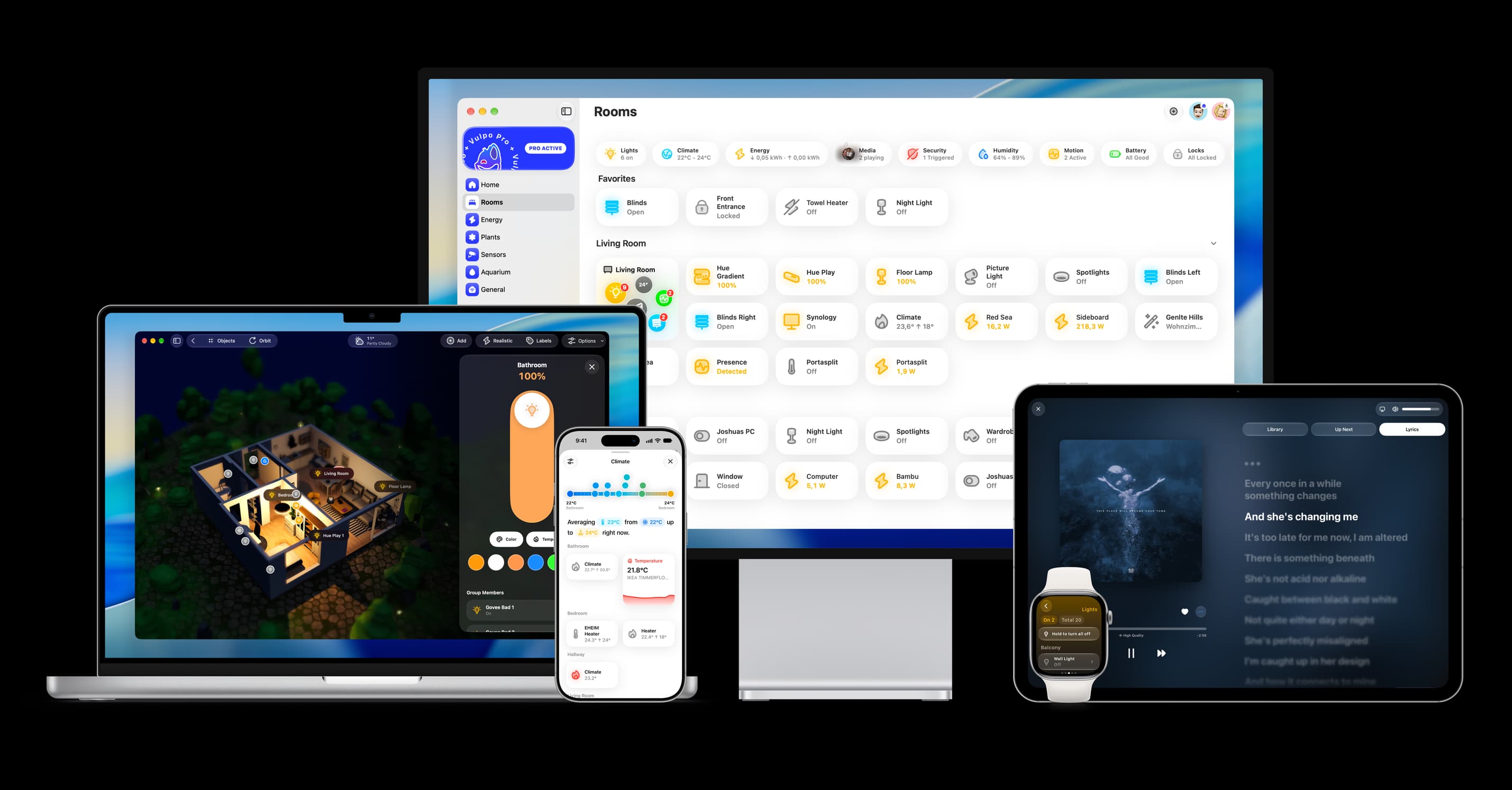
- Free to download
- iPhone, iPad, Mac and Apple Watch
- 40+ native card types
- Connects to your own Home Assistant