
Cloudflare Tunnel Monitor
On Home Assistant 2026.11 or newer? Open it in the Marketplace
- Installs
- 500 sharing analytics
- GitHub stars
- 34
- Connection
- Uses the vendor's cloud
- Upkeep
- No update in 6 to 18 months
- Version
- v2.2.0,
- Category
- Computers and network, Cloud and developer tools
- Kind
- Marketplace integration
- Brand
- Cloudflare
- Needs
- Needs the Marketplace (HACS on 2026.10 and older)
- Domain
cloudflare_tunnel_monitor- Issues
- Report an issue
Independent directory, made by the developer of Vulpo. Not affiliated with Home Assistant or the Open Home Foundation.
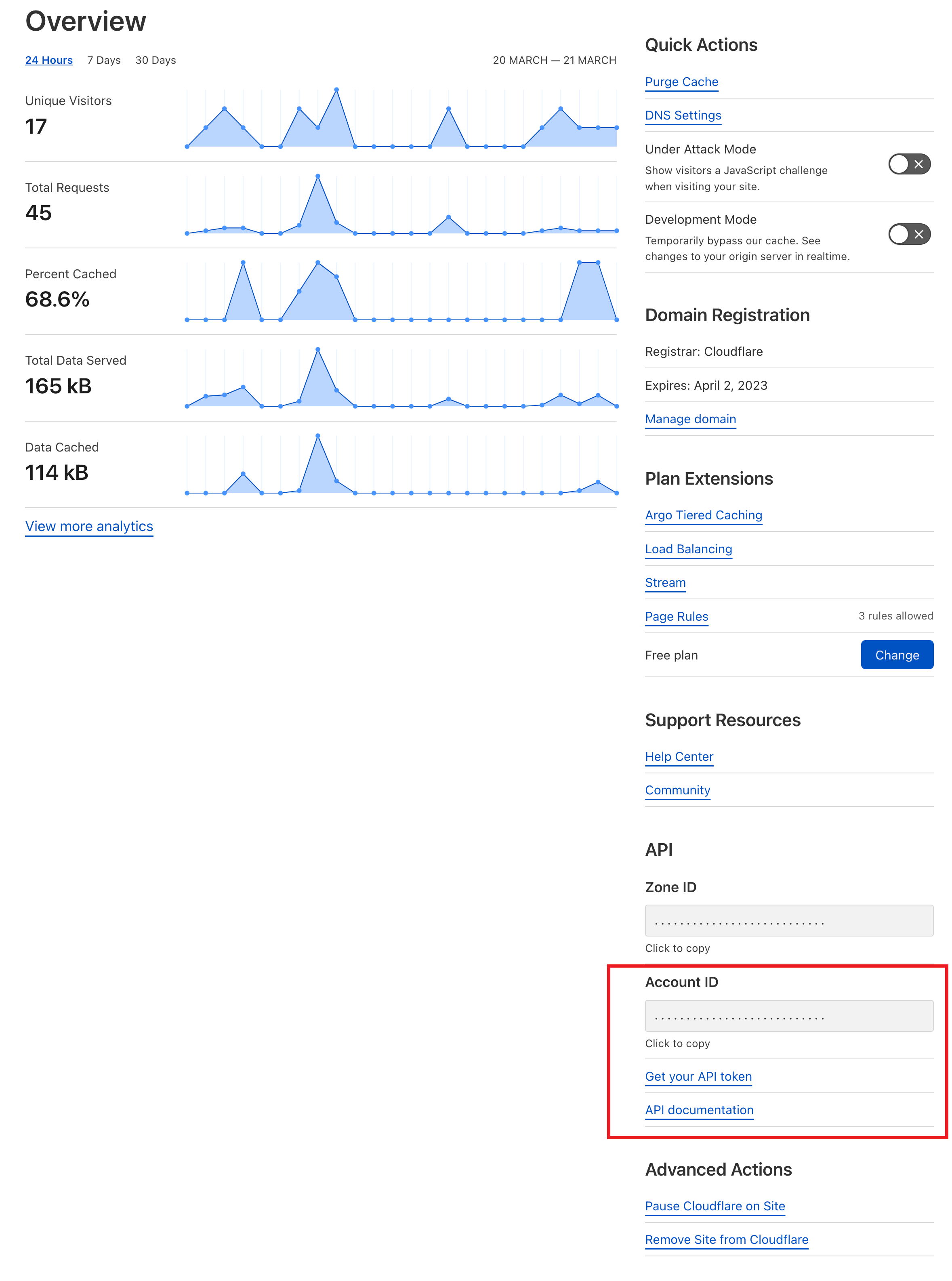
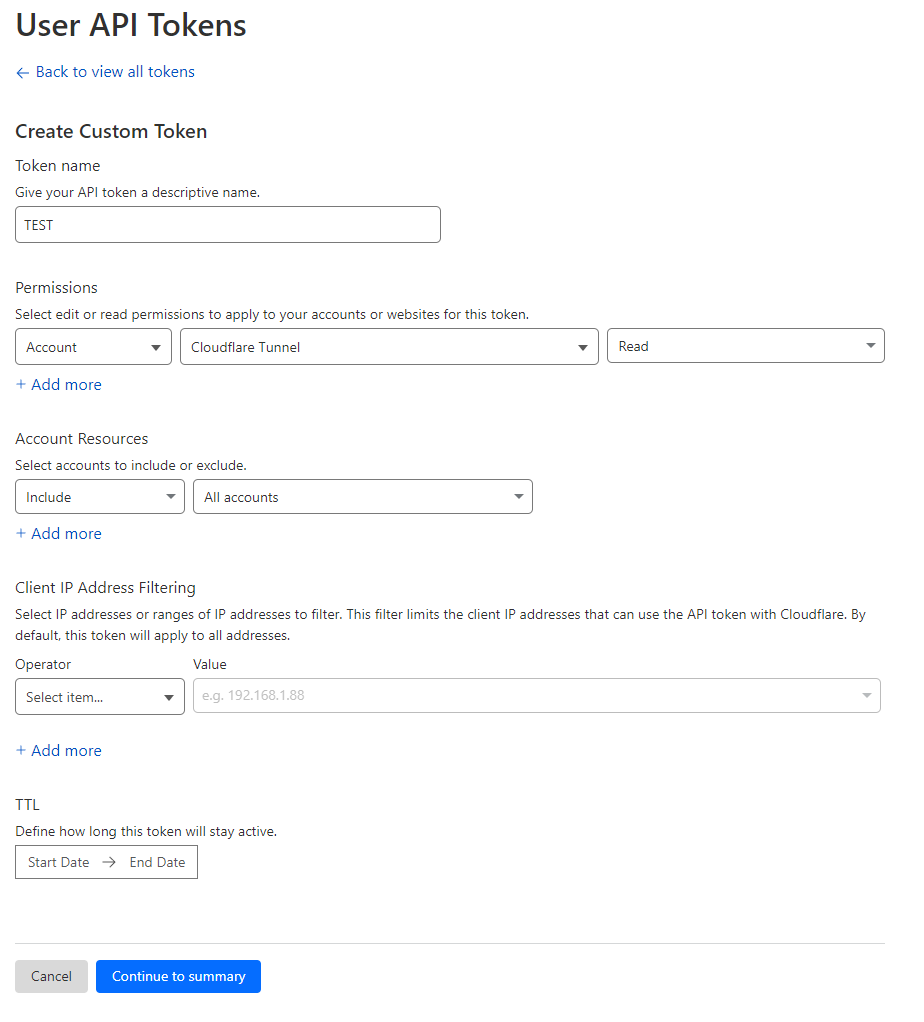
Screenshots From the README of deadbeef3137/ha-cloudflare-tunnel-monitor.
About
Cloudflare Tunnel Monitor is an integration that reports the status of Cloudflare Tunnels as sensors in Home Assistant. It fetches tunnel information from the Cloudflare cloud and creates a sensor for each tunnel showing whether it is healthy, degraded, inactive or down. An optional metrics address can point to the local Prometheus metrics endpoint of cloudflared. With it set, additional sensors cover QUIC round-trip statistics, throughput, latency baselines, Go garbage collection pauses and process health. Setup happens in the UI and asks for the Cloudflare account ID and an API token with read permission for tunnels. It is installed through the Marketplace.
Automatic summary of the README and code of deadbeef3137/ha-cloudflare-tunnel-monitor. Something wrong, or are you the maintainer and want your own text here? Get in touch
Supports
Uses the vendor's cloud Needs an internet connection and an account with the vendor.
From the Marketplace Installed through the Marketplace, formerly HACS.
Provides
- Sensors
Setting it up
Install it from the Marketplace and restart Home Assistant, then add it under Settings, Devices and services.
Connect
- Account ID
- API Token
- Metrics URL (optional)
Texts from the code of deadbeef3137/ha-cloudflare-tunnel-monitor.

Shows in Vulpo
Chart card, Apple Watch.Information
- Installs
- 500 sharing analytics
- GitHub stars
- 34
- Connection
- Uses the vendor's cloud
- Upkeep
- No update in 6 to 18 months
- Version
- v2.2.0,
- Category
- Computers and network, Cloud and developer tools
- Kind
- Marketplace integration
- Brand
- Cloudflare
- Needs
- Needs the Marketplace (HACS on 2026.10 and older)
- Domain
cloudflare_tunnel_monitor- Issues
- Report an issue