

Marketplace integration
Fireboard
On Home Assistant 2026.10 or older? Open it in HACS
- Installs
- 50 sharing analytics
- Connection
- Uses the vendor's cloud
- Upkeep
- Updated in the last 6 months
- Version
- 1.6,
- Category
- Appliances and cleaning, Cooking
- Kind
- Marketplace integration
- Needs
- Needs the Marketplace (HACS on 2026.10 and older)
- Domain
fireboard- Issues
- Report an issue


Independent directory, made by the developer of Vulpo. Not affiliated with Home Assistant or the Open Home Foundation.
About
Fireboard Integration for Home Assistant
Description from awcab/ha-firebuilt

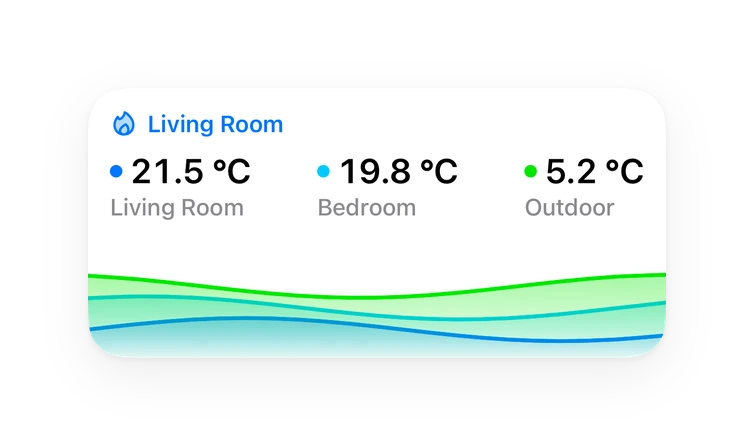
Shows in Vulpo
Chart card, Apple Watch.Installs over time
50+7 in 30 days
Oct 21Nov 20
#1,610 of 1,626 Marketplace integrations, up 6 places in 30 days. Installs sharing analytics.
Supports
- Uses the vendor's cloudNeeds an internet connection and an account with the vendor.
- From the MarketplaceInstalled through the Marketplace, formerly HACS.
- Actively maintainedIts author released or pushed a change in the last six months.
Provides
- Sensors
Setting it up
Install it from the Marketplace and restart Home Assistant, then add it under Settings, Devices and services.
Connect to Fireboard
- Username or email
- Password
Re-authenticate Fireboard
- Password
Texts from the code of awcab/ha-firebuilt.
Entities
- Binary sensorsAlert
- NumbersSetpoint target
- SensorsBattery, Last seen, Setpoint, Drive output, Drive battery, Cook started, Cook session
From the README
A custom integration that pulls live data from the Fireboard Cloud API and a matching Lovelace card for your dashboard.
Information
- Installs
- 50 sharing analytics
- Connection
- Uses the vendor's cloud
- Upkeep
- Updated in the last 6 months
- Version
- 1.6,
- Category
- Appliances and cleaning, Cooking
- Kind
- Marketplace integration
- Needs
- Needs the Marketplace (HACS on 2026.10 and older)
- Domain
fireboard- Issues
- Report an issue
You might also like


 Dreame Vacuum Rising19.8k installs · Home Assistant integration for Dreame robot vacuums with map s…Open



 SmartThinQ LGE Sensors9.2k installs · HomeAssistant custom integration for SmartThinQ LG devicesOpen


Try it with your own Home Assistant.
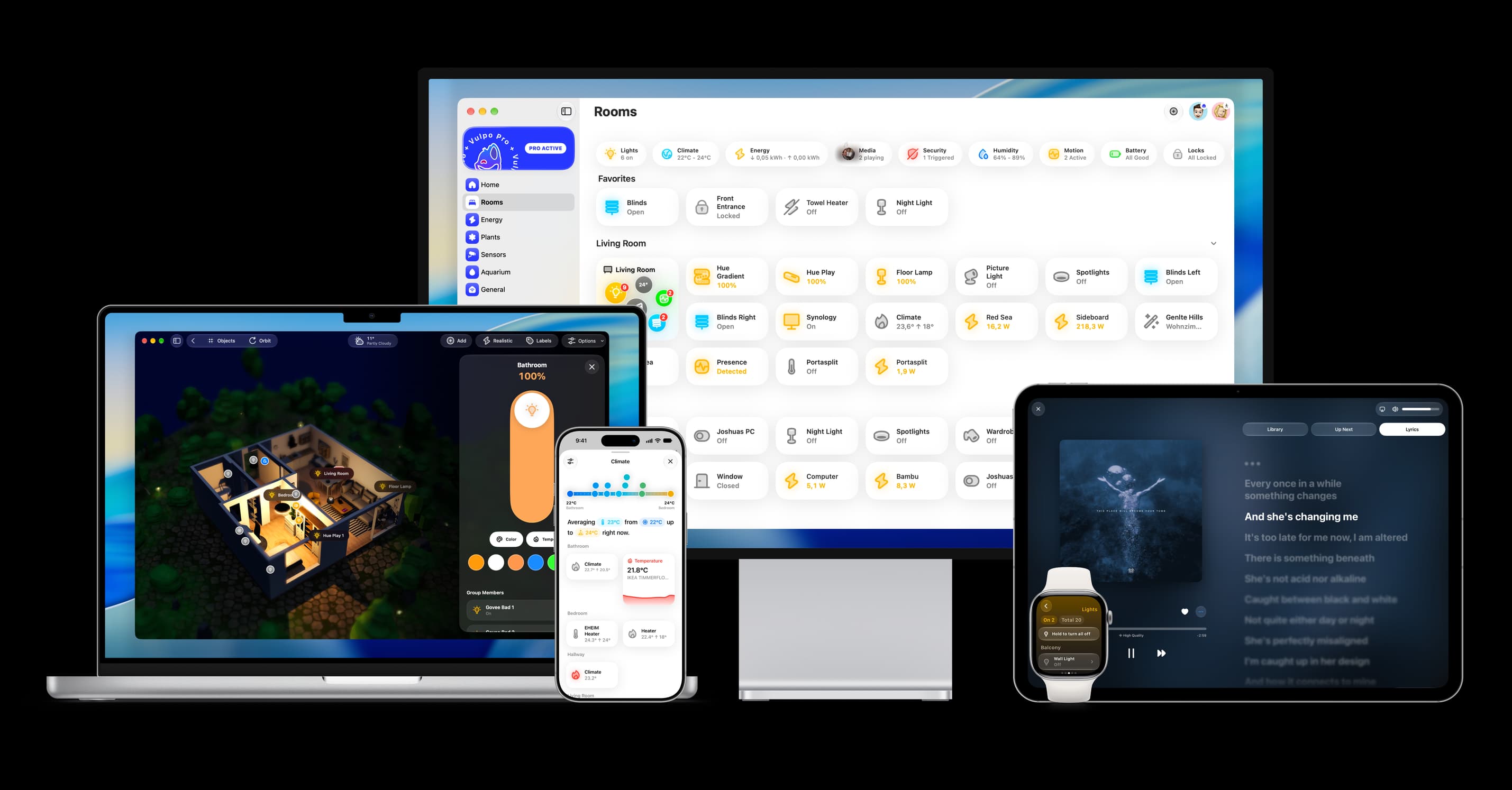
- Free to download
- iPhone, iPad, Mac and Apple Watch
- 40+ native card types
- Connects to your own Home Assistant