Google Maps Card
On Home Assistant 2026.11 or newer? Open it in the Marketplace
- GitHub stars
- 118
- Upkeep
- Updated in the last 6 months
- Version
- v6.03,
- Kind
- Dashboard card
- Brand
- Needs
- Needs the Marketplace (HACS on 2026.10 and older)
- Issues
- Report an issue
Independent directory, made by the developer of Vulpo. Not affiliated with Home Assistant or the Open Home Foundation.
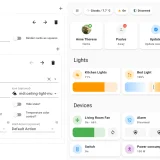
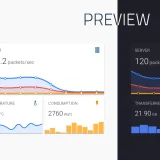
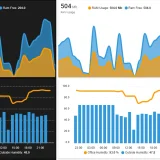
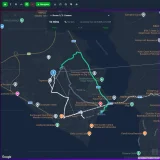
Screenshots From the README of cataseven/Google-Map-Card.
About
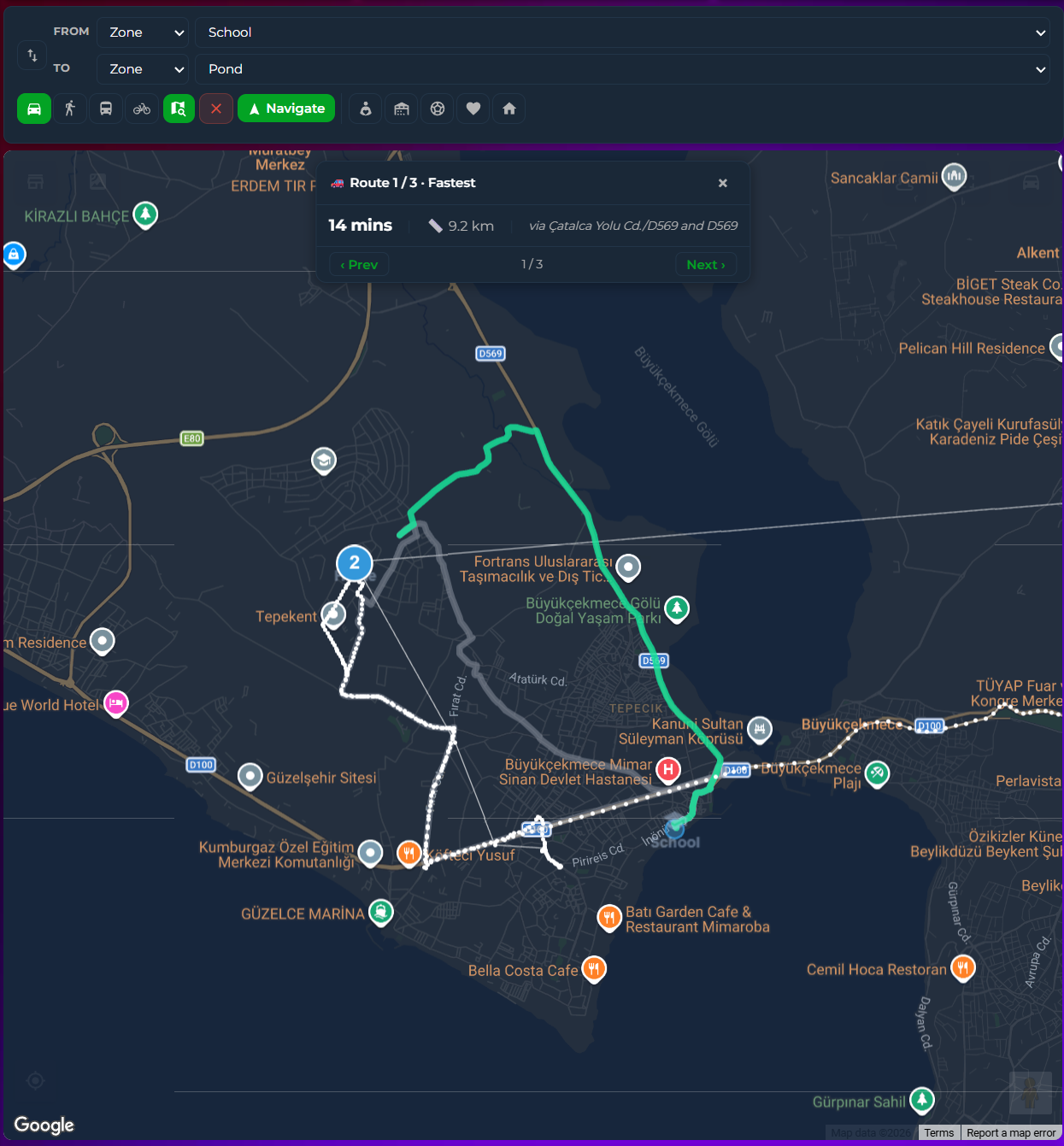
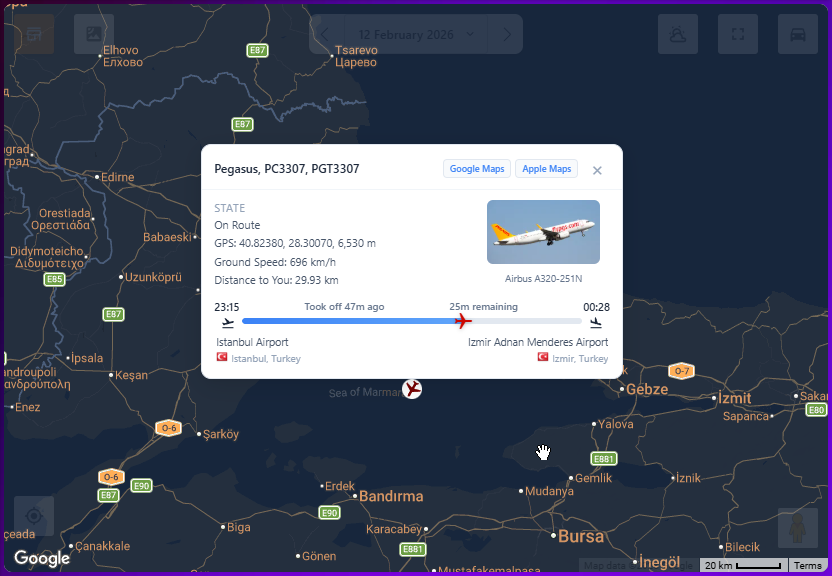
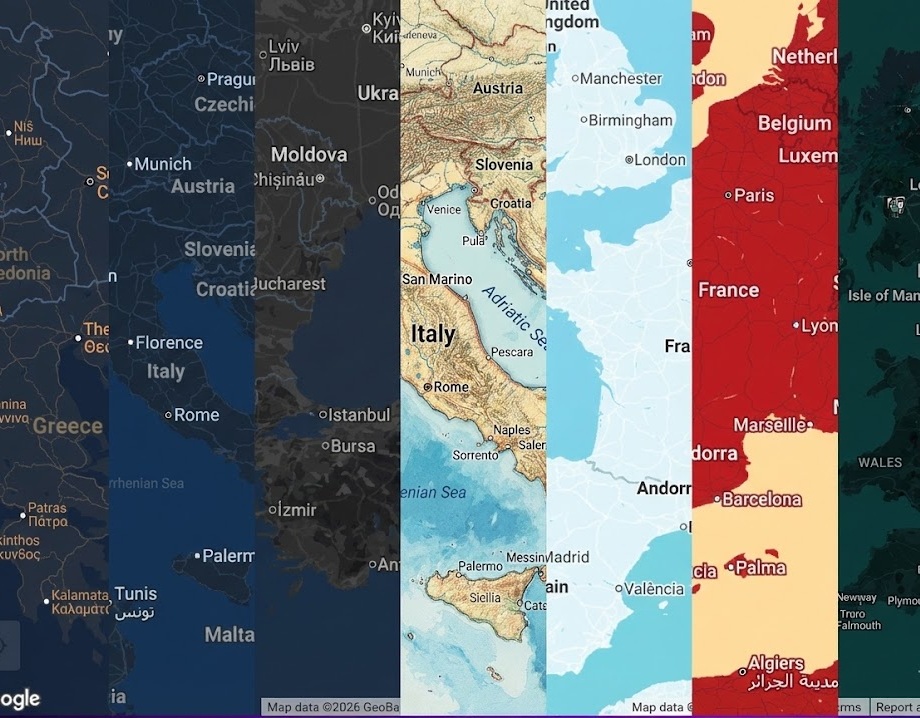
Google Maps Card is a dashboard card that shows a Google Maps view inside Home Assistant. It includes a travel panel that calculates routes in real time, with address autocomplete, route shortcuts, and driving, walking, transit and cycling modes. Route lines are colored by live traffic, and a route info bar appears on the map. Weather layers can be added with an OpenWeather API key, with adjustable opacity, brightness, contrast and saturation. The card also supports FlightRadar24, with a flight panel and an airport arrivals and departures table, and lets flights be added or removed on the map. Zones can be created, edited and deleted from the card, and it offers point of interest filtering, Street View and route tracking with history dots.
Automatic summary of the README of cataseven/Google-Map-Card. Something wrong, or are you the maintainer and want your own text here? Get in touch
Supports
From the Marketplace Installed through the Marketplace, formerly HACS.
Actively maintained Its author released or pushed a change in the last six months.
Setting it up
Install it from the Marketplace, then add a card of this type to a dashboard.
From the README
- Route Search and Travel Time Calculator 🆕
- NEW (v5.0.2): Map-based route info bar, clickable route polylines, fullscreen panel overlay, active shortcut highlighting, and theme-consistent button colors
- v5.0.0: Docked travel panel with real-time route calculation, live traffic-colored polylines, address autocomplete, route shortcuts, and multi-modal support (driving/walking/transit/cycling)
- Live Traffic Info
- Weather Layers (via OpenWeather API Key) with adjustable opacity, brightness, contrast and saturation
- FlightRadar24 integration support
- NEW (v4.0.0): Dedicated FlightRadar panel + airport arrivals/departures table + Add/Remove Flight directly on the map via right click button
- Create Zone, Edit Zone, Delete Zone directly from the card (right click / long press)
- Show Zones
- POI Filtering
- Street View
- Route tracking (polylines + history dots)
Information
- GitHub stars
- 118
- Upkeep
- Updated in the last 6 months
- Version
- v6.03,
- Kind
- Dashboard card
- Brand
- Needs
- Needs the Marketplace (HACS on 2026.10 and older)
- Issues
- Report an issue