
On Home Assistant 2026.10 or older? Open it in HACS
- Installs
- 51 sharing analytics
- GitHub stars
- 7
- Connection
- Uses the vendor's cloud
- Upkeep
- Updated in the last 6 months
- Version
- v1.21.5,
- Category
- Computers and network, Routers and network
- Kind
- Marketplace integration
- Needs
- Needs the Marketplace (HACS on 2026.10 and older)
- Domain
network_control- Issues
- Report an issue


Independent directory, made by the developer of Vulpo. Not affiliated with Home Assistant or the Open Home Foundation.
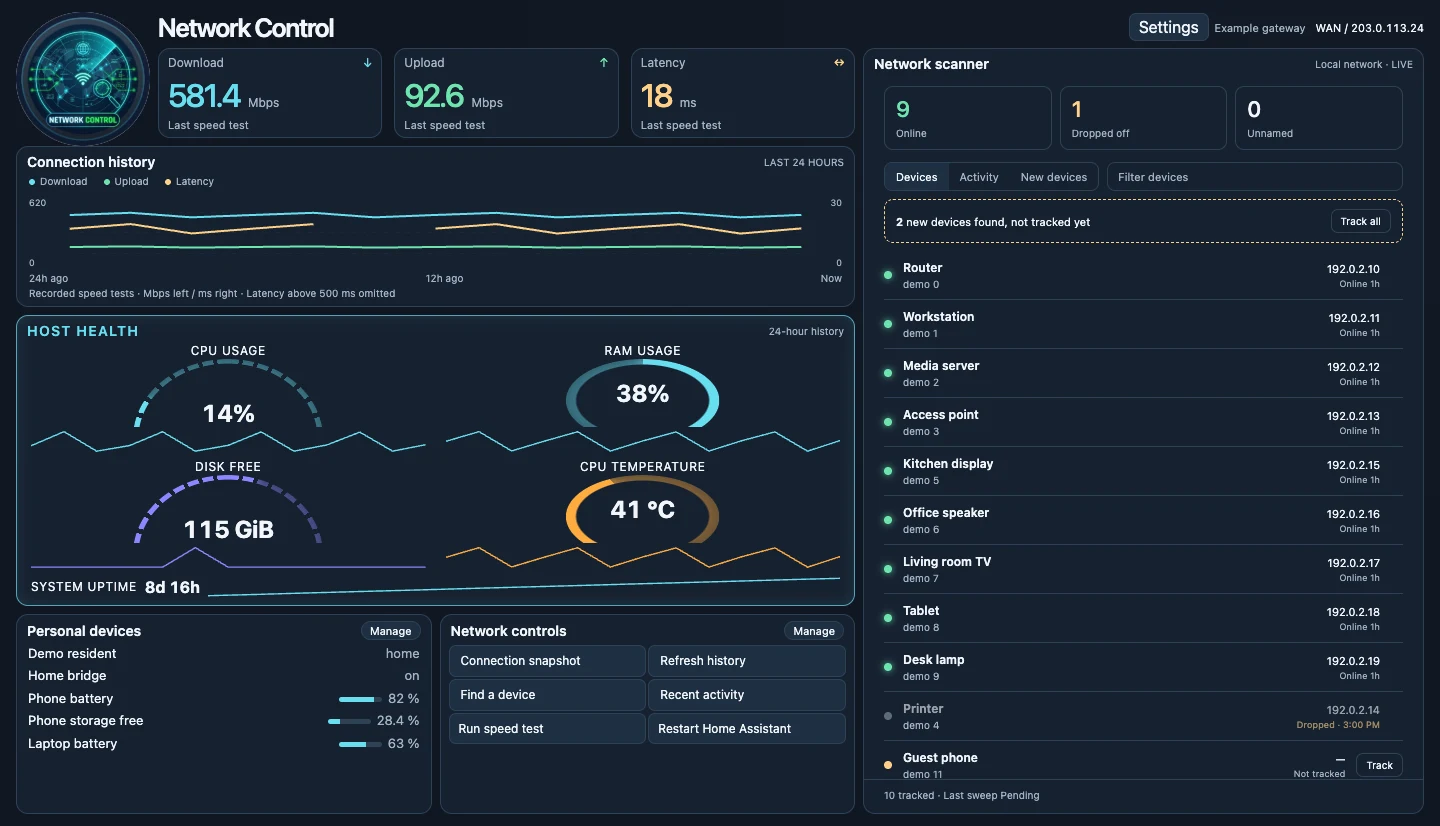
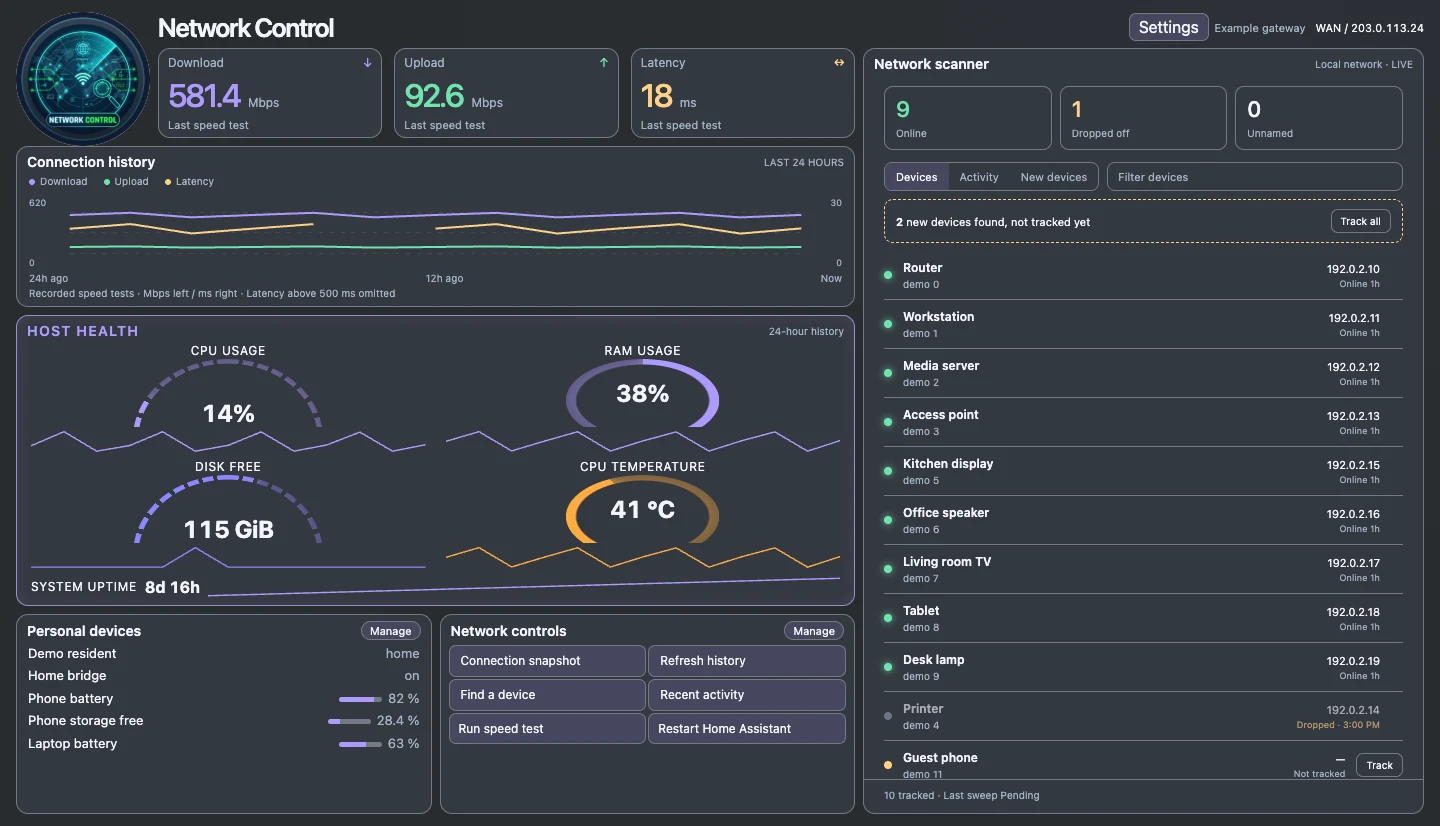
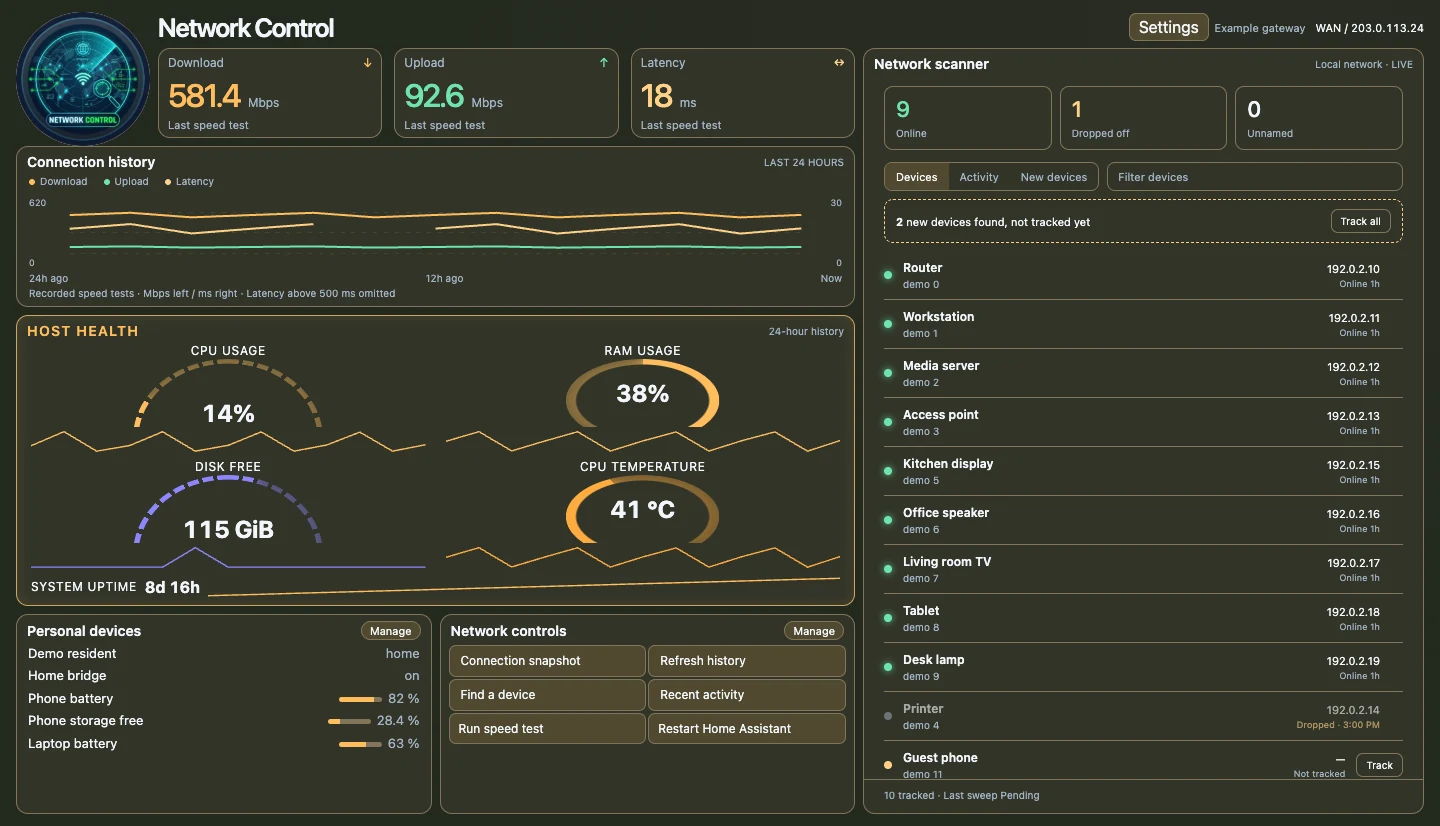
Screenshots From the README of yanke7/Home-Assistant-Network.
About
Home Assistant network monitoring dashboard with built-in Speedtest, ping history, host health, LAN device discovery, and new device alerts with Nmap Tracker.
Description from yanke7/Home-Assistant-Network

Shows in Vulpo
Button card, Chart card, Apple Watch.Supports
- Uses the vendor's cloudNeeds an internet connection and an account with the vendor.
- From the MarketplaceInstalled through the Marketplace, formerly HACS.
- Actively maintainedIts author released or pushed a change in the last six months.
Provides
- Sensors
- Presence
Setting it up
Install it from the Marketplace and restart Home Assistant, then add it under Settings, Devices and services.
After setup
- Automatic speed test interval (minutes)Defaults to 60 minutes. Enter 0 to turn off automatic tests.
Texts from the code of yanke7/Home-Assistant-Network.
From the README
Network Control is a Home Assistant network monitoring dashboard for checking internet speed, finding devices on your LAN, and keeping an eye on your Home Assistant host. It puts download, upload, ping, device activity, and host health history on one screen.
Information
- Installs
- 51 sharing analytics
- GitHub stars
- 7
- Connection
- Uses the vendor's cloud
- Upkeep
- Updated in the last 6 months
- Version
- v1.21.5,
- Category
- Computers and network, Routers and network
- Kind
- Marketplace integration
- Needs
- Needs the Marketplace (HACS on 2026.10 and older)
- Domain
network_control- Issues
- Report an issue
You might also like












Try it with your own Home Assistant.
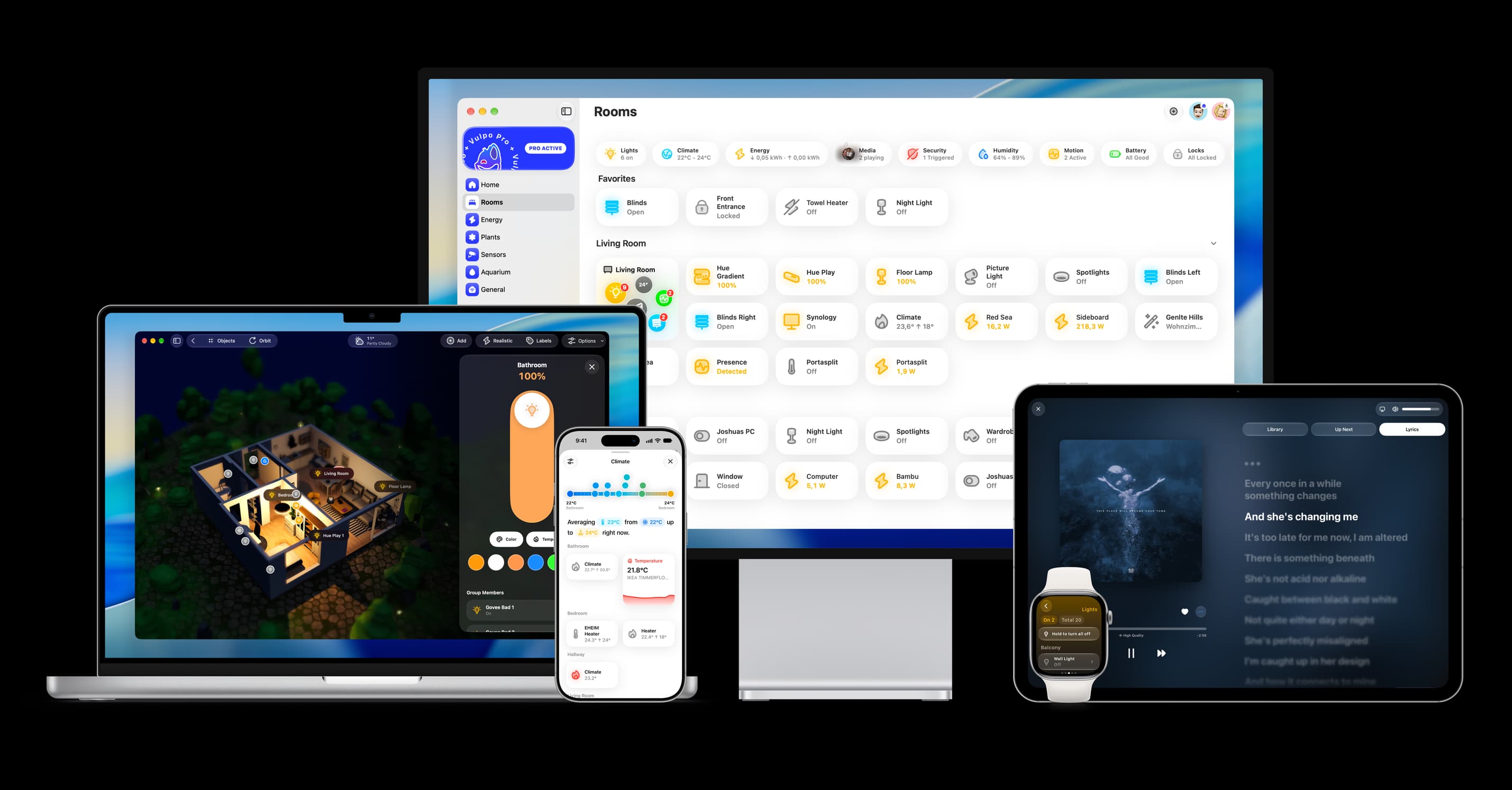
- Free to download
- iPhone, iPad, Mac and Apple Watch
- 40+ native card types
- Connects to your own Home Assistant