
On Home Assistant 2026.10 or older? Open it in HACS
- Installs
- 68 sharing analytics
- GitHub stars
- 9
- Connection
- Uses the vendor's cloud
- Upkeep
- Updated in the last 6 months
- Version
- v1.7.4,
- Category
- Energy, Solar and batteries
- Kind
- Marketplace integration
- Needs
- Needs the Marketplace (HACS on 2026.10 and older)
- Domain
volcast- Issues
- Report an issue


Independent directory, made by the developer of Vulpo. Not affiliated with Home Assistant or the Open Home Foundation.
About
Home Assistant integration for Volcast Solar Forecast — HACS compatible
Description from volter-labs/volcast-ha-integration

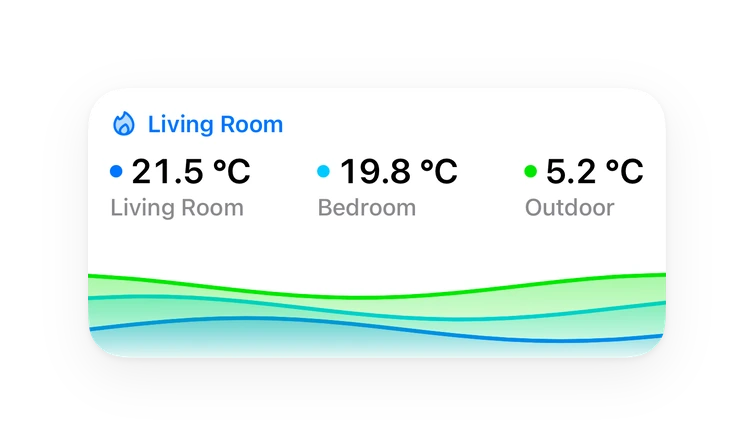
Shows in Vulpo
Button card, Chart card, Apple Watch.Supports
- Uses the vendor's cloudNeeds an internet connection and an account with the vendor.
- From the MarketplaceInstalled through the Marketplace, formerly HACS.
- Actively maintainedIts author released or pushed a change in the last six months.
Provides
- Sensors
Setting it up
Install it from the Marketplace and restart Home Assistant, then add it under Settings, Devices and services.
Connect to Volcast
- API Key
- API URL (advanced)
Production Tracking (optional)
- Today's PV generation (kWh)A sensor that shows today's total solar production in kWh (resets daily). This is the primary source for tracking — look for sensors like "Today's PV Generation" or "Daily Yield" from your inverter (GoodWe, Fronius, SolarEdge, Huawei, SMA, Enphase).
- Current PV power (W)A sensor that shows current solar power output in watts. Used as a fallback when the energy sensor is unavailable or resets mid-day.
- Battery state of charge (%)A sensor that shows battery state of charge (0-100%). Used to detect inverter curtailment when the battery is full. Optional — only needed if you have a battery system.
- Battery charge power (W)A sensor that shows battery charging power in watts. Used to confirm curtailment (battery full, not accepting charge) and detect grid charging (negative price scenarios). Optional.
After setup
- Update interval (minutes)
- Peak production threshold (%)
- Today's PV generation (kWh)A sensor that shows today's total solar production in kWh (resets daily).
- Current PV power (W)A sensor that shows current solar power output in watts. Used as fallback.
- Battery state of charge (%)A sensor that shows battery state of charge (0-100%). Used to detect curtailment.
- Battery charge power (W)A sensor for battery charging power in watts. Detects curtailment and grid charging.
Texts from the code of volter-labs/volcast-ha-integration.
Entities
- Binary sensorsPeak production
- ButtonsSync production now
- SensorsEnergy forecast today, Energy forecast tomorrow, Energy forecast day 3, Energy forecast day 4, Energy forecast day 5, Energy forecast day 6, Energy forecast day 7, Power now, API status
Actions
- Sync productionForce-syncs hourly PV production to Volcast using Home Assistant recorder statistics. Fills gaps left by HA downtime (e.g. a system update). Without a date, syncs yesterday and today.
- Date
Troubleshooting
- Repair noticesNotices it can show in Settings, Repairs:Improve forecast accuracy with production tracking
From the README
Home Assistant integration for Volcast — solar PV production forecasts powered by multi-model weather ensemble, Kalman filter calibration, and real-time nowcasting.
- Energy Dashboard integration — appears as a solar forecast source in the HA Energy Dashboard
- 7-day forecast — daily energy (kWh) and peak power (kW) for up to 7 days
- Hourly & 5-min data — detailedHourly and detailedForecast attributes on every daily sensor
- Live power estimate — interpolated current power output (W)
- Production tracking — sends your actual inverter data to Volcast for forecast calibration
- Nowcasting — adjusts today's remaining forecast based on actual production so far
- Curtailment detection — uses battery SoC to detect inverter curtailment; affected hours are excluded from calibration so a capped system doesn't skew the forecast
- Persistent retry queue — production submissions that fail (network issues, API downtime) are queued locally and retried automatically
- Peak production alert — binary sensor for automations (configurable threshold)
- UI-based setup — no YAML needed, just enter your API key and select your sensors
- Key sanity check at setup — a pasted key that is not a real Volcast key (for example the shortened preview shown in the app) is rejected instantly with a clear hint, before any network call
Information
- Installs
- 68 sharing analytics
- GitHub stars
- 9
- Connection
- Uses the vendor's cloud
- Upkeep
- Updated in the last 6 months
- Version
- v1.7.4,
- Category
- Energy, Solar and batteries
- Kind
- Marketplace integration
- Needs
- Needs the Marketplace (HACS on 2026.10 and older)
- Domain
volcast- Issues
- Report an issue
You might also like







Try it with your own Home Assistant.
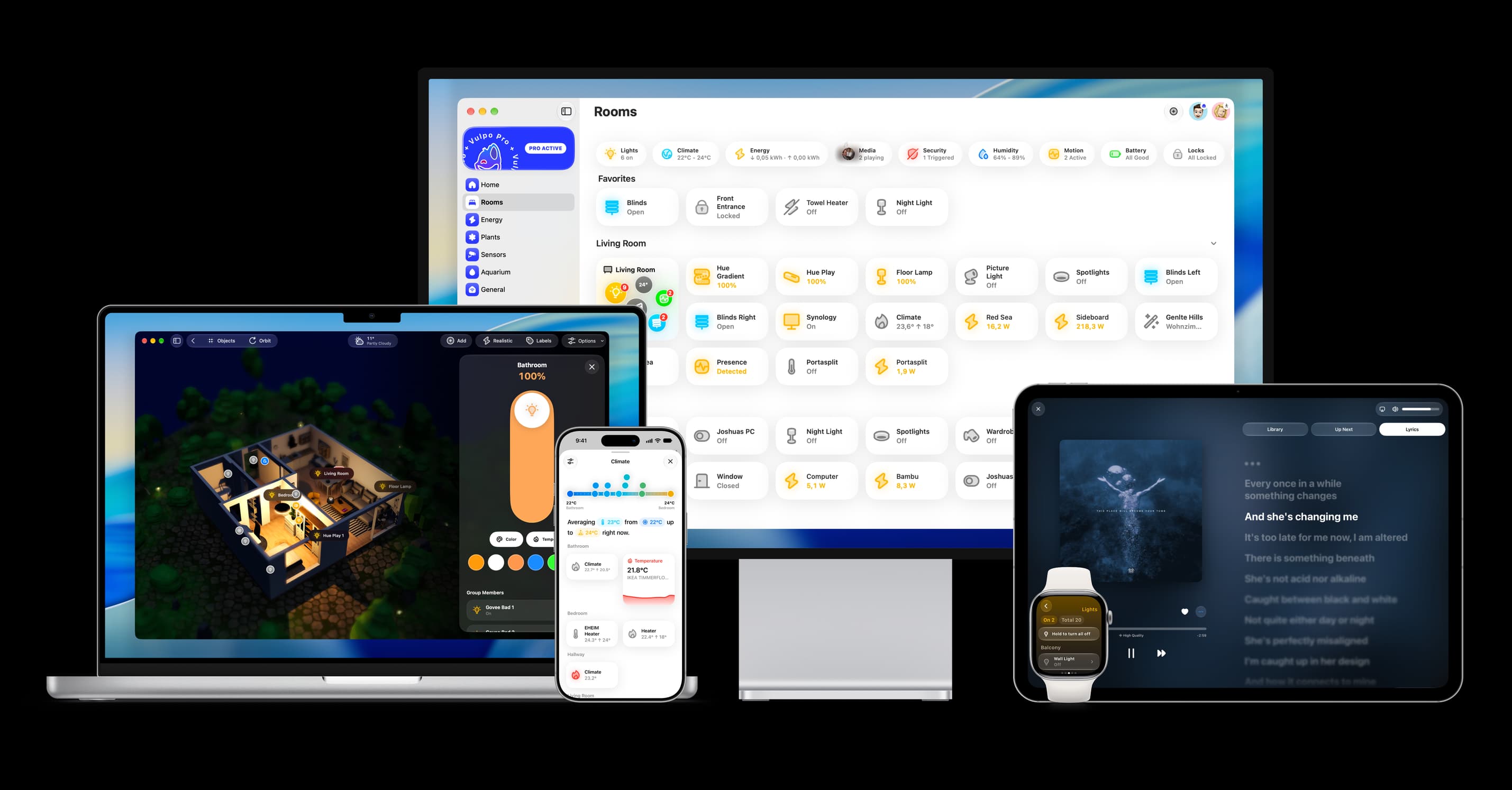
- Free to download
- iPhone, iPad, Mac and Apple Watch
- 40+ native card types
- Connects to your own Home Assistant