

Sigenergy ESS
On Home Assistant 2026.11 or newer? Open it in the Marketplace
- Installs
- 2.7k sharing analytics
- GitHub stars
- 314
- Connection
- Works locally
- Upkeep
- Updated in the last 6 months
- Version
- v.1.2.7.5,
- Category
- Energy, Solar and batteries
- Kind
- Marketplace integration
- Brand
- Sigenergy
- Needs
- Needs the Marketplace (HACS on 2026.10 and older)
- Domain
sigen- Issues
- Report an issue
Independent directory, made by the developer of Vulpo. Not affiliated with Home Assistant or the Open Home Foundation.
Screenshots From the README of TypQxQ/Sigenergy-Local-Modbus.
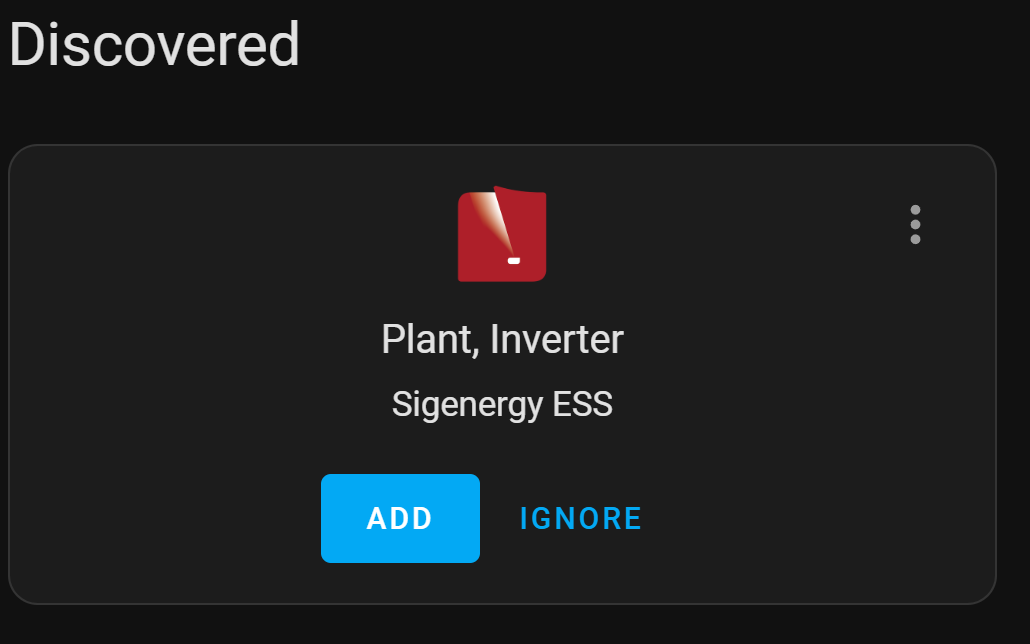
About
Sigenergy ESS monitors and controls a Sigenergy Energy Storage System from Home Assistant over local Modbus-TCP. It groups plants, inverters, AC chargers and DC chargers as devices, and Home Assistant can discover inverters and chargers on the network. Sensors cover power flows, energy statistics and battery state of charge and health, with an adjustable update interval. Energy management work modes are exposed as select entities, and optional buttons, switches and numbers provide further control. A read-only mode stops Home Assistant from making changes to the system, and it can be changed later in device settings. Setup is done in the UI, and devices can be reconfigured, added or removed afterwards.
Automatic summary of the README and code of TypQxQ/Sigenergy-Local-Modbus. Something wrong, or are you the maintainer and want your own text here? Get in touch
Supports
Works locally Talks to your devices on your own network. No vendor cloud in between.
Found by itself Home Assistant spots it on the network and offers to add it.
From the Marketplace Installed through the Marketplace, formerly HACS.
Actively maintained Its author released or pushed a change in the last six months.
Provides
- Switches
- Sensors
Setting it up
Install it from the Marketplace and restart Home Assistant, then add it under Settings, Devices and services.
Configure Sigenergy Plant
- Read-Only Mode(Prevents Home Assistant from making changes to the Sigenergy system. Recommended for initial setup. Can be changed later in device settings.)
Select Device Type
- Device Type
Configure Sigenergy Plant
- Host (IP address of the main Sigenergy inverter)
- Port (default is 502)
- Inverter Device ID (Default is 1)
- AC Charger Device IDs (comma-separated when multiple. Default is empty for no AC charger)
- Inverter IDs with DC Chargers attached (comma-separated when multiple)
- Scan Interval (seconds)
- Migrate legacy YAML sensor values
- If enabled, initial sensor values will be imported from the legacy YAML configuration (if present).
- Read-Only Mode(Prevents Home Assistant from making changes to the Sigenergy system. Recommended for initial setup. Can be changed later in device settings.)
Select Plant
- Plant
Select Inverter
- Inverter
Configure Sigenergy Inverter
- Host (IP address of this inverter)
- Port (default is 502)
- Device ID (between 1 and 246)
Configure Sigenergy AC Charger
- Host (IP address of this AC charger)
- Port (default is 502)
- Device ID (between 1 and 246)
Reconfigure Sigenergy System
- Inverter Device ID (Default is 1)
- AC Charger Device ID (Default is empty for no AC charger)
- Inverter IDs with DC Chargers attached (comma-separated when multiple)
After setup
- Device
- Plant Accumulated PV Energy
- Plant Accumulated Consumed Energy
- Plant Accumulated Grid Import Energy
- Plant Accumulated Grid Export Energy
- Host (IP address)
- Port
- Read-Only Mode(Prevents Home Assistant from making changes to the Sigenergy system. Recommended for initial setup. Can be changed later in device settings.)
- Scan Interval (seconds)
- Remove this Inverter
- Host (IP address)
- Port
- Device ID
- Remove this AC Charger
- Host (IP address)
- Port
- Device ID
- Remove this DC Charger
- Inverter Device ID (Default is 1)
- AC Charger Device IDs ( comma-separated when multiple. Default is empty for no AC charger )
- Inverter IDs with DC Chargers attached ( comma-separated when multiple )
Texts from the code of TypQxQ/Sigenergy-Local-Modbus.
Troubleshooting
- DiagnosticsDownloads a diagnostics file to attach to a bug report.
From the README
- UI‑Driven Setup with DHCP discovery of inverters and chargers
- Dynamic Device Management (Plants, Inverters, AC/DC Chargers)
- Real‑Time Metrics for power flows, energy statistics, SoC/SoH
- Control Capabilities for EMS (energy management system) work modes and more
- Configurable update interval in three update frequencies for faster updates

Shows in Vulpo
Quick Toggle card, Button card, Select card, Chart card, Apple Watch, Control Center.Information
- Installs
- 2.7k sharing analytics
- GitHub stars
- 314
- Connection
- Works locally
- Upkeep
- Updated in the last 6 months
- Version
- v.1.2.7.5,
- Category
- Energy, Solar and batteries
- Kind
- Marketplace integration
- Brand
- Sigenergy
- Needs
- Needs the Marketplace (HACS on 2026.10 and older)
- Domain
sigen- Issues
- Report an issue











