

Marketplace integration
KEBA KeEnergy
On Home Assistant 2026.10 or older? Open it in HACS
- Installs
- 52 sharing analytics
- GitHub stars
- 14
- Connection
- Works locally
- Upkeep
- Updated in the last 6 months
- Version
- v1.12.2,
- Category
- Energy, EV charging
- Kind
- Marketplace integration
- Needs
- Needs the Marketplace (HACS on 2026.10 and older)
- Domain
keba_keenergy- Issues
- Report an issue
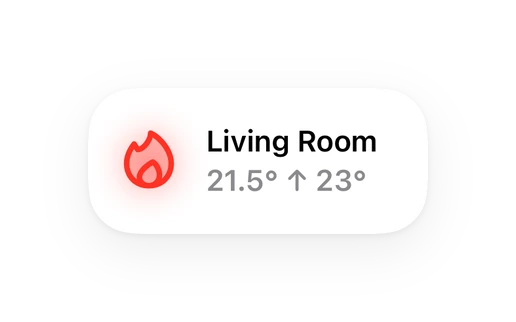
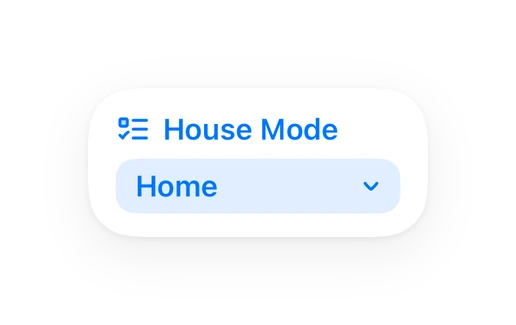
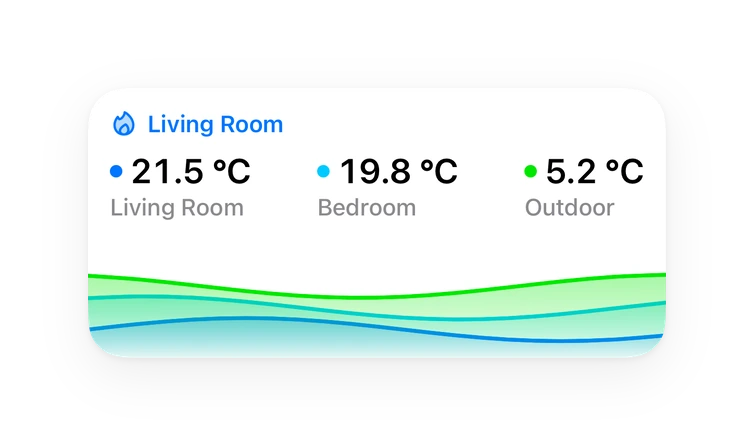
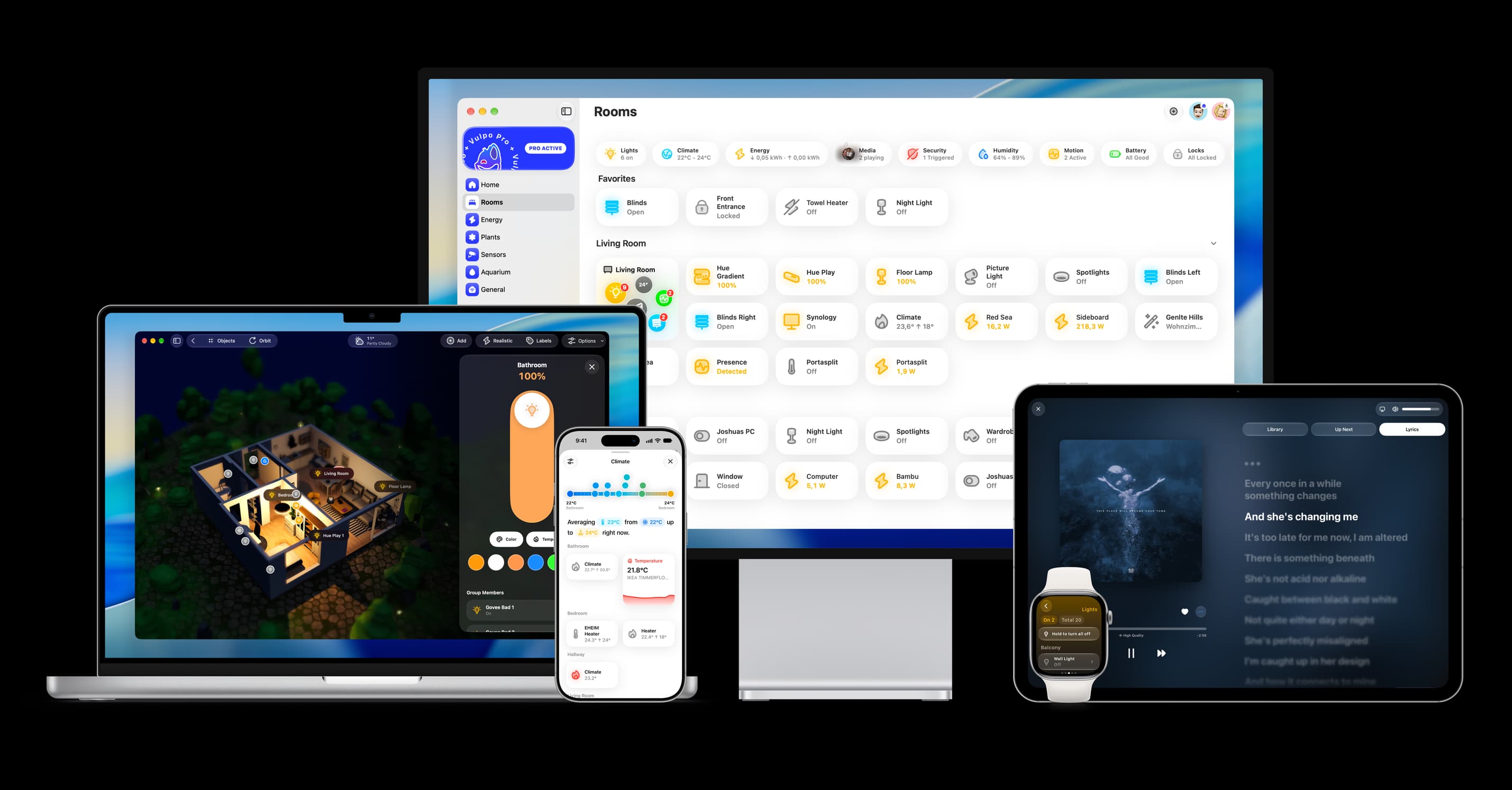
Shows in Vulpo Quick Toggle card, Climate card, Select card, Chart card, Apple Watch, Control Center, Climate Live Activity.


Scan with your iPhone
DownloadIndependent directory, made by the developer of Vulpo. Not affiliated with Home Assistant or the Open Home Foundation.
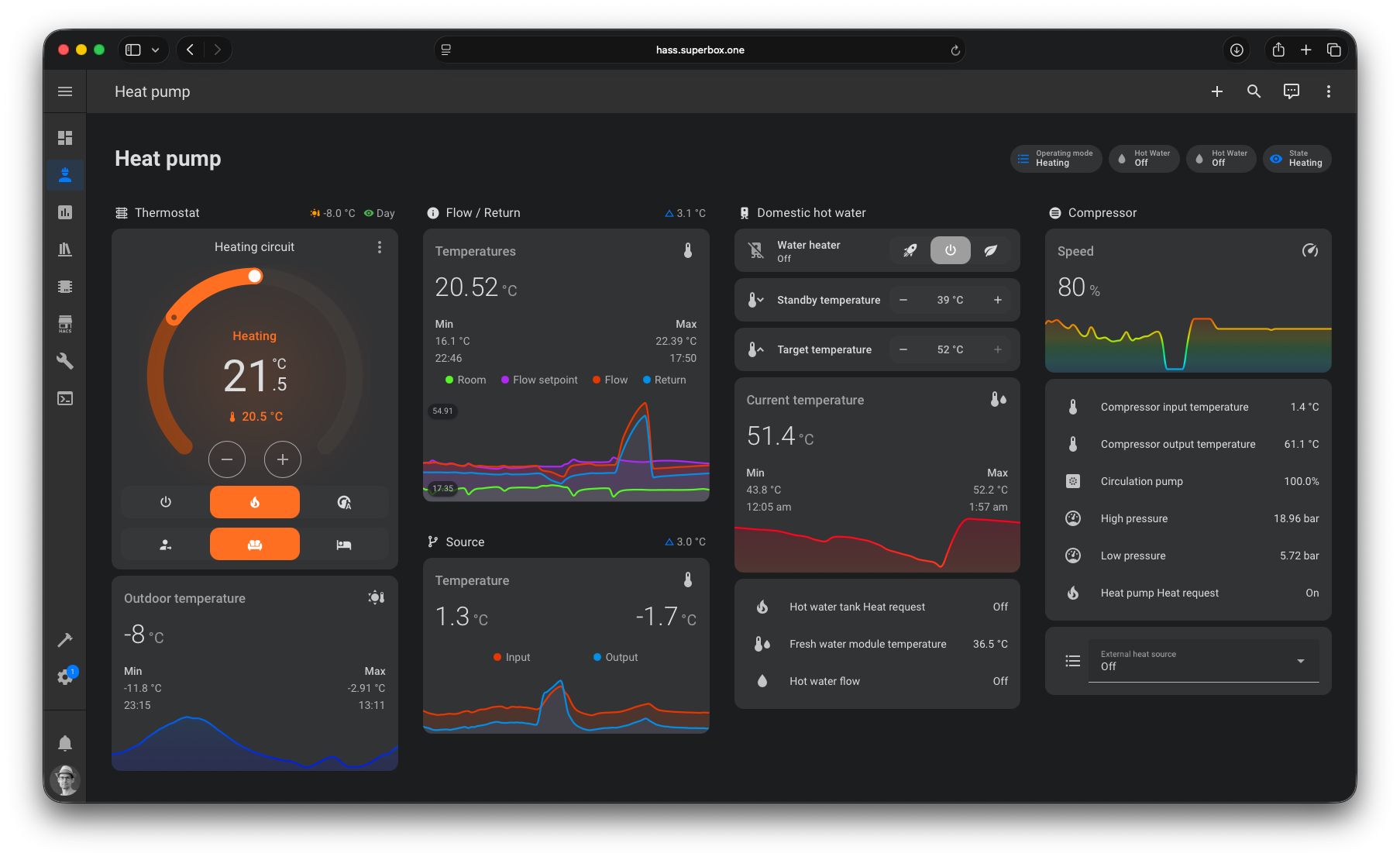
Screenshots From the README of superbox-dev/keba_keenergy.
About
KEBA KeEnergy is an integration that reads and controls heat pumps with a KEBA KeEnergy control unit through its Web HMI. It works locally by polling the Web HMI and is used with heat pumps from M-TEC, ino and Windhager. Values from heat pumps, heating circuits, hot water tanks, buffer tanks, solar circuits, external heat sources and photovoltaics appear as sensors, binary sensors, numbers, selects, switches, climate and water heater entities, plus an alarm event. Two actions set the away date range and the points of heating or cooling curves. Options cover the scan interval, showing the mixer position as a percentage, and refreshing each component group only every few scans. Setup is done in the UI with host, optional SSL and login details, and the device can be found automatically on the network. A repair notice appears when frequent write operations are detected.
Automatic summary of the README and code of superbox-dev/keba_keenergy. Something wrong, or are you the maintainer and want your own text here? Get in touch

Shows in Vulpo
Quick Toggle card, Climate card, Select card, Chart card, Apple Watch, Control Center, Climate Live Activity.Installs over time
#1,642 of 1,684 Marketplace integrations, down 10 places in 30 days. Installs sharing analytics.
Supports
- Works locallyTalks to your devices on your own network. No vendor cloud in between.
- Found by itselfHome Assistant spots it on the network and offers to add it.
- From the MarketplaceInstalled through the Marketplace, formerly HACS.
- Actively maintainedIts author released or pushed a change in the last six months.
Provides
- Climate
- Water heaters
- Switches
- Sensors
Setting it up
Install it from the Marketplace and restart Home Assistant, then add it under Settings, Devices and services.
Connect
- Host
- Uses an SSL certificateEnable this if the Web HMI is only reachable via https://.
Sign in
- Password
- Username
Also asked when signing in again.
After setup
- Scan intervalTime between two updates
- Mixer position as percentageShows the mixer position as percentage instead of open, off or closed
- Buffer tankUpdates the values of the buffer tanks only every n-th scan interval
- External heat sourceUpdates the values of the external heat sources only every n-th scan interval
- Heating circuitUpdates the values of the heating circuits only every n-th scan interval
- Heat pumpUpdates the values of the heat pumps only every n-th scan interval
- Hot water tankUpdates the values of the hot water tanks only every n-th scan interval
- PhotovoltaicsUpdates the values of the photovoltaics only every n-th scan interval
- Solar circuitUpdates the values of the solar circuits only every n-th scan interval
- Switch valveUpdates the values of the switch valves only every n-th scan interval
- Control unitUpdates the values of the control unit only every n-th scan interval
Texts from the code of superbox-dev/keba_keenergy.
Entities
- Binary sensorsCooling request, Circulation pump, Fresh water flow, PV surplus, Compressor, Source actuator, Source, Source pressure, Three-phase, Frequency inverter, Pump, Remote maintenance connection, and 1 more
- EventsAlarm
- NumbersTarget temperature (PV surplus), Target temperature hysteresis (PV surplus), Outdoor temperature limit (PV surplus), Backup temperature, Minimum runtime (PV surplus), Compressor power limit (night), Cooling curve offset, Cooling curve slope, Cooling limit (normal), Cooling limit (reduced), Cooling limit (PV surplus, normal), Cooling limit (PV surplus, reduced), and 16 more
- SelectsOperating mode, Cooling curve, Heating curve
- SensorsBottom temperature, Top temperature, PV surplus state, Target temperature (PV surplus), Operating mode, Backup temperature, Circulation return temperature, Fresh water temperature, Activation counter, Activation counter (PV surplus), Maximum runtime (PV surplus), Operating hours (PV surplus), and 93 more
- SwitchesUse PV surplus, Use compressor power limit (night), Use cooling curve table, Use heating curve table, Priority 1 before 2, Modbus server, Remote maintenance
Actions
- Set away date rangeSets the start and end dates for the away period.
- Integration
- End date
- Start date
- Set curve pointsSets the points of a heating or cooling curve.
- Integration
- Curve
- Points
Troubleshooting
- DiagnosticsDownloads a diagnostics file to attach to a bug report.
- Repair noticesNotices it can show in Settings, Repairs:Frequent write operations detected
From the README
A Home Assistant integration for heat pumps with a KEBA KeEnergy control unit. It exposes the values of the Web HMI as Home Assistant entities to monitor and control heat pumps, heating circuits, hot water tanks, buffer tanks, solar circuits, external heat sources and photovoltaics. It is used with heat pumps from M-TEC, ino and Windhager.
Information
- Installs
- 52 sharing analytics
- GitHub stars
- 14
- Connection
- Works locally
- Upkeep
- Updated in the last 6 months
- Version
- v1.12.2,
- Category
- Energy, EV charging
- Kind
- Marketplace integration
- Needs
- Needs the Marketplace (HACS on 2026.10 and older)
- Domain
keba_keenergy- Issues
- Report an issue
You might also like












Try it with your own Home Assistant.
- Free to download
- iPhone, iPad, Mac and Apple Watch
- 40+ native card types
- Connects to your own Home Assistant