

Enhanced SunPower
smcneece
On Home Assistant 2026.11 or newer? Open it in the Marketplace
- Installs
- 214 sharing analytics
- GitHub stars
- 77
- Connection
- Works locally
- Upkeep
- Updated in the last 6 months
- Version
- v2026.10.1,
- Category
- Energy, Solar and batteries
- Kind
- Marketplace integration
- Needs
- Needs the Marketplace (HACS on 2026.10 and older)
- Domain
sunpower- Issues
- Report an issue
Independent directory, made by the developer of Vulpo. Not affiliated with Home Assistant or the Open Home Foundation.
Screenshots From the README of smcneece/ha-esunpower.
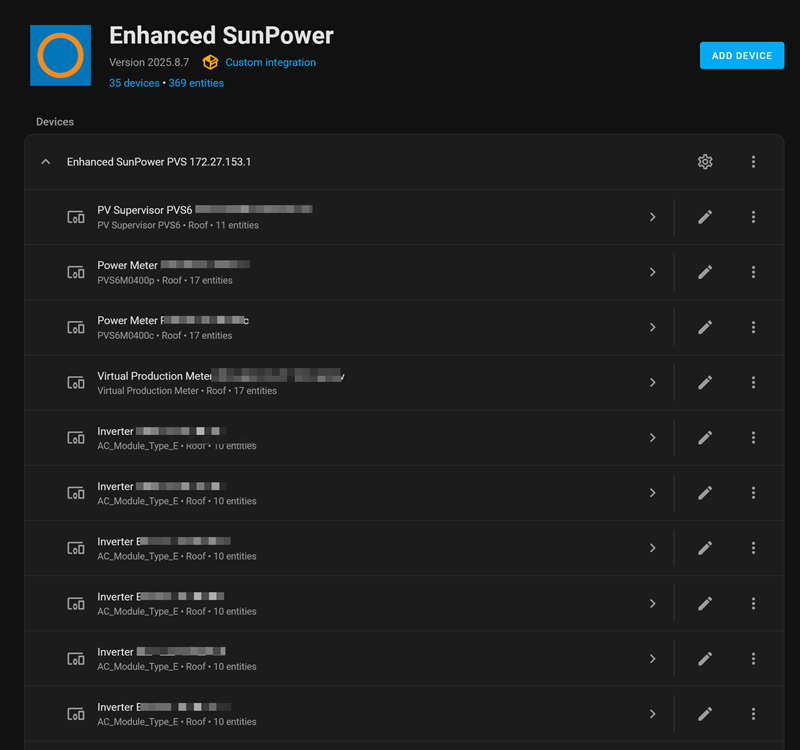
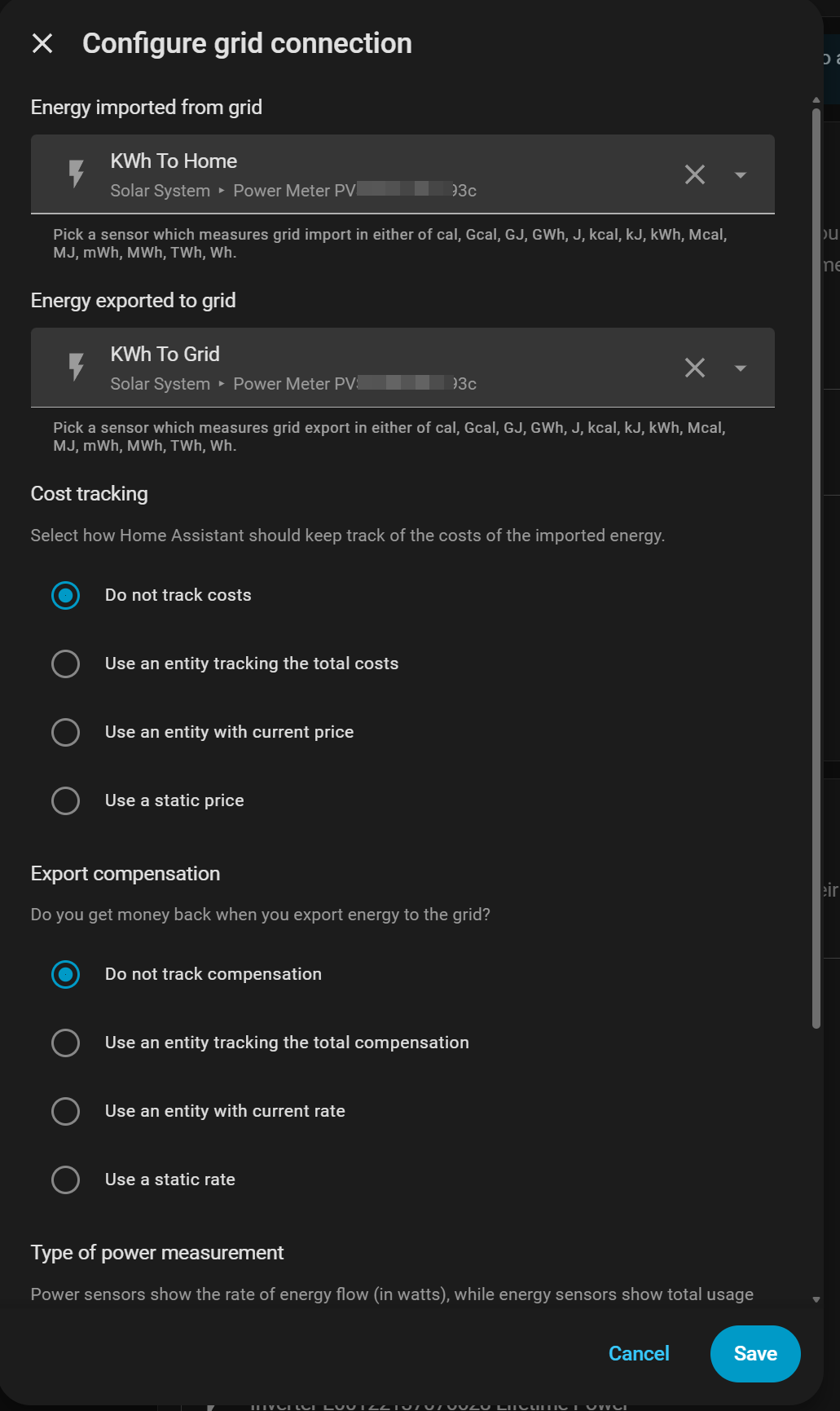
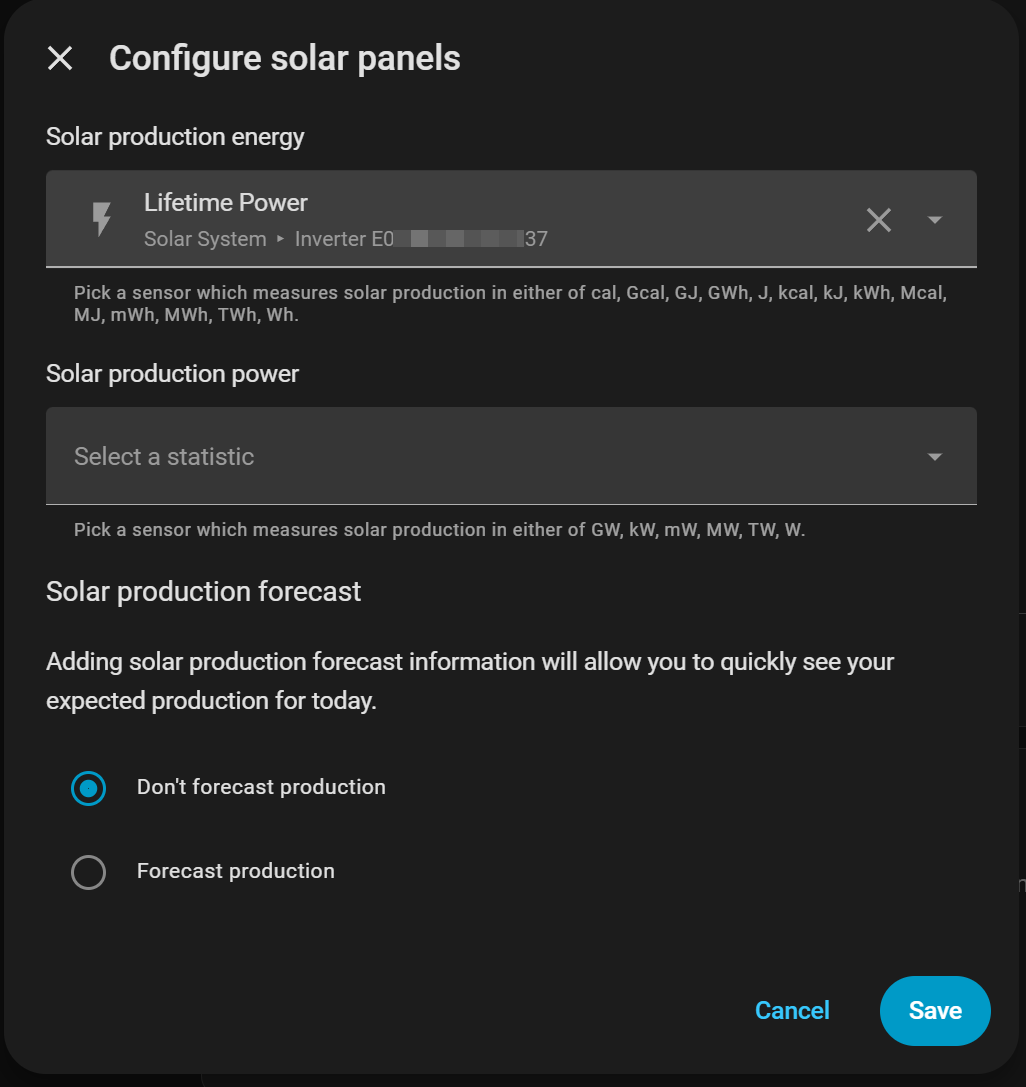
About
Enhanced SunPower monitors SunPower PVS5 and PVS6 solar systems from Home Assistant over the local network. It needs no cloud service and talks directly to the PVS, which is set up in the UI by entering its IP address and the last five characters of its serial number. It adds sensors, binary sensors, numbers, selects and switches, including individual inverter health tracking and SunVault battery monitoring. Battery control modes and the reserve percentage can be changed from select entities on the PVS device. Optional WebSocket live data brings real-time power updates, with a power change threshold and a write interval to limit database growth. Alerts can go to a mobile device or by email, covering a PVS going offline, inverter failures, low flash memory and flash wear. The integration requires newer PVS firmware.
Automatic summary of the README and code of smcneece/ha-esunpower. Something wrong, or are you the maintainer and want your own text here? Get in touch
Supports
Works locally Talks to your devices on your own network. No vendor cloud in between.
From the Marketplace Installed through the Marketplace, formerly HACS.
Actively maintained Its author released or pushed a change in the last six months.
Provides
- Switches
- Sensors
Setting it up
Install it from the Marketplace and restart Home Assistant, then add it under Settings, Devices and services.
Enhanced SunPower - Connection Setup
- PVS IP AddressPVS IP address
- Polling Interval (seconds)How often to poll PVS (10-3600 seconds, 20s minimum for battery). Note: PVS updates gateway sensors every poll, but meter/inverter data updates every ~5min regardless.
Enhanced SunPower - Authentication
- PVS Password (last 5 chars of serial)Last 5 characters of PVS serial number (e.g., if serial is ABC123XYZ78901, enter 78901)
Enhanced SunPower - Notifications & Advanced
- Show status notificationsPolling success, system status, 'integration is working' feedback
- Show debug diagnosticsCoordinator cycles, timing details, data conversion (WARNING: generates many notifications with fast polling)
- Replace status notificationsPrevents notification accumulation by reusing the same notification
- Mobile device for critical alerts
- Email notification serviceSelect email notification service from your Home Assistant notify services (select service to enable emails)
- Email recipientRecipient email address (required when email service selected)
- Flash memory alert thresholdAlert when PVS flash memory drops below this amount - % for new firmware, MB for old (set to 0 to disable)
- Flash wear alert thresholdAlert when PVS flash wear exceeds this percentage - shows EMMC lifetime consumed (set to 0 to disable)
Enhanced SunPower - Advanced Settings
- Minimum sun elevation (degrees)Minimum degrees above horizon for solar polling (5° = early start, 10° = standard, 15° = late start)
- Show status notificationsPolling success, system status, 'integration is working' feedback
- Show debug diagnosticsCoordinator cycles, timing details, data conversion (WARNING: generates many notifications with fast polling)
- Replace status notificationsPrevents notification accumulation by reusing the same notification
- Enable mobile notificationsSend critical alerts (PVS offline, inverter failures) to your mobile device
- Mobile device for alertsMobile device for critical alerts
After setup
- PVS IP AddressPVS IP address
- Polling Interval (seconds)How often to poll PVS (10-3600 seconds). Note: PVS updates gateway sensors every poll, but meter/inverter data updates every ~5min regardless.
- PVS Serial (last 5 characters)Last 5 characters of PVS serial number (found on device label)
- Enable WebSocket live dataSubscribe to PVS WebSocket for real-time sensor updates
- Power change thresholdMinimum kW change required to trigger a state write for power sensors. Reduces database writes at the cost of some precision.
- Sensor write intervalHow often power sensor values are written to HA (1-60 seconds). 1s gives maximum resolution. Higher values reduce recorder database growth.
- Show status notificationsPolling success, system status, 'integration is working' feedback
- Show debug diagnosticsCoordinator cycles, timing details, data conversion (WARNING: generates many notifications with fast polling)
- Replace status notificationsPrevents notification accumulation by reusing the same notification
- Mobile device for critical alerts
- Email notification serviceSelect email notification service from your Home Assistant notify services (select service to enable emails)
- Email recipientRecipient email address (required when email service selected)
- Flash memory alert thresholdAlert when PVS flash memory drops below this amount - % for new firmware, MB for old (set to 0 to disable)
- Flash wear alert thresholdAlert when PVS flash wear exceeds this percentage - shows EMMC lifetime consumed (set to 0 to disable)
- Minimum sun elevation (degrees)Minimum degrees above horizon for solar polling (5° = early start, 10° = standard, 15° = late start)
- Show status notificationsPolling success, system status, 'integration is working' feedback
- Show debug diagnosticsCoordinator cycles, timing details, data conversion (WARNING: generates many notifications with fast polling)
- Replace status notificationsPrevents notification accumulation by reusing the same notification
- Enable mobile notificationsSend critical alerts (PVS offline, inverter failures) directly to your mobile device
- Mobile device for alertsMobile device for critical alerts
Texts from the code of smcneece/ha-esunpower.
Troubleshooting
- DiagnosticsDownloads a diagnostics file to attach to a bug report.
From the README
Monitor your SunPower solar system locally from Home Assistant with no cloud dependency. Supports PVS5 and PVS6 hardware on new firmware, SunVault battery monitoring and control, individual inverter health tracking, and optional WebSocket live data.
New to Home Assistant? See the Getting Started Guide for help choosing hardware, installing Home Assistant, setting up HACS, and getting your PVS on WiFi before coming back here.

Shows in Vulpo
Quick Toggle card, Select card, Chart card, Apple Watch, Control Center.Information
- Installs
- 214 sharing analytics
- GitHub stars
- 77
- Connection
- Works locally
- Upkeep
- Updated in the last 6 months
- Version
- v2026.10.1,
- Category
- Energy, Solar and batteries
- Kind
- Marketplace integration
- Needs
- Needs the Marketplace (HACS on 2026.10 and older)
- Domain
sunpower- Issues
- Report an issue











