
Screenshots From the README of SlyBase/homeassistant-openmediavault.
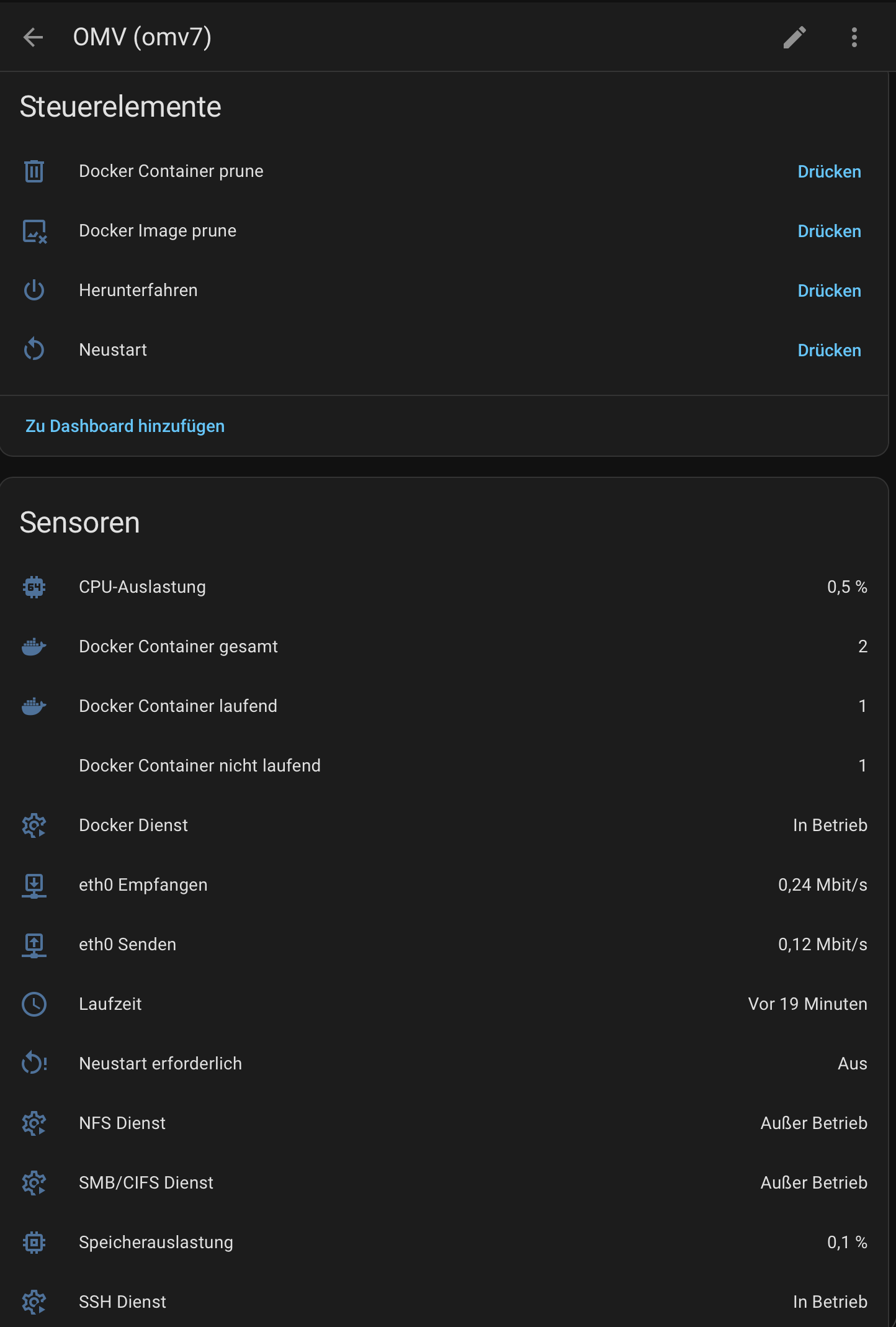
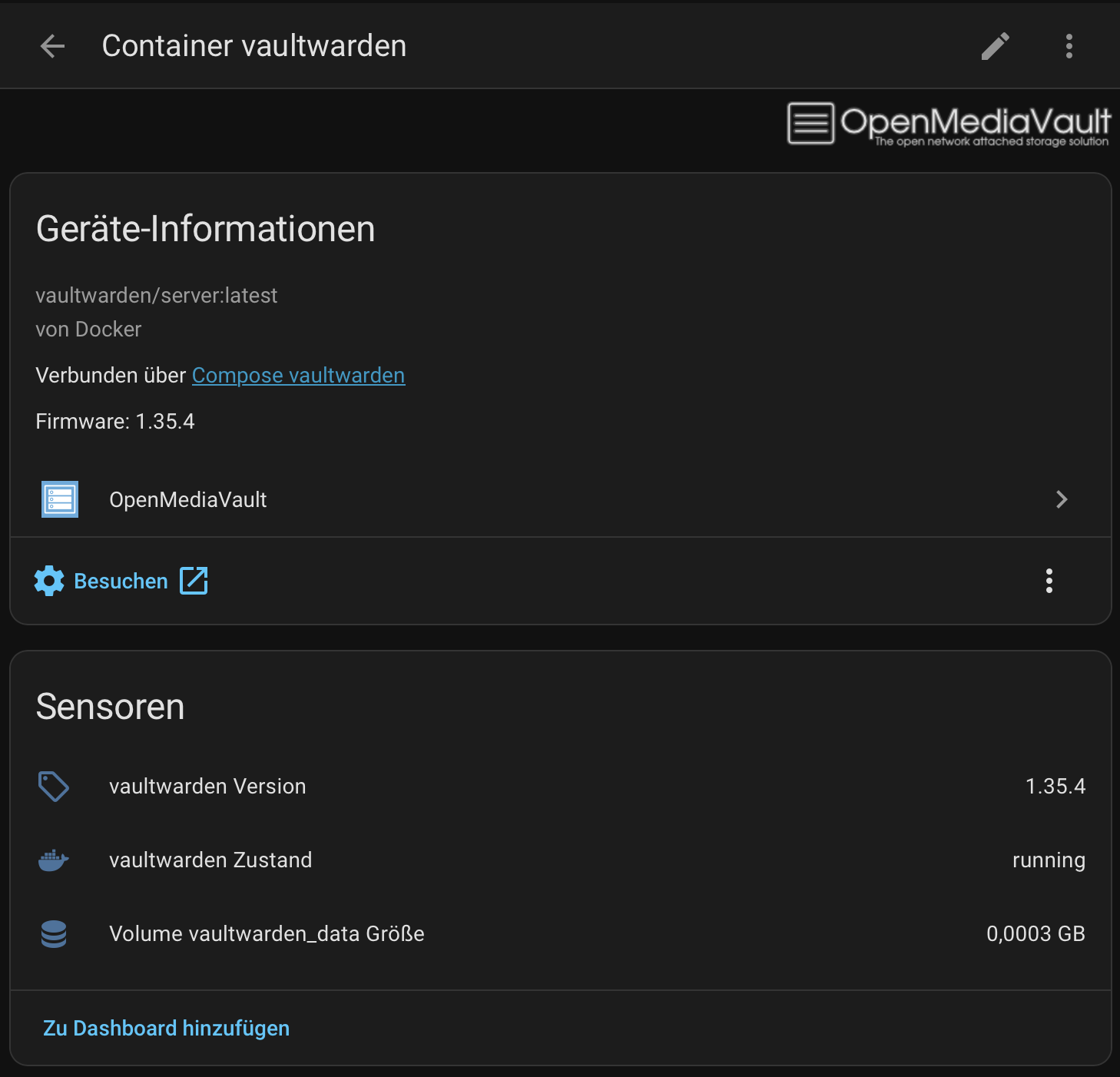
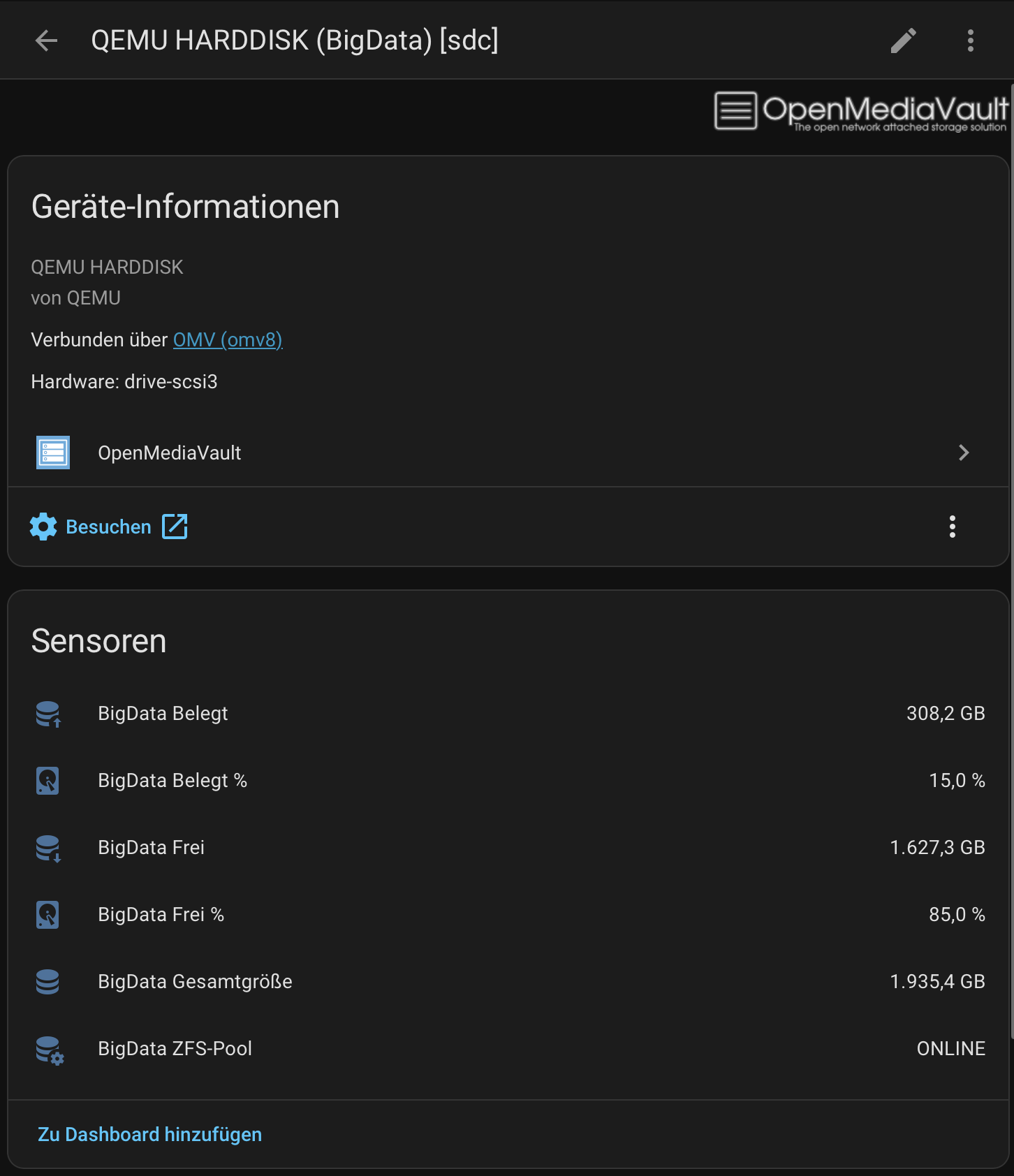
About
OpenMediaVault is an integration that monitors and controls an OpenMediaVault NAS from Home Assistant. It talks to the NAS locally and is set up in the UI, with support for accounts that use two-factor authentication through a one-time code or a stored secret. It adds sensors for CPU, memory, temperature, disks, SMART data, filesystems, network, RAID and optional ZFS pools, plus binary sensors for reboot required and service state. Buttons cover reboot, shutdown, applying configuration and Docker Compose actions, and an update entity tracks pending package updates. Actions run commands on containers and compose projects, apply configuration changes, and start rsync jobs. Options let polling intervals be changed, SMART polling be turned off so disks can stay in standby, and the monitored disks, services and containers be selected.
Automatic summary of the README and code of SlyBase/homeassistant-openmediavault. Something wrong, or are you the maintainer and want your own text here? Get in touch
Supports
Works locally Talks to your devices on your own network. No vendor cloud in between.
From the Marketplace Installed through the Marketplace, formerly HACS.
Actively maintained Its author released or pushed a change in the last six months.
Provides
- Switches
- Sensors
Setting it up
Install it from the Marketplace and restart Home Assistant, then add it under Settings, Devices and services.
Connect to OpenMediaVault
- HostIP address or hostname — no http(s):// prefix, no port suffix (e.g. 192.168.1.100 or mynas.local)
- UsernameOMV Admin Account (e.g. admin)
- PasswordYour OMV account password
- Porte.g. 80 for HTTP, 443 (or a custom port) when SSL is enabled
- Use SSLEnable if your OMV web interface is reachable via HTTPS
- Verify SSL certificateDisable only when using a self-signed certificate
Two-factor authentication
- Verification code6-digit one-time code from your authenticator app. Requires reauthentication after a Home Assistant restart or session expiry.
- TOTP secretBase32 secret from your authenticator setup — enables automatic re-logins, no reauthentication after restarts. Leave the code field empty when using this.
After setup
- Scan interval (seconds)
- Disable reboot required notificationWhen enabled, the Home Assistant repair notification for a pending OMV reboot is suppressed. Useful when a reboot cannot be performed immediately, e.g. because VMs are running on the NAS.
- Disable update trackingWhen enabled, no Home Assistant update entity is created for OMV package updates. The 'Available package updates' sensor keeps reporting the pending count regardless.
- SMART polling interval (seconds)How often SMART data (status, attributes, disk temperature) is read. Reading SMART wakes disks from standby, so a larger value lets disks spin down for power saving. Defaults to the scan interval.
- Disable SMART pollingWhen enabled, SMART is never polled. Disks are never woken by this integration, but SMART status, SMART attributes and disk temperature entities become unavailable.
- Max. consecutive failed pollsHow many consecutive failed polls to bridge with cached data before entities become unavailable. Set high to restore the previous unbounded behavior.
- Selected disks
- Selected filesystems
- Selected services
- Selected network interfaces
- Selected RAIDs
- Selected ZFS pools
- Selected Compose projects
- Selected containers
- Selected VMs
Texts from the code of SlyBase/homeassistant-openmediavault.
Entities
- Binary sensorsUpdate available, Reboot required, Reachable, Service, Bad sectors, CRC errors, Running, UPS on battery, Scrub active
- ButtonsReboot, Shutdown, Apply Configuration, compose up, compose down, Start, Stop, Pull, docker image prune, docker container prune, Restart, Standby
- SensorsCPU utilization, Memory usage, Memory total, Memory used, CPU temperature, Uptime, Available package updates, Load average (1 min), Load average (5 min), Load average (15 min), GPU load, GPU frequency, and 32 more
- UpdatesSystem update
Actions
- Container commandRuns a command on a Docker container managed by the OMV compose plugin.Fields: OMV instance, Container, Command
- Compose project commandRuns a command on a Docker compose project managed by the OMV compose plugin.Fields: OMV instance, Project, Command
- Apply configurationApplies pending OpenMediaVault configuration changes.Fields: OMV instance
- Run rsync jobStarts a configured OpenMediaVault rsync job (fire-and-forget).Fields: OMV instance, Job
Troubleshooting
- DiagnosticsDownloads a diagnostics file to attach to a bug report.
From the README
Monitor and control your OpenMediaVault NAS from Home Assistant.
Note: This is an independent community project and is not affiliated with or endorsed by the OpenMediaVault project or its developers.
- Async OMV JSON-RPC client based on aiohttp
- DataUpdateCoordinator architecture for predictable polling and updates
- CPU, memory, temperature, filesystem, disk, SMART, network, RAID, and optional ZFS monitoring
- Per-resource device modeling — disks, RAIDs, filesystems, ZFS pools, and Docker containers each appear as separate HA devices
- Docker Compose support with per-container state, version, and lifecycle button entities
- Native Home Assistant update entity with pending package count, per-package release details in the More Info dialog, a direct link to the OMV updates page, one-click package installation, and…
- Binary sensor for reboot requirement and OMV service health
- Reboot and shutdown buttons
- Localized dynamic entity names that follow the active HA language

Shows in Vulpo
Quick Toggle card, Button card, Chart card, Apple Watch, Control Center.Information
- Installs
- 352 sharing analytics
- GitHub stars
- 48
- Connection
- Works locally
- Upkeep
- Updated in the last 6 months
- Version
- v2.9.1,
- Category
- Computers and network, NAS and servers
- Kind
- Marketplace integration
- Needs
- Needs the Marketplace (HACS on 2026.10 and older)
- Domain
omv- Issues
- Report an issue











