
On Home Assistant 2026.10 or older? Open it in HACS
- Installs
- 56 sharing analytics
- GitHub stars
- 5
- Connection
- Works locally
- Upkeep
- Updated in the last 6 months
- Version
- 26.11.10,
- Category
- Media and entertainment, Speakers and audio
- Kind
- Marketplace integration
- Needs
- Needs the Marketplace (HACS on 2026.10 and older)
- Domain
jbl_bar- Issues
- Report an issue
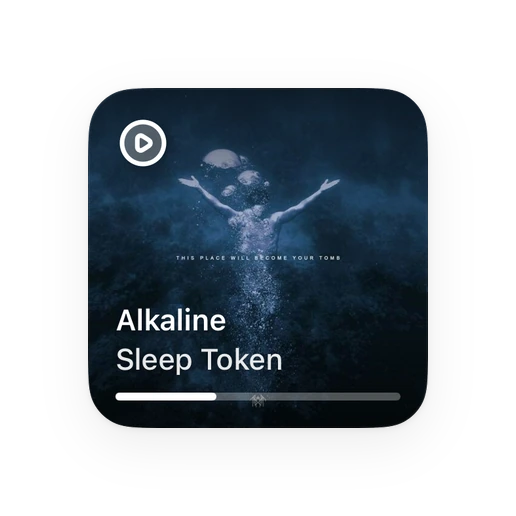
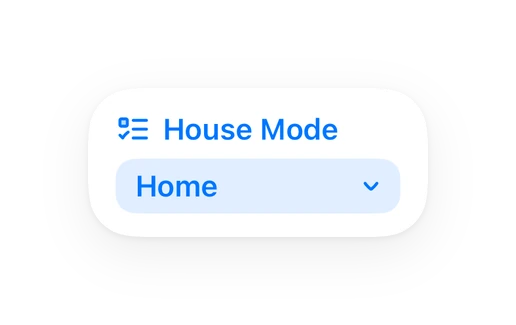
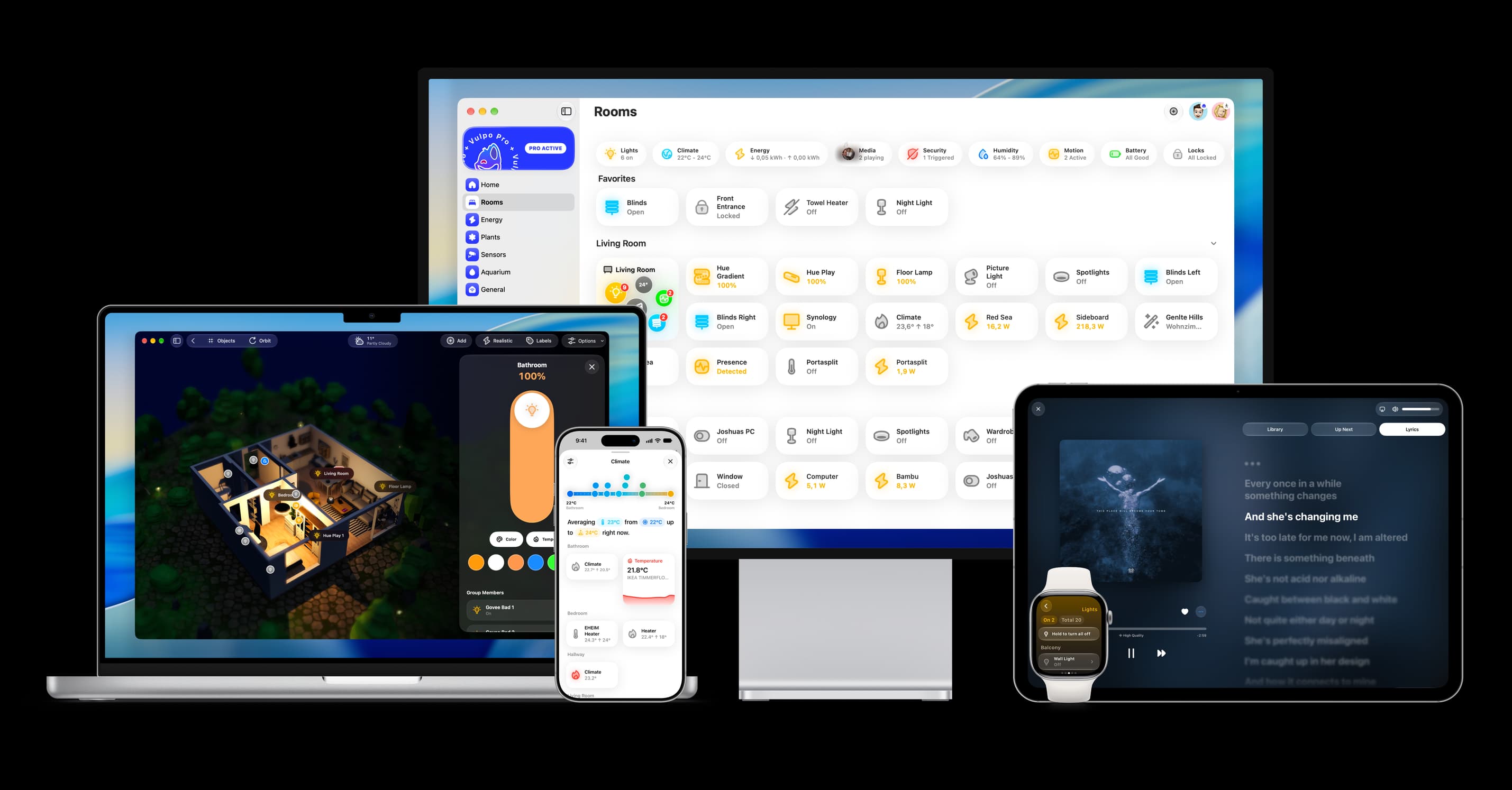
Shows in Vulpo Quick Toggle card, Media Player card, Button card, Select card, Apple Watch, Control Center.


Scan with your iPhone
DownloadIndependent directory, made by the developer of Vulpo. Not affiliated with Home Assistant or the Open Home Foundation.
Screenshots From the README of SH1FT-W/jbl-bar.
About
JBL Bar is a local integration that connects JBL soundbars running JBL One to Home Assistant. It covers the Bar 300 to 1300 series and the MK2 models, and it talks to the bar over the network without a cloud service. It adds a media player with power, volume and source, plus controls for EQ presets, night mode, PureVoice, rear speakers, HDMI inputs and sleep timer. Sensors report the Dolby Atmos level, audio format, battery state and playback time. Announcements can be sent with text to speech, after which the bar returns to its previous source, volume and standby state, and an announcement volume can be set in the options. Home Assistant can discover the bar on the network, or its IP address can be entered in the UI.
Automatic summary of the README and code of SH1FT-W/jbl-bar. Something wrong, or are you the maintainer and want your own text here? Get in touch

Shows in Vulpo
Quick Toggle card, Media Player card, Button card, Select card, Apple Watch, Control Center.Installs over time
#1,547 of 1,626 Marketplace integrations. Installs sharing analytics.
Supports
- Works locallyTalks to your devices on your own network. No vendor cloud in between.
- Found by itselfHome Assistant spots it on the network and offers to add it.
- From the MarketplaceInstalled through the Marketplace, formerly HACS.
- Actively maintainedIts author released or pushed a change in the last six months.
Provides
- Media
- Switches
- Sensors
Setting it up
Install it from the Marketplace and restart Home Assistant, then add it under Settings, Devices and services.
JBL Bar
- IP address
Also asked when changing the connection.
After setup
- Announcement volumeVolume for announcements. 0 keeps the current volume.
- Callback URLOptional. An IP address is safer than a host name, because the bar may not resolve names. Saving a changed value reloads the integration.
Texts from the code of SH1FT-W/jbl-bar.
Entities
- Binary sensorsDolby Atmos, Charging, Docked, Connected
- ButtonsNext Atmos level, Bass, Moment, Calibrate room, Rear speakers, Next HDMI input, HDMI 1, HDMI 2, HDMI 3
- NumbersVolume, Audio sync
- SelectsInput, EQ preset, Sound mode, Broadcast, Rear volume, Sleep timer
- SensorsSource, Play medium, Power-on time, Playback time, Audio format, Atmos level, Battery
- SwitchesPower, Night mode, Smart mode, PureVoice, Feedback tones, Deep sleep
Troubleshooting
- DiagnosticsDownloads a diagnostics file to attach to a bug report.
From the README
Website Get started Entities Examples Changelog
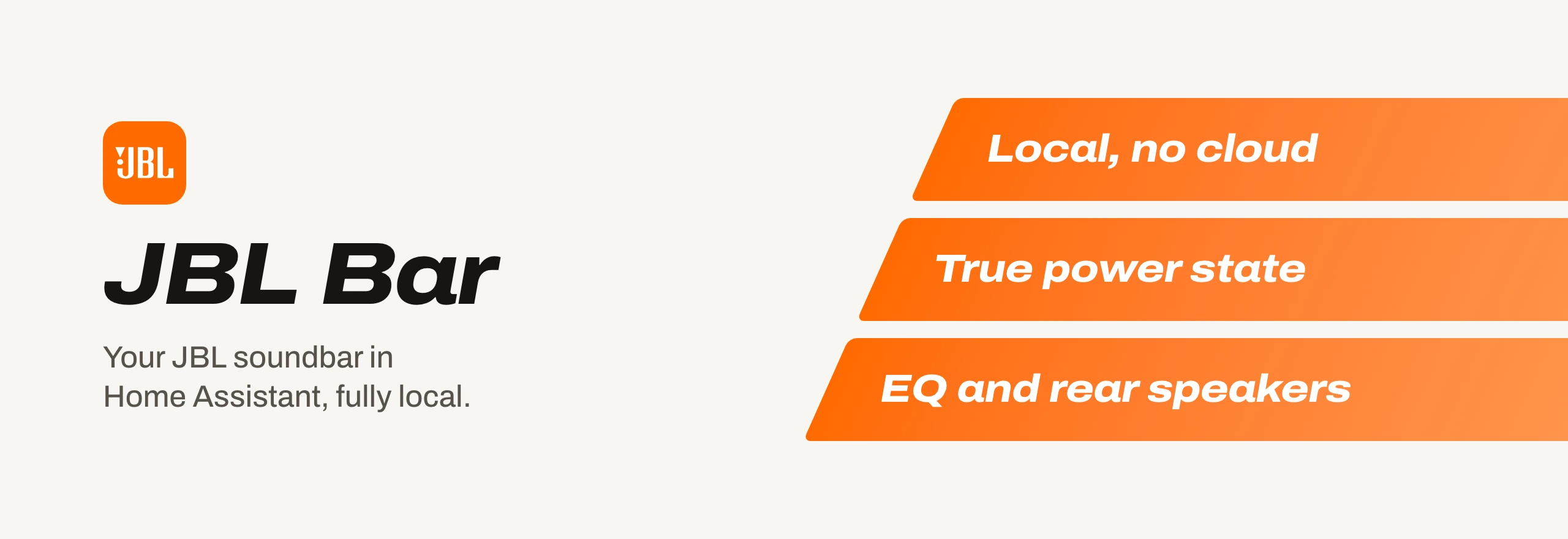
Your JBL soundbar in Home Assistant, the way the JBL One app sees it: power, volume, source, EQ, sound switches, rear speakers and the live Dolby Atmos format. Straight over your network, without cloud.
Information
- Installs
- 56 sharing analytics
- GitHub stars
- 5
- Connection
- Works locally
- Upkeep
- Updated in the last 6 months
- Version
- 26.11.10,
- Category
- Media and entertainment, Speakers and audio
- Kind
- Marketplace integration
- Needs
- Needs the Marketplace (HACS on 2026.10 and older)
- Domain
jbl_bar- Issues
- Report an issue
You might also like










Try it with your own Home Assistant.
- Free to download
- iPhone, iPad, Mac and Apple Watch
- 40+ native card types
- Connects to your own Home Assistant