Marketplace integration
Chihiros
On Home Assistant 2026.11 or newer? Open it in the Marketplace
- Installs
- 167 sharing analytics
- GitHub stars
- 1
- Connection
- Works locally
- Upkeep
- Updated in the last 6 months
- Version
- 26.11.1,
- Category
- Climate
- Kind
- Marketplace integration
- Needs
- Needs the Marketplace (HACS on 2026.10 and older)
- Domain
chihiros- Issues
- Report an issue
Shows in Vulpo Light card, Quick Toggle card, Fan card, Button card, Apple Watch, Control Center.
Independent directory, made by the developer of Vulpo. Not affiliated with Home Assistant or the Open Home Foundation.
Screenshots From the README of SH1FT-W/chihiros.
About
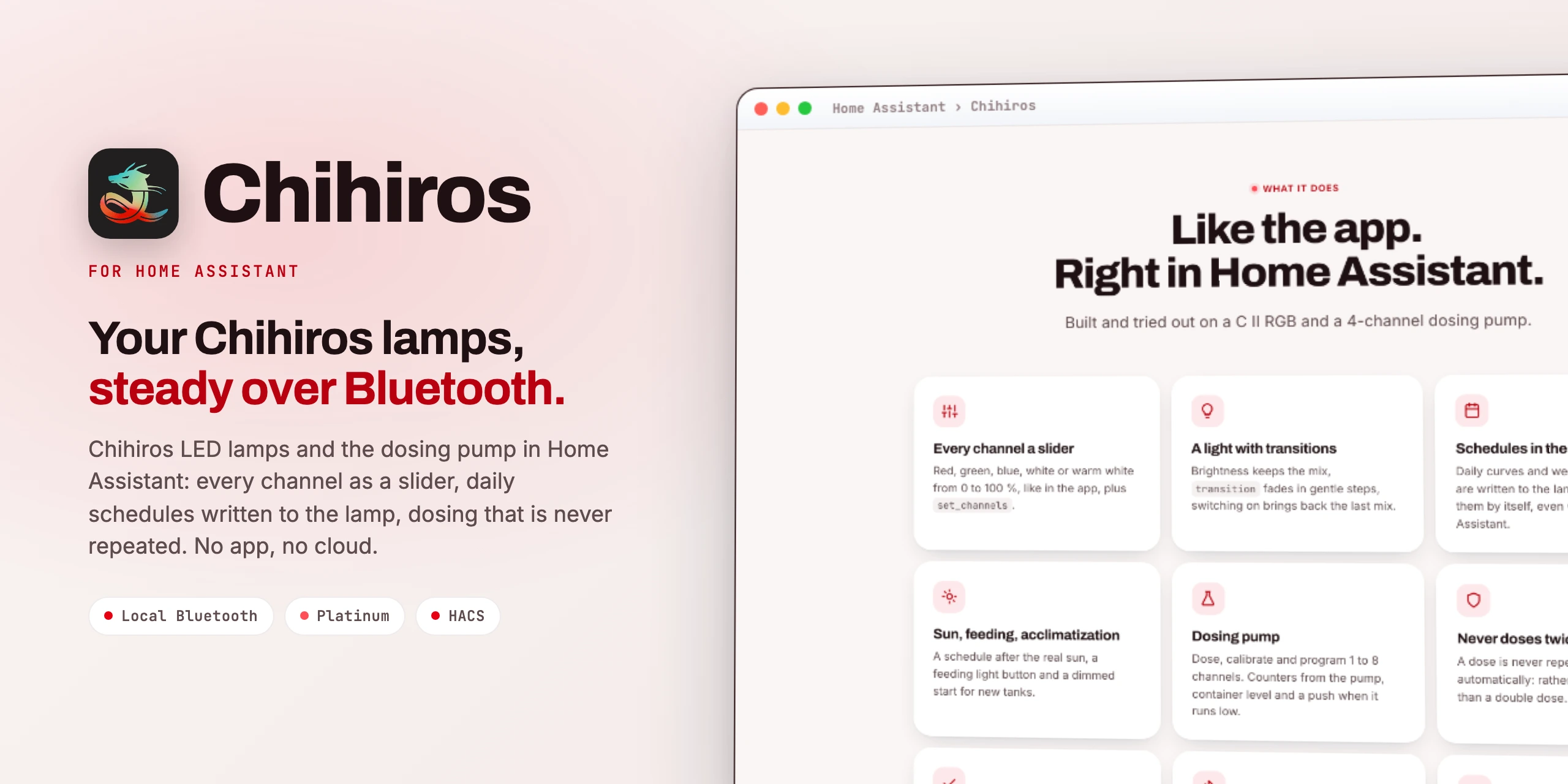
Chihiros LEDs, Commander and dosing pump in Home Assistant, fully local over Bluetooth proxies: every channel, schedules, doses and counters.
Description from SH1FT-W/chihiros

Shows in Vulpo
Light card, Quick Toggle card, Fan card, Button card, Apple Watch, Control Center.Supports
- Works locallyTalks to your devices on your own network. No vendor cloud in between.
- Found by itselfHome Assistant spots it on the network and offers to add it.
- From the MarketplaceInstalled through the Marketplace, formerly HACS.
- Actively maintainedIts author released or pushed a change in the last six months.
Provides
- Lights
- Fans
- Switches
- Sensors
Setting it up
Install it from the Marketplace and restart Home Assistant, then add it under Settings, Devices and services.
Choose a Chihiros device
- Device
- Number of pump channels (dosing pump only)
- Connected lamp (Commander 1 only)
Confirm
- Number of pump channels
- Connected lamp
Change the connection
- Number of pump channels
After setup
- Notification servicee.g. the Companion app of your phone (notify.mobile_app_…).
- Notify belowShare of the container size.
Texts from the code of SH1FT-W/chihiros.
Entities
- Binary sensorsReachable
- ButtonsFeeding light
- FansFan
- NumbersRed, Green, Blue, Feeding light duration, Sun cycle ramp, Acclimatization start brightness, Acclimatization duration, White, Warm white
- SelectsScene
- SensorsFirmware, Signal strength, Last contact, Daily schedule, Feeding light until, Fan speed, Temperature
- SwitchesAuto mode, Sun cycle, Acclimatization, Dosing delay
- TimesSun cycle earliest on, Sun cycle latest off
Actions
- Set channelsSet the lamp's channels directly in percent, like the sliders in the app. Channels not given stay.
- Red
- Green
- Blue
- Transition
- White
- Warm white
- Set daily scheduleWrites the daily schedule (auto mode) to the lamp: points with time and all channels in %. The lamp fades between them itself and runs without Home Assistant.
- Points
- Switch to auto
- DoseDoses an amount once on a channel.
- Dosing pump
- Channel
- Amount
- Calibrate pumpFirst start a test run with seconds and collect the liquid, then enter the measured amount.
- Dosing pump
- Channel
- Seconds
- Measured amount
- Set dosing programDaily program: the amount at every time. The pump doses by itself.
- Dosing pump
- Channel
- Times
- Amount per time
- Type
- Weekdays
- Doses
- Start (spread)
- Duration (spread)
- Number of doses (spread)
- Clear dosing programClears a channel's program.
- Dosing pump
- Channel
- Reset countersResets a channel's lifetime counter in the pump.
- Dosing pump
- Channel
- Weekday schedulesLike the app: up to 7 settings with sunrise, sunset, ramp and weekdays. Each weekday once. Replaces a point schedule and switches auto on.
- Settings
- Send raw commands (diagnostics)Sends commands verbatim to the device and returns its notifications. For troubleshooting only.
- Device
- Commands
- Wait
- Set container levelSets how much is in the container right now (e.g. only partly filled). Counting continues from here.
- Dosing pump
- Channel
- Amount
Troubleshooting
- DiagnosticsDownloads a diagnostics file to attach to a bug report.
From the README
Chihiros LED lamps and the Chihiros dosing pump in Home Assistant.
Steady over Bluetooth proxies, no app, no cloud.
- Every channel of the lamp from 0 to 100 % as a slider and with chihiros.set_channels, like in the app.
- One light per lamp: brightness (white and two-channel lamps, the mix is kept), RGB or RGBW, with real transitions; switching on without values brings back the last mix.
- Auto mode: the lamp plays its stored daily schedule by itself, even without Home Assistant.
- Write a daily schedule (chihiros.set_auto_curve): points with time and channel levels, the lamp fades between them.
- Weekday schedules (chihiros.set_weekday_schedule): up to 7 settings with sunrise, sunset, ramp and weekdays, like in the app. Lite controllers only know one setting for every day.
- Scenes like in the app (RGB lamps): red plants, green, Buce, fish, shrimp, all, or back to the schedule.
- Feeding light: a button makes the light bright for 1 to 120 minutes and then returns to the previous state.
- Sun cycle: a schedule after the real sunrise and sunset, limited to "earliest on" and "latest off", recalculated every night.
- Acclimatization: a new tank starts dimmed (10 to 100 %) and reaches full brightness after 1 to 12 weeks.
- After a power cut Home Assistant sets the clock and, in manual mode, the colour again.
- WRGB VIVID III: fan with speed (25 to 100 %) or automatic by temperature, fan speed and temperature sensors.
Information
- Installs
- 167 sharing analytics
- GitHub stars
- 1
- Connection
- Works locally
- Upkeep
- Updated in the last 6 months
- Version
- 26.11.1,
- Category
- Climate
- Kind
- Marketplace integration
- Needs
- Needs the Marketplace (HACS on 2026.10 and older)
- Domain
chihiros- Issues
- Report an issue