
On Home Assistant 2026.10 or older? Open it in HACS
- Installs
- 52 sharing analytics
- GitHub stars
- 6
- Connection
- Uses the vendor's cloud
- Upkeep
- Updated in the last 6 months
- Version
- v0.3.1,
- Category
- Hubs and protocols, Wireless protocols
- Kind
- Marketplace integration
- Needs
- Needs the Marketplace (HACS on 2026.10 and older)
- Domain
blueprint_store- Issues
- Report an issue


Independent directory, made by the developer of Vulpo. Not affiliated with Home Assistant or the Open Home Foundation.
Screenshots From the README of rickardfransson/Blueprints-store.
About
Stop digging through forum threads. Search, preview and install Home Assistant blueprints from a store page in your sidebar.
Description from rickardfransson/Blueprints-store

Shows in Vulpo
Entity card (read-only).Supports
- Uses the vendor's cloudNeeds an internet connection and an account with the vendor.
- From the MarketplaceInstalled through the Marketplace, formerly HACS.
- Actively maintainedIts author released or pushed a change in the last six months.
Setting it up
Install it from the Marketplace and restart Home Assistant, then add it under Settings, Devices and services.
After setup
- Catalog URL (index.json)
Texts from the code of rickardfransson/Blueprints-store.
From the README
Browse, search and install blueprints from the Home Assistant community without leaving Home Assistant.
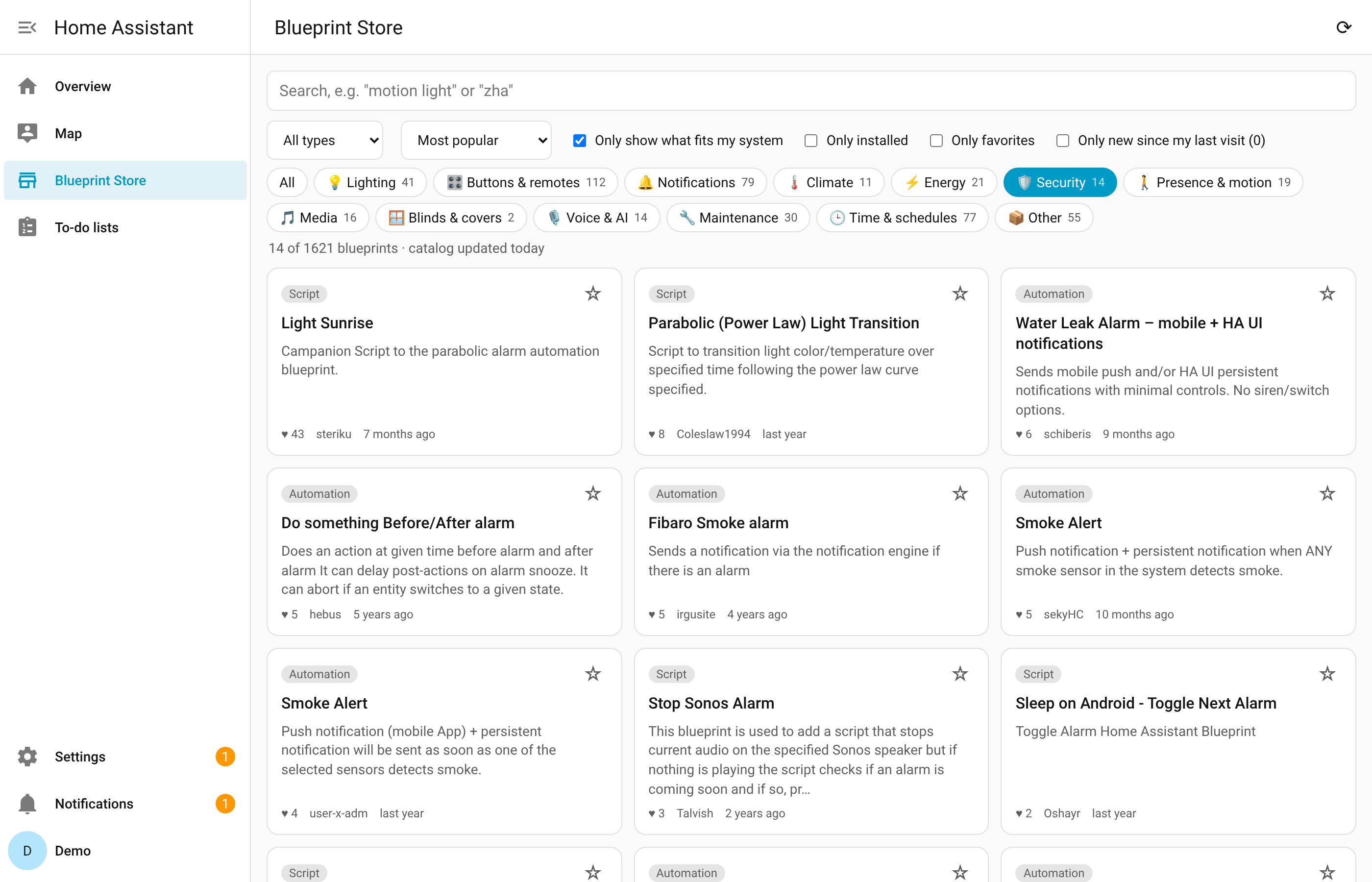
Thousands of blueprints are shared on the Blueprints Exchange forum, but finding the right one means digging through forum threads. Blueprint Store adds a page to your sidebar where you can search all of them, see which ones work with your setup, and install one with a single click.
- Search the whole Blueprints Exchange by name, description, tag, author or integration (try motion light or zha).
- Browse by category, such as lighting, buttons and remotes, notifications, climate, energy, security or voice and AI. Each category shows how many blueprints it has, and a blueprint can belong to…
- See only what fits your system. Blueprints that need a newer version of Home Assistant, or an integration you don't have, are hidden by default.
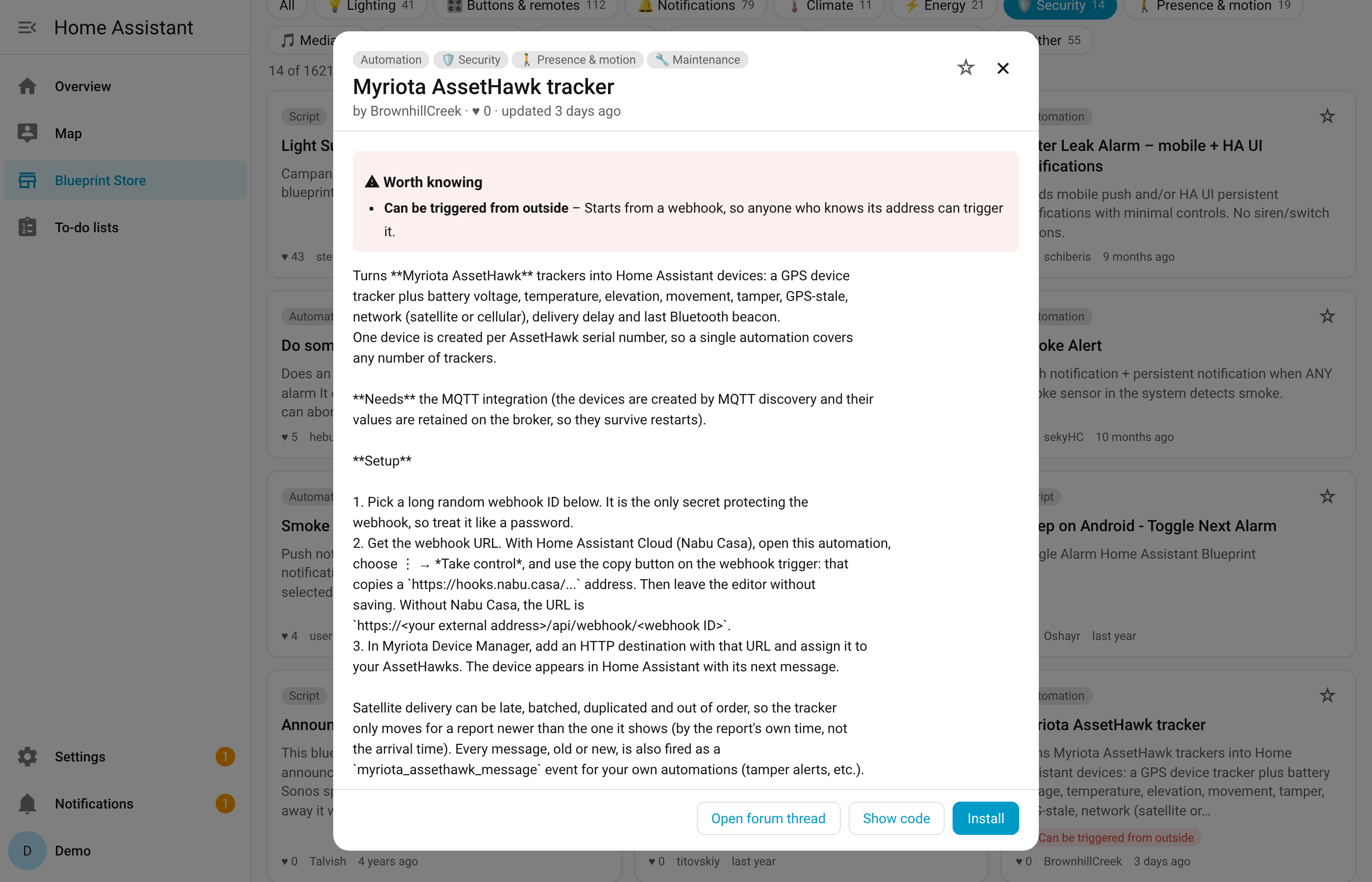
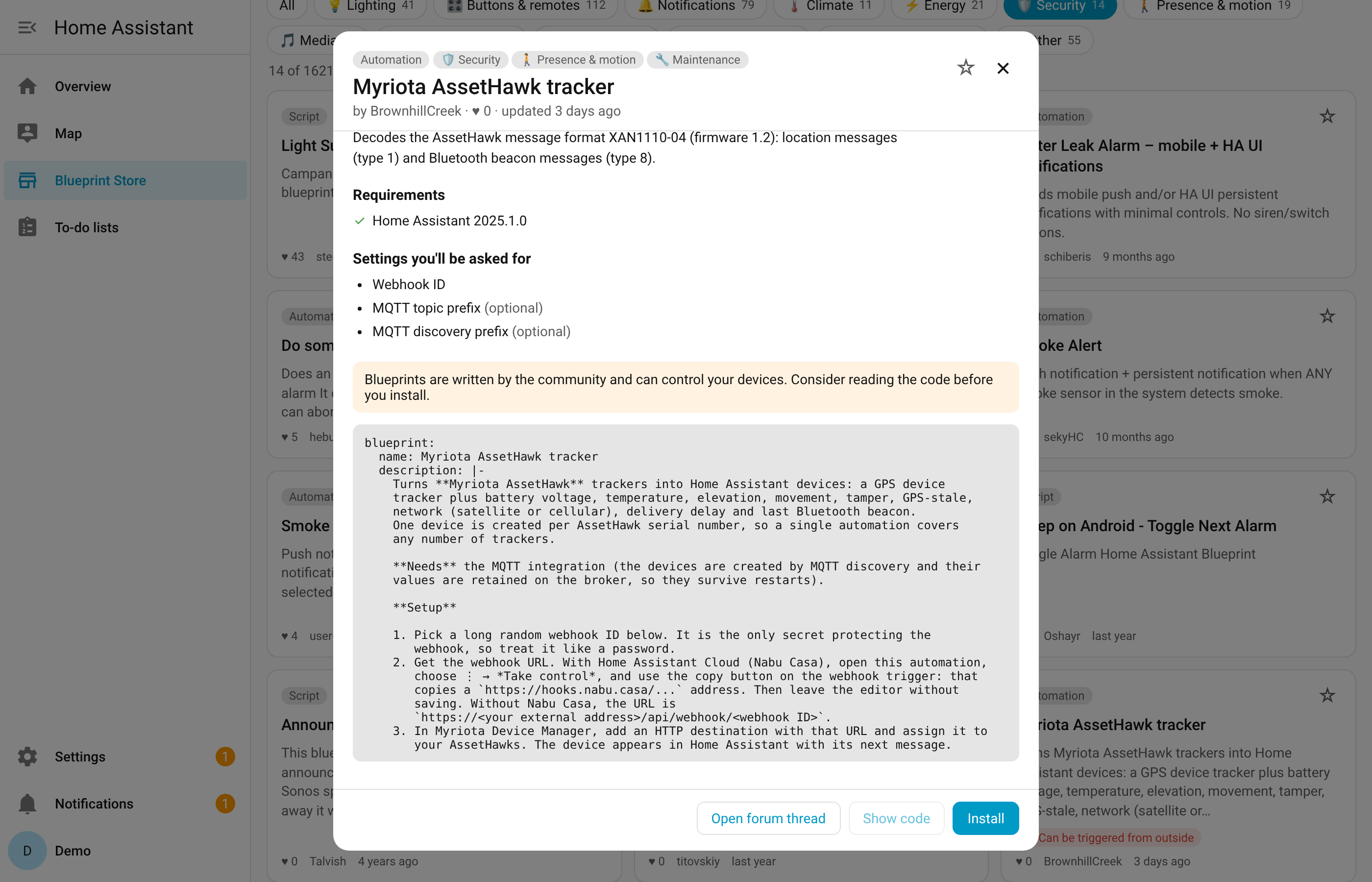
- Read the code before you install. Every blueprint can be previewed, and the forum thread is one click away.
- See what a blueprint can control. Blueprints that lock doors, arm the alarm, change the heating, open covers, run commands, restart Home Assistant, send web requests or can be started from a webhook…
- Get notified about updates. When the author changes a blueprint you installed through the store, it shows up under Settings → Updates, next to your other updates.
Information
- Installs
- 52 sharing analytics
- GitHub stars
- 6
- Connection
- Uses the vendor's cloud
- Upkeep
- Updated in the last 6 months
- Version
- v0.3.1,
- Category
- Hubs and protocols, Wireless protocols
- Kind
- Marketplace integration
- Needs
- Needs the Marketplace (HACS on 2026.10 and older)
- Domain
blueprint_store- Issues
- Report an issue
You might also like











Try it with your own Home Assistant.
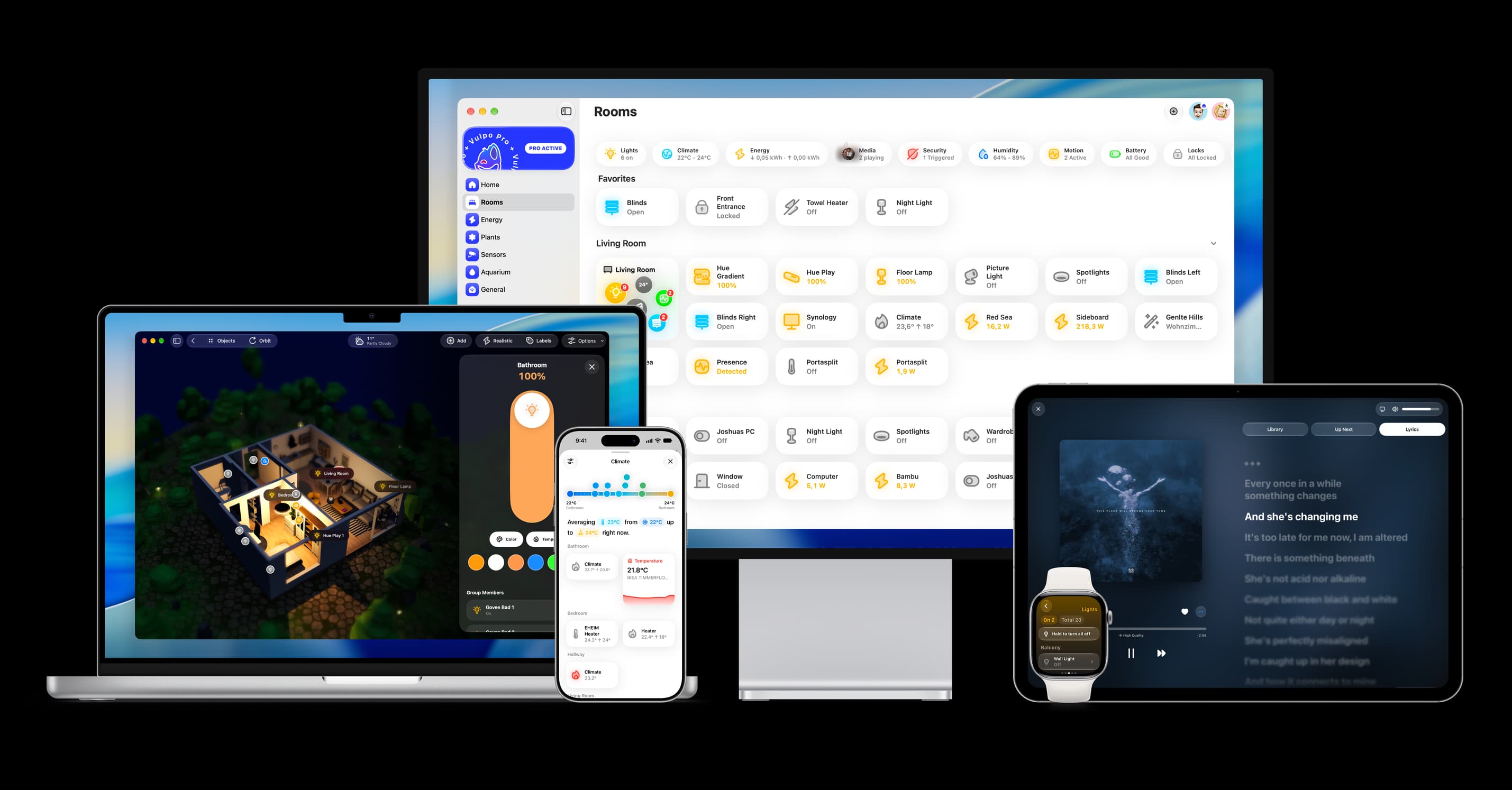
- Free to download
- iPhone, iPad, Mac and Apple Watch
- 40+ native card types
- Connects to your own Home Assistant