
On Home Assistant 2026.10 or older? Open it in HACS
- Installs
- 79 sharing analytics
- GitHub stars
- 35
- Connection
- Works locally
- Upkeep
- Updated in the last 6 months
- Version
- v0.1.1,
- Category
- Computers and network, Printers
- Kind
- Marketplace integration
- Brand
- Prusa
- Needs
- Needs the Marketplace (HACS on 2026.10 and older)
- Domain
prusa_connect- Issues
- Report an issue


Independent directory, made by the developer of Vulpo. Not affiliated with Home Assistant or the Open Home Foundation.
About
Home Assistant integration for Prusa Connect, the self-hosted server for Prusa 3D printers
Description from prusa3d/prusa-connect-homeassistant

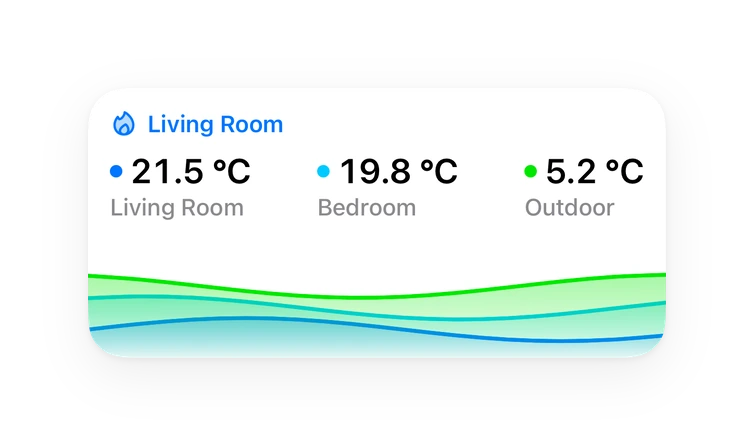
Shows in Vulpo
Camera card, Button card, Chart card, Apple Watch.Supports
- Works locallyTalks to your devices on your own network. No vendor cloud in between.
- Found by itselfHome Assistant spots it on the network and offers to add it.
- From the MarketplaceInstalled through the Marketplace, formerly HACS.
- Actively maintainedIts author released or pushed a change in the last six months.
Provides
- Cameras
- Sensors
Setting it up
Install it from the Marketplace and restart Home Assistant, then add it under Settings, Devices and services.
API token
- TokenA bearer token starting with pcl_.
Also asked when signing in again.
Run Prusa Connect inside Home Assistant
- PortA port no other service on this machine uses.
- Address of the Home Assistant devicePrinters and your browser connect to the server at this address. Use the IP address of the device itself. A reverse proxy in front of Home Assistant does not forward this port, so its address will not work here.
Connect to Prusa Connect
- URLThe origin the Prusa Connect web app opens on, with its port.
Also asked when changing the connection.
After setup
- Camera entitiesCreate a camera entity for every camera declared in Prusa Connect.
- Minimum time between state updatesReadings arrive several times a second; they are written to Home Assistant at most this often.
- Show the web app in the sidebarA sidebar item opens Prusa Connect inside Home Assistant. You sign in to Prusa Connect there.
- Web app addressThe address your browser opens Prusa Connect at, when it differs from the one Home Assistant uses. A Home Assistant served over https needs an https address here.
- Offer alpha and beta releasesThe update entity offers pre-releases of the server too, not only stable ones.
Texts from the code of prusa3d/prusa-connect-homeassistant.
Entities
- ButtonsPause print, Resume print, Stop print
- NumbersBed target temperature, Print speed
- SensorsState, Progress, Time remaining, Print time, Finish time, File, Bed temperature, X position, Y position, Z position
- UpdatesServer
Troubleshooting
- DiagnosticsDownloads a diagnostics file to attach to a bug report.
From the README
Either way the integration talks only to the server's public HTTP API (/api/v1) and its event stream (/api/v1/events), and puts the Prusa Connect web app in the sidebar, under Prusa Connect.
This replaces the old easy_connect integration. The domain changed, so remove the old integration (and its custom_components/easy_connect folder) before installing this one. Existing easy_connect entities are not migrated.
Information
- Installs
- 79 sharing analytics
- GitHub stars
- 35
- Connection
- Works locally
- Upkeep
- Updated in the last 6 months
- Version
- v0.1.1,
- Category
- Computers and network, Printers
- Kind
- Marketplace integration
- Brand
- Prusa
- Needs
- Needs the Marketplace (HACS on 2026.10 and older)
- Domain
prusa_connect- Issues
- Report an issue
More from Prusa

You might also like












Try it with your own Home Assistant.
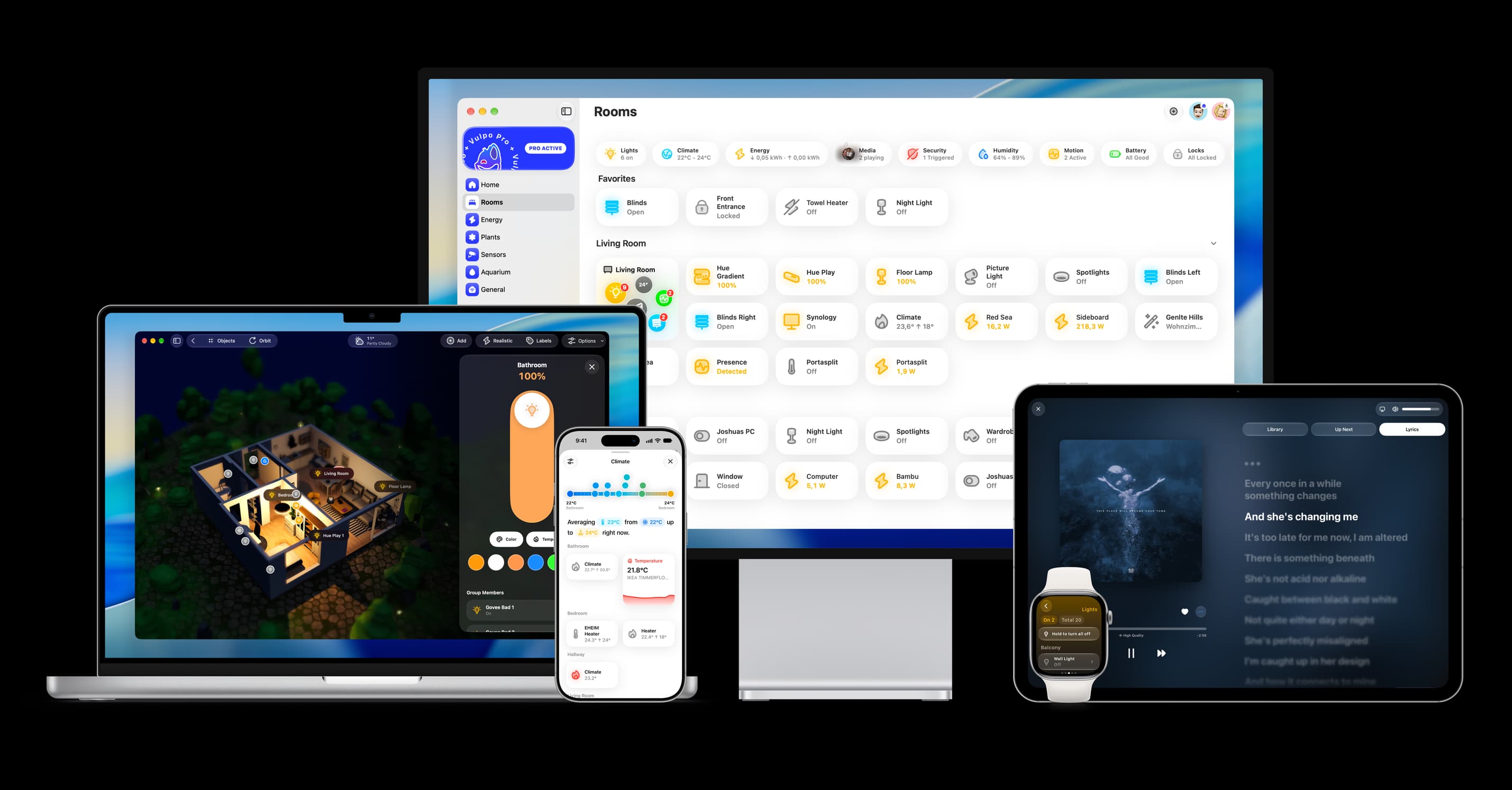
- Free to download
- iPhone, iPad, Mac and Apple Watch
- 40+ native card types
- Connects to your own Home Assistant