
On Home Assistant 2026.10 or older? Open it in HACS
- Installs
- 57 sharing analytics
- GitHub stars
- 10
- Connection
- Uses the vendor's cloud
- Upkeep
- Updated in the last 6 months
- Version
- v1.9.1,
- Category
- Energy, Meters and monitoring
- Kind
- Marketplace integration
- Needs
- Needs the Marketplace (HACS on 2026.10 and older)
- Domain
enea- Issues
- Report an issue


Independent directory, made by the developer of Vulpo. Not affiliated with Home Assistant or the Open Home Foundation.
About
Enea Licznik reads data from Enea Operator remote-reading (AMI) electricity meters through the Portal Odbiorcy Enea. It needs the vendor's cloud portal and an account there, and it is set up in the UI by choosing a meter after signing in. It adds sensors for tariff group, contractual capacity, meter status, last reading and the meter's HAN ports, plus binary sensors for meter transmission and HAN port availability, and two reading dates. Hourly energy and power history is imported as external statistics for the Energy dashboard, and options cover consumption, generation and power statistics separately. Settings also include the refresh interval, net metering ratios for prosumers, and portal messages shown as Home Assistant notifications. Actions refresh a meter on demand and backfill statistics for a chosen date range.
Automatic summary of the README and code of PanSzelescik/home-assistant-enea. Something wrong, or are you the maintainer and want your own text here? Get in touch

Shows in Vulpo
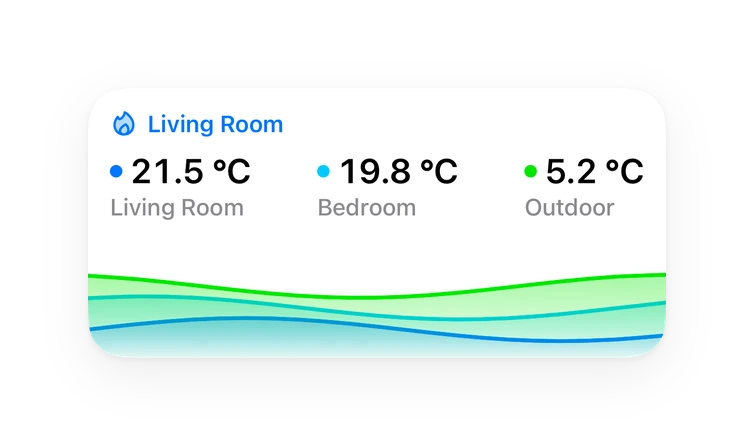
Chart card, Apple Watch.Installs over time
#1,531 of 1,626 Marketplace integrations. Installs sharing analytics.
Supports
- Uses the vendor's cloudNeeds an internet connection and an account with the vendor.
- From the MarketplaceInstalled through the Marketplace, formerly HACS.
- Actively maintainedIts author released or pushed a change in the last six months.
Provides
- Sensors
Setting it up
Install it from the Marketplace and restart Home Assistant, then add it under Settings, Devices and services.
Connect to Portal Odbiorcy Enea
- Email address
- Password
Also asked when signing in again and changing the connection.
Select Energy Meter
- Energy meter
Configure integration
- Refresh intervalHow often to fetch data from the Portal Odbiorcy Enea. Minimum 30 minutes, default 3h 30min.
- Fetch consumption statisticsEnable to show energy consumed sensors and import hourly statistics for the Energy Dashboard.
- Fetch generation statisticsEnable to show energy returned (exported) sensors and import hourly statistics. Disable if you have no solar panels or other generation source.
- Fetch power consumed statisticsEnable to import hourly power consumed statistics (kW).
- Fetch power returned statisticsEnable to import hourly power returned statistics (kW). Disable if you have no solar panels or other generation source.
- Show messages from the Portal Odbiorcy EneaMessages from the “Wiadomości” tab of the Portal Odbiorcy Enea (e.g. announcements of maintenance work) appear as Home Assistant notifications. Meters of one account check them together.
- Net metering (system opustów)A prosumer connected by 31 March 2022 settles returned energy by net metering: each kWh returned is taken back free of charge as 0.8 kWh (installation up to 10 kW) or 0.7 kWh (above 10 kW). The ratio lowers the estimated bill and the value of returned energy in the Energy dashboard. Choose “None” under net-billing.
After setup
- Refresh intervalHow often to fetch data from the Portal Odbiorcy Enea. Minimum 30 minutes, default 3h 30min.
- Fetch consumption statisticsEnable to show energy consumed sensors and import hourly statistics for the Energy Dashboard.
- Fetch generation statisticsEnable to show energy returned (exported) sensors and import hourly statistics. Disable if you have no solar panels or other generation source.
- Fetch power consumed statisticsEnable to import hourly power consumed statistics (kW).
- Fetch power returned statisticsEnable to import hourly power returned statistics (kW). Disable if you have no solar panels or other generation source.
- Show messages from the Portal Odbiorcy EneaMessages from the “Wiadomości” tab of the Portal Odbiorcy Enea (e.g. announcements of maintenance work) appear as Home Assistant notifications. Meters of one account check them together.
- Net metering (system opustów)A prosumer connected by 31 March 2022 settles returned energy by net metering: each kWh returned is taken back free of charge as 0.8 kWh (installation up to 10 kW) or 0.7 kWh (above 10 kW). The ratio lowers the estimated bill and the value of returned energy in the Energy dashboard. Choose “None” under net-billing.
Texts from the code of PanSzelescik/home-assistant-enea.
Entities
- Binary sensorsMeter Transmission, HAN Port Available
- DatesPrevious Reading Date, Last Reading Date
- SensorsTariff Group, Contractual Capacity, Status, Address, Last Reading, Meter Model, Meter Installation Date, Installation Type, HAN Port – Wireless M-Bus, HAN Port – P1, Meter Relay, Billing Period Start, and 5 more
Actions
- Refresh meterManually fetch the latest data from the Portal Odbiorcy Enea. If no device is specified, all configured meters are refreshed.
- Device
- Backfill statisticsImport historical statistics from the Portal Odbiorcy Enea for a custom date range. Use start_date/end_date for an explicit range, or days_back for a relative range from yesterday. Defaults to the last 30 days if no range is specified.
- Device
- Start date
- End date
- Days back
Troubleshooting
- DiagnosticsDownloads a diagnostics file to attach to a bug report.
From the README
Nieoficjalna integracja Home Assistant dla liczników zdalnego odczytu (AMI) Enea Operator. Pozwala na monitorowanie danych licznika bezpośrednio z Portalu Odbiorcy Enea.
Information
- Installs
- 57 sharing analytics
- GitHub stars
- 10
- Connection
- Uses the vendor's cloud
- Upkeep
- Updated in the last 6 months
- Version
- v1.9.1,
- Category
- Energy, Meters and monitoring
- Kind
- Marketplace integration
- Needs
- Needs the Marketplace (HACS on 2026.10 and older)
- Domain
enea- Issues
- Report an issue
You might also like










Try it with your own Home Assistant.
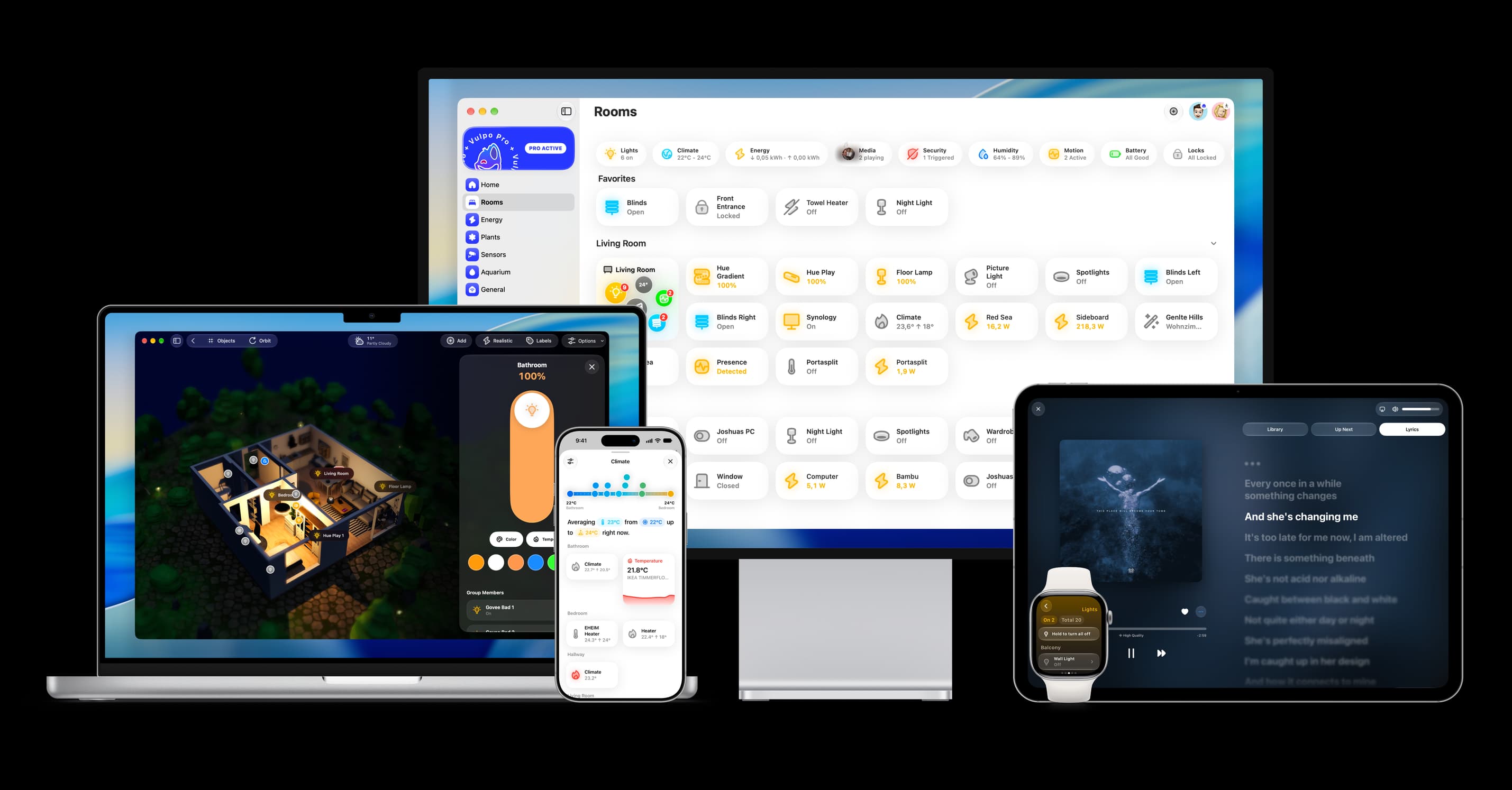
- Free to download
- iPhone, iPad, Mac and Apple Watch
- 40+ native card types
- Connects to your own Home Assistant