
On Home Assistant 2026.10 or older? Open it in HACS
- Installs
- 57 sharing analytics
- GitHub stars
- 7
- Connection
- Works locally
- Upkeep
- Updated in the last 6 months
- Version
- v0.14.4,
- Category
- Energy, Energy prices
- Kind
- Marketplace integration
- Needs
- Needs the Marketplace (HACS on 2026.10 and older)
- Domain
viertelstunden_waechter- Issues
- Report an issue
Shows in Vulpo Quick Toggle card, Button card, Select card, Chart card, Apple Watch, Control Center.


Scan with your iPhone
DownloadIndependent directory, made by the developer of Vulpo. Not affiliated with Home Assistant or the Open Home Foundation.
About
Viertelstunden-Wächter keeps the highest quarter-hour average of grid import below a set limit, for power-based grid tariffs. It estimates every 20 seconds where the running quarter hour will end, lowers the wallbox charging current if needed, and pauses other devices in a chosen order. Once there is room again, devices are given back step by step, and each decision is logged with its reason. It works locally and can take the grid import from evcc or read a car planner's charge plan to anticipate charging. Entities include sensors for quarter-hour energy, forecast, allowed import and peaks, plus switches, numbers and selects for limit, margin and mode. An observe-only mode logs what would happen without switching anything, and actions cover a generated dashboard, CSV export and peak history import.
Automatic summary of the README and code of mobilewhatelse/viertelstunden-waechter. Something wrong, or are you the maintainer and want your own text here? Get in touch

Shows in Vulpo
Quick Toggle card, Button card, Select card, Chart card, Apple Watch, Control Center.Supports
- Works locallyTalks to your devices on your own network. No vendor cloud in between.
- From the MarketplaceInstalled through the Marketplace, formerly HACS.
- Actively maintainedIts author released or pushed a change in the last six months.
Provides
- Switches
- Sensors
Setting it up
Install it from the Marketplace and restart Home Assistant, then add it under Settings, Devices and services.
Set-up 1 of 4: grid import
- Name
- Grid import powerSensor with the power drawn from the grid (W or kW). Negative values (export) count as 0. Optional if you enter evcc.
- Grid import energy counterOptional but recommended: the meter's import counter. Makes the quarter-hour energy exact after restarts.
- LimitThe quarter-hour average that must not be exceeded.
- Safety marginThe guard aims at limit minus margin.
- Address of evcc (optional)Optional: take the grid import from evcc (for example http://192.168.1.20:7070). Your own sensor above always wins. If evcc runs on the same machine as Home Assistant (add-on), the address is suggested; clear the field if you do not want it.
- Password of evccOnly if evcc asks for a password.
- evcc as a reserve for the grid importWhile your sensor has no usable value (missing or too old) the guard uses evcc instead of giving everything back. It changes back by itself.
Set-up 2 of 4: is the sign right?
- Turn the sign roundOn = the sensor counts import as negative (e.g. a meter that shows export as positive).
Also asked when at the set-up 2 of 4: is the sign right? step and at the set-up 2 of 4: is the sign right? step.
Set-up 3 of 4: the limit
- LimitThe quarter-hour average that must not be exceeded.
- Safety marginThe guard aims at limit minus margin.
Which evcc loadpoint?
- Loadpoint
evcc loadpoint
- Name
- Priority1 = restricted first, 10 = only when nothing else helps.
- Address of evccFor example http://192.168.1.20:7070 (reachable from Home Assistant).
- Loadpoint number1 = the first loadpoint in evcc.
- Password of evccOnly if evcc asks for a password (administrator password).
- Minimum current
- Maximum currentThe ceiling the guard gives back to evcc afterwards is the one evcc had before.
- May switch to 1 phaseOnly works if the charger can switch phases. Off = only throttled.
- Charging power (optional)Optional sensor, for example from the evcc integration of the community. Without it the guard reads the power from evcc.
- Intervention only whileOptional. Only while this entity is on.
- Observe onlyThe guard only writes to the log what it would do with this device. Nothing is sent to it and it does not count as a lever. Good for trying a new device first.
- Turn the sign round (power sensor)On = the power sensor counts consumption as negative.
Wallbox
- Name
- Priority1 = restricted first, 10 = only when nothing else helps.
- Charging power
- Charging current settingA number in A or a list like "6 A", "8 A" … (e.g. Anker SOLIX V1). With a list the guard picks the matching entry, never a higher one.
- Minimum current
- Maximum current
- Phase selectionOptional. Without it the wallbox is only throttled, never switched to 1 phase.
- Option for 1 phaseExact option text of the phase selection for 1 phase, e.g. 1 Phase.
- Phases in useOptional sensor with the number of phases currently used.
- Intervention only whileOptional. Only while this entity is on.
- Observe onlyThe guard only writes to the log what it would do with this device. Nothing is sent to it and it does not count as a lever. Good for trying a new device first.
- Turn the sign round (power sensor)On = the power sensor counts consumption as negative.
After setup
- Grid import powerSensor with the power drawn from the grid (W or kW). Negative values (export) count as 0. Optional if you enter evcc.
- Grid import energy counter
- Only needed whileOptional. The guard only intervenes while this entity is on (e.g. a template that is on when the car may charge from the grid). Off: everything is given back.
- Block active mode whileOptional. While this is on, active mode is refused and the guard only observes (e.g. an older guard that is still running).
- Notify servicesOptional, comma-separated, e.g. notify.mobile_app_phone. Used when the limit cannot be held.
- Mode after a restartRestore = the mode it had before the restart.
- Mains voltageVoltage of one phase (230 V in Europe). Used to convert amps into kilowatts.
- AI task for the explainerOptional: the AI task entity (Settings > Devices > AI tasks) the explainer uses. You choose the model; the guard has no key of its own.
- Weather entity for the forecastOptional: a weather entity. With it the load forecast follows the expected outdoor temperature (heating in winter, air conditioning in summer). Without it nothing changes.
- Outdoor temperature sensorOptional: an outdoor temperature sensor. More exact than the weather entity for learning, and its history lets the correction start at once instead of after some weeks.
- Other charge plan sensorsOnly for another source: charge plan sensors by hand (attributes windows and departure). Not needed when you chose the car planner.
- Car plannerChoose the car planner (for example Plugwhen) and the guard finds the charge plans of all its vehicles by itself, also vehicles added later. Until the departure the forecast then knows when each car really charges instead of using the learned wallbox pattern. Without it nothing changes. Suggested automatically if exactly one is installed.
- Maximum age of the grid readingA grid reading that was not written for longer than this counts as missing: no interventions, everything is given back after 90 seconds. Protects against stale values (a sensor that only updates every few minutes cannot be used for control). 0 = never.
- Address of evcc (optional)Optional: take the grid import from evcc (for example http://192.168.1.20:7070). Your own sensor above always wins. If evcc runs on the same machine as Home Assistant (add-on), the address is suggested; clear the field if you do not want it.
- Password of evccOnly if evcc asks for a password.
Texts from the code of mobilewhatelse/viertelstunden-waechter.
Entities
- ButtonsSend feedback
- NumbersLimit, Safety margin, Demand charge up to the threshold, Demand charge above the threshold, Price threshold
- SelectsMode, Strategy
- SensorsStatus, Quarter-hour energy so far, Quarter-hour forecast, Allowed import now, Last quarter hour, Peak today, Peak this month, Interventions today, Relief now (estimate), Demand charge this month, Demand charge without the guard (estimate), Savings this month (estimate), and 7 more
- SwitchesUse peak already reached, Message on intervention, Calculate cost and savings, Learn and show the load forecast, Calculate the charge plan, Also carry out the charge plan, Early warning before an intervention, Weekly report, Throttle ahead using the forecast, Battery reserve before a peak, AI explainer, Weather correction of the forecast, and 1 more
- TextsFeedback
Actions
- Create dashboardBuilds a ready-made dashboard (overview, statistics and forecast) with this installation's entities. The YAML is returned and shown as a notification; paste it into a new dashboard (three dots > Edit > Raw configuration editor). The service never writes into an existing dashboard. Administrators only.
- Import historySeeds the day and month peaks from an earlier measurement (a spreadsheet, an older script). Only raises values; values from hourly data are lower bounds.
- Days
- Months
- Send the weekly reportSends the report of the last full week (or the running week) as a message.
- Running week
- Send the message
- Export as CSVWrites the quarter-hour load profile or the daily peaks to config/viertelstunden_waechter/export/ (not a public folder).
- What
- Days
- Format
- Explain todayAsks the AI task for a short explanation of today's interventions (without interventions no AI is asked).
- Send the message
- Correct a quarter hourReplaces a quarter-hour value that was recorded wrong with the value from the meter and works out the day's and the month's peak again. Only for administrators.
- Start
- Value
- Send feedbackSends your feedback to the author of the Viertelstunden-Wächter (aiwhatelse.eu). With 'include setup' an overview goes along: which kinds of devices and from which integrations, no names, entity ids or values.
- Text
- Contact (optional)
- Include setup
Troubleshooting
- DiagnosticsDownloads a diagnostics file to attach to a bug report.
- Repair noticesNotices it can show in Settings, Repairs:Share anonymous data? (a request)
From the README
A Home Assistant integration that keeps the highest quarter hour of your grid import below a limit. It throttles the wallbox and pauses devices, only as long as needed.
Deutsch: docs/ANLEITUNG.md · Full manual (English): docs/MANUAL.md · FAQ: English, Deutsch
Information
- Installs
- 57 sharing analytics
- GitHub stars
- 7
- Connection
- Works locally
- Upkeep
- Updated in the last 6 months
- Version
- v0.14.4,
- Category
- Energy, Energy prices
- Kind
- Marketplace integration
- Needs
- Needs the Marketplace (HACS on 2026.10 and older)
- Domain
viertelstunden_waechter- Issues
- Report an issue
You might also like












Try it with your own Home Assistant.
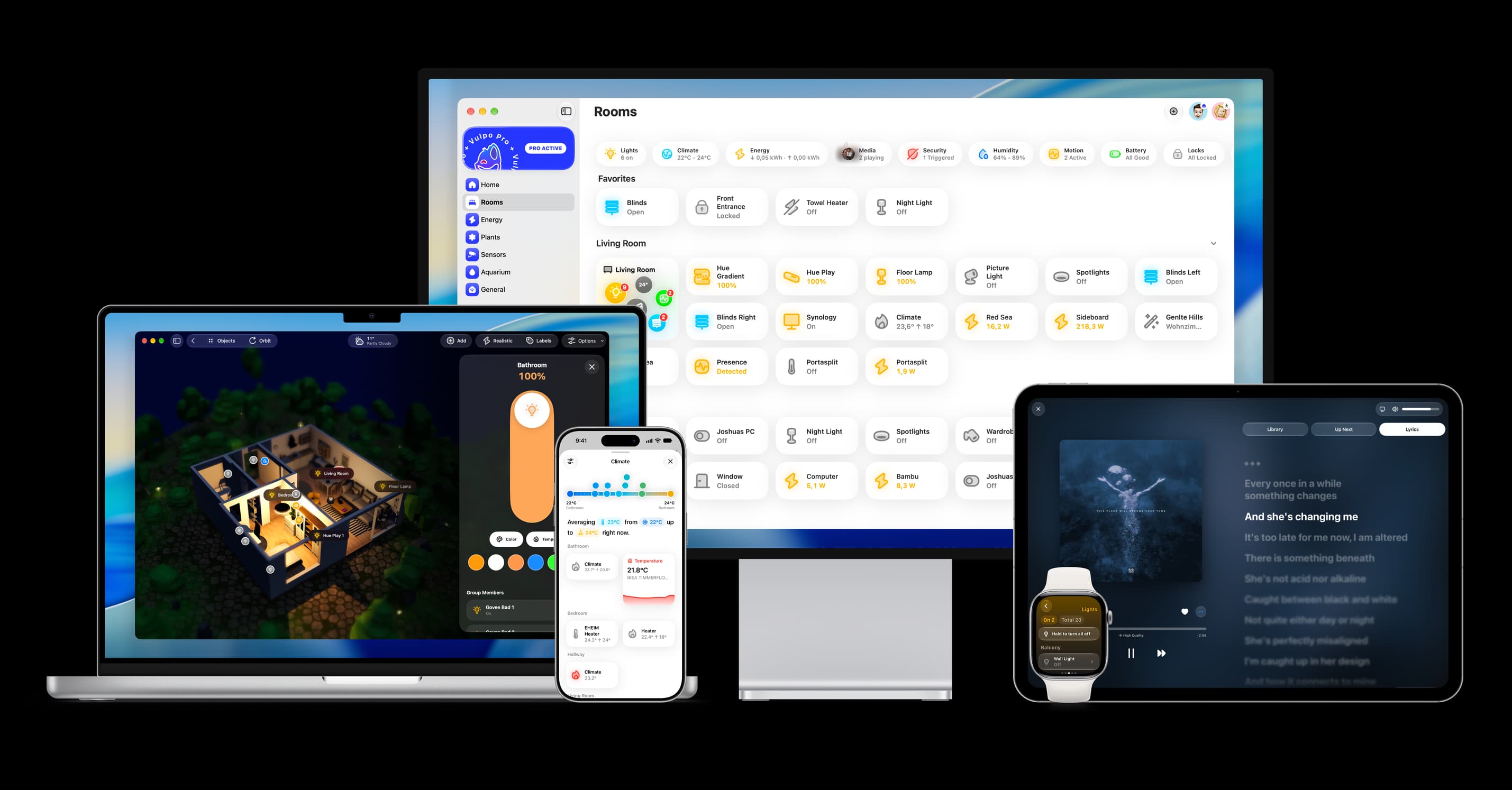
- Free to download
- iPhone, iPad, Mac and Apple Watch
- 40+ native card types
- Connects to your own Home Assistant